Playwright Basics & Browser Actions


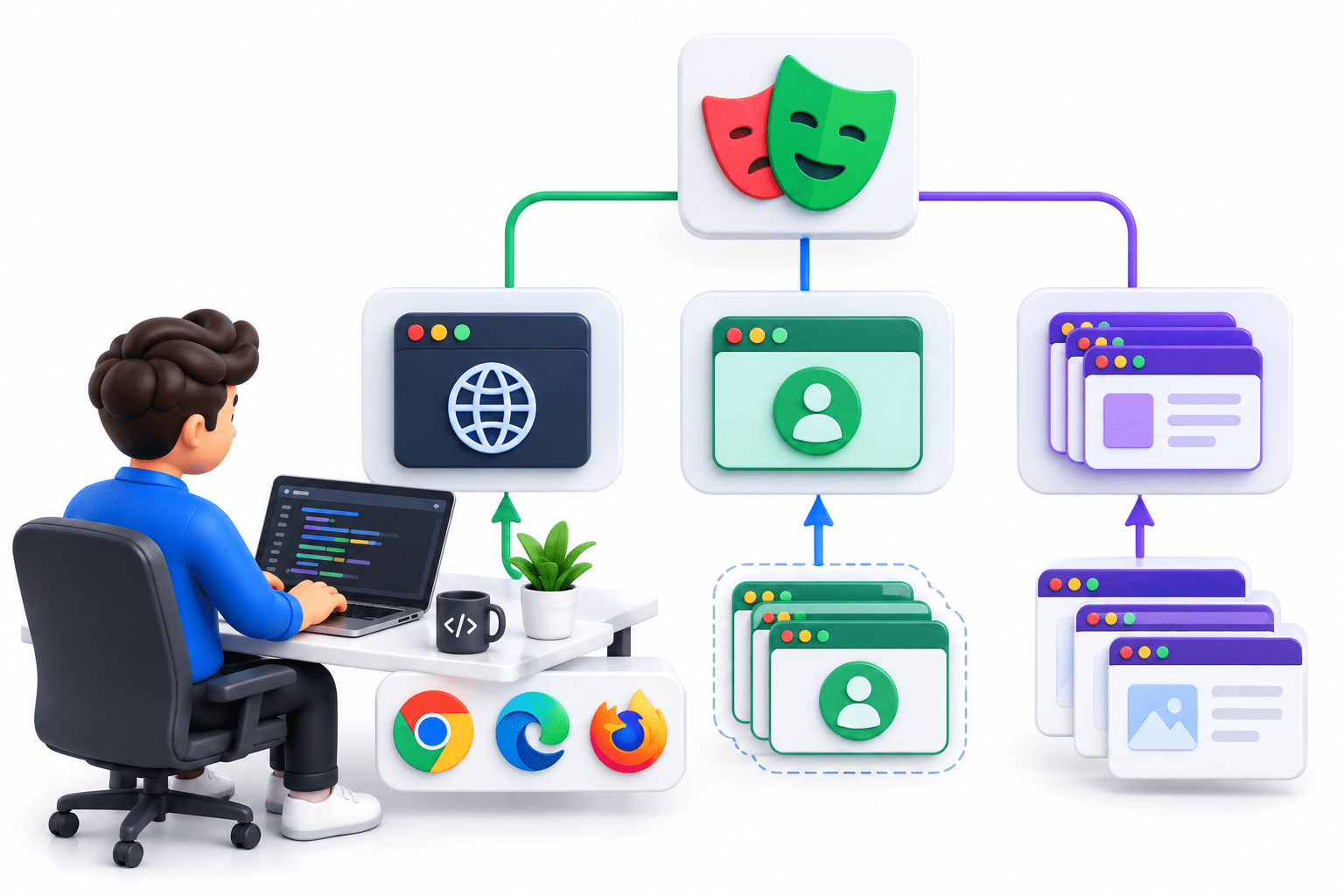
Browser, Context and Page

Learning Outcome
4
Create multiple Pages within a Context.
3
Create a Browser, Context, and Page using Playwright.
2
Understand the hierarchy between these three objects
1
Explain Browser, Browser Context, and Page.
Topic Name-Recall(Slide3)
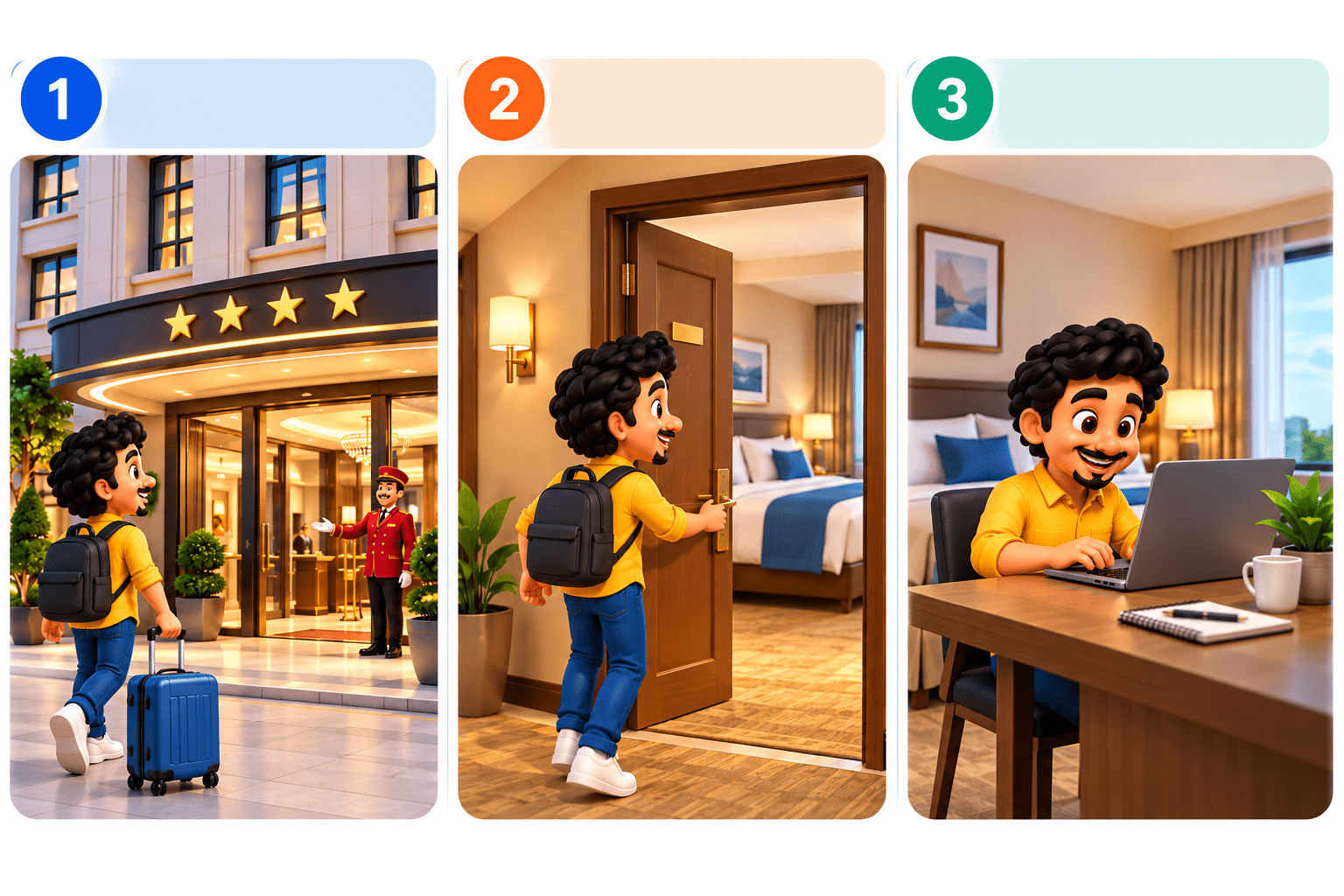
Think of Playwright like a hotel
The overall browser environment.
Hotel
An isolated session with its own cookies and storage.
Where the actual activities take place.
Hotel Room
Room Workspace
Transition from Analogy to Technical Concept

Just as a hotel provides separate rooms for different guests
Playwright provides separate Browser Contexts for different user sessions




Hotel Building
Guest Room
Workspace/Tab
Guest Activities
Browser
Browser Context
Page
Automation Actions
Hotel → Playwright
What are Browser, Context & Page?
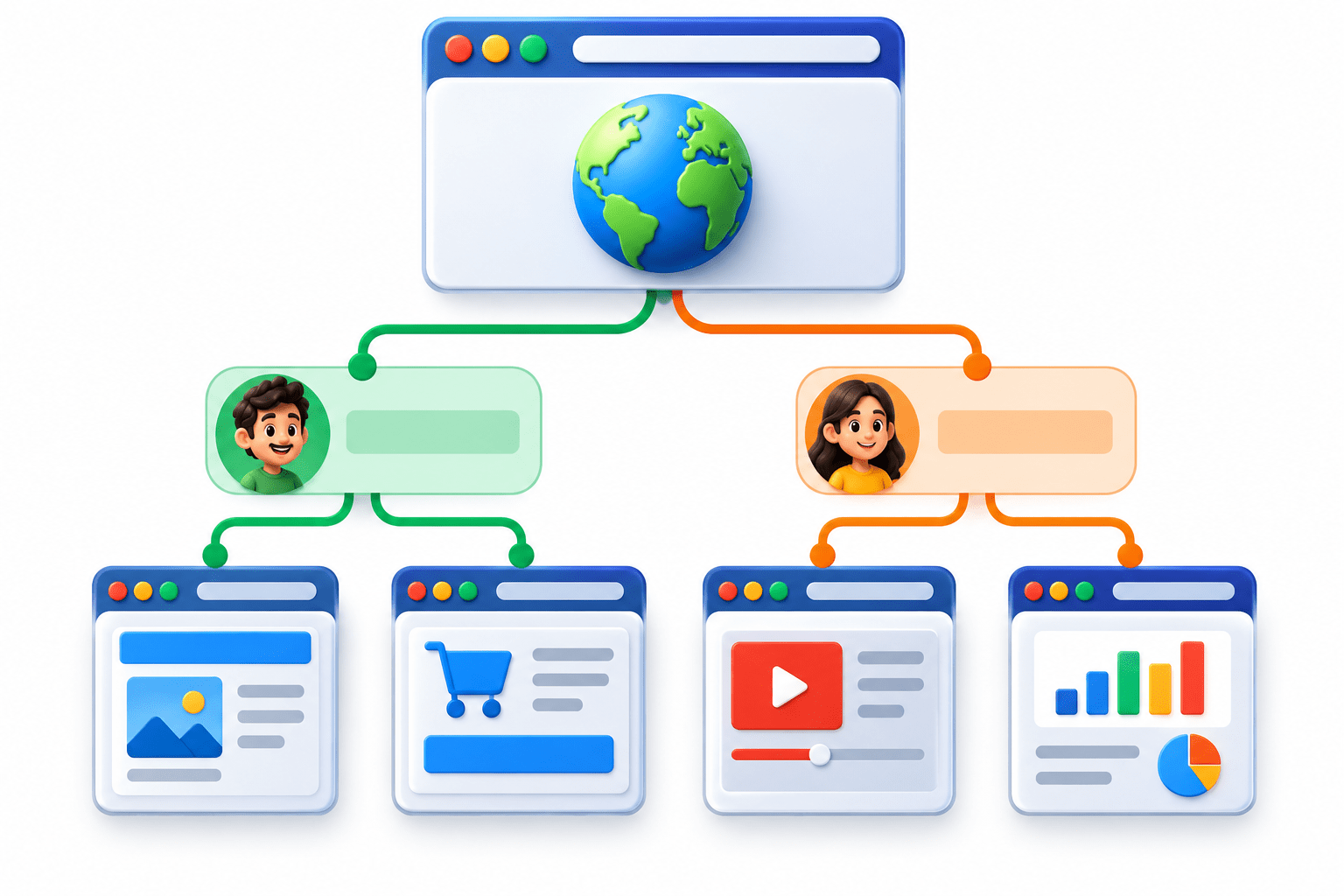
Context 1
Context 2
Browser
PAGE 1
PAGE 2
PAGE 1
PAGE 2
Browser & Context
BROWSER
CONTEXT
Controls the browser application.
Launches the browser.
Can contain multiple contexts
Provides an isolated browser session.
Maintains isolated cookies and storage.
Useful for simulating multiple users


Core Concepts (.....Slide N-3)
Summary
5
One Context can contain multiple Pages.
4
One Browser can contain multiple Contexts.
3
Page represents a browser tab.
2
Context represents an isolated browser session.
1
Browser represents the browser application.
Quiz
Which is the correct Playwright hierarchy?
A. Page → Context → Browser
B. Context → Page → Browser
C. Browser → Context → Page
D. Browser → Page → Context

Quiz-Answer
Which is the correct Playwright hierarchy?
A. Page → Context → Browser
B. Context → Page → Browser
C. Browser → Context → Page
D. Browser → Page → Context
