

















































Content ITV PRO
This is Itvedant Content department
Hello Python
Learning Outcome
5
Set up Python environment and run their first basic program
4
Recognize real-world applications of Python and companies that use it
3
Differentiate between high-level, medium-level, and low-level programming languages
2
Identify key features of Python and why it is widely preferred by developers
Explain what a Dockerfile is
1
Understand what a programming language is and why it is used in real-world problem solving
6
Write and execute a simple “Hello World” program confidently
Analogy
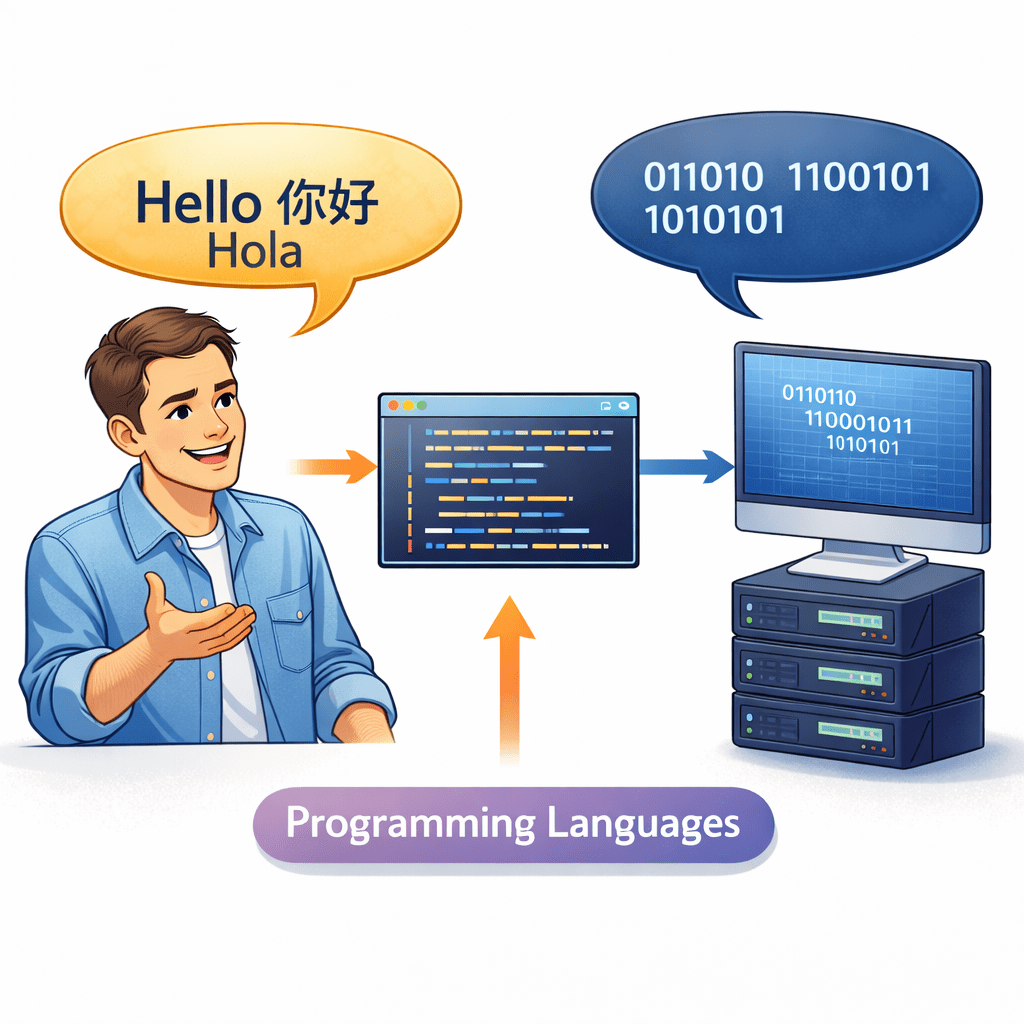
Imagine you want to order food in a foreign country
If you speak your native language the waiter won’t understand
If you speak their language communication becomes smooth
Similarly:
Humans speak natural languages
Computers understand only machine language (0s and 1s)
Programming languages act as a translator between humans and computers
Just like learning a common language helps you communicate globally,
learning a programming language helps you communicate with computers effectively
Among all programming languages, Python stands out because:
Let’s understand what programming languages are and where Python fits in
What is a Programming Language?
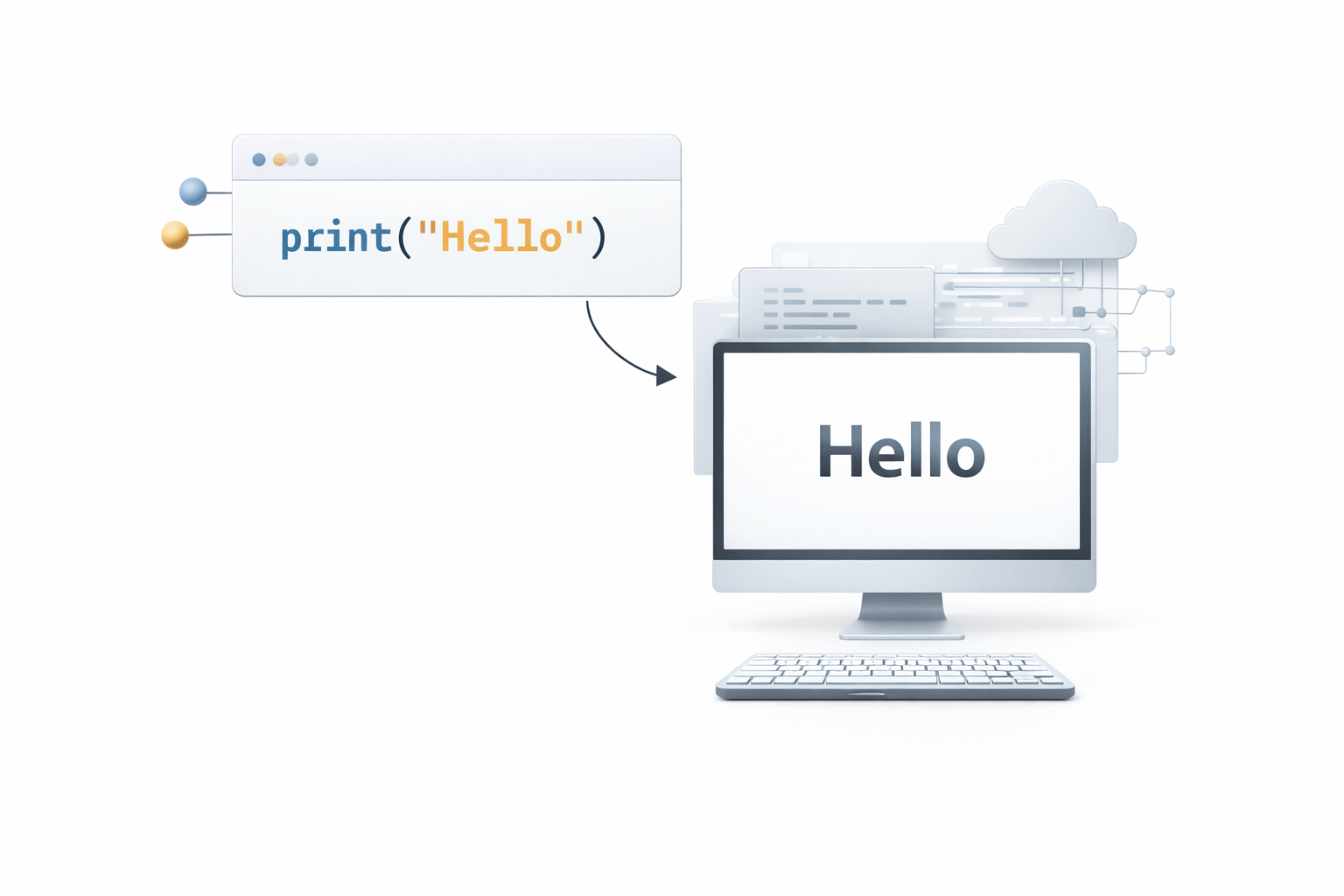
A programming language is a set of instructions used to communicate with a computer
Example:
print("Hello")
This tells the computer: display Hello on the screen
Types of Programming Languages
Low-Level Language
Close to machine (binary)
Very fast but hard to understand
Example: Machine Code
Medium-Level Language
Balance between hardware and human understanding
Example: C
Types of Programming Languages
High-Level Language
Easy to read and write
Examples: Python, Java
Each level serves a different purpose—from performance optimization to ease of development and productivity
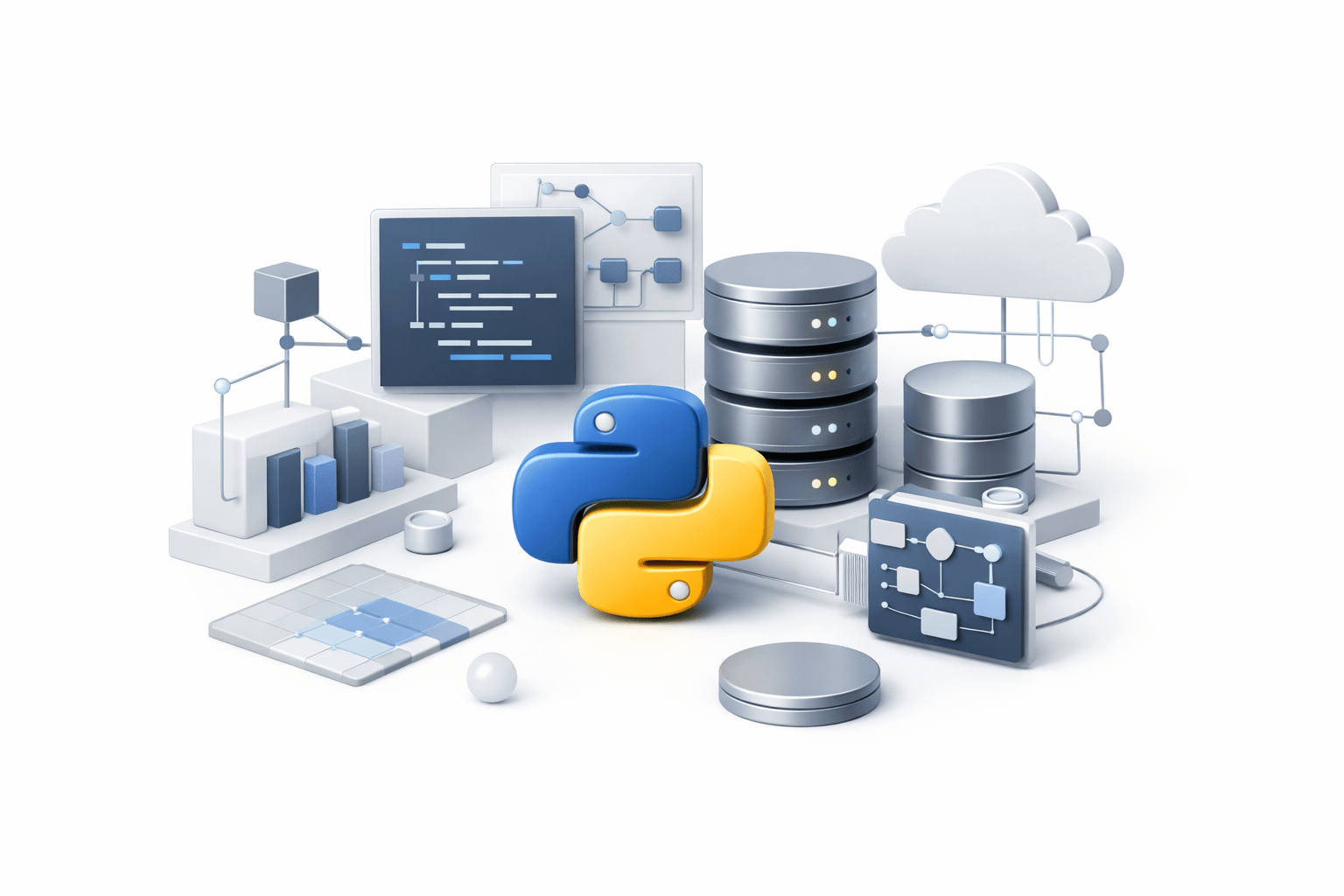
Features of Python
Simple and readable syntax (almost like English)
Interpreted language (no need for compilation)
Cross-platform (runs on Windows, Mac, Linux)
Huge library support (for AI, data, web, etc.)
Beginner-friendly yet powerful
print("Welcome to Python")
Applications of Python
Where Python is used:
Web Development (Django, Flask)
Data Science & AI
Automation & Scripting
Game Development
Companies using Python:
Netflix
Who uses Python:
Developers
Data Analysts
Machine Learning Engineers
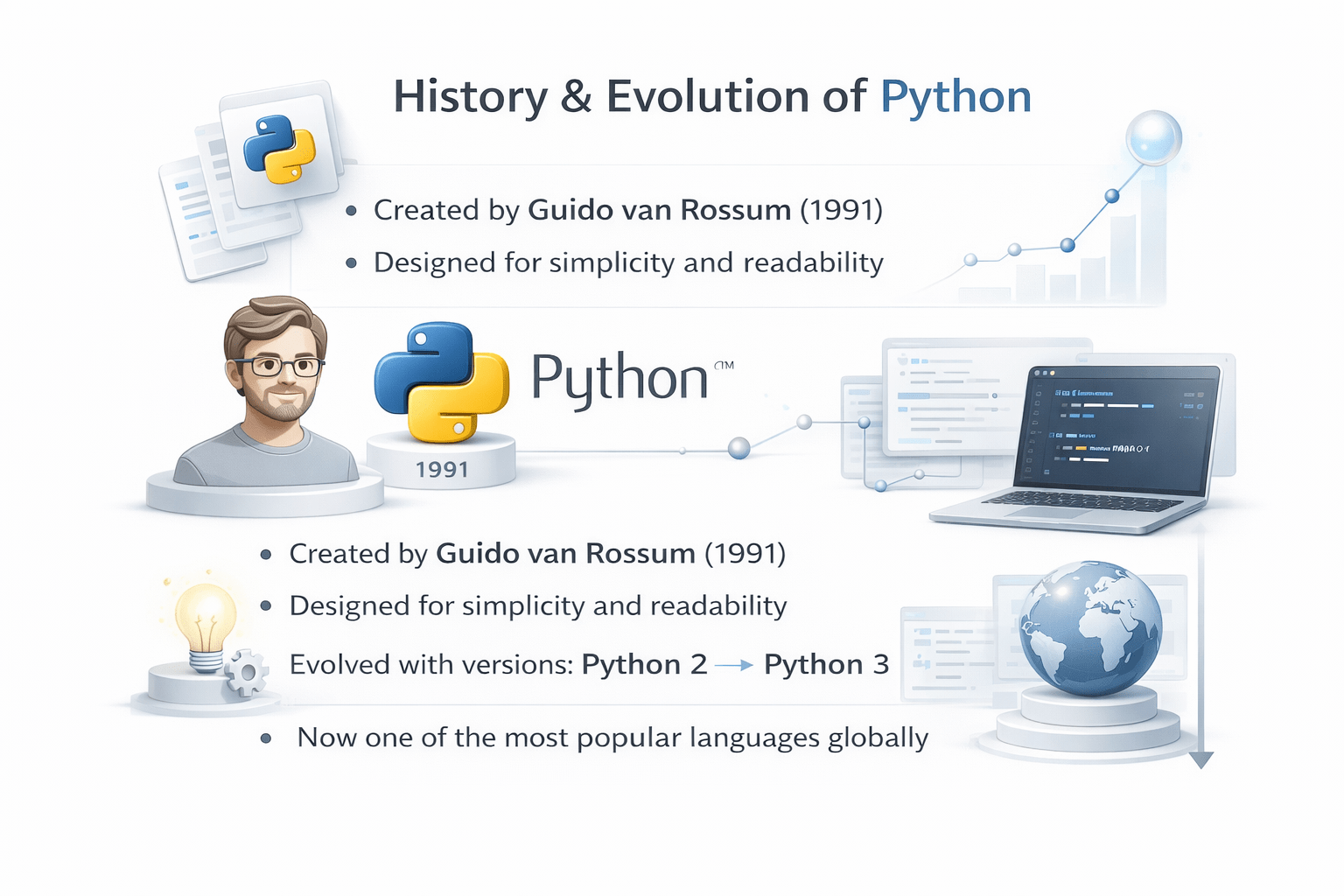
History & Evolution of Python
Created by Guido van Rossum (1991)
Designed for simplicity and readability
Evolved with versions: Python 2 → Python 3
Now one of the most popular languages globally
Python Community (2022)
Python has millions of developers worldwide (~8–10 million)
One of the fastest-growing programming communities
Strong support through forums, tutorials, and open-source projects
Insight:
A large community = better support + more opportunities
How to Interact with Python
You can run Python in different ways:
Command Line (Terminal)
IDLE (default Python editor)
Notebooks (interactive coding)
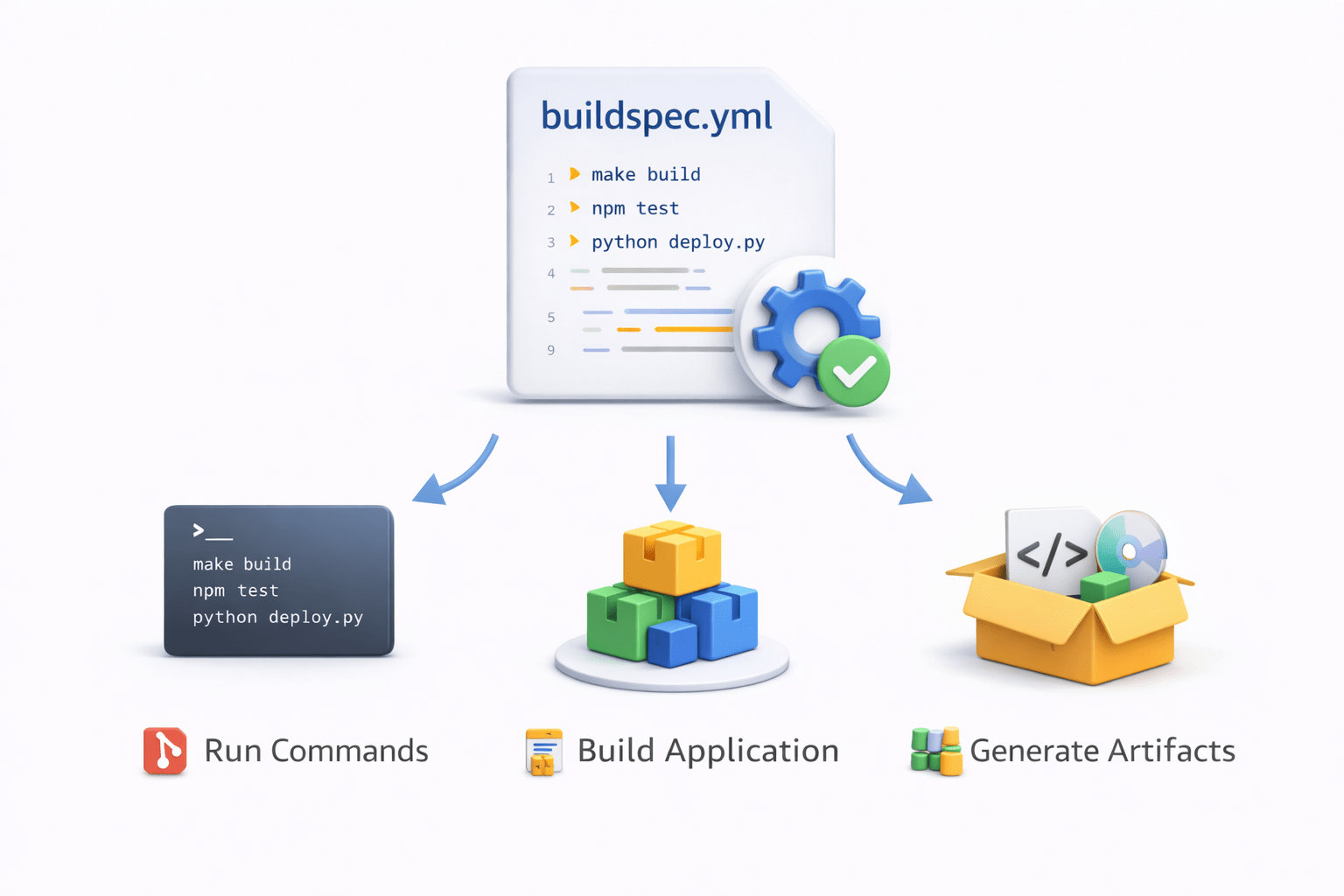
buildspec.yml File
What is buildspec.yml
buildspec.yml is a configuration file used by AWS CodeBuild
It defines the commands and steps required to build the application
Example structure:
version: 0.2

phases:
 install:
   commands:
     - echo Installing dependencies
 build:
   commands:
     - echo Building application

artifacts:
 files:
   - '**/*'
The file tells CodeBuild:
What commands to run
How to build the application
Which artifacts to generate
AWS CodeDeploy
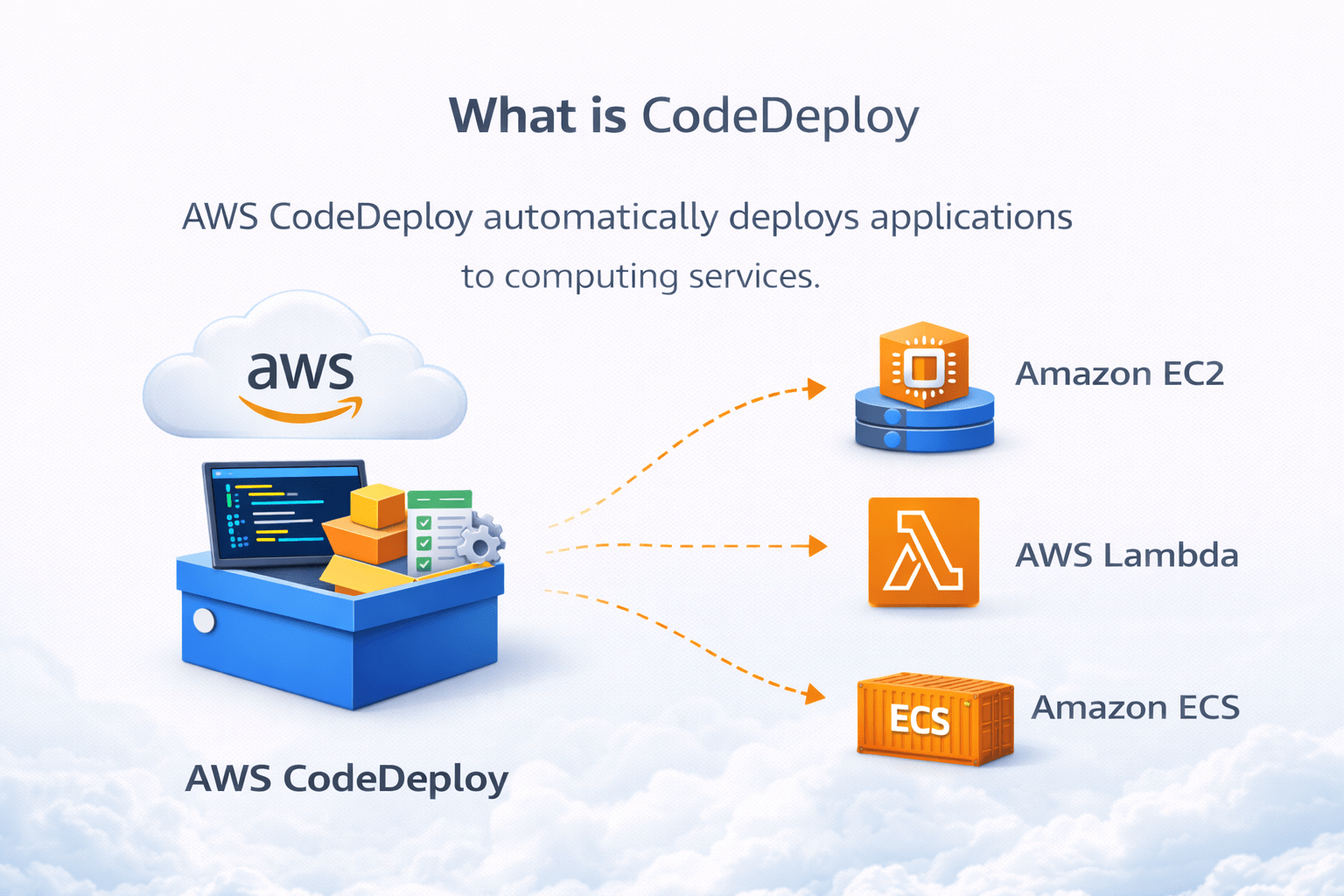
What is CodeDeploy
AWS CodeDeploy automatically deploys applications to computing services
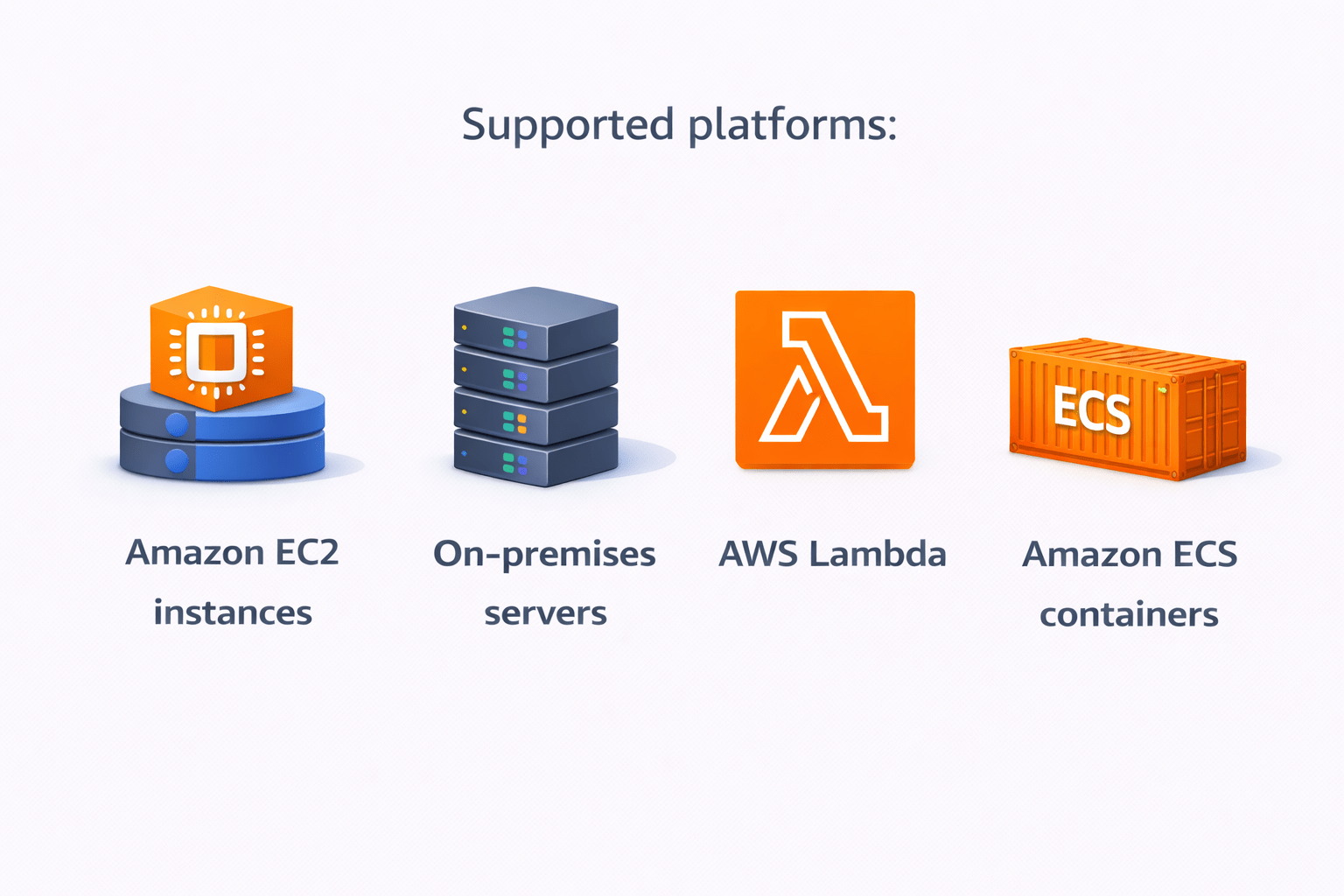
Supported platforms:
Amazon EC2 instances
On-premises servers
AWS Lambda
Amazon ECS containers
How CodeDeploy Works
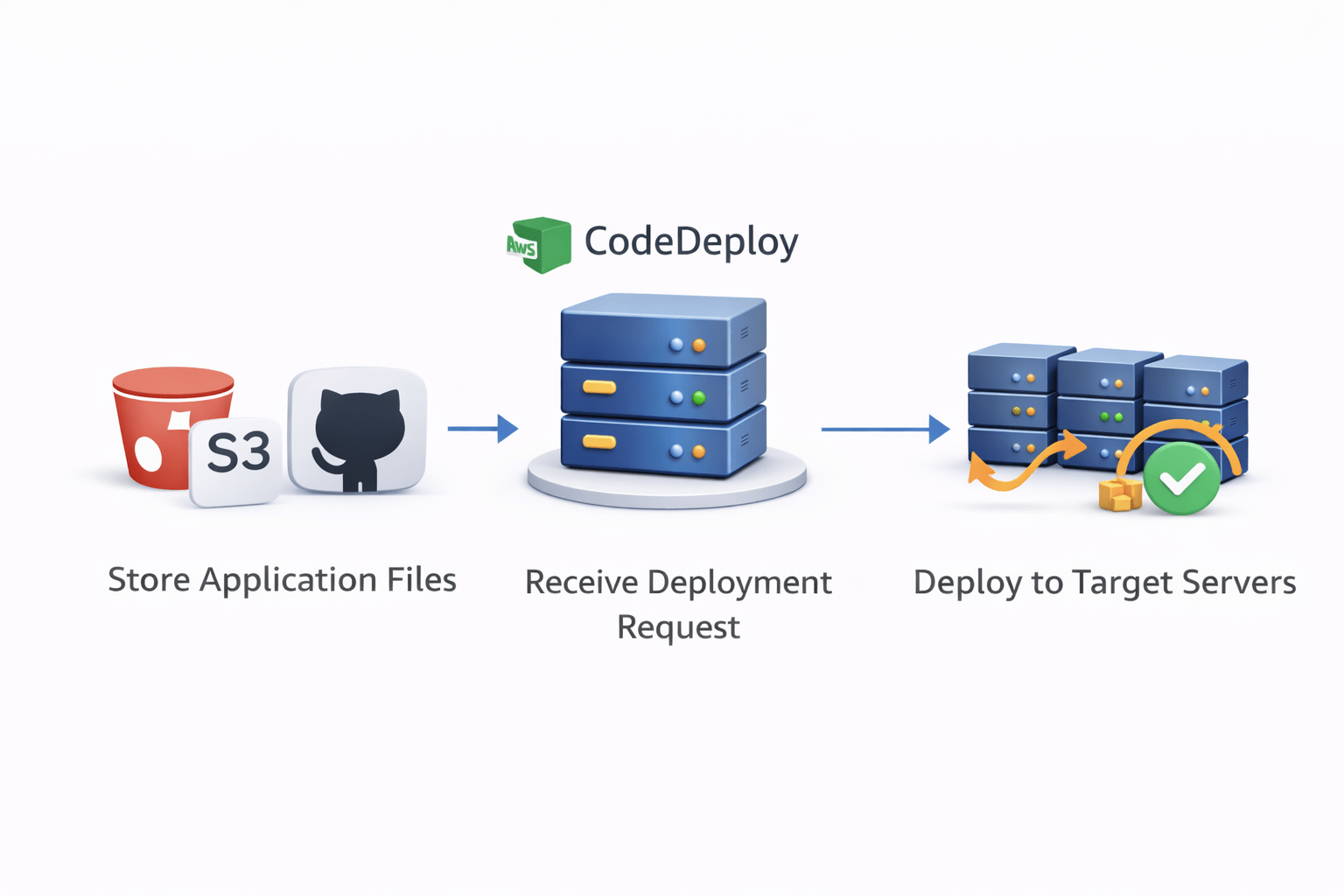
Basic deployment process:
Application files stored in S3 or GitHub
CodeDeploy receives deployment request
CodeDeploy installs the application on target servers
Application updates with minimal downtime
appspec.yml File
What is appspec.yml
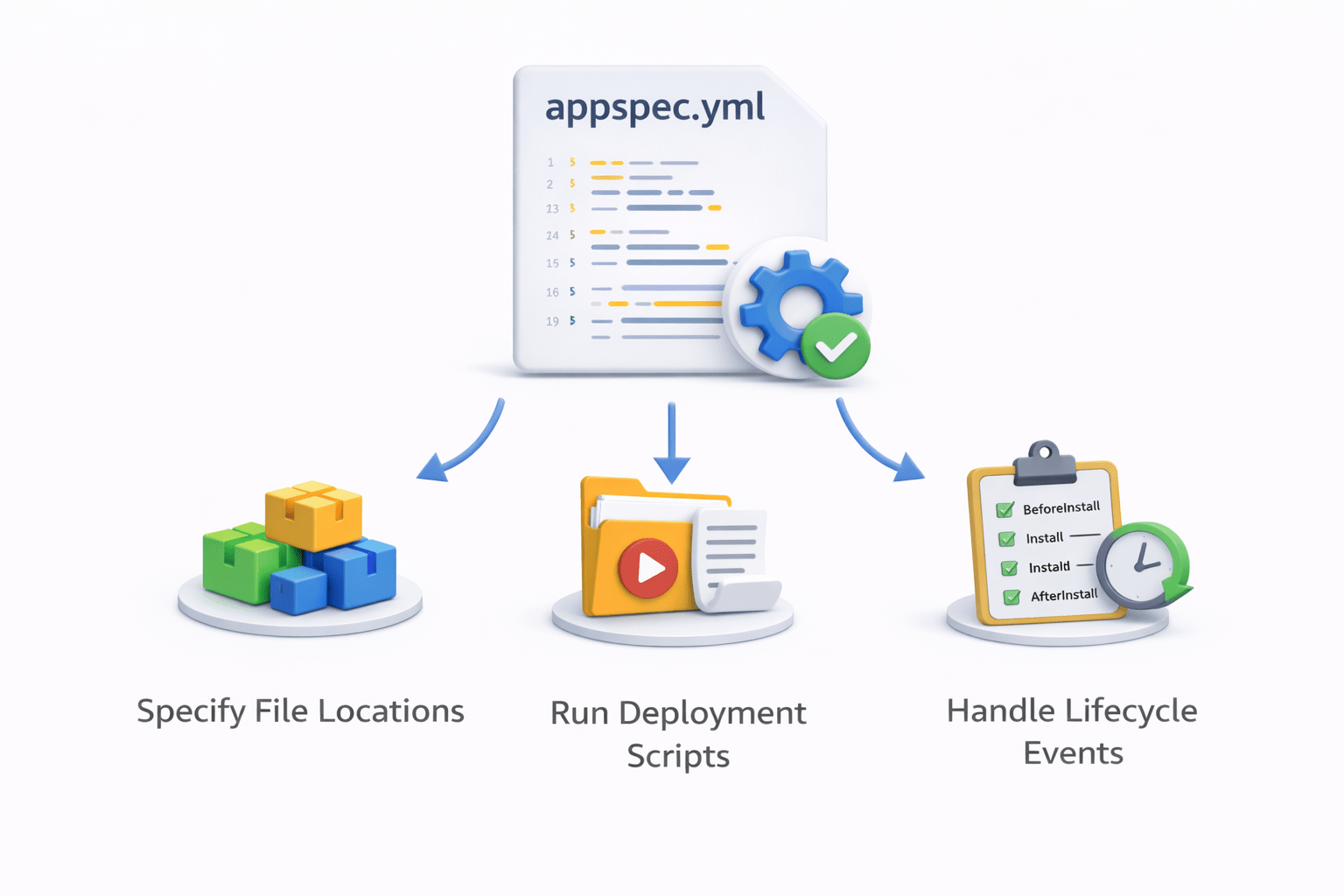
appspec.yml is a configuration file used by AWS CodeDeploy
It defines how the application should be deployed on the server
Example structure:
version: 0.0
os: linux

files:
 - source: /
   destination: /var/www/html

hooks:
 ApplicationStart:
   - location: scripts/start_server.sh
The file specifies
Where application files should be copied
What scripts should run during deployment
Deployment lifecycle events
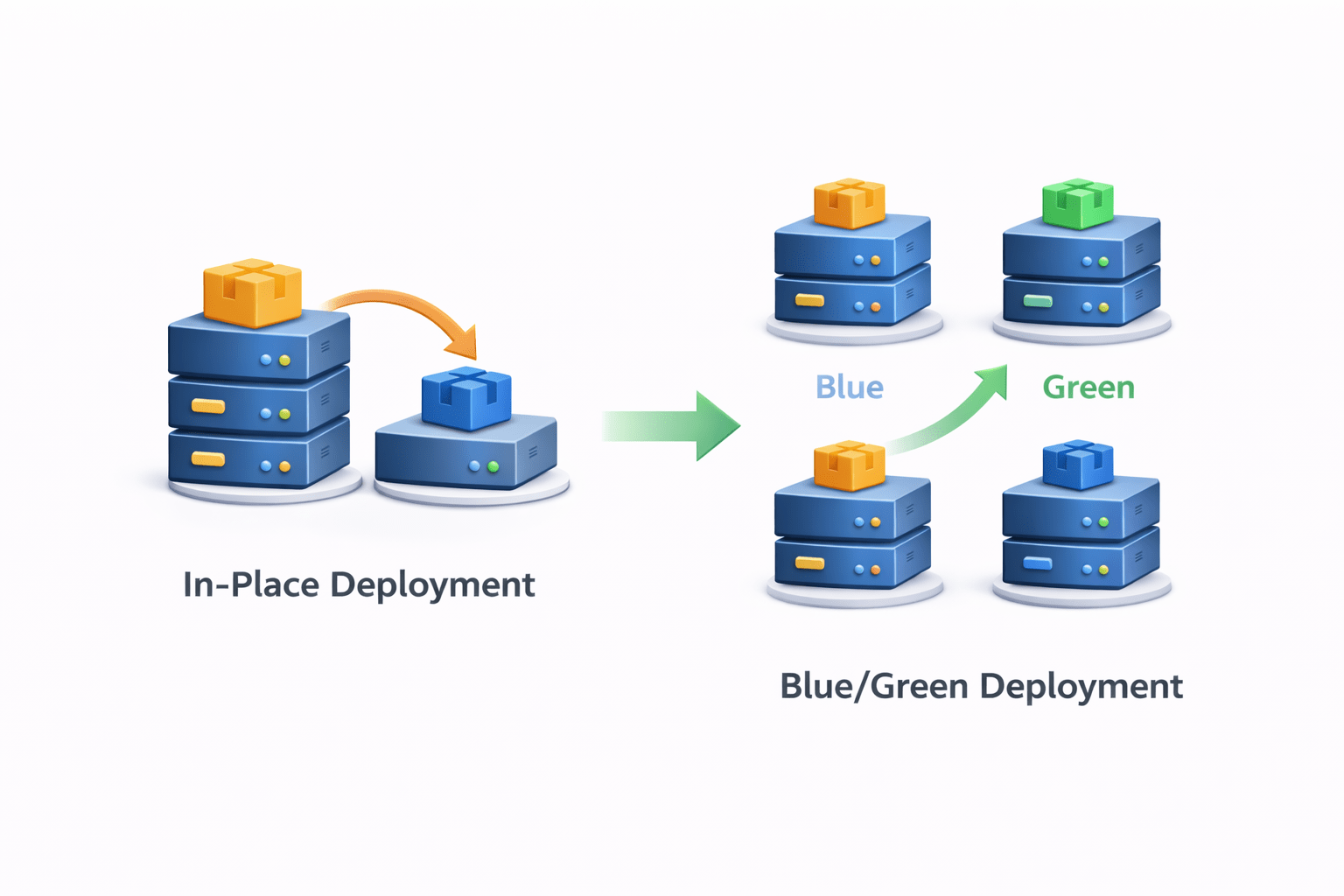
Types of Deployment
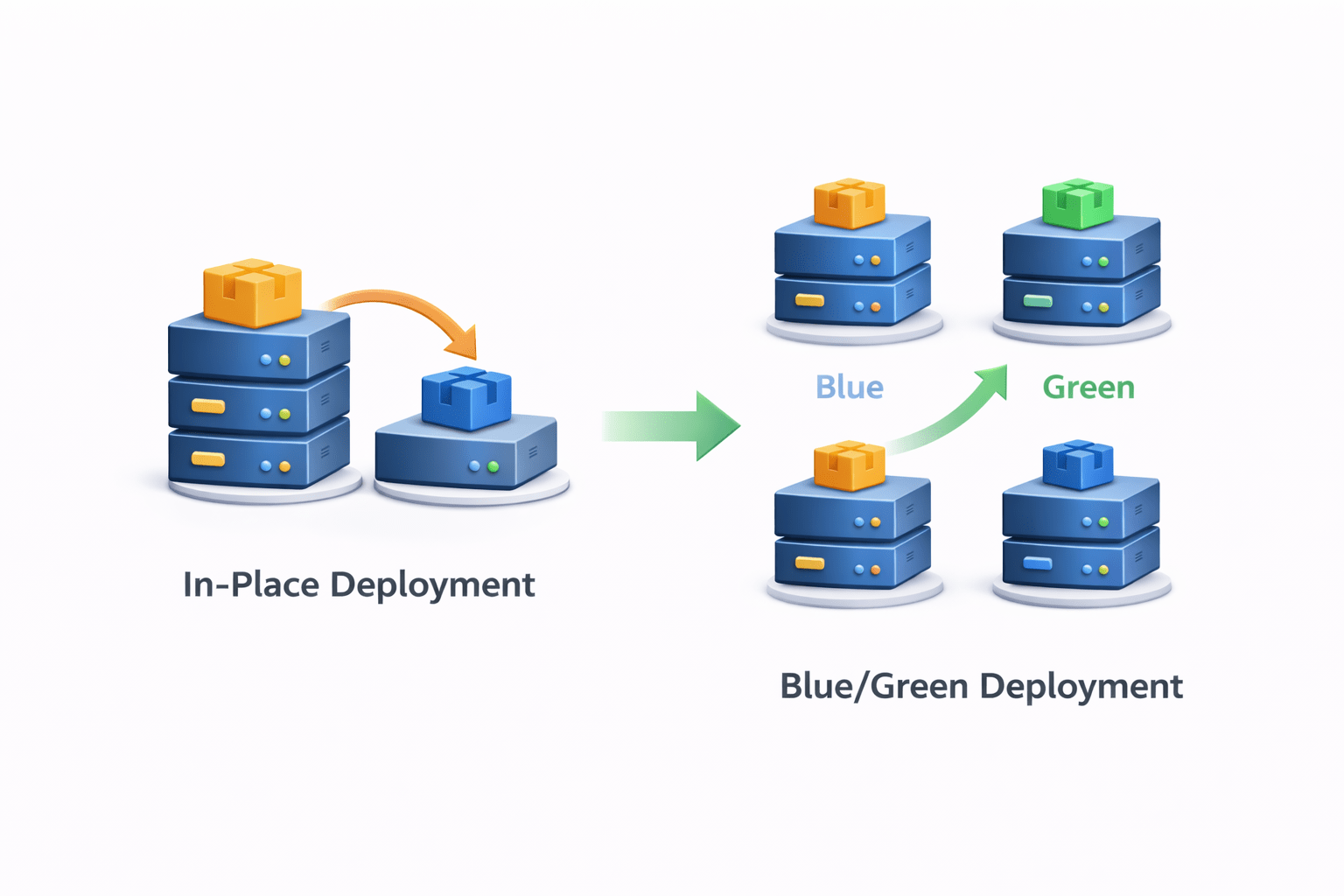
In-Place Deployment
Application updated on the same server
Blue/Green Deployment
This reduces downtime and deployment risk
What is CodePipeline
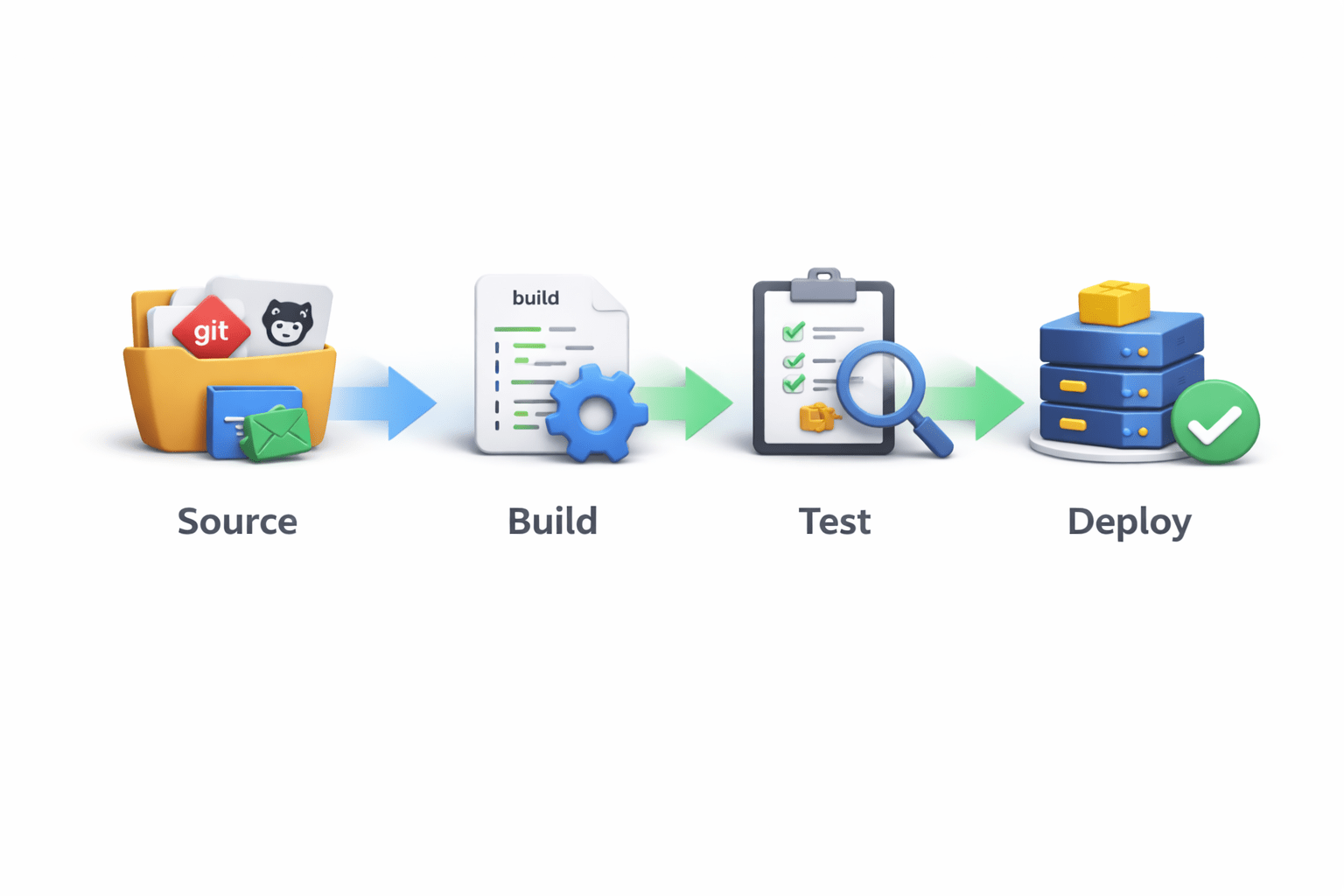
AWS CodePipeline automates the entire CI/CD workflow
Pipeline stages include
Source
Build
Test
Deploy
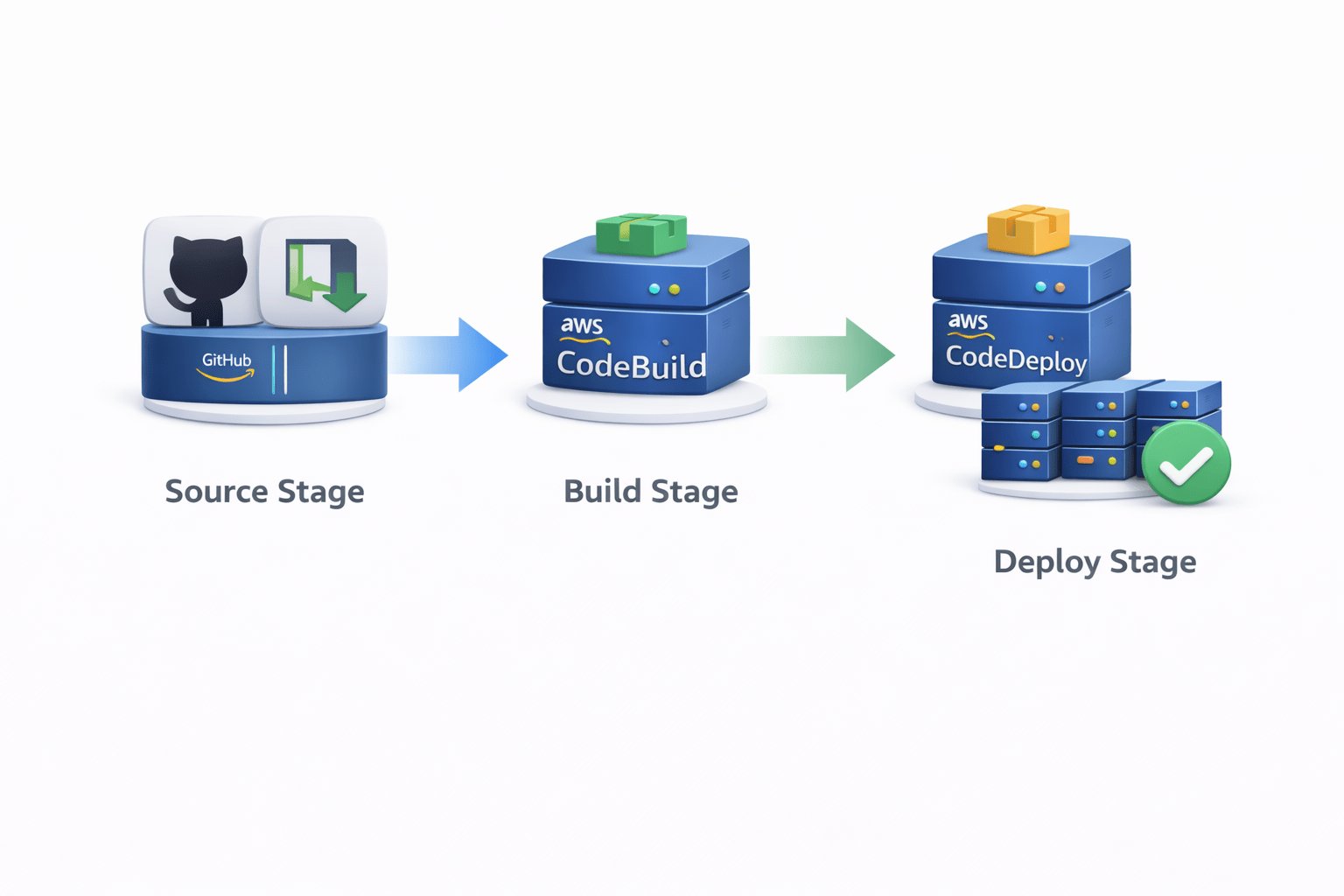
How CodePipeline Works
Pipeline workflow:
Source Stage
Code pulled from GitHub or CodeCommit
Build Stage
CodeBuild compiles and tests the code
Deploy Stage
CodeDeploy deploys the application
Each stage runs automatically when code changes occur
Benefits of CodePipeline
Benefits include:
Automated deployment workflow
Faster software delivery
Easy integration with AWS services
Reduced manual errors
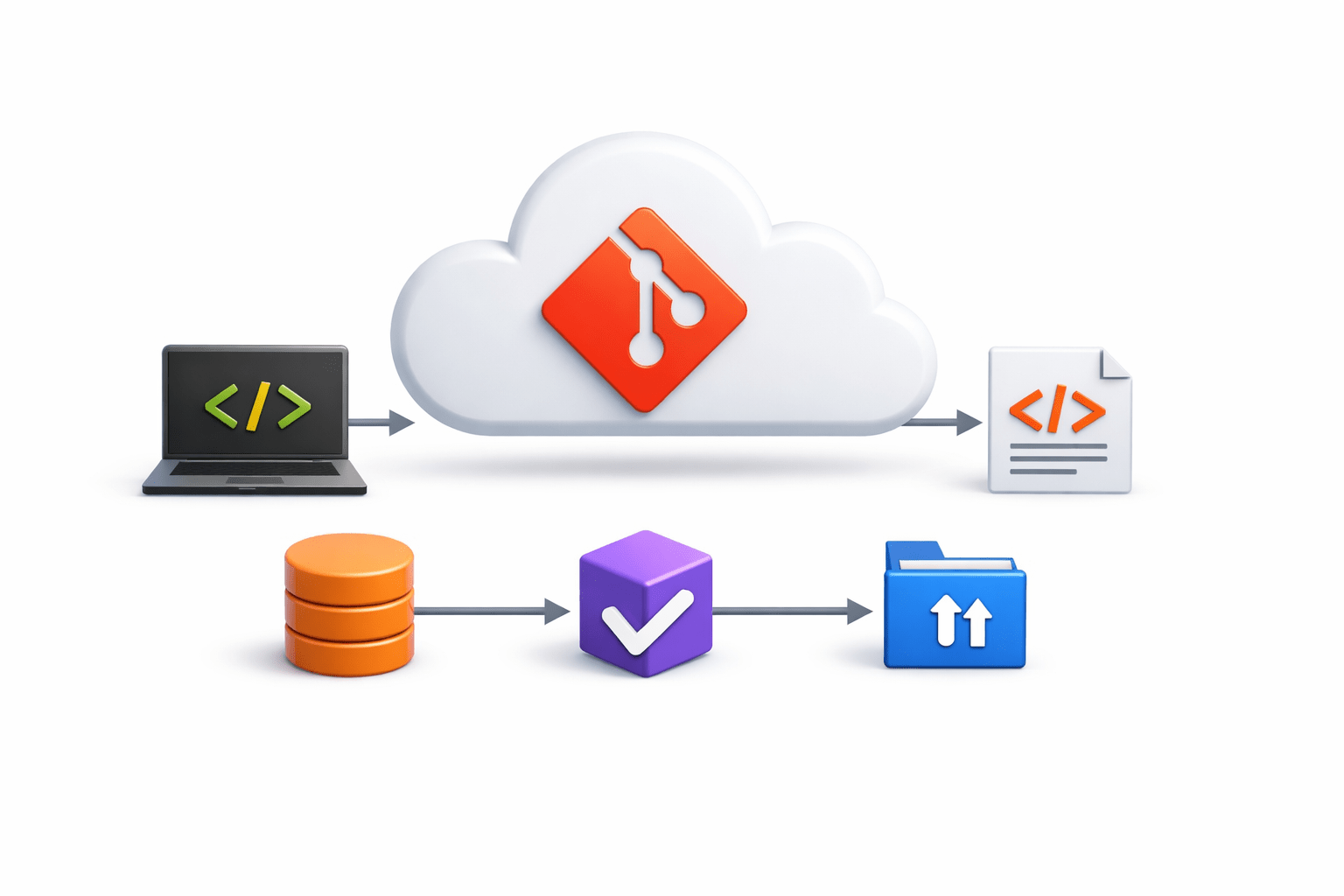
What is GitHub
GitHub is a cloud-based platform for storing and managing source code
It uses the Git version control system to track changes
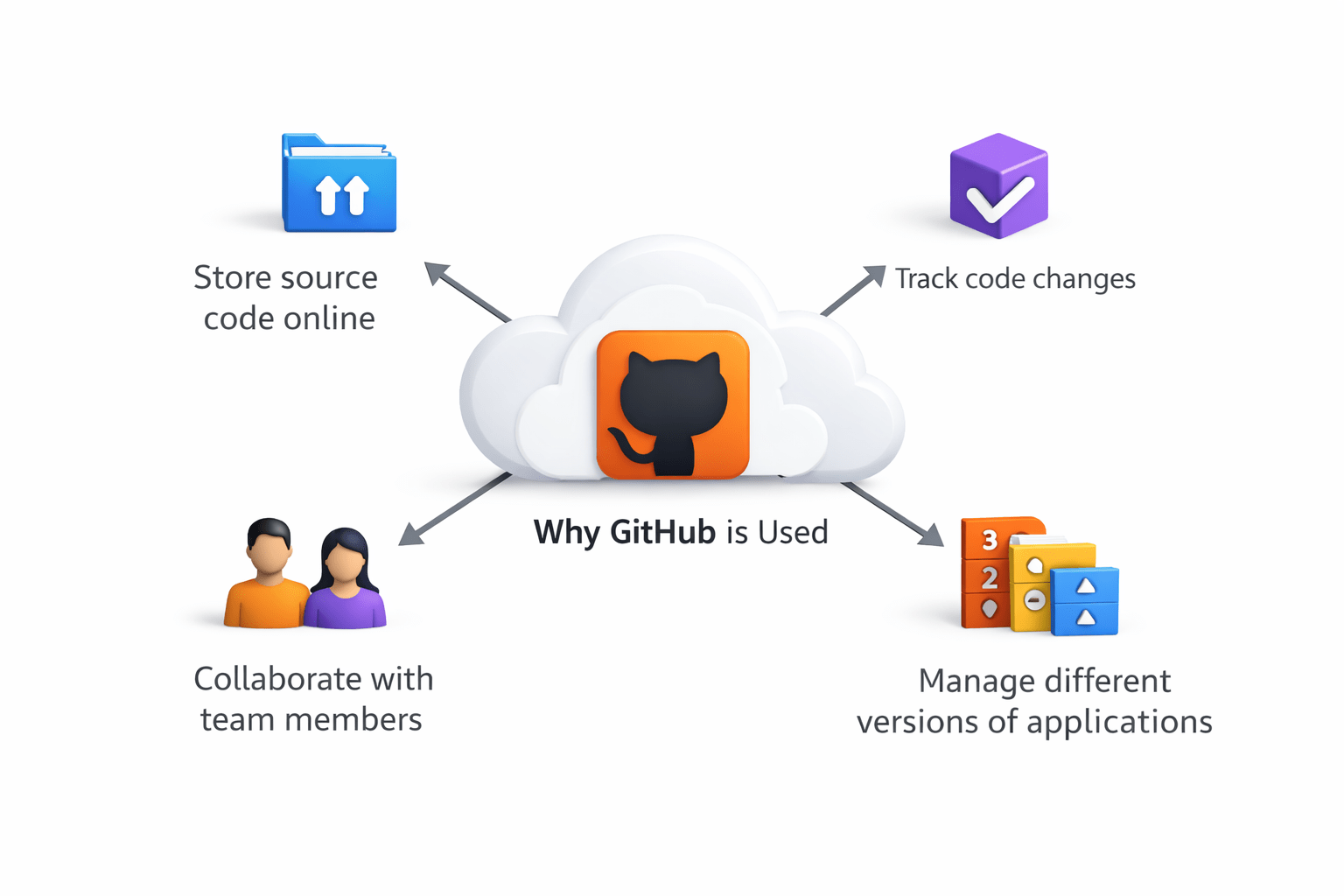
Why GitHub is Used
GitHub helps developers:
Store source code online
Track code changes
Collaborate with team members
Manage different versions of applications
Key Concepts in GitHub
Important concepts:
Repository (Repo)
Project folder containing source code
Commit
Saving changes in the repository
Branch
Separate version of code for development
Pull Request
Request to merge changes into the main code
Common Git Commands
Clone repository
git clone repository-url
Check repository status
git statusCommit changes
git commit -m "message"
Push code to repository
git push
4
GitHub helps store and manage source code
3
buildspec.yml is required in CodeBuild ,appspec.yml is required in CodeDeploy
2
AWS services like CodeCommit, CodeBuild, CodeDeploy, and CodePipeline create an automated pipeline
1
CI/CD automates building, testing, and deploying applications
Quiz
Which AWS service is used to build and test application code?
A. AWS CodePipeline
B. AWS CodeDeploy
C. AWS CodeBuild
D. AWS CloudWatch
Quiz-Answer
Which AWS service is used to build and test application code?
A. AWS CodePipeline
B. AWS CodeDeploy
C. AWS CodeBuild
D. AWS CloudWatch
By Content ITV