Social Media Marketing


Pixel

Learning Outcome
6
Use data for better targeting and retargeting
5
Measure conversions and campaign performance
4
Identify key events such as Add to Cart and Purchase
3
Track user actions like views, leads, and purchases
2
Learn to set up Meta Pixel and LinkedIn Insight Tag
1
Understand what a Pixel is and how it works
Smart Shopkeeper Assistant
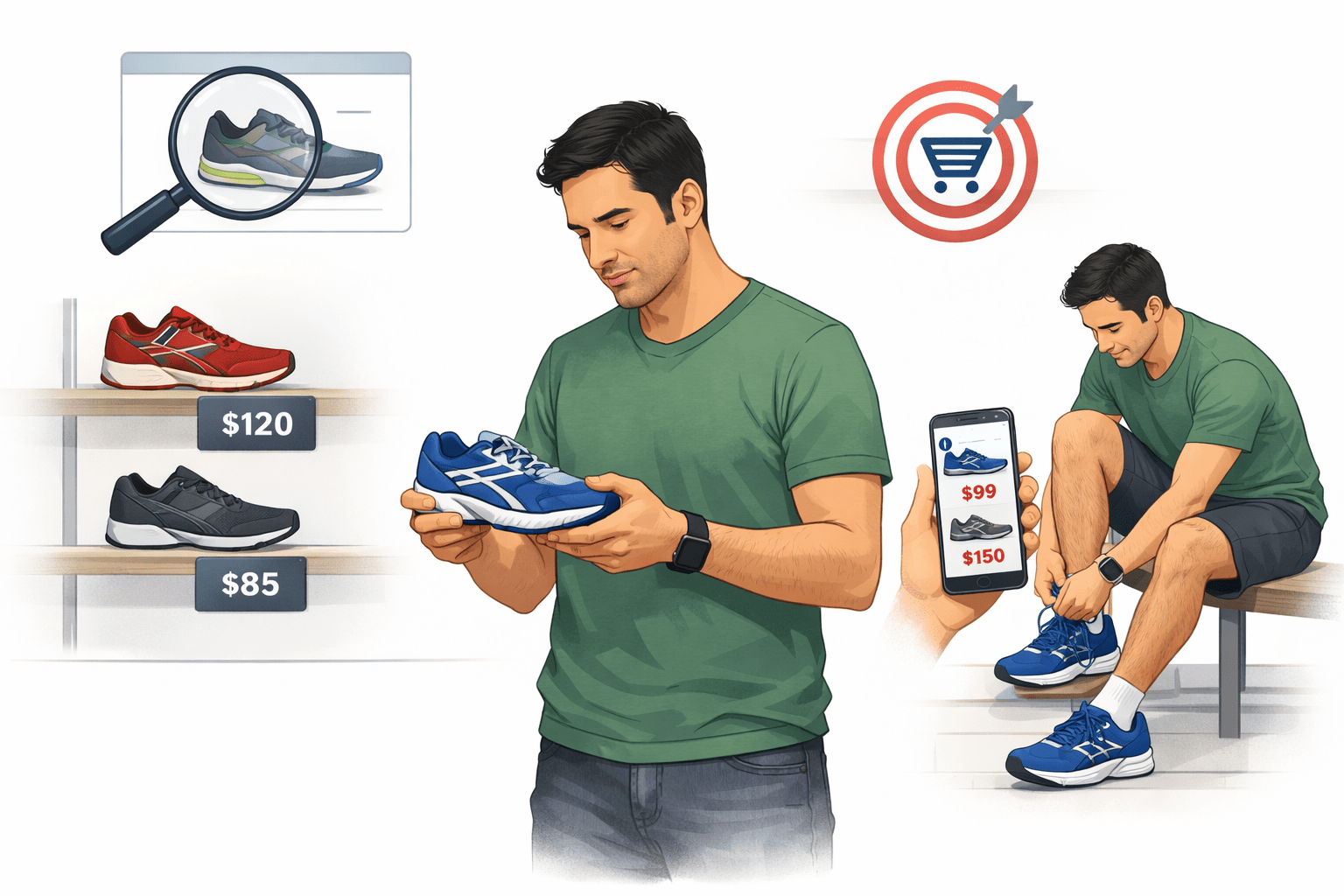
Scene 1: The Visit

Picks up a few pairs
Checks prices
Even tries one
Ravi:
Looks at running shoes
Meena notices everything quietly… but doesn’t disturb him
After a while, Ravi says:
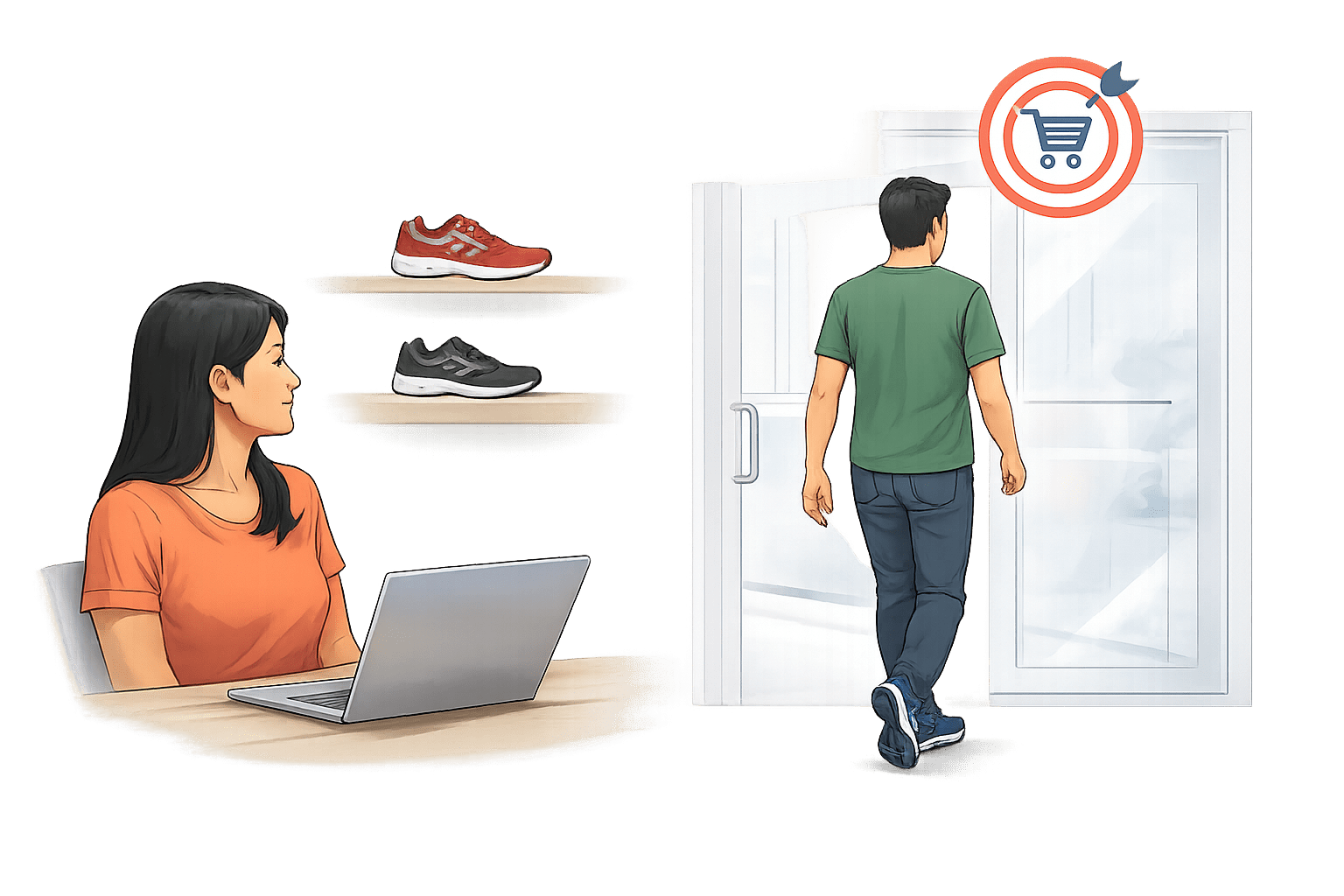
“Nice shoes, I’ll come back later.”
Smart Shopkeeper Assistant
Scene 2: The Smart Thinking
Now, most shopkeepers would forget Ravi
But Meena has a smart assistant named Pixel
Pixel tells Meena:


“Ravi was interested in running shoes”
“He almost bought them”
“He just needs a small push!”
Smart Shopkeeper Assistant
Scene 3: The Comeback Strategy
The next day, Ravi is walking past the same street
This time, he sees a board outside Meena’s shop:

“Special Offer on Running Shoes – Just for You!”
Ravi is surprised:
“Wait…
I was looking at these yesterday!”
He walks in… and buys the shoes
From Real Shop to Digital Tracking
Just like Meena used her assistant to observe Ravi’s behavior
Remember the products he was interested in, and bring him back to the shop with a relevant offer.
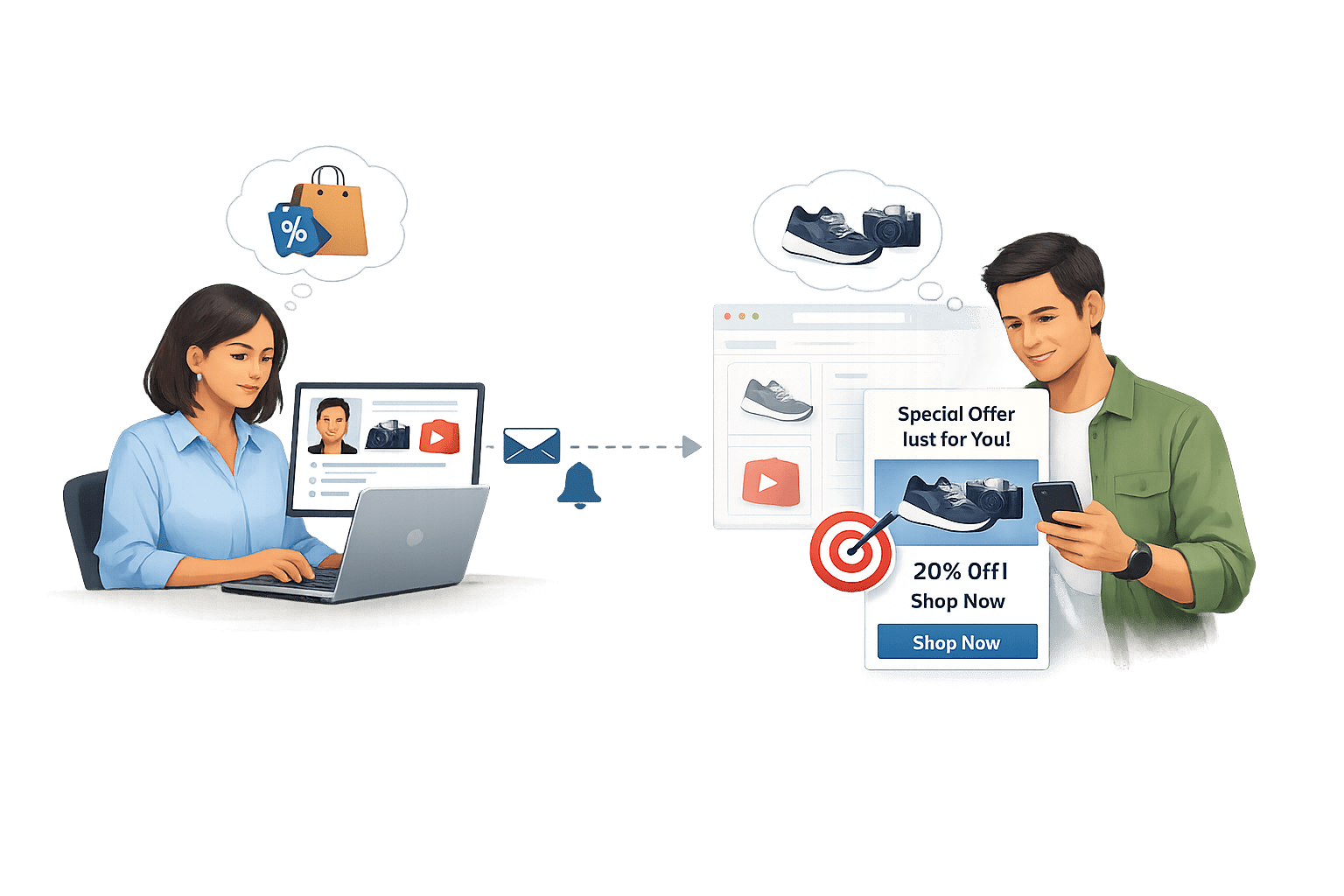
From Real Shop to Digital Tracking
In digital marketing we use a Pixel to track what visitors do on our website
Understand their interests, and re-engage them later with personalized ads that increase the chances of conversion
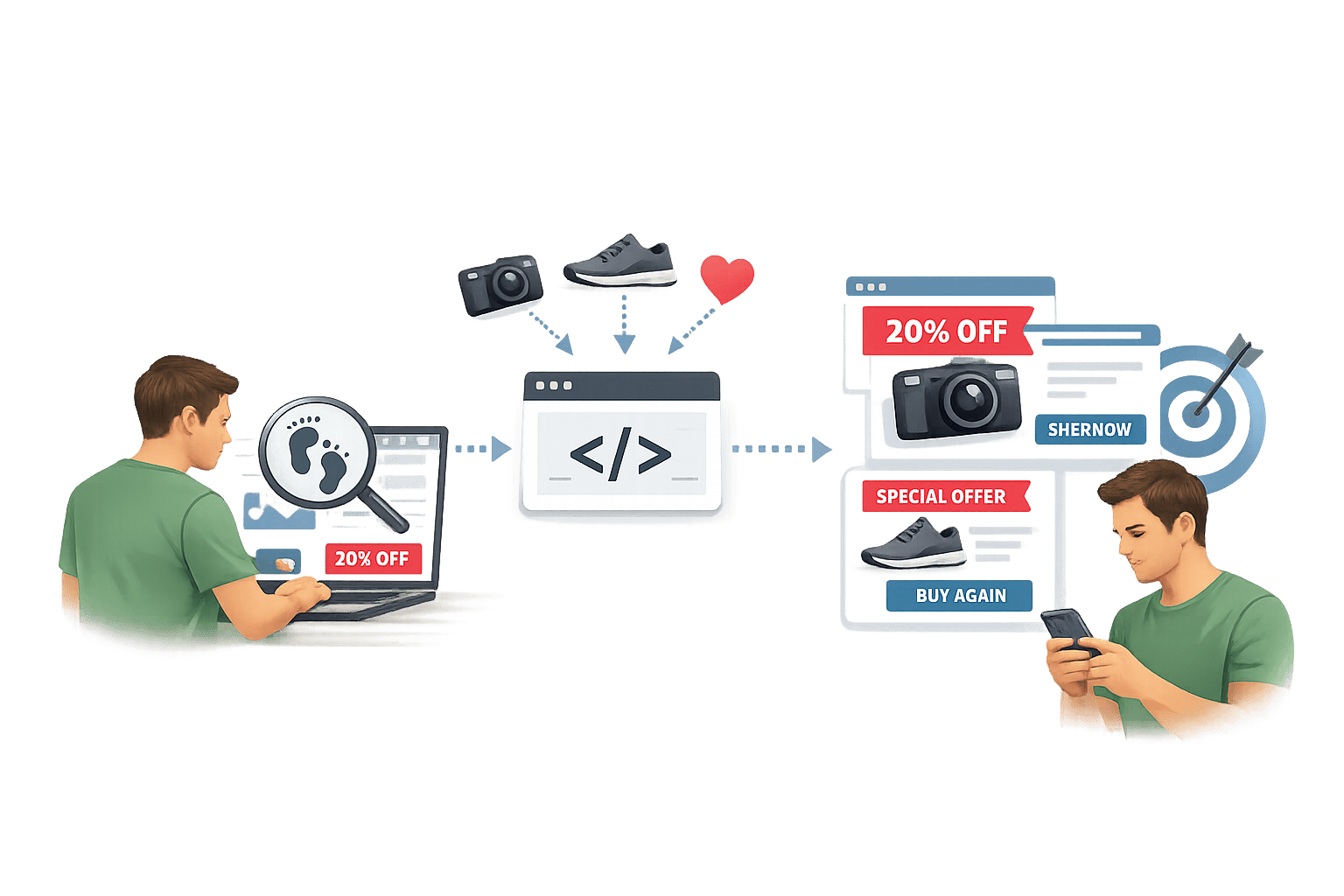
What is a Pixel?
A Pixel is a small piece of tracking code placed on your website to collect data about user behavior.
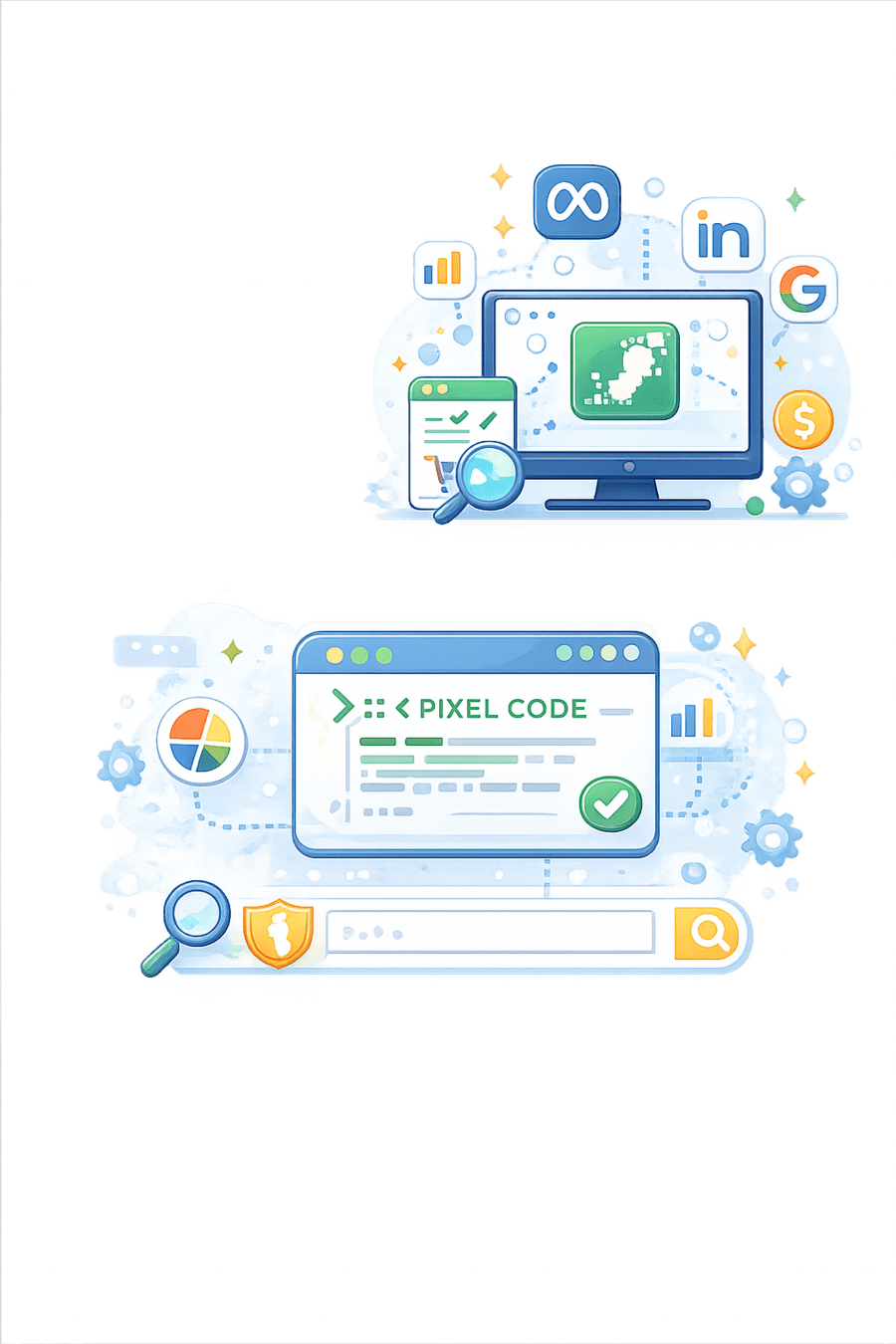
Think of it as a digital footprint tracker for your website visitors, feeding data back to ad platforms like Meta, LinkedIn, and Google
This invisible code snippet enables marketers to understand user interactions and optimize advertising efforts with precision
Key Benefits of Using a Pixel
Build Custom Audiences
Create targeted groups based on website behavior
Retarget Users
Show relevant ads to previous website visitors


Track Conversions
Monitor form fills, purchases, and other valuable actions

Track Conversions
Monitor form fills, purchases, and other valuable actions
Key Benefits of Using a Pixel
Enhance Targeting
Deliver highly relevant ads based on User Behavior

Track Conversions
Monitor form fills, purchases, and other valuable actions
Measure Performance
Accurately track ad effectiveness and ROI

Setting Up Meta Pixel
Access Meta Events Manager
Navigate to the Events Manager in your Meta Business account
1

Connect Data Source
Click "Connect Data Sources > Web > Facebook Pixel"
2

Name Your Pixel
Create a recognizable name and add your website URL
3
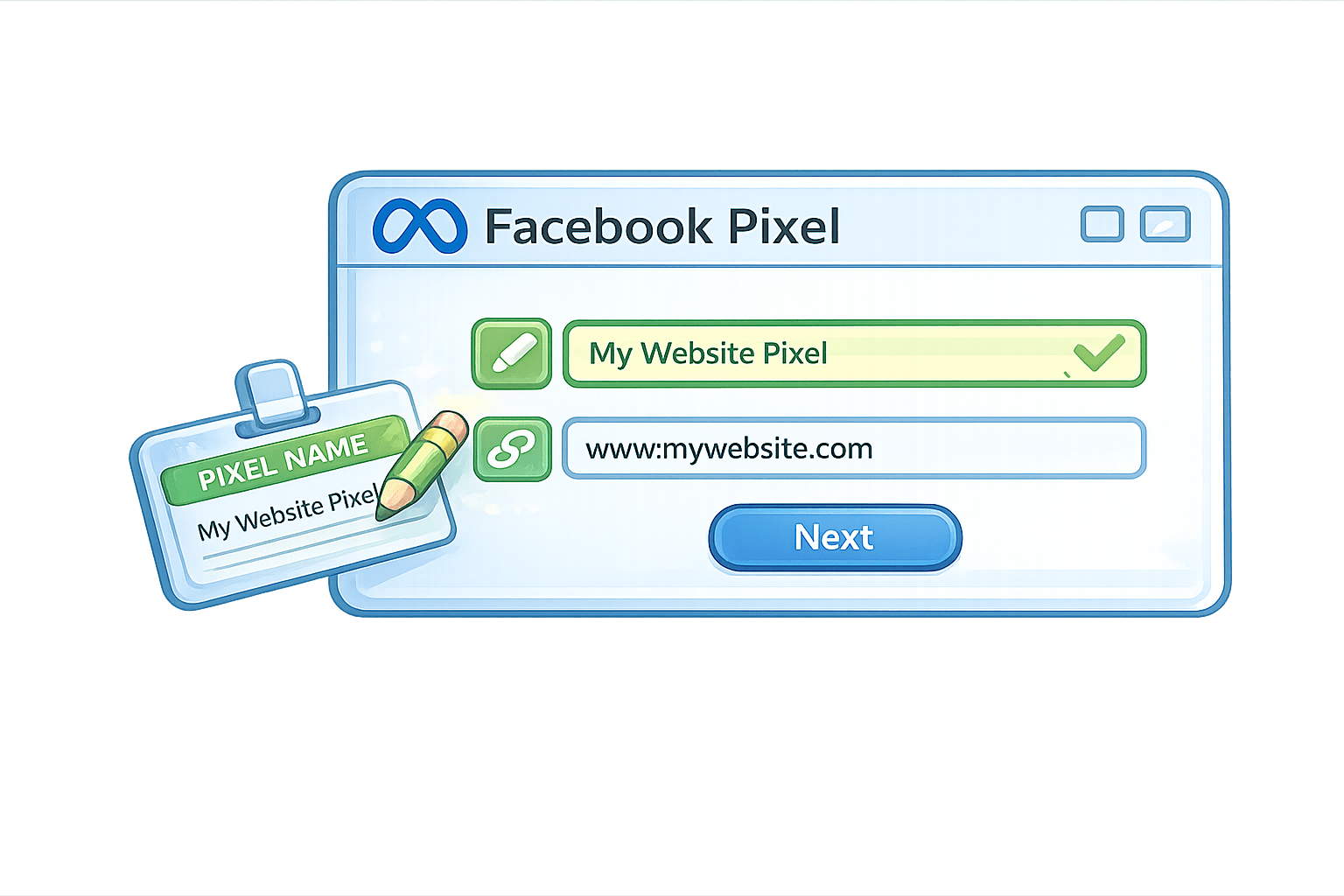
Setting Up Meta Pixel
Install The Pixel Code
Manual: Copy-paste code into your site's <head> tag
4

Configure Tracking
Google Tag Manager: Recommended for easier updates and fewer errors
5
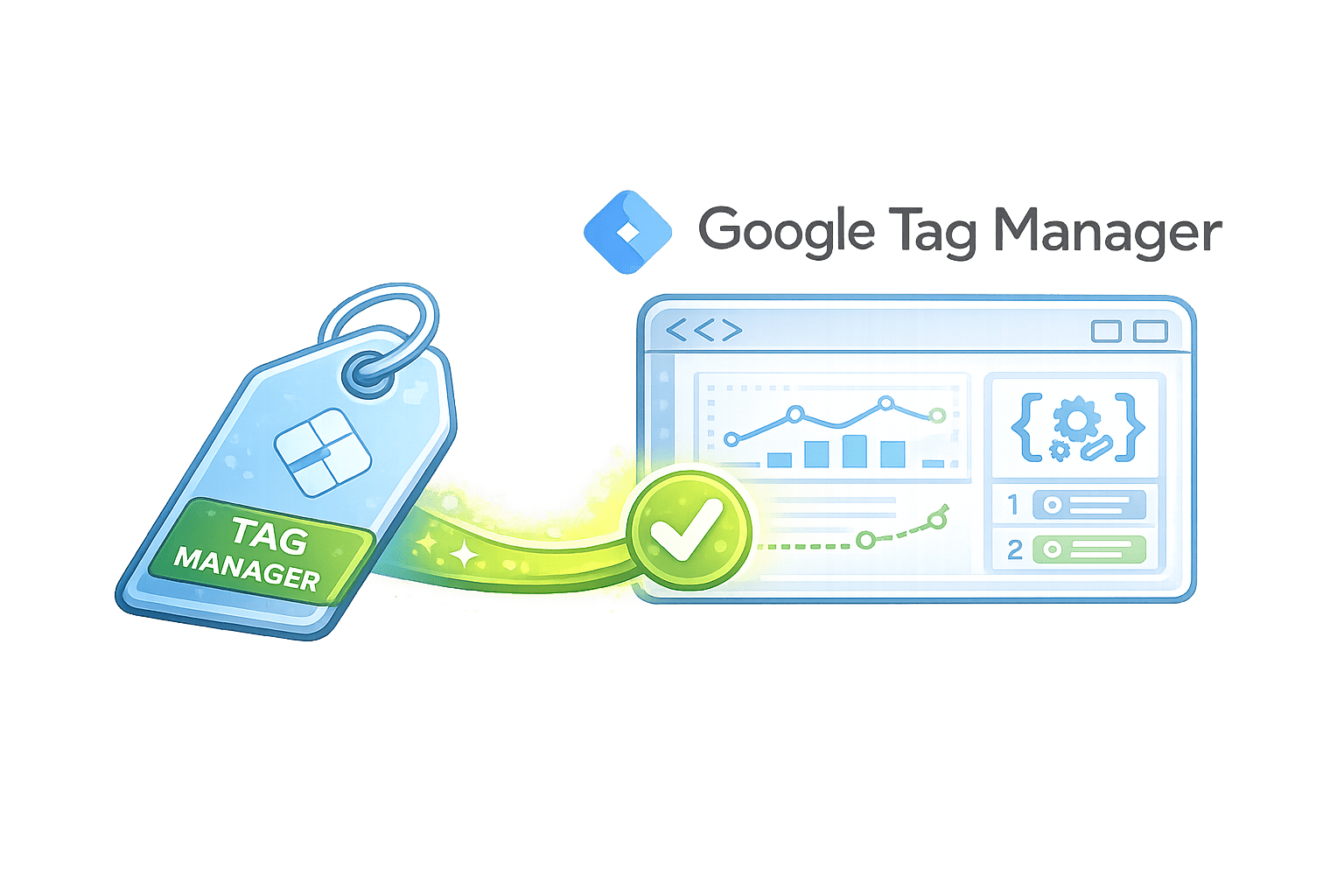
Setting Up LinkedIn Insight Tag
Access Campaign Manager

Navigate to LinkedIn Campaign Manager dashboard
Find Insight Tag
Click "Account Assets > Insight Tag"
Copy Code Snippet
Get your unique tracking code
Setting Up LinkedIn Insight Tag
Install on Website
Paste before closing </body> tag on every page
Verify Installation
Confirm in Campaign Manage
Benefits of LinkedIn Insight Tag
Gather website demographics data
Create retargeting audiences
Improve ad targeting precision
Measure campaign performance
Track conversions from LinkedIn campaigns
Tracking Conversions & Website Actions
Once installed, pixels can track key user actions across your website, providing valuable data for marketing optimization
|
Page View |
|
Add To Cart |
|
Lead / Form Submit |
|
Purchase |
|
Button Click |
|
Know how many users land on a page |
|
Understand buyer intent |
|
Capture interest from users |
|
Track actual sales and calculate Return on Ad Spend |
|
Measure micro-interactions (like "Download brochure") |
Action
Why It Matters
Define standard events (pre-configured by platforms) or create custom events tailored to your specific business goals and user journey

Understanding Different Tracking Points

- Purpose:
Fires on any page load
- Example:
Visit to homepage or product page
PageView
Lead
- Purpose:
Fires when a user fills out a contact or inquiry form
- Example:
Free demo or consultation signup

Critical for measuring lead generation effectiveness

Add To Cart
Purpose: Tracks intent to buy
Example: Clicking "Add to cart" button
-
Helps identify interested customers for retargeting.
Purchase
Purpose: Tracks completed transactions
Example: Order confirmation page
-
Supports standard events + custom conversions

Troubleshooting & Validation Tools
Meta Tools
Meta Pixel Helper
- Chrome Extension that provides real-time event tracking on pages
- Shows which events are firing and any potential errors
Meta Pixel Helper
Tag Status
- Available in Campaign Manager
Insight Tag
- Verifies proper installation across your website
Test Events Tools
- Available in Events Manager to simulate user actions
LinkedIn Tools
Summary
5
Data helps improve ad performance and ROI
4
Supports retargeting of interested users
3
Enables creation of custom audiences for ads
2
Helps track conversions like leads and purchases
1
Pixel is a tracking code used to monitor website user behavior
Quiz
Pixel helps in:
A. Increasing website speed
B. Retargeting users
C. Writing ads
D. Designing logos

Quiz
Pixel helps in:
A. Increasing website speed
B. Retargeting users
C. Writing ads
D. Designing logos
