


























Content ITV PRO
This is Itvedant Content department
Learning Outcome
5
Build interactive and user-friendly forms.
4
Use common input types effectively.
3
Differentiate between GET and POST.
2
Create forms using the form tag.
1
Understand the purpose of HTML forms.
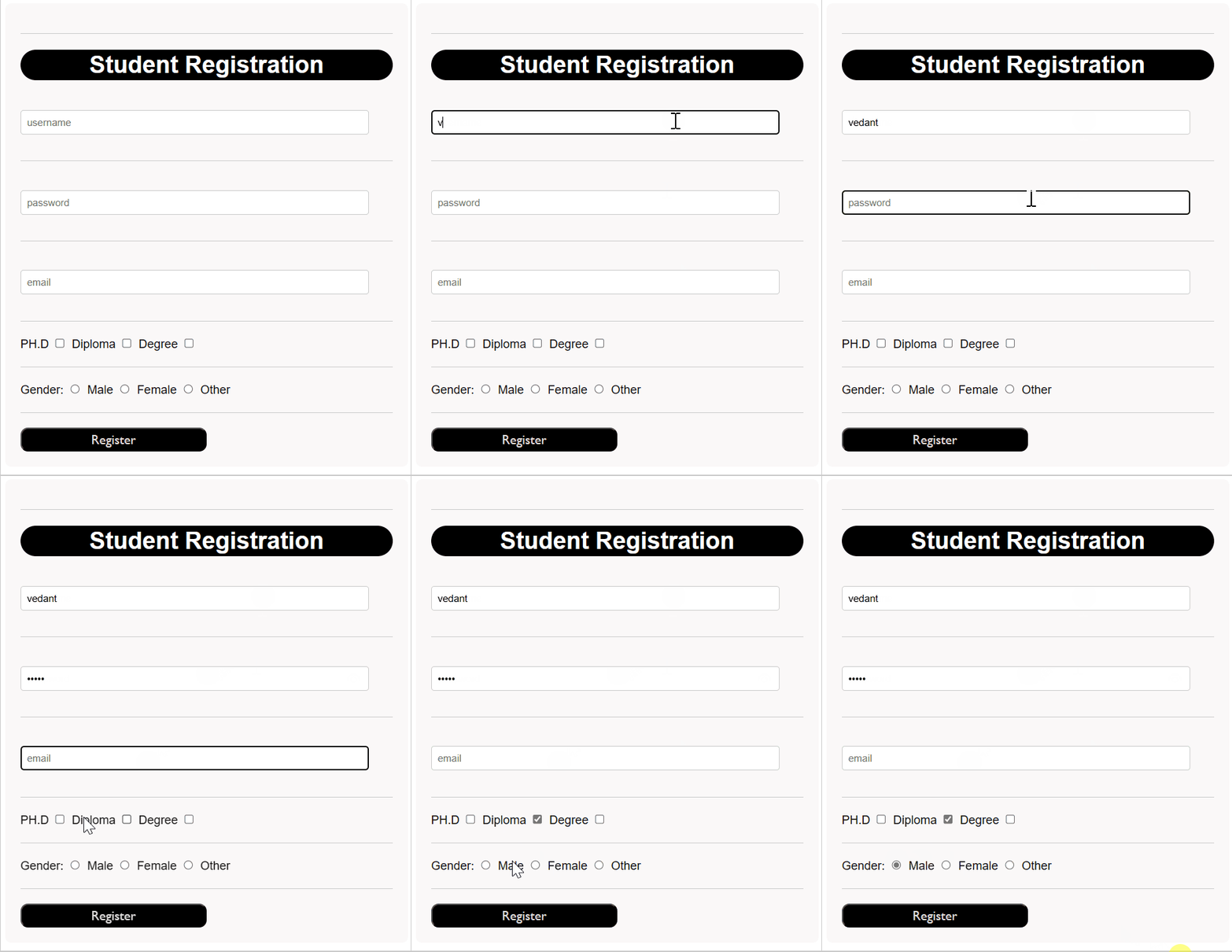
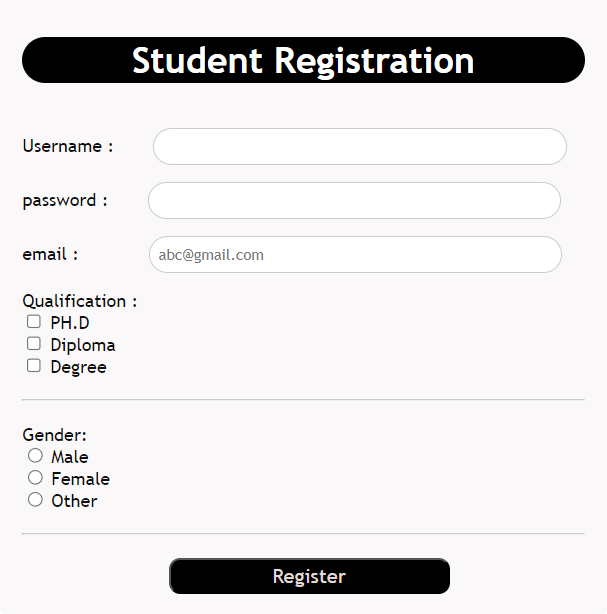
To achieve this, HTML provides a special element called the Form Tag (<form>).
<form>
</form>
Its like a container having various form elements
To create a form in HTML, you use the <form> tag
User information
Credentials
Surveys
Reviews
Online quizes
File uploads
The action attribute specifies where the form data should be sent after the user submits the form.
When the Submit button is clicked, the browser sends the form data to the URL specified in the action attribute.
Example :
<form action="success.html">
</form>
The method attribute specifies how the form data should be sent to the server when the form is submitted.
GET
POST
Example :
<form method = "get">
Example :
<form method = "post">
The <input> element allows users to enter data into a web form using 'type' attribute
Input field defined using <input>
Input field defined using <input>
The 'type' attribute specifies the role of the input field
<input type="text" >

<input type="password" >

<input type="email" >

<input type="checkbox" >

<input type="radio" >
Vedant
********
Vedant98@mail.com
The 'type' attribute specifies the role of the input field
Used to collect normal text input.
Used to collect passwords securely.
Characters appear hidden.
Used to collect email addresses.
Browser validates email format automatically.
Checkbox allows selecting multiple options
Radio buttons allow selecting only one option from multiple choices.
<input type="text" >

<input type="password" >

<input type="email" >

<input type="checkbox" >

<input type="radio" >
Vedant
********
Vedant98@mail.com
The 'type' attribute specifies the role of the input field
HTML provides many input types. These are just a few commonly used ones. You can explore other input types as needed.
The name attribute is used to identify an input field when form data is submitted.
When a user submits a form, the browser sends the data as:
name = value
Without a name attribute, the input data is usually not included in the form submission.
<form>
Name:
<input type="text" name="username">
Email:
<input type ="email" name="email">
<input type="submit">
</form>
username = john
email = john@gmail.com
john
john@gmail.com
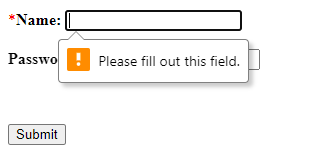
The required attribute makes an input field mandatory.
The user must fill in the field before submitting the form.
<form>
Name:
<input type="text" required>
<input type="submit">
</form>
If the field is left empty, the browser displays a validation message and prevents form submission.
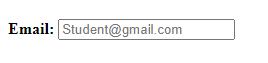
The placeholder attribute is used to display hint text inside an input field.
<input type="Email" placeholder="Student@gmail.com">Student@gmail.com
This helps users know what information to put
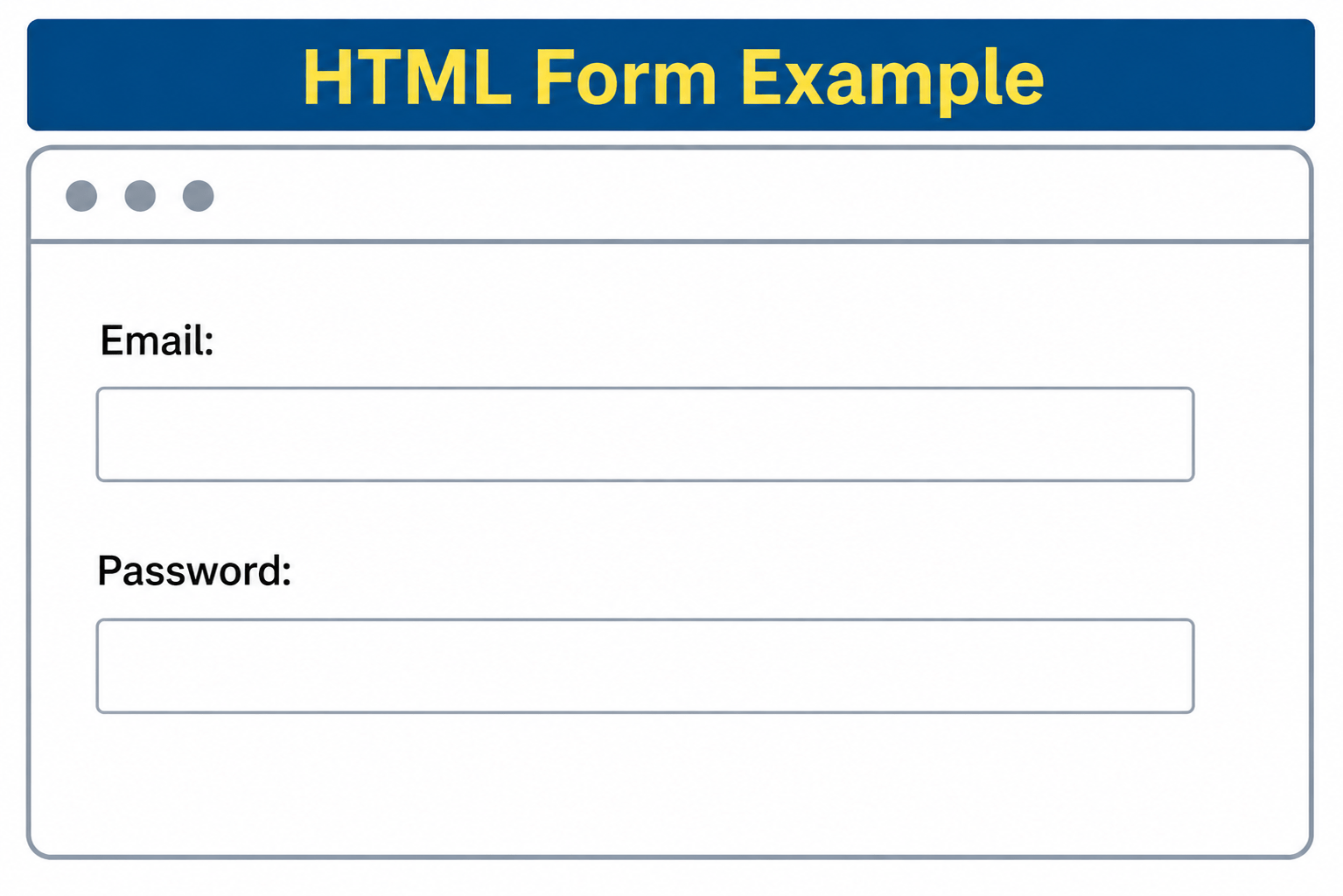
The <label> tag is used to define a label or description for an input field.
It tells users what information they need to enter in the associated form control.
<form>
<label>Email:</label>
<input type="email"><br><br>
<label>Password:</label>
<input type="password"><br><br>
</form>
By adding a submit button inside the form which triggers submission of the form
Button
Click
Submit
Reset
<button type="submit"></button>Summary
5
Labels and attributes improve usability.
4
Input fields accept different data types.
3
GET and POST send form data.
2
Form tag acts as main container.
1
Forms collect user input on webpages.
Quiz
Which attribute specifies where form data is sent after submission?
A. method
B. action
C. name
D. id
Which attribute specifies where form data is sent after submission?
A. method
B. action
C. name
D. id
Quiz-Answer
By Content ITV