Deploy OpsMate Services using Pods and Deployments

Business Scenario
Manager:
We have successfully deployed the OpsMate application on AWS using containers. However, managing individual containers at scale can become difficult. We need a more reliable orchestration solution.


DevOps Engineer:
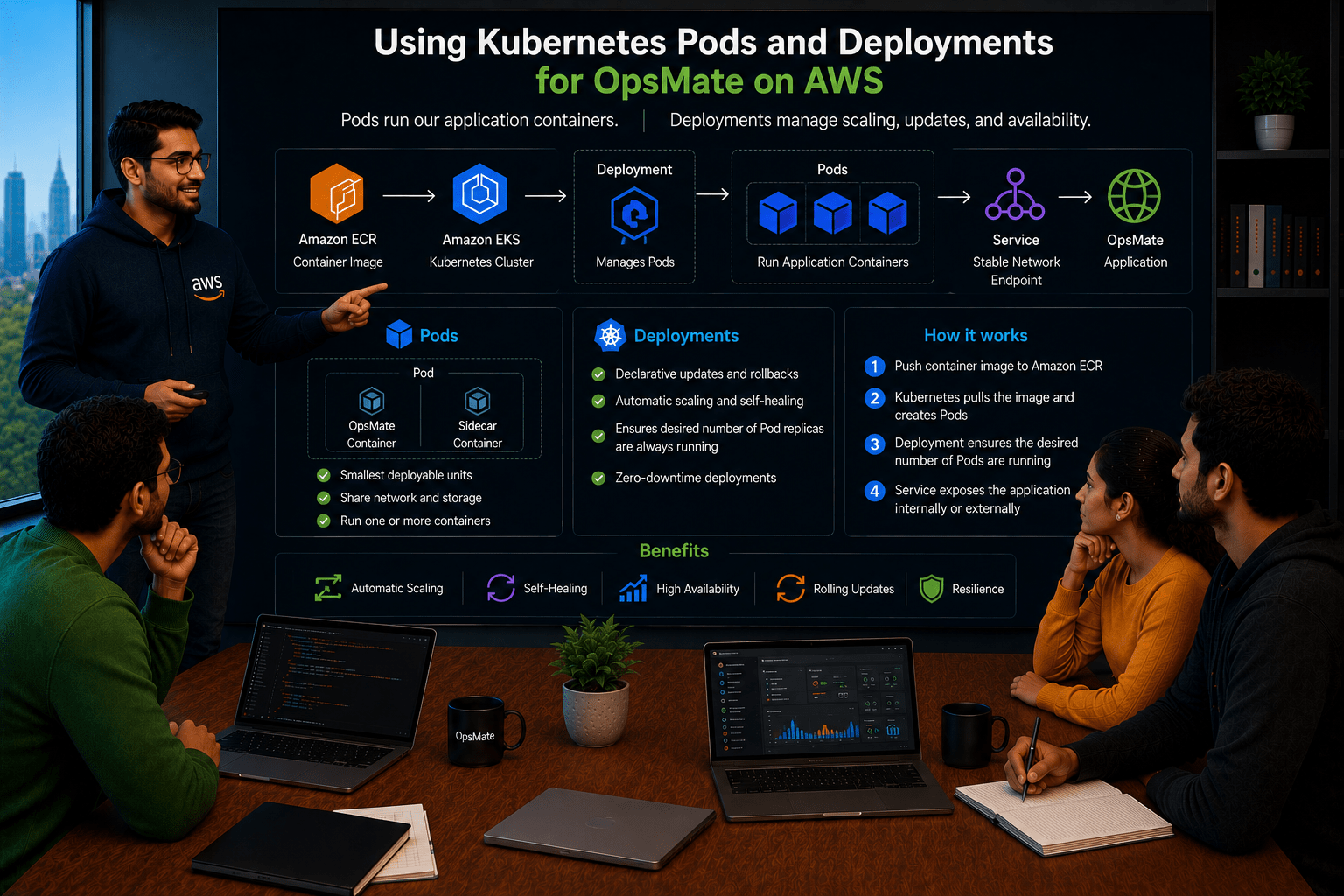
To address this, we can use Kubernetes Pods and Deployments. Pods will run our application containers, and Deployments will manage scaling, updates, and availability.
Manager:
How will this improve our application management?
DevOps Engineer:
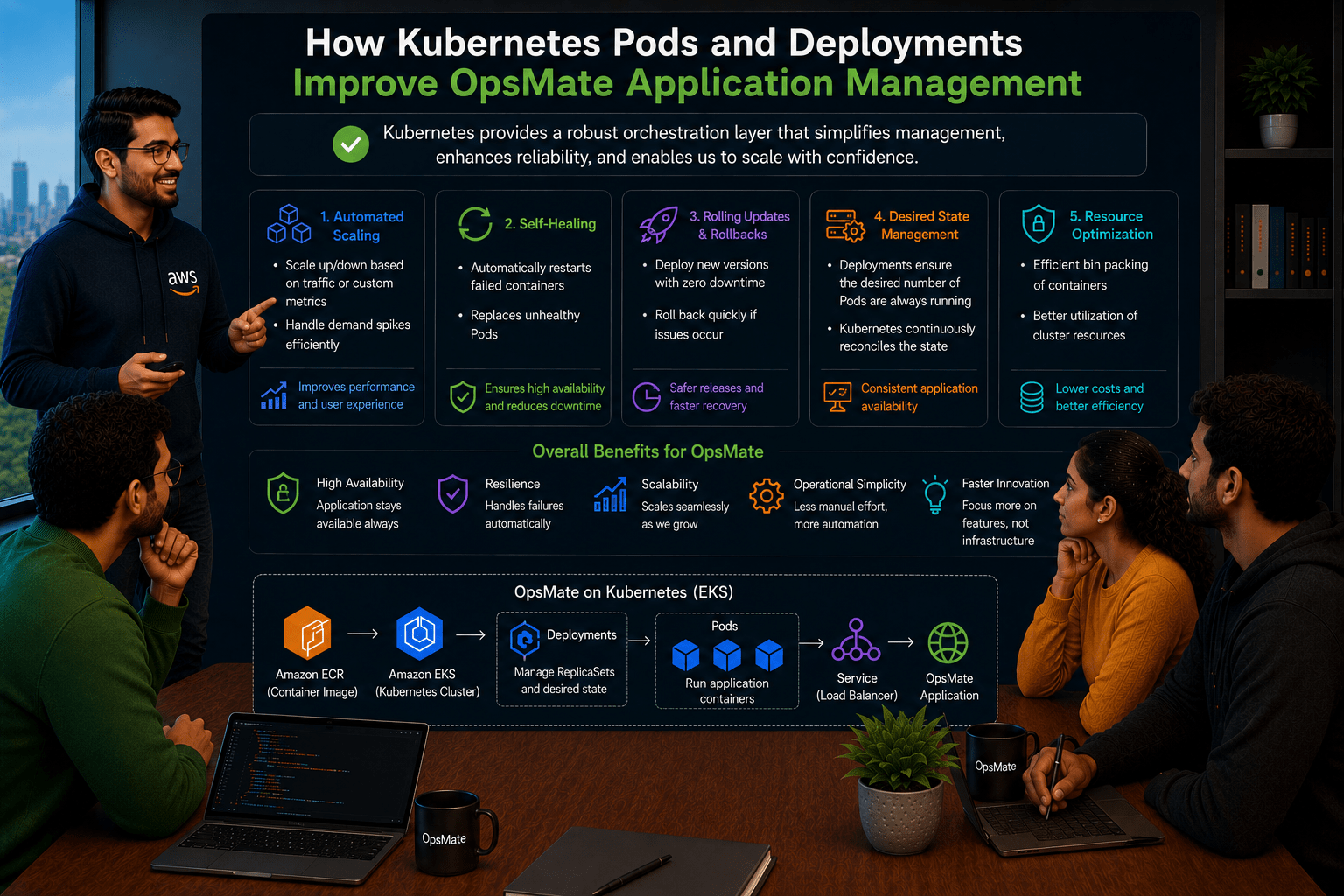
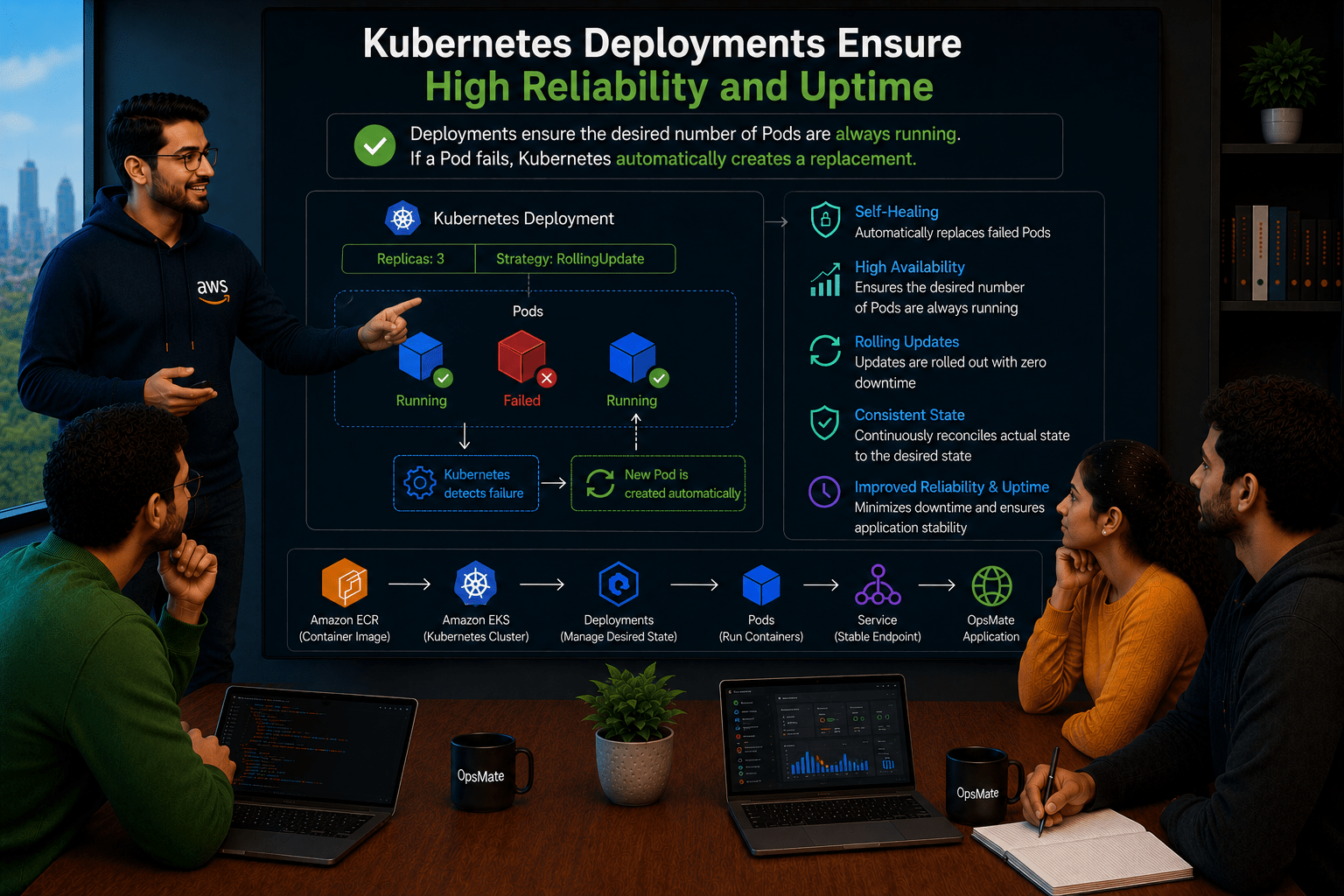
Kubernetes Deployments ensure the desired number of Pods are always running. If a Pod fails, Kubernetes automatically creates a replacement, improving reliability and uptime.
Manager:
What will be our deployment approach?
DevOps Engineer:
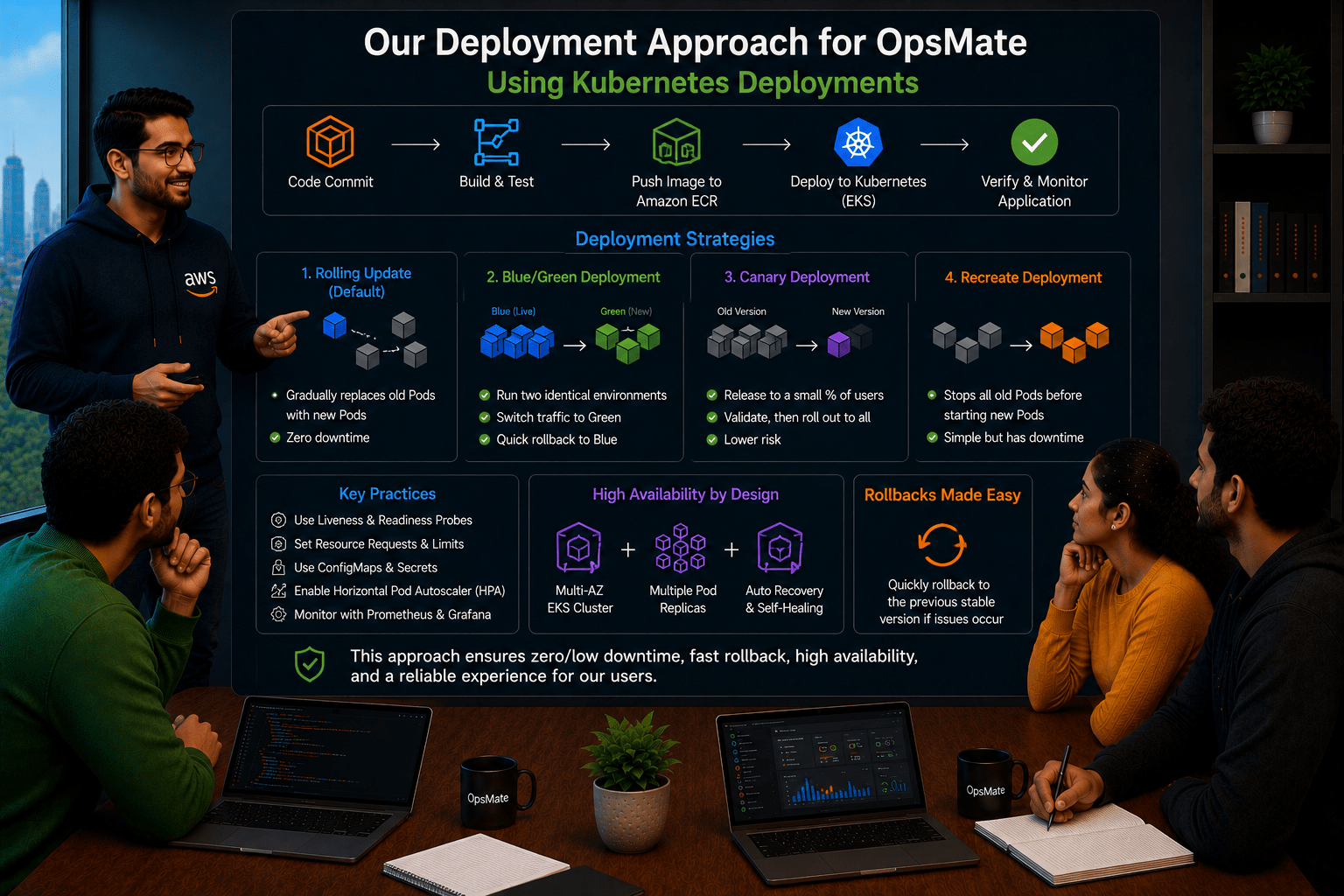
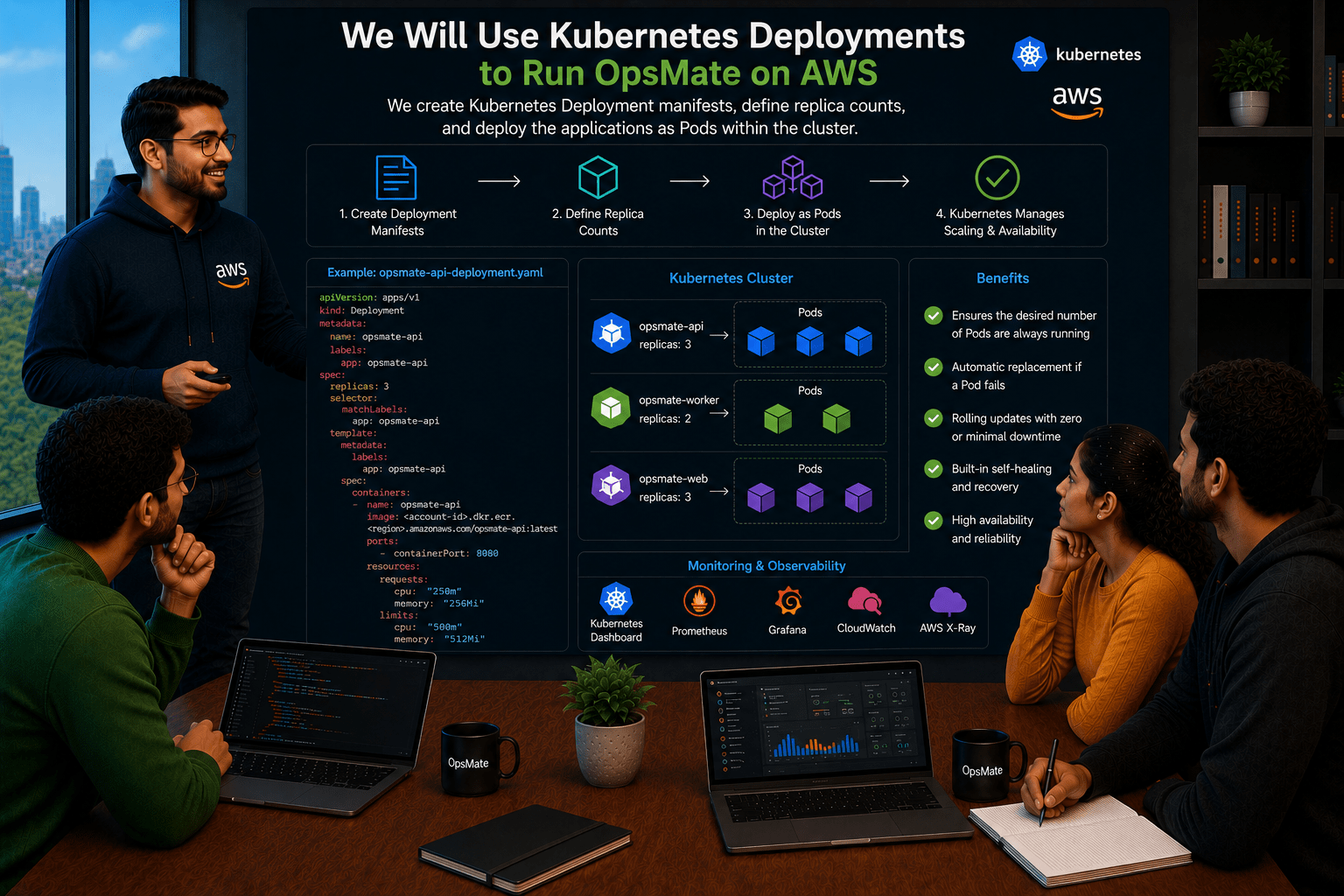
We will create Kubernetes Deployment manifests for the OpsMate services, define replica counts, and deploy them as Pods within the cluster.
DevOps Engineer to Team:
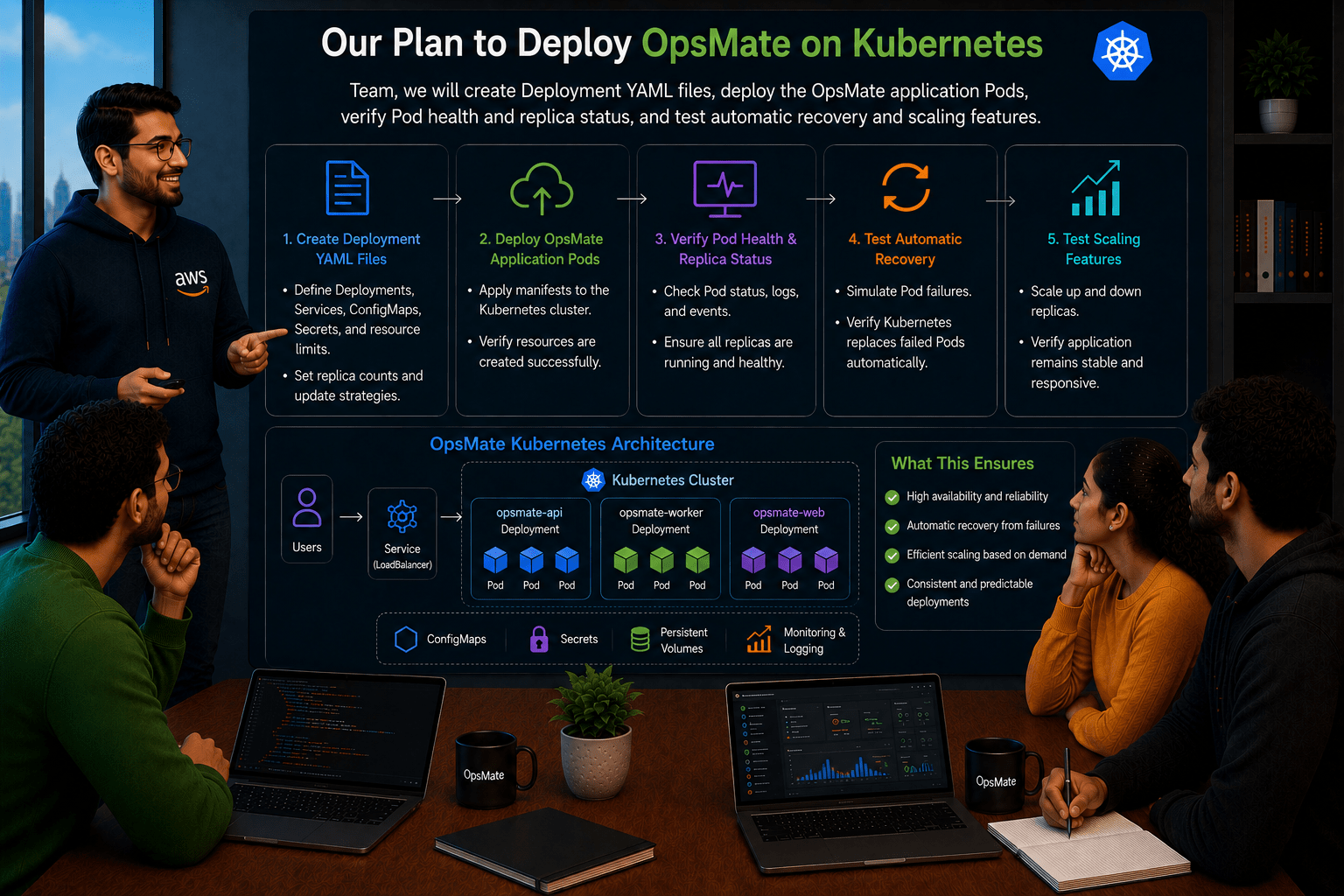
Team, we will create Deployment YAML files, deploy the OpsMate application Pods, verify Pod health and replica status, and test automatic recovery and scaling features.
Team:
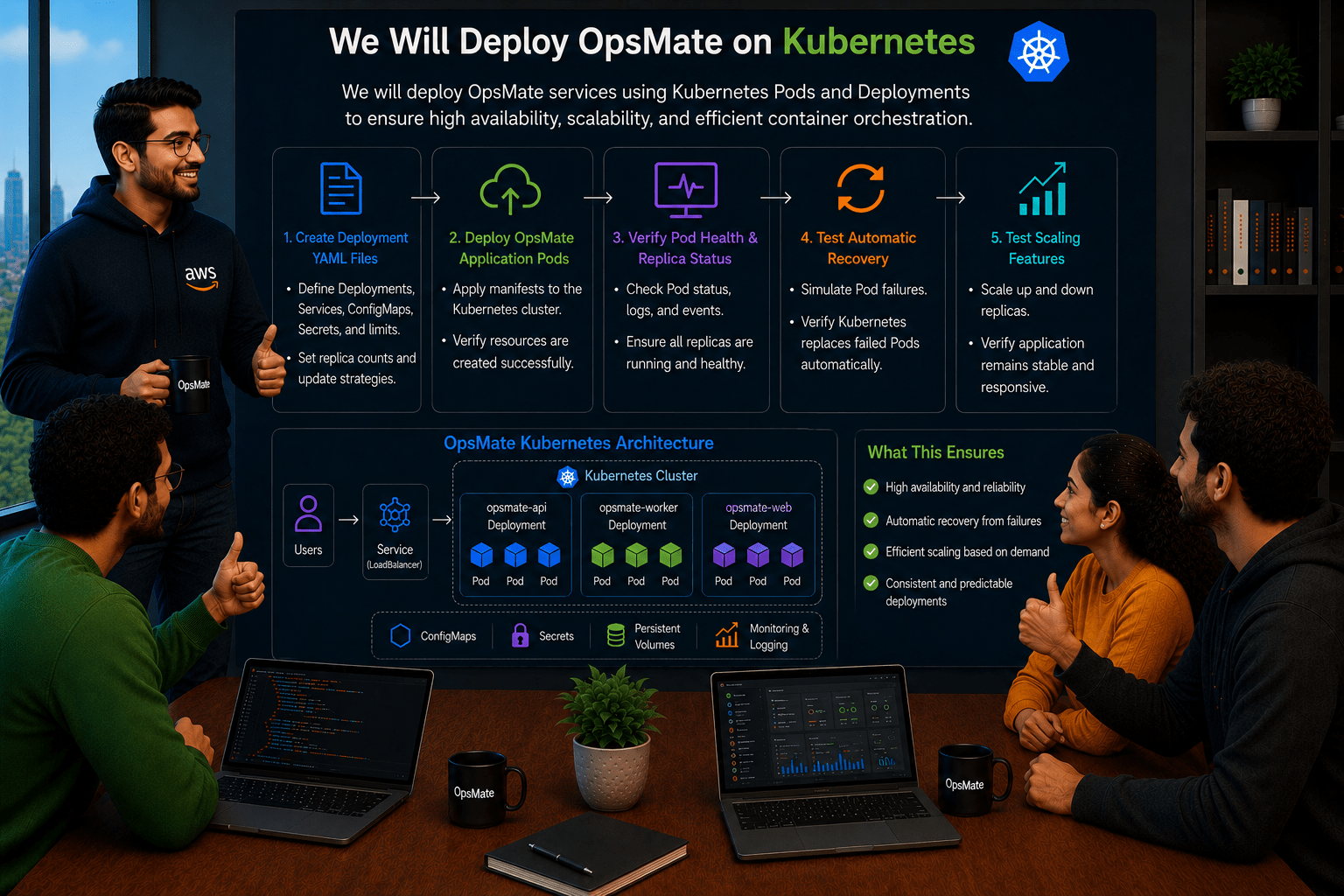
Understood. We will deploy OpsMate services using Kubernetes Pods and Deployments to ensure high availability, scalability, and efficient container orchestration.
Pre-Lab Preparation
- Ensure Docker, Kind, and kubectl are installed and the Kubernetes cluster is running properly.
- Revise Kubernetes core concepts: Namespace, Pod, Deployment, and Service.
- Practice basic kubectl commands to create, monitor, scale, and manage resources.
Task 1: Verify Kubernetes Cluster
Check cluster:
kubectl cluster-info

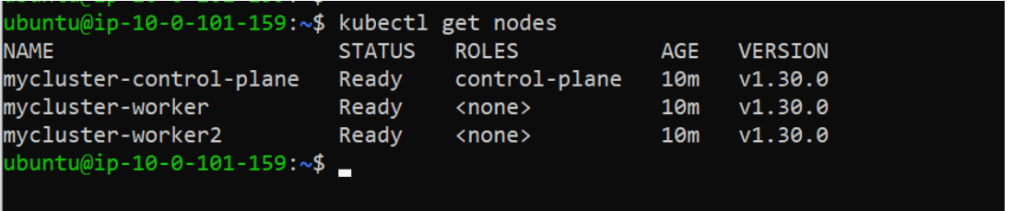
Check nodes:
kubectl get nodes
Task 2: Create Namespace
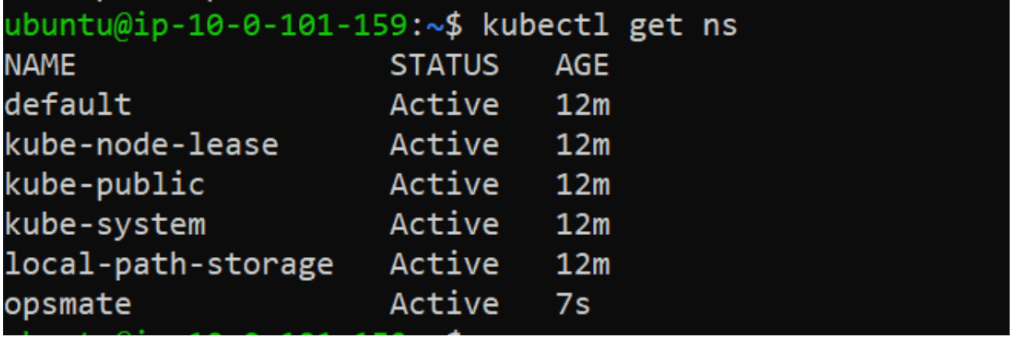
Create OpsMate namespace:
kubectl create namespace opsmate

Verify:
kubectl get ns
Switch to namespace:
kubectl config set-context --current --namespace=opsmate

Verify:
kubectl config view --minify | grep namespace
Task 3: Deploy First Nginx Pod
Create Pod:
kubectl run nginx-pod --image=nginx
Verify:
kubectl get pods

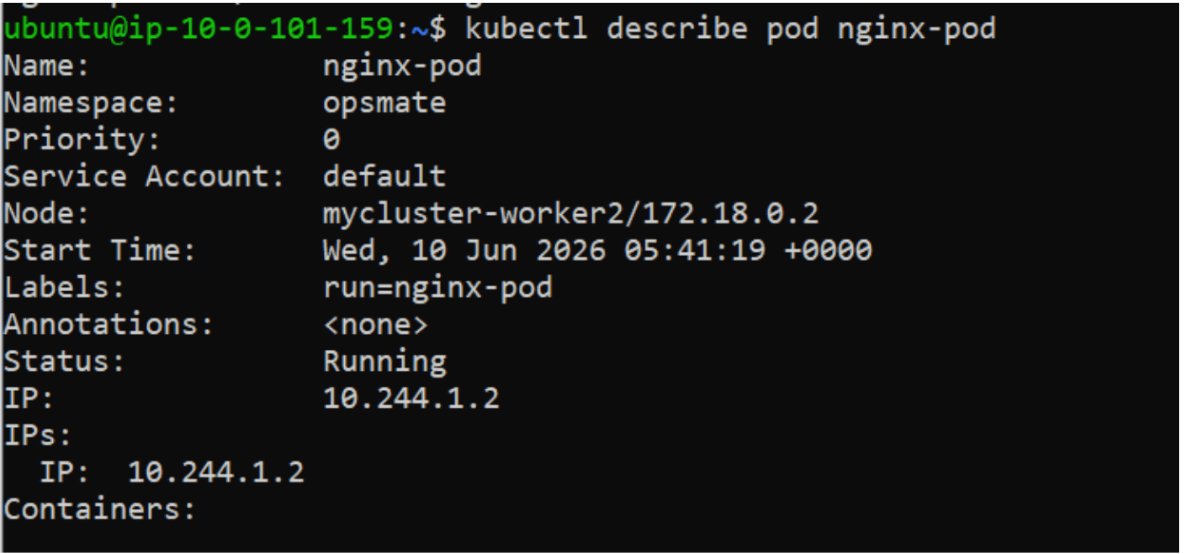
Detailed information:
kubectl describe pod nginx-pod
View logs:
kubectl logs nginx-pod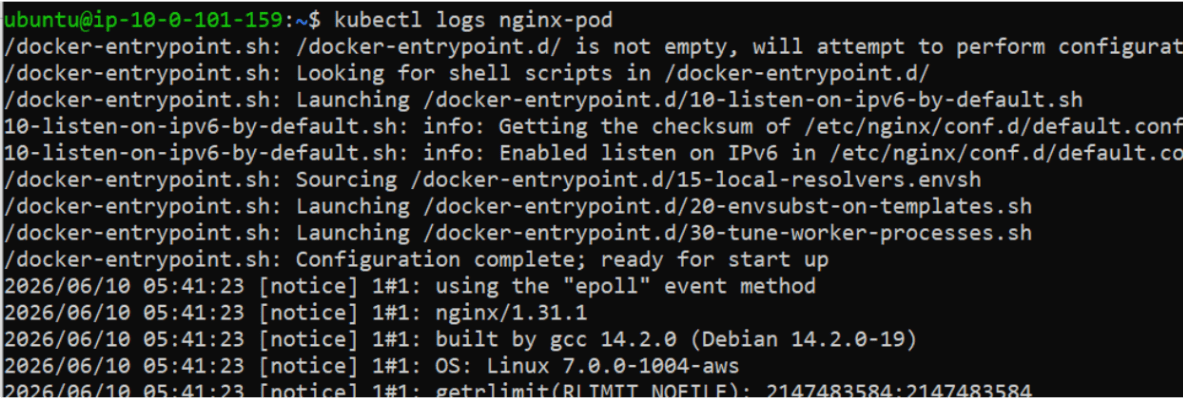
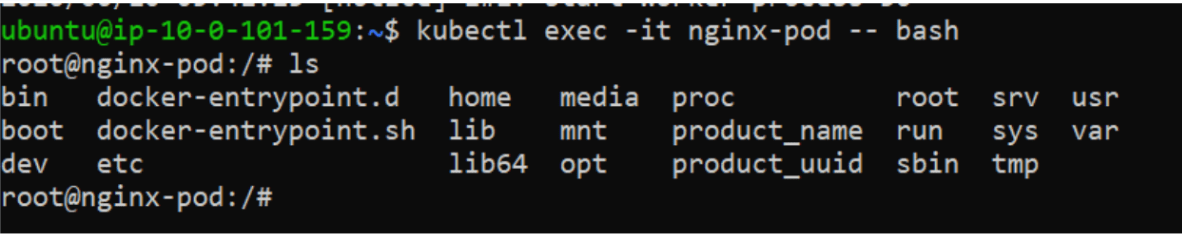
Access container:
kubectl exec -it nginx-pod -- bash
Exit:
exit
Delete Pod:
kubectl delete pod nginx-pod

Task 4: Create Deployment
Deploy Nginx using Deployment:
kubectl create deployment nginx-deployment --image=nginx
Verify:
kubectl get deployments
kubectl get pods

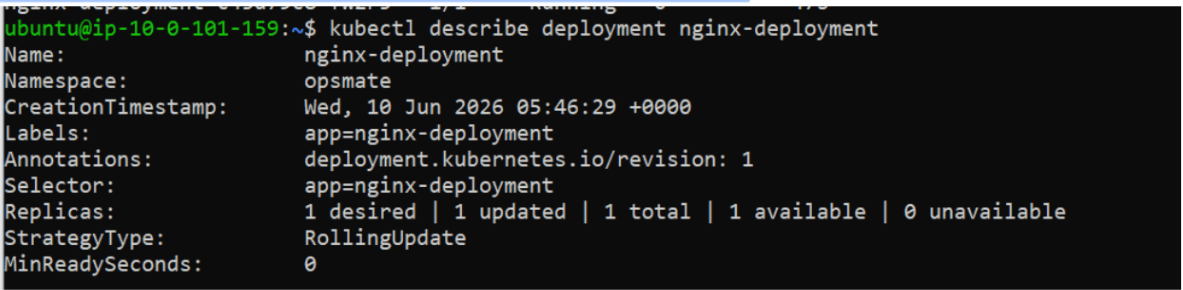
Describe deployment:
kubectl describe deployment nginx-deployment
Task 5: Scale Application
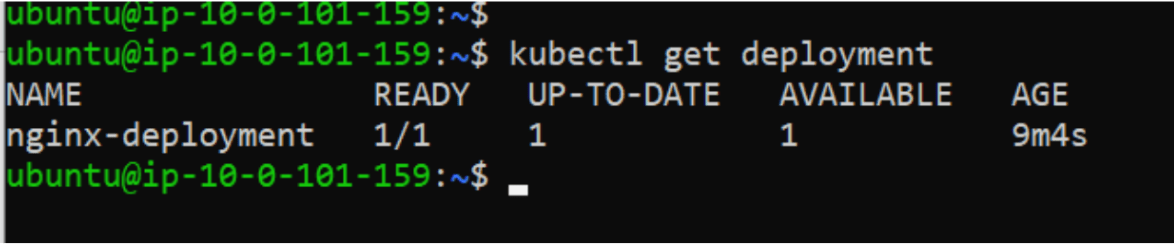
Current replicas:
kubectl get deployment
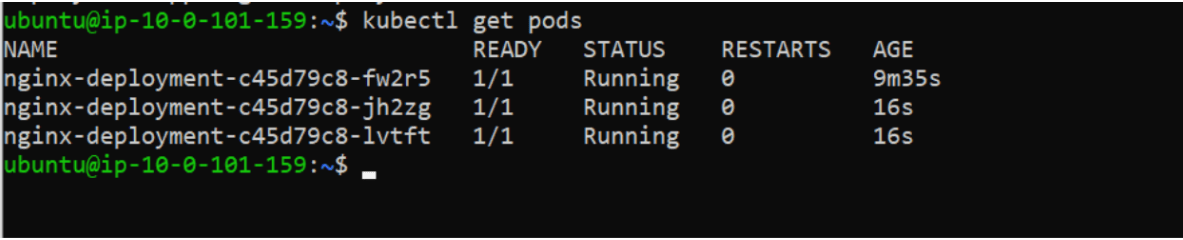
Scale to 3 Pods:
kubectl scale deployment nginx-deployment --replicas=3

Verify:
kubectl get pods
Scale to 5 Pods:
kubectl scale deployment nginx-deployment --replicas=5

Verify:
kubectl get pods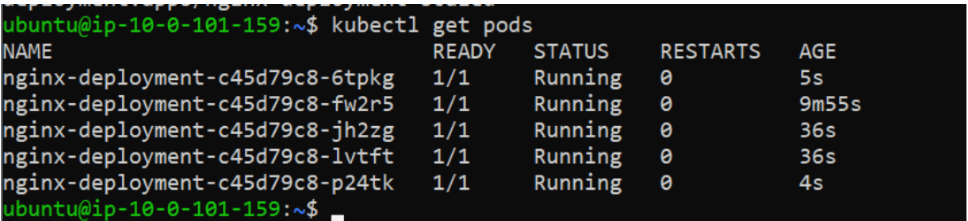
Scale back:
kubectl scale deployment nginx-deployment --replicas=2

Task 6: Expose Application using Service
Create Service:
kubectl expose deployment nginx-deployment --type=NodePort --port=80
Verify:
kubectl get svc

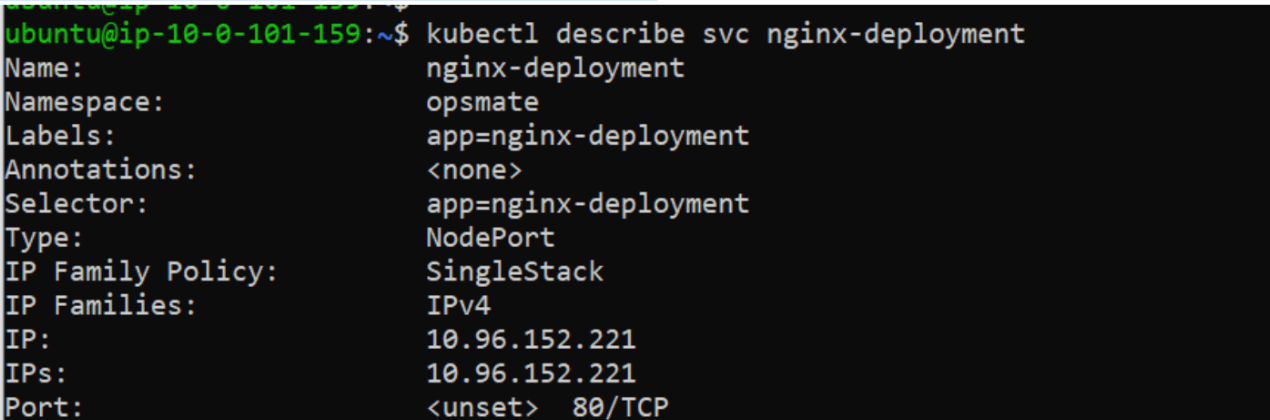
Describe Service:
kubectl describe svc nginx-deployment
Check Endpoints:
kubectl get endpoints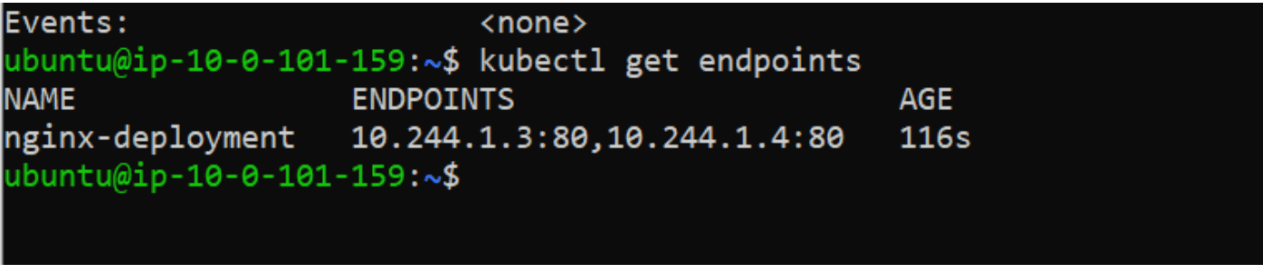
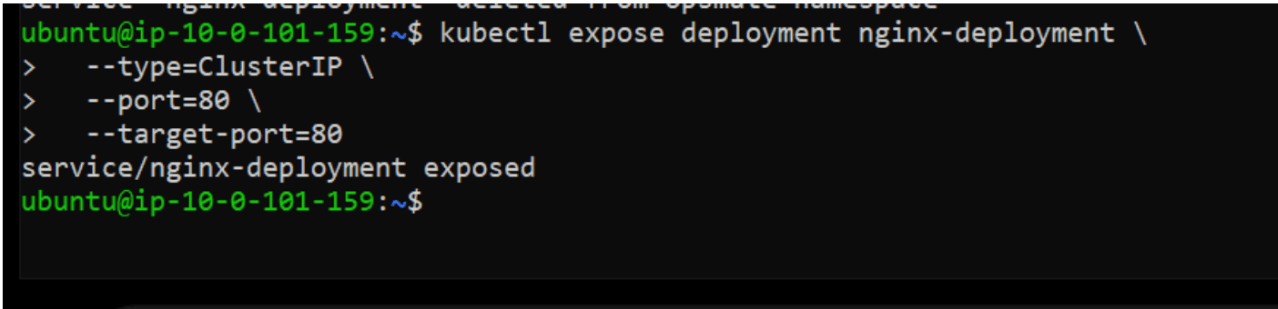
kubectl expose deployment nginx-deployment \
  --type=ClusterIP \
  --port=80 \
  --target-port=80
kubectl get svc

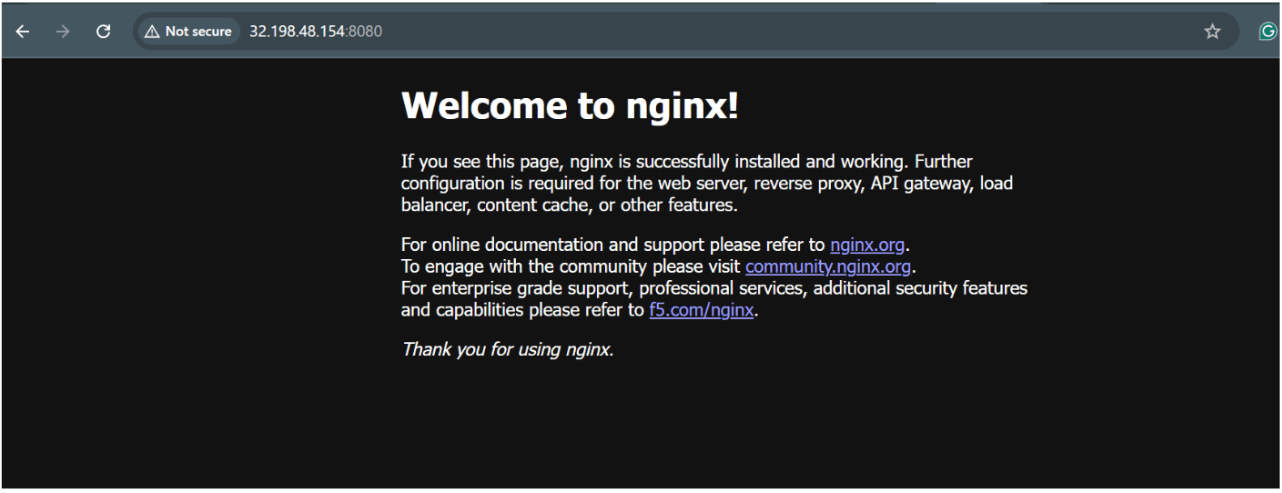
kubectl port-forward svc/nginx-deployment 8080:80 --address 0.0.0.0

Now open browser
Pastes its ip and then:8080
Task 7: Monitor Workloads
View Pods:
kubectl get pods

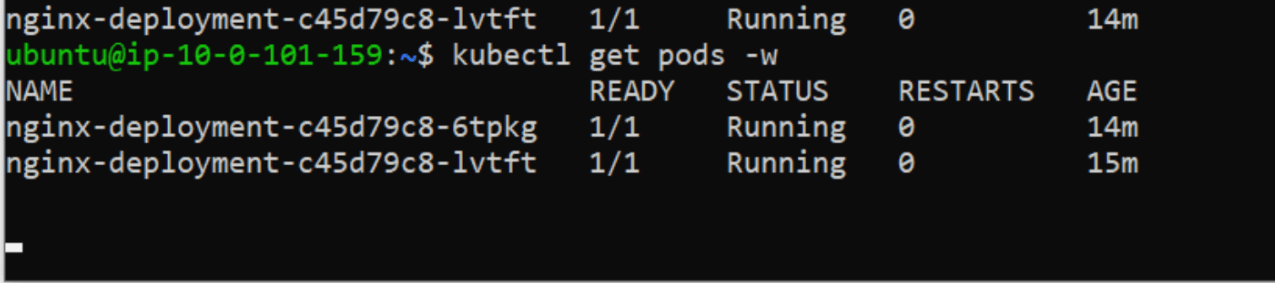
Watch Pods:
kubectl get pods -w
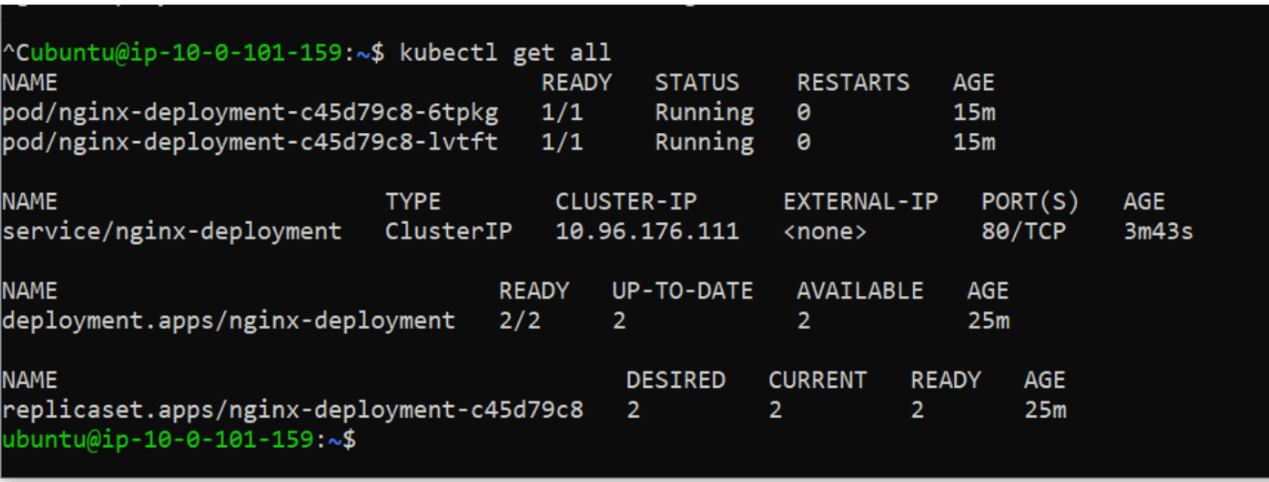
kubectl get all
Task 7: Cleanup
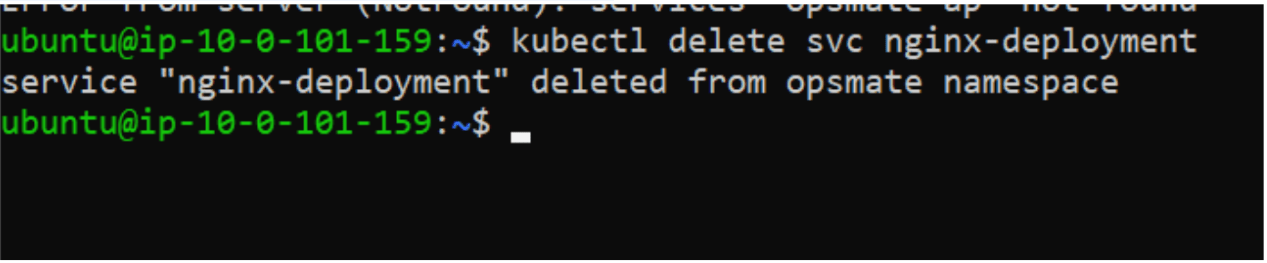
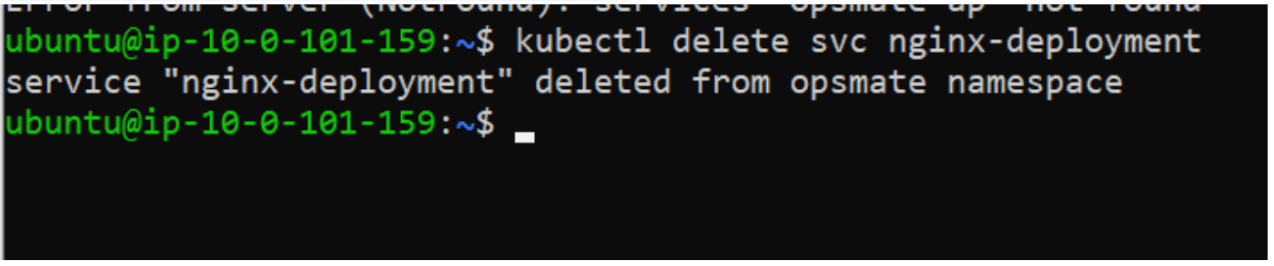
Delete Nginx Service:
kubectl delete svc nginx-deployment
Delete Nginx Deployment:
kubectl delete deployment nginx-deployment

Delete Namespace:
kubectl delete namespace opsmate

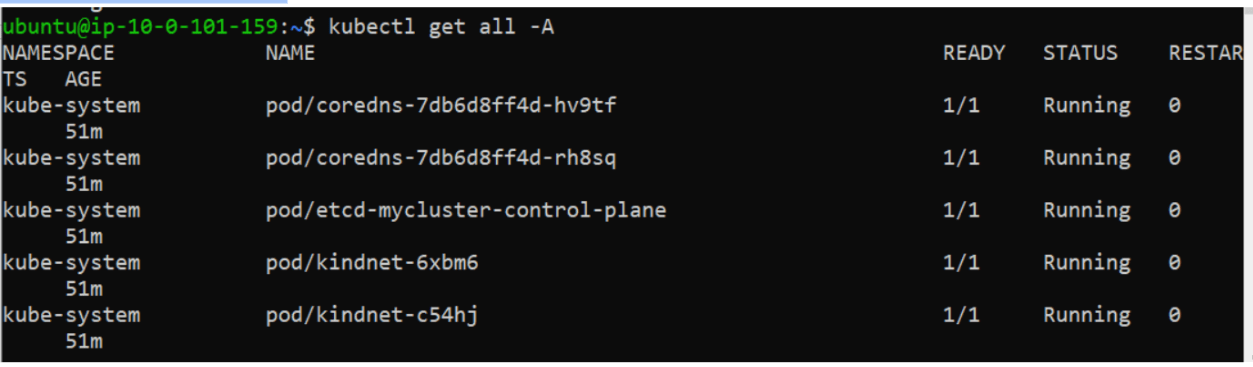
Verify:
kubectl get all -A
kind get clusters
kind delete cluster --name mycluster

Great job!
-
Created Namespace
-
Deployed Nginx Psod
-
Created Deployments
-
Managed Replica Scaling
-
Exposed Applications using Services
-
Monitored Pods and Deployments
-
Managed Kubernetes Resources using kubectl
Checkpoint