Content ITV PRO
This is Itvedant Content department
Make Package Structure And Implementing GET APIs for Patient
Business Scenario
In this lab, you will create the required packages, implement Patient GET APIs (Get All & Get By Id), and run the Spring Boot application to verify the output in the browser.
Pre-Lab Preparation
Basic knowledge of Spring Boot
Understanding of layered architecture
REST API basics
Task 1: Create Package Structure
1
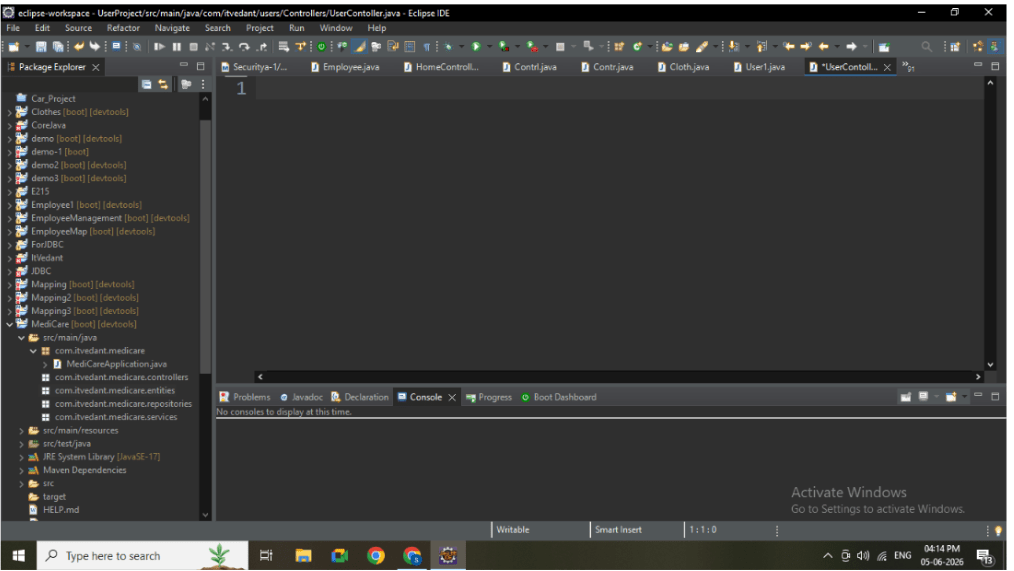
Open your Spring Boot project in Eclipse
2
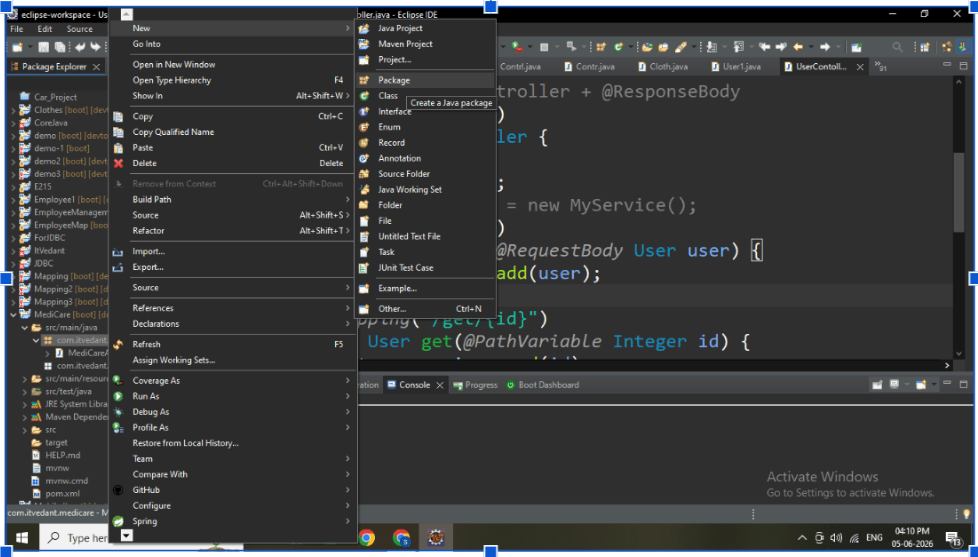
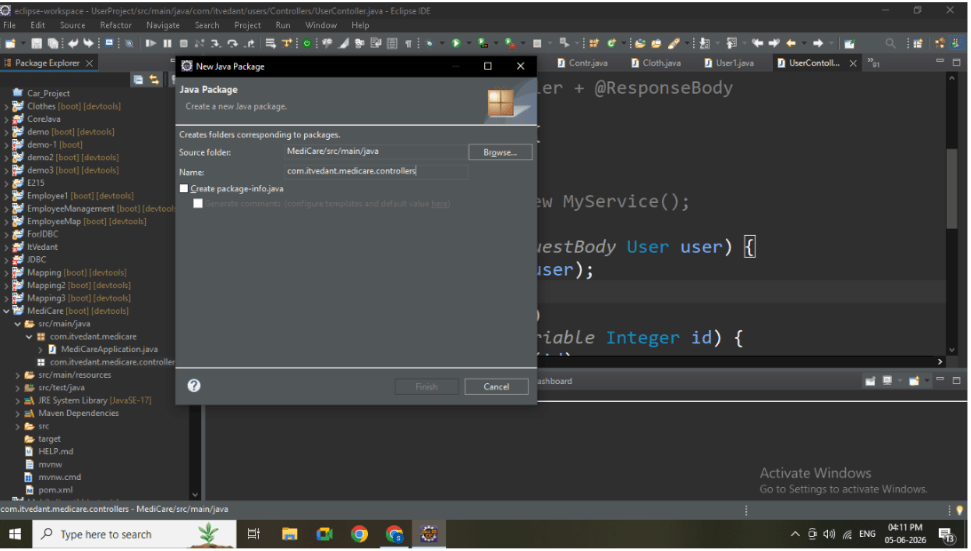
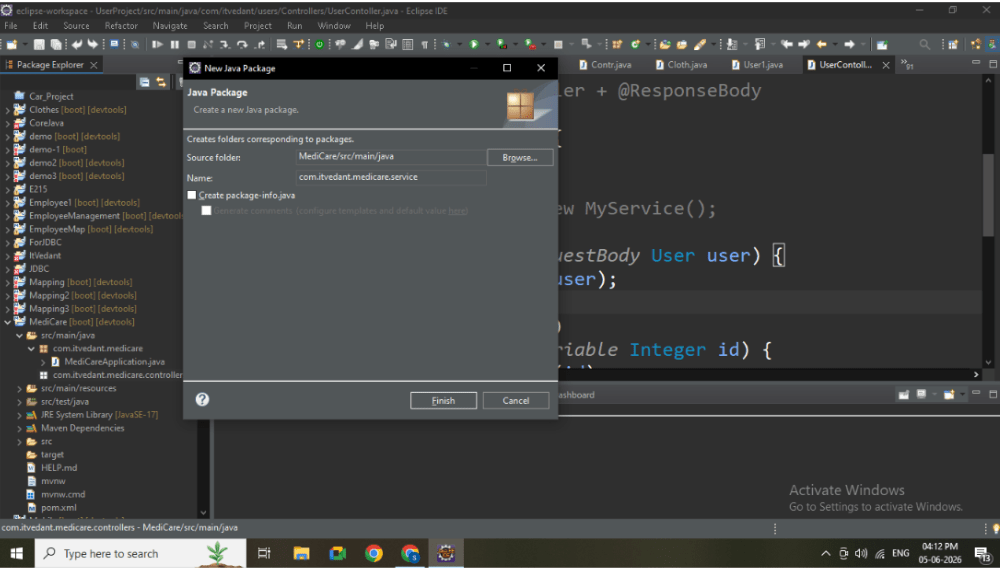
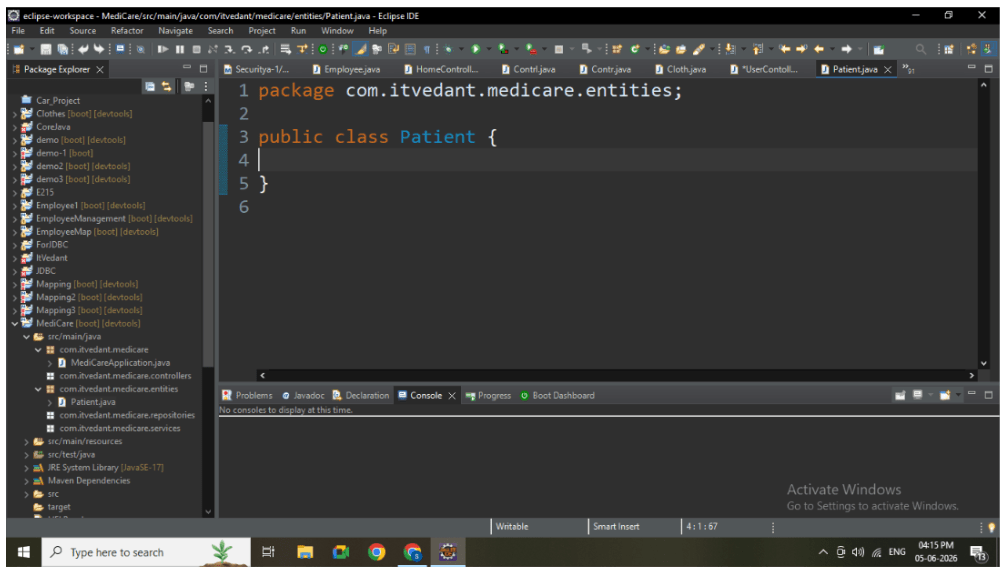
Create packages inside base package:
Base Package : com.itvednat.medicare
Create following packages:
entities
repositories
services
Controllers
Then Create Remaining Packages.
Task 2: Create Entity Class
1
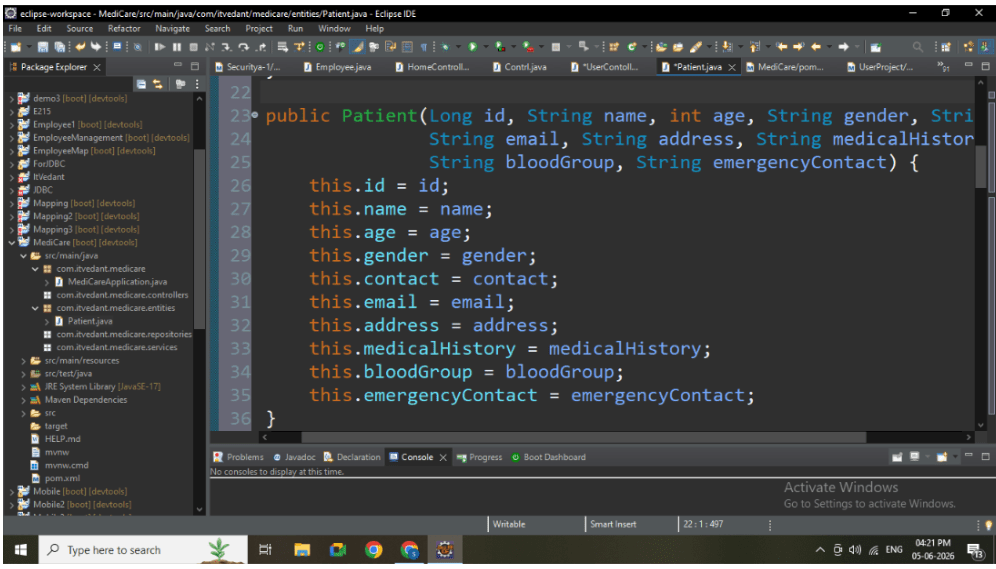
Inside entity package, create: Patient.java
2
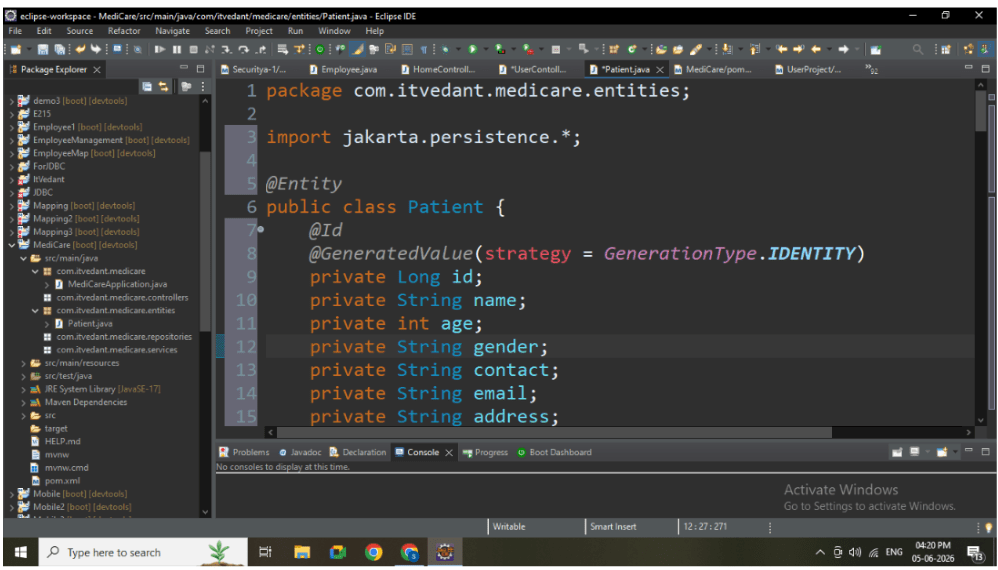
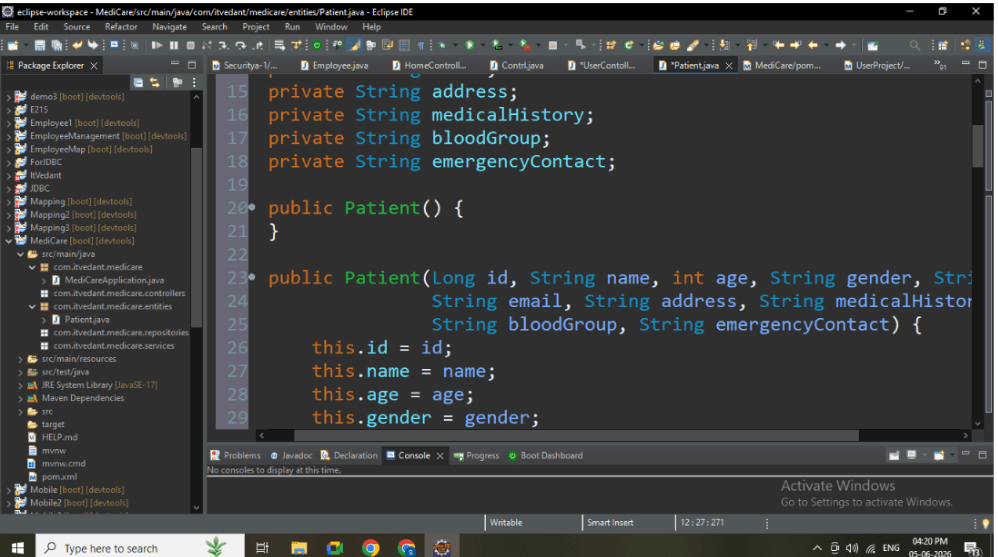
Add all attributes and annotations
public class Patient {
   @Id
   @GeneratedValue(strategy = GenerationType.IDENTITY)
   private Long id;
   private String name;
   private int age;
   private String gender;
   private String contact;
   private String email;
   private String address;
   private String medicalHistory;
   private String bloodGroup;
   private String emergencyContact;
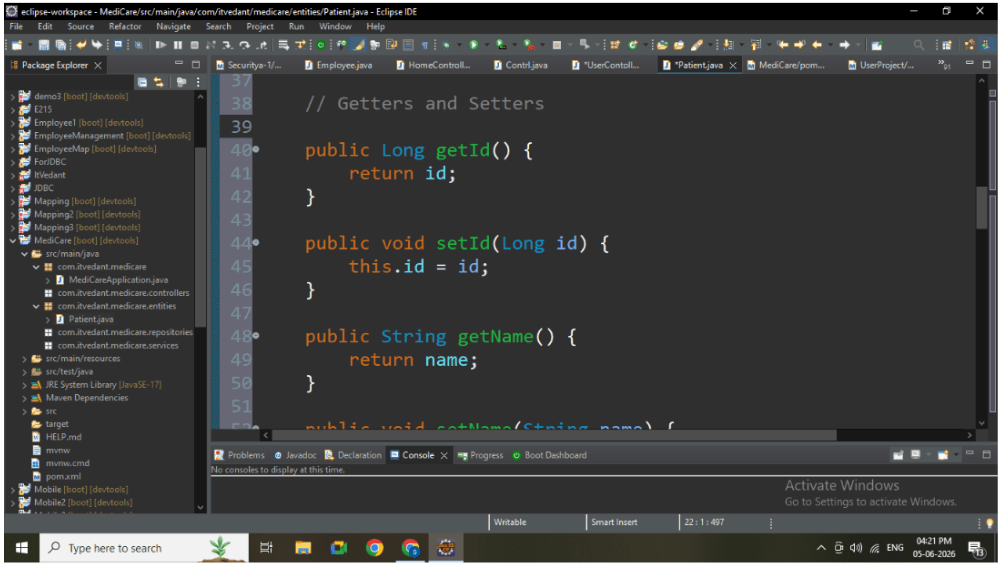
(Patient Entity Code)
Task 3: Create Repository Layer
1
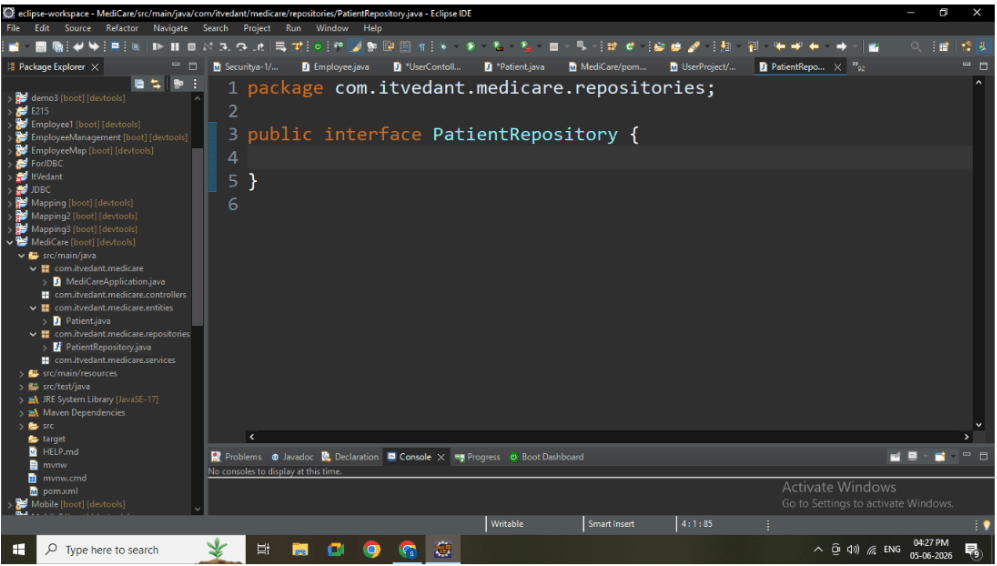
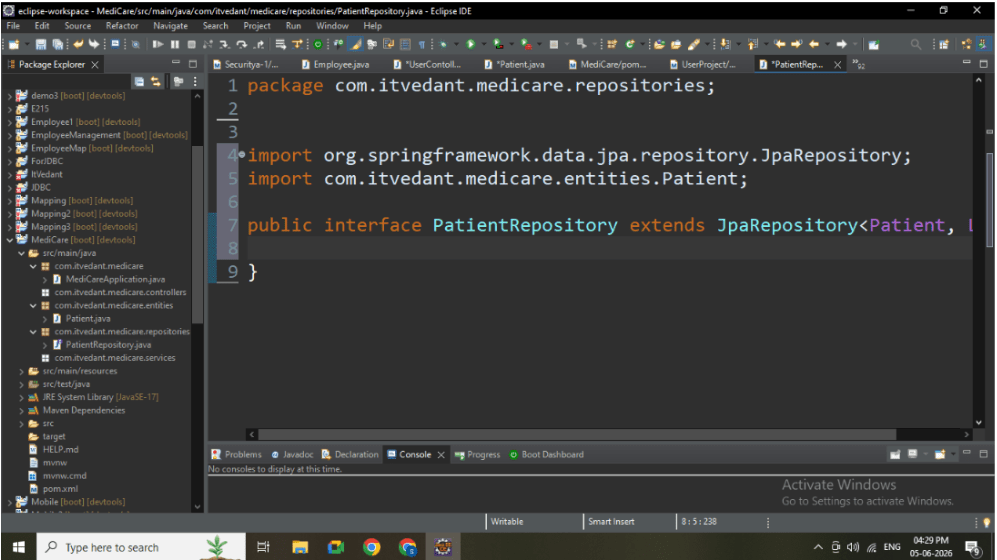
Inside repository package, create: PatientRepository.java
2
Extend JpaRepository
Task 4: Create Service Layer
1
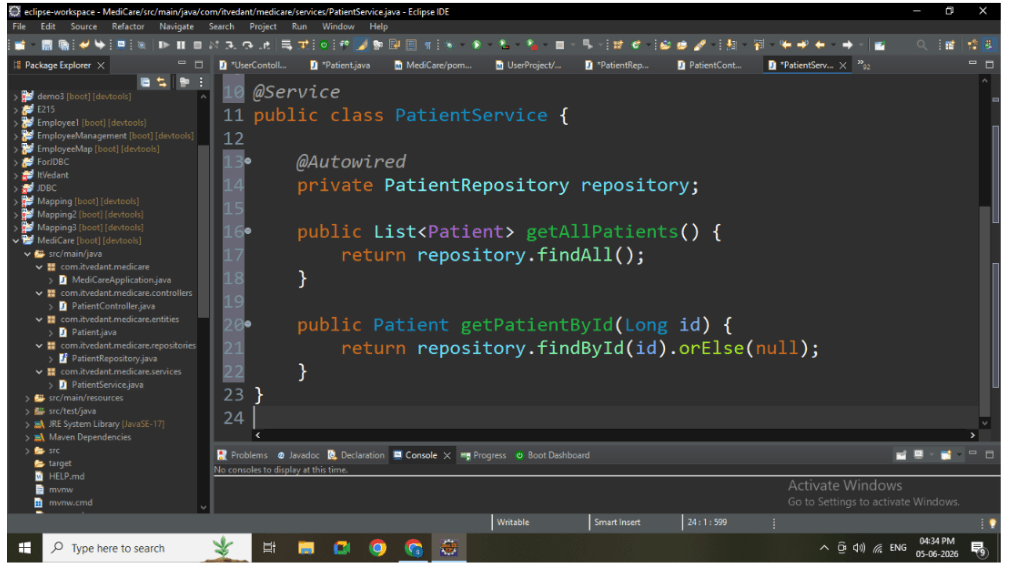
Inside service package, create:PatientService.java
2
Add method declarations:
getAllPatients()
getPatientById()
Task 5: Create Controller Layer
1
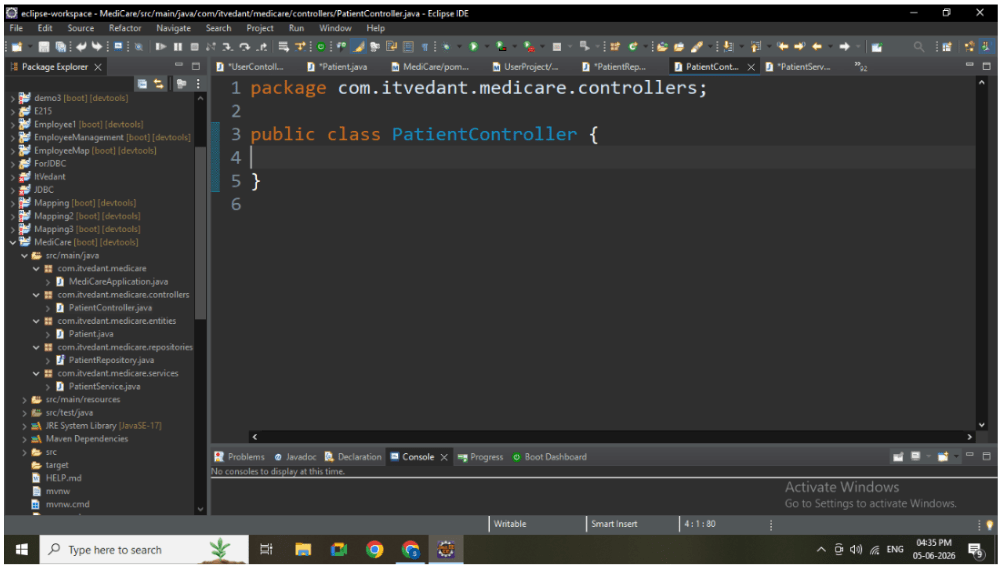
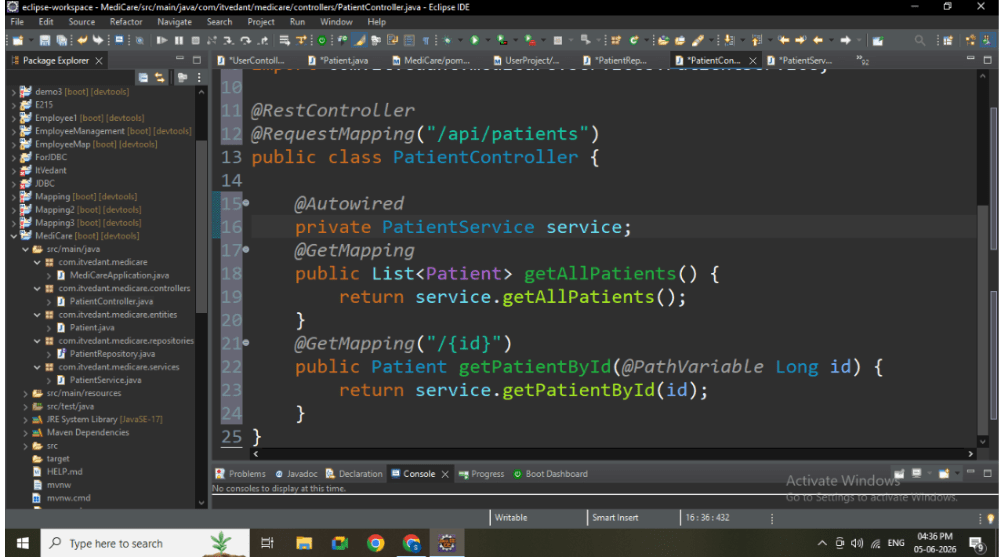
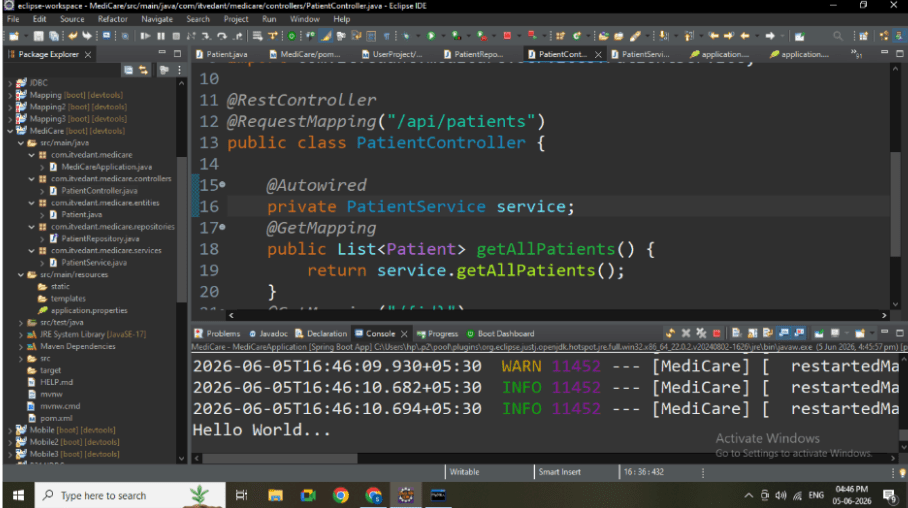
Inside controller package, create:PatientController.java
2
Add REST APIs:
GET All Patients
GET Patient by ID
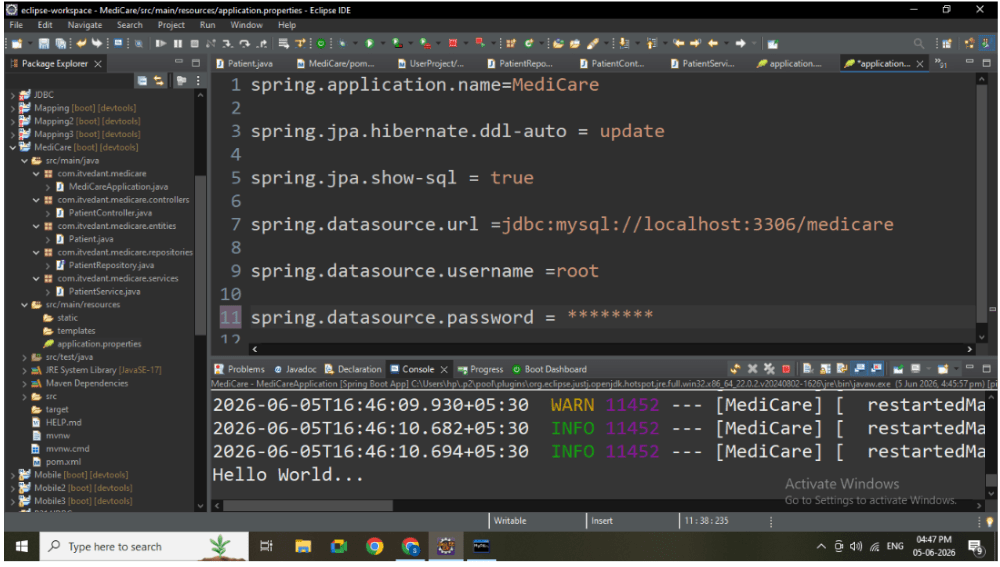
Task 6: Create Application.properties
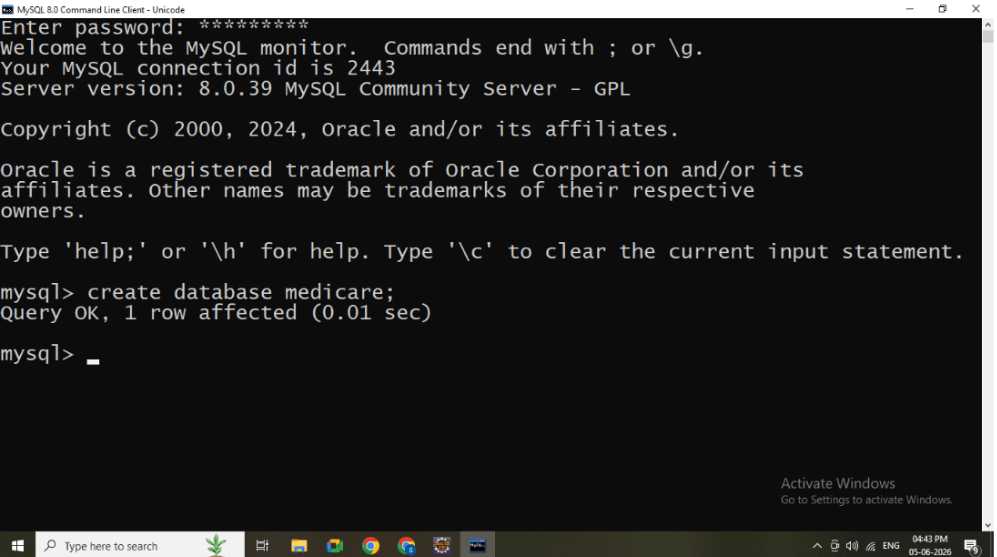
Create database in mysql with name :
Now create Application.properties
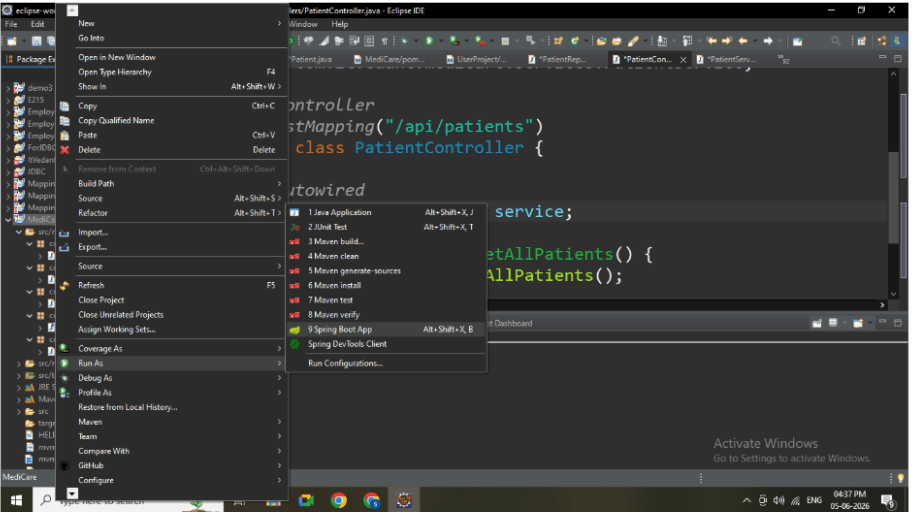
Task 7: Understanding BRDRun Spring Boot Application
1
Open main class
2
Right-click → Run As → Spring Boot App
3
Wait for message: Tomcat started on port 8080
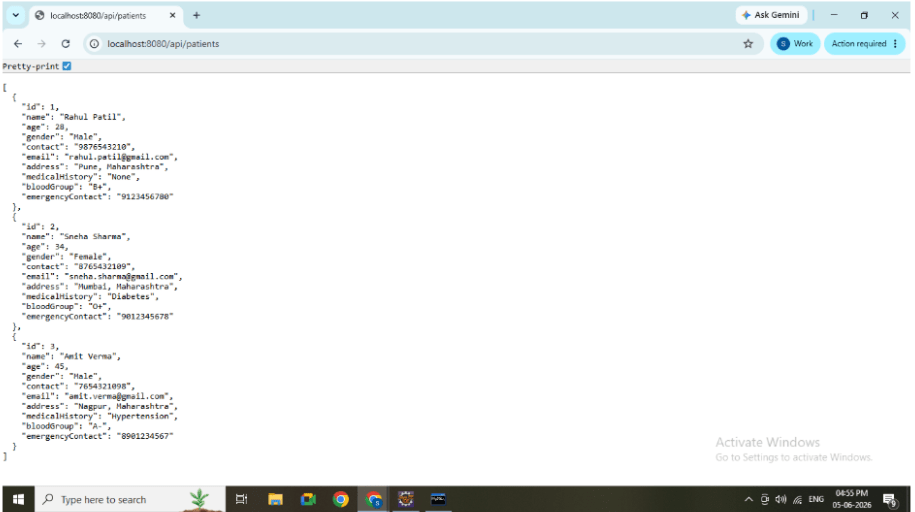
Task 8: Test APIs in Browser
1
Open browser
2
Test GET ALL: http://localhost:8080/api/patients
Great job!
Created package structure
Implemented Entity, Repository, Service, Controller
Built GET APIs
Successfully tested APIs in browser
Checkpoint
By Content ITV