





Content ITV PRO
This is Itvedant Content department
Learning Outcome
6
Control ad frequency to improve performance
5
Select appropriate retargeting duration and limits
4
Apply effective retargeting ad strategies
3
Use pixels and platforms for audience tracking
2
Identify and create different retargeting audiences
1
Understand retargeting and how it works
Aman & The Mall Store
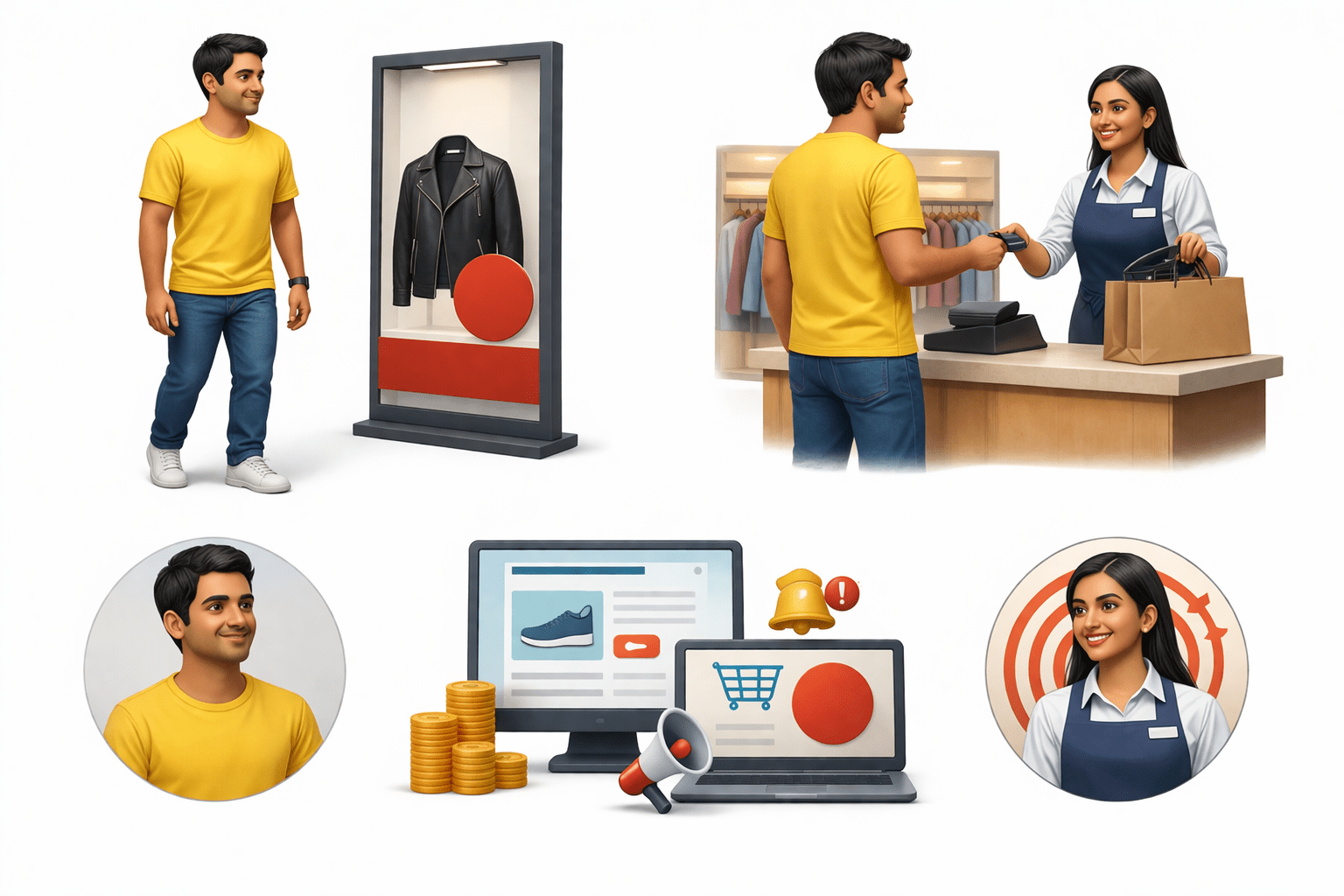
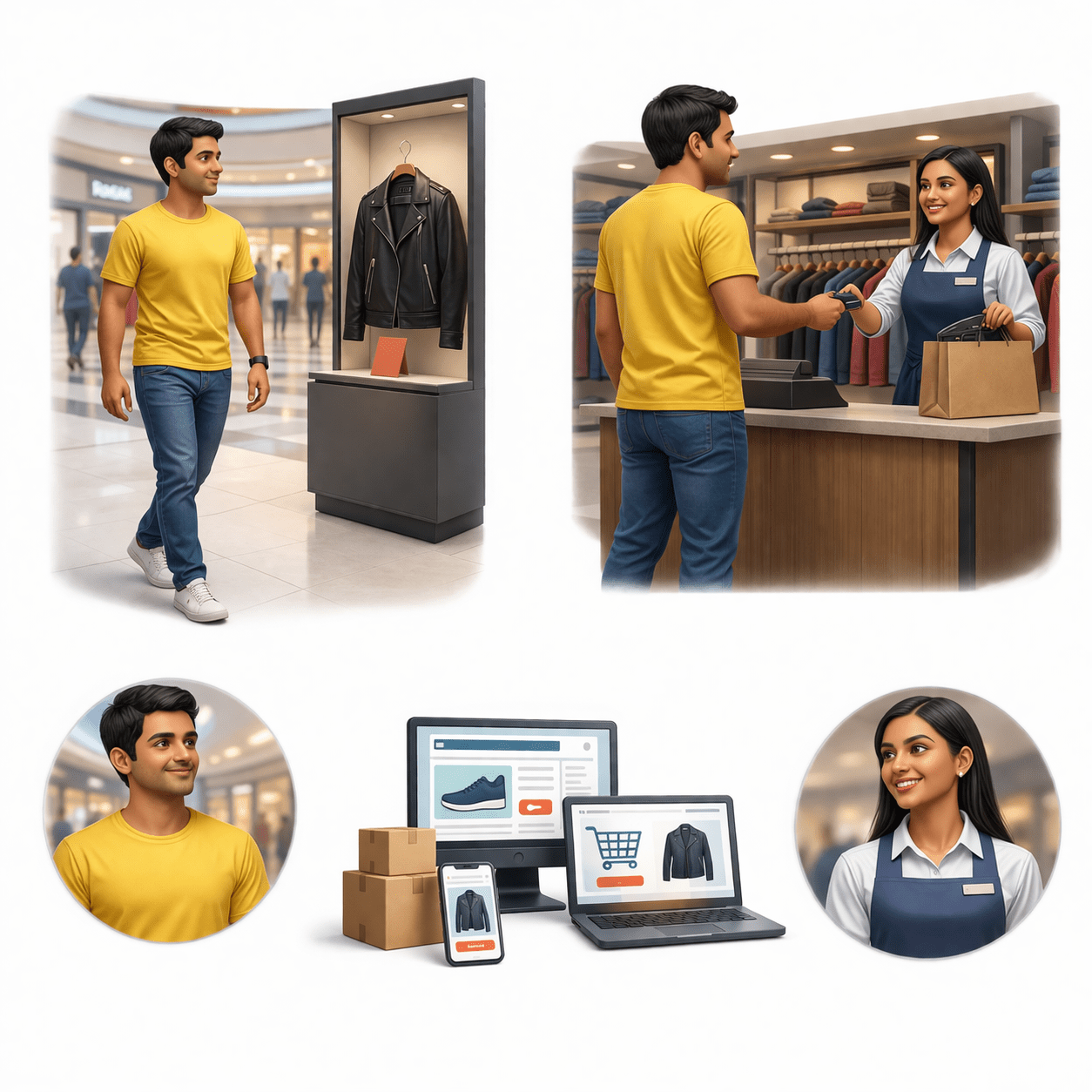
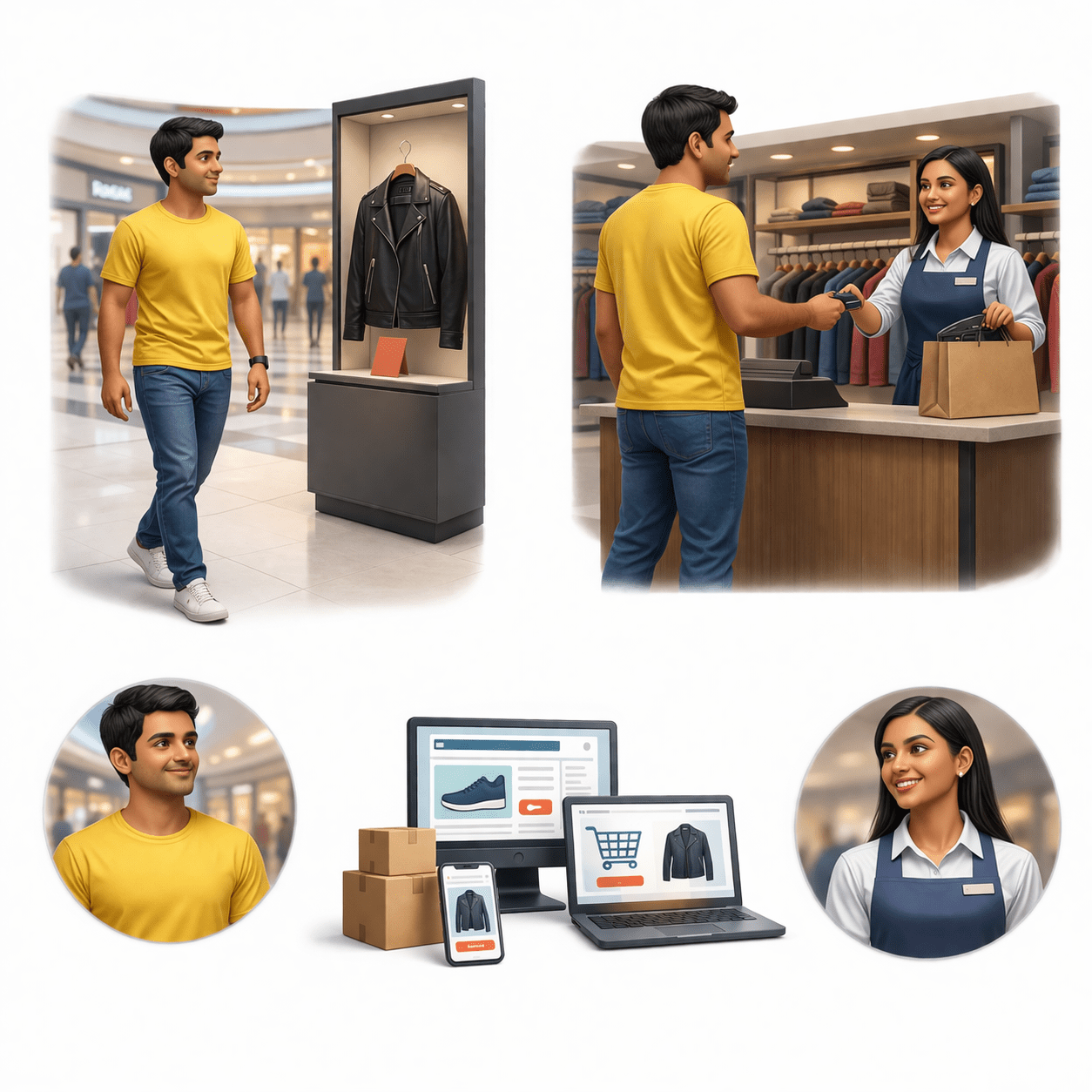
Aman goes to a mall one weekend
And leaves the store
He enters a clothing store and checks out a stylish jacket
Likes it but thinks, “I’ll buy it later.”
Looks at himself in the mirror
Aman & The Mall Store
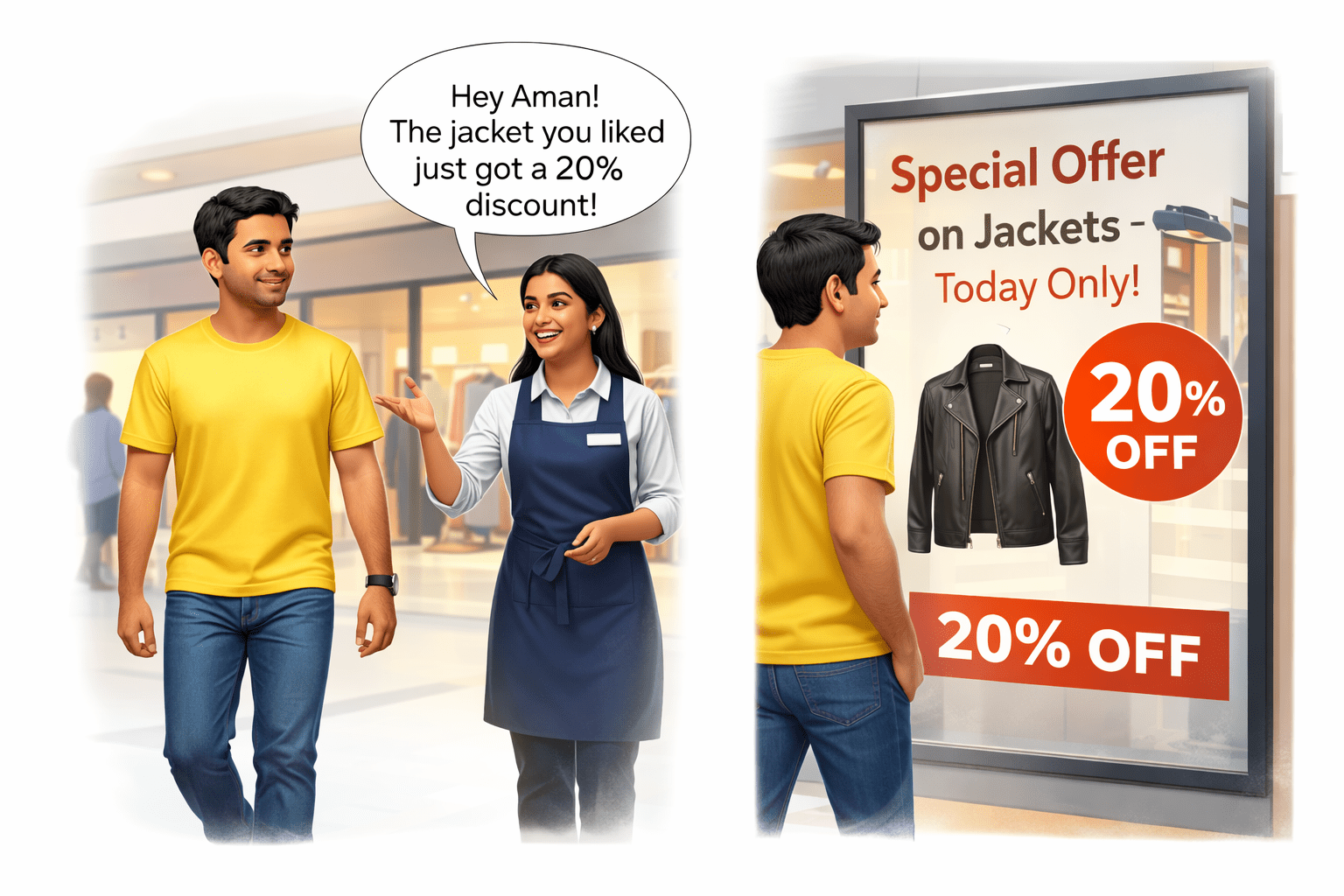
As Aman is walking around the mall...
A salesperson from the same store, Neha, notices him and says:
At the same time, Aman also sees a big poster outside:
Aman & The Mall Store
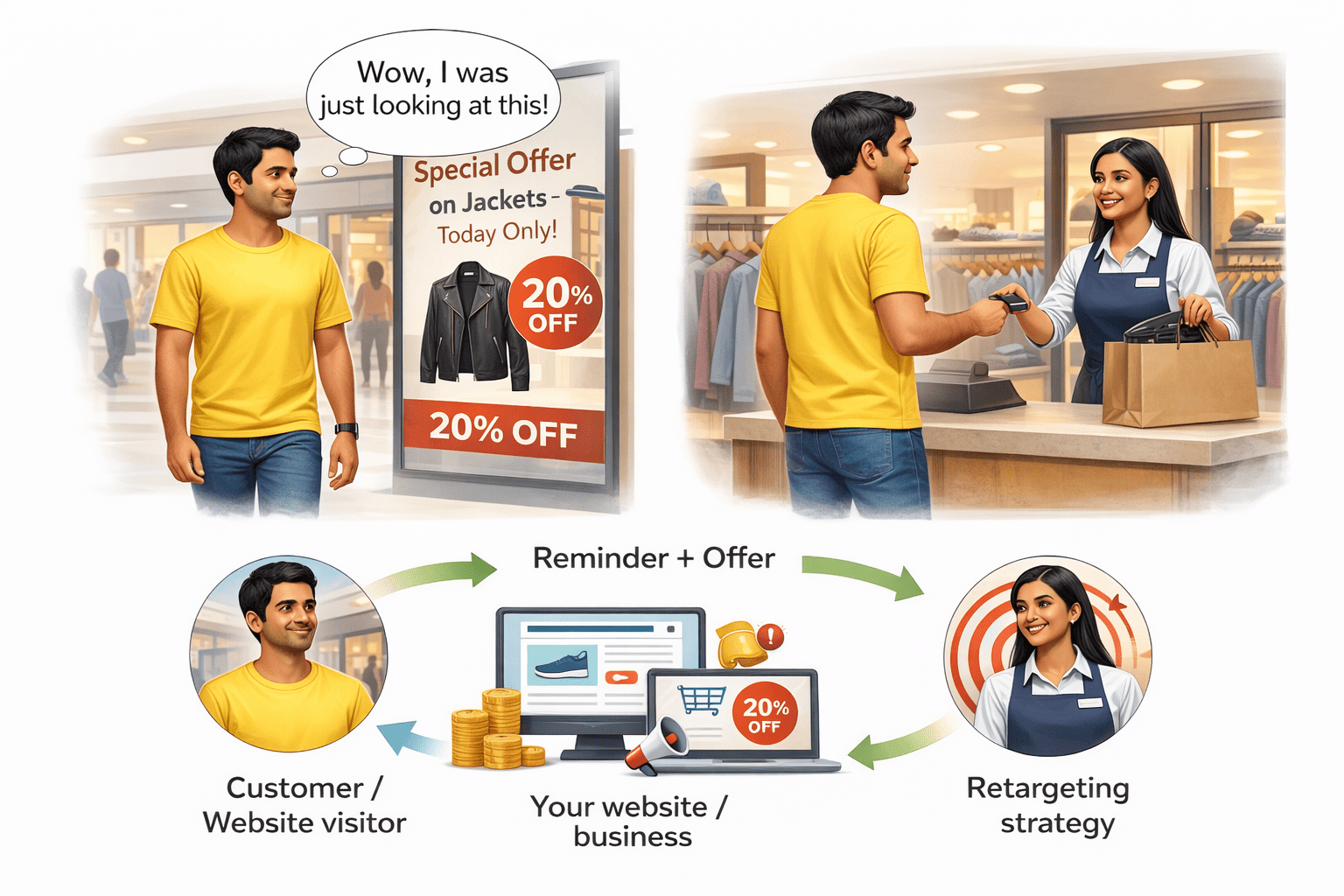
Result?
Aman thinks:
He goes back into the store and buys the jacket
Concept Connection
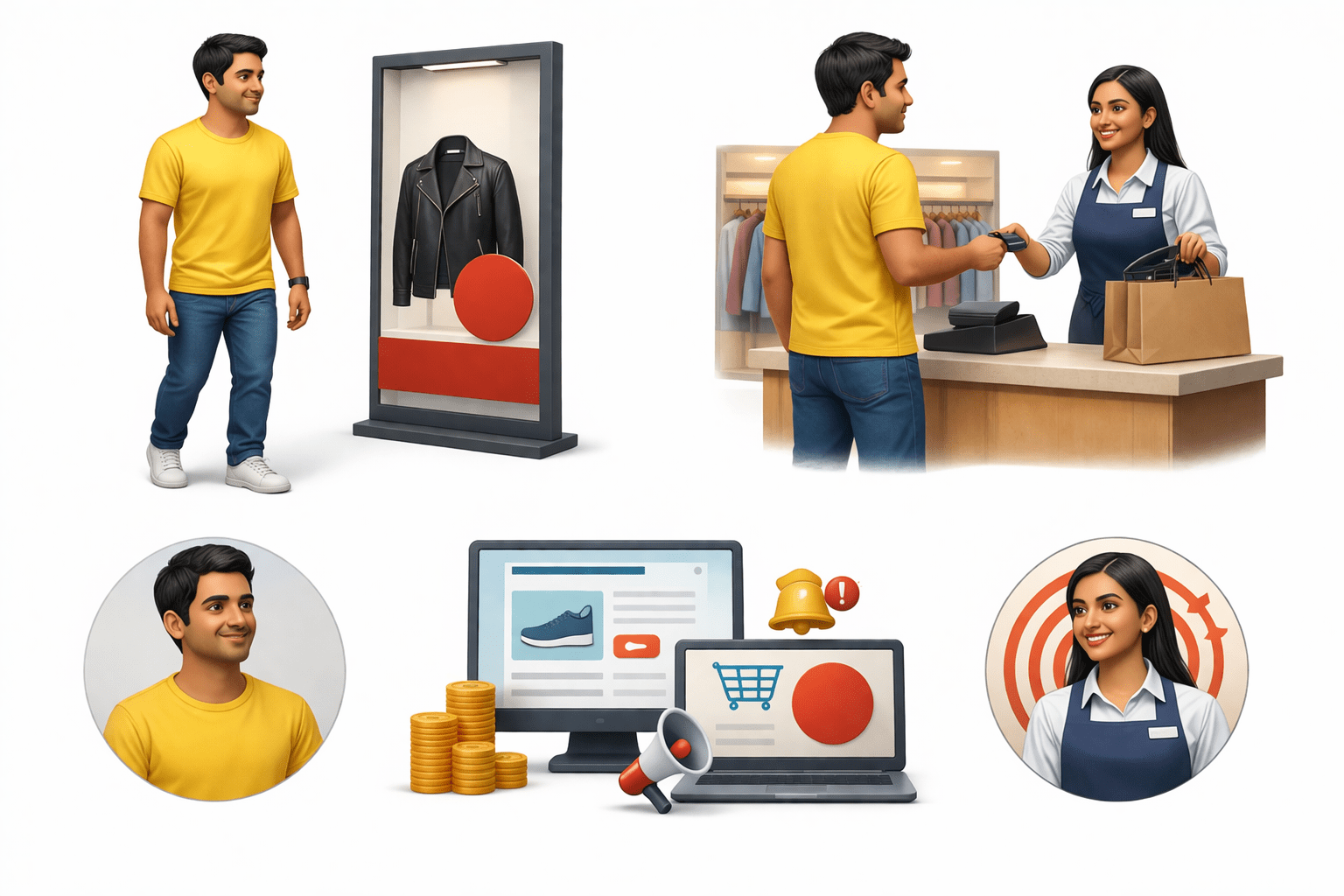
Aman = Customer / Website visitor
Store = Your website/business
Neha (salesperson) = Retargeting strategy
Reminder + offer = Retargeting ads
Concept Connection
“Retargeting is when a business reminds a customer about something they already showed interest in, to bring them back and complete the purchase.”
Just like Neha reminded Aman about the jacket he liked and brought him back to the store, in digital marketing retargeting reminds website visitors about products they showed interest in and brings them back through ads.
Retargeting And How It Works
Targets users who interacted with your brand but didn’t convert.
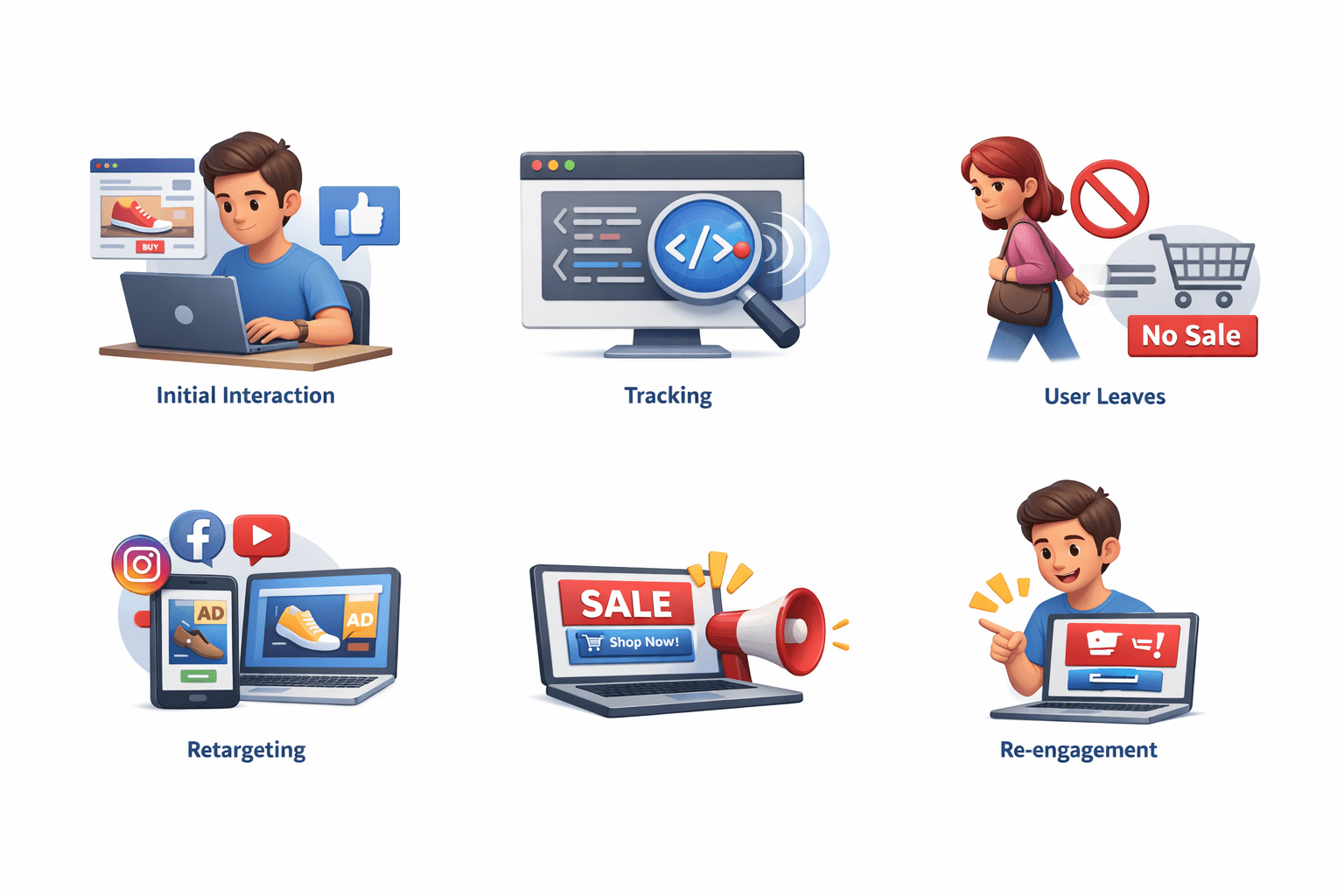
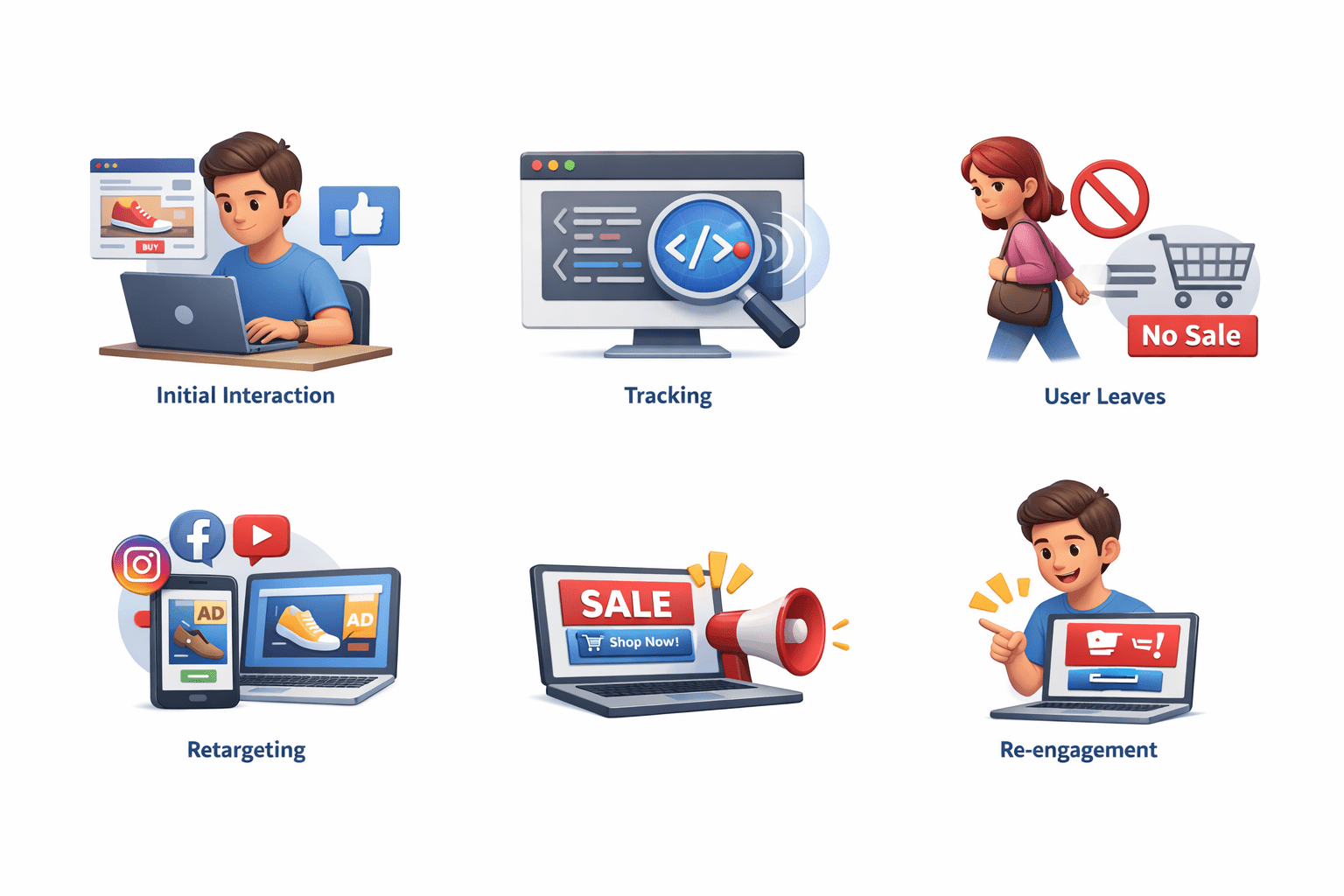
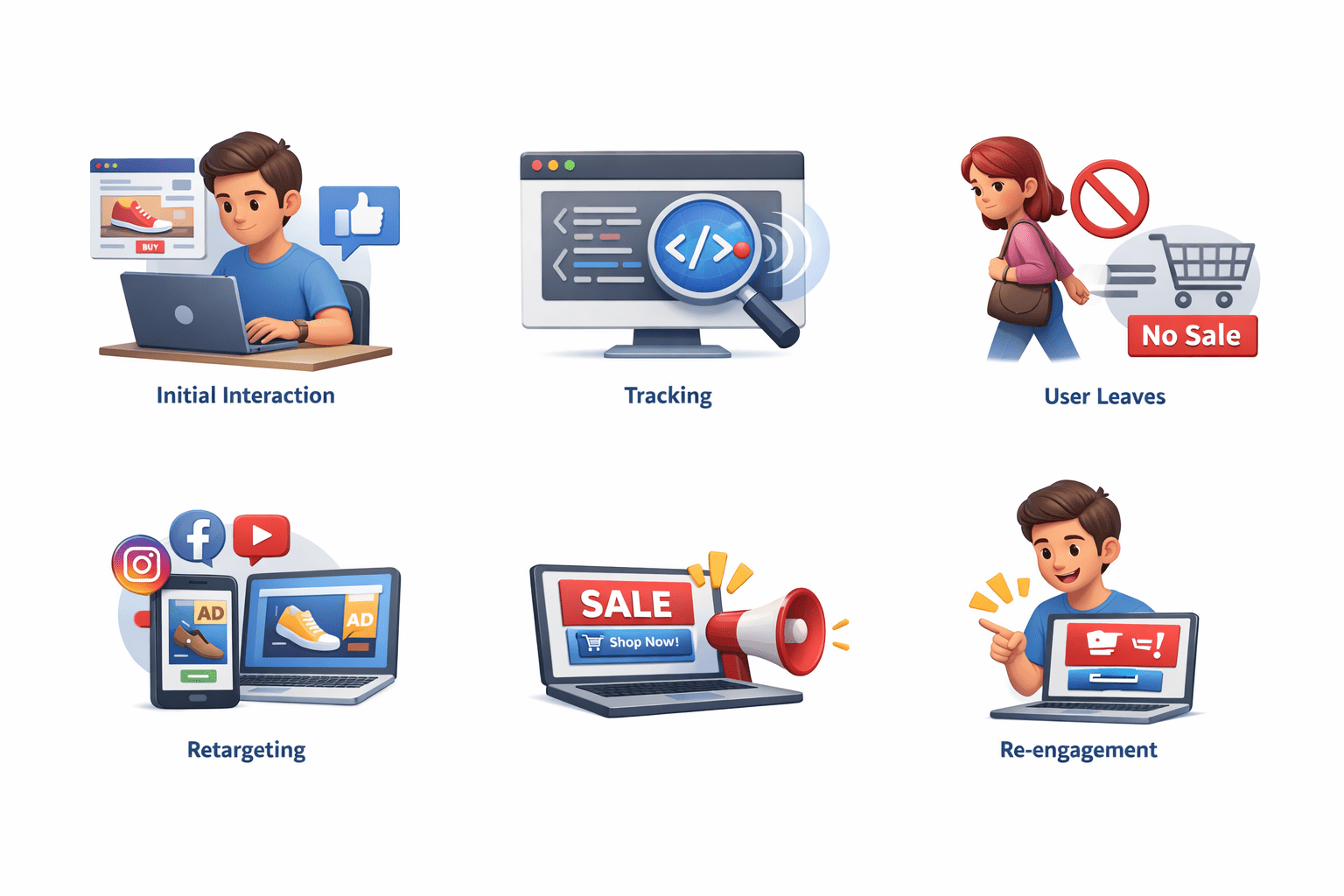
How Retargeting Works
Initial Interaction
User visits website / watches video / engages
Tracking
Pixel/tag captures interaction
Retargeting And How It Works
User Leaves
No conversion (purchase/sign-up)
Retargeting
Sees ads on other platforms
Re-engagement
Ad brings user back to act
Conclusion:
Recovers lost leads, increases conversions
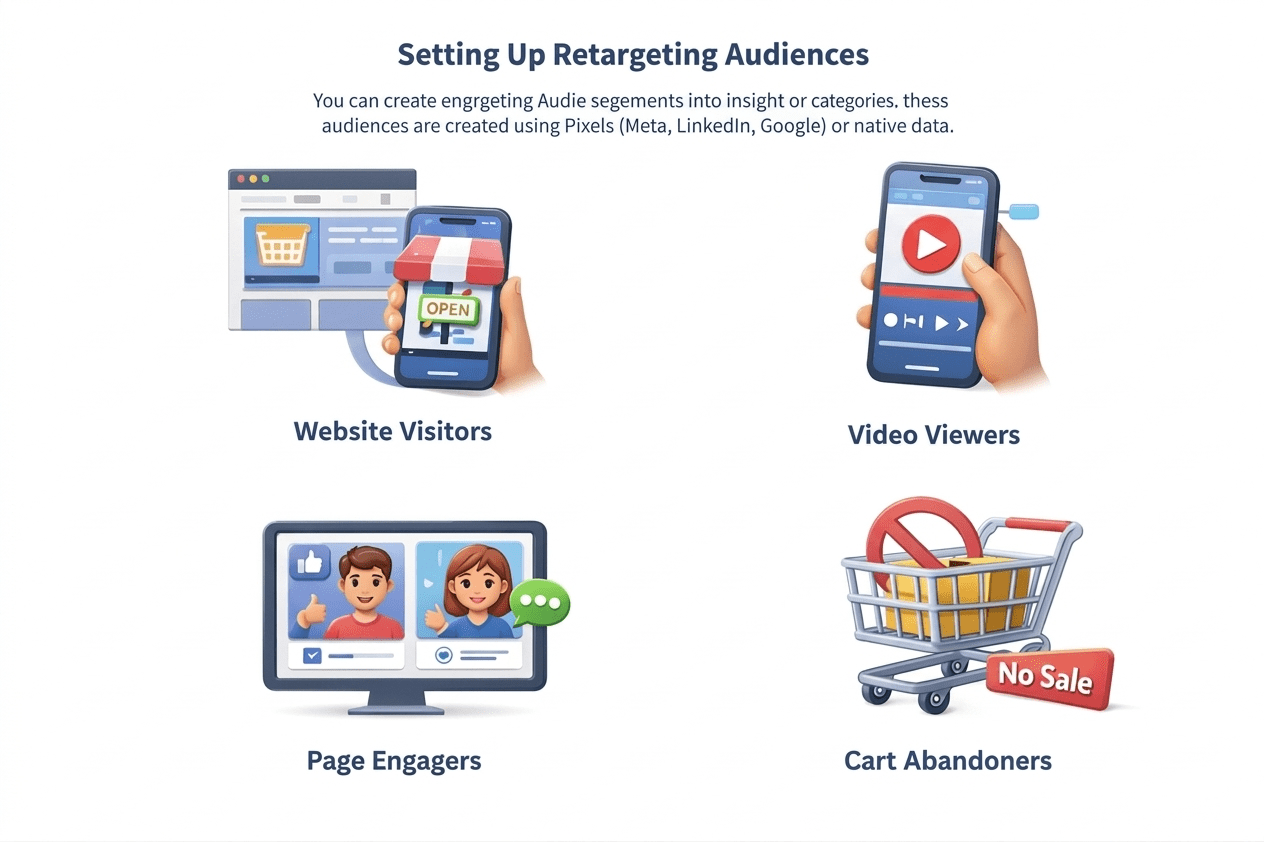
Setting Up Retargeting Audiences
You can create retargeting audiences based on multiple user actions. These audiences are created using Pixels (Meta, LinkedIn, Google) or native platform settings.
Types Of Audiences
Website Visitors
Visited specific pages
Video Viewers
Watched video (partial/full)
Page Engagers
Liked, commented, shared
Cart Abandoners
Added to cart, no purchase
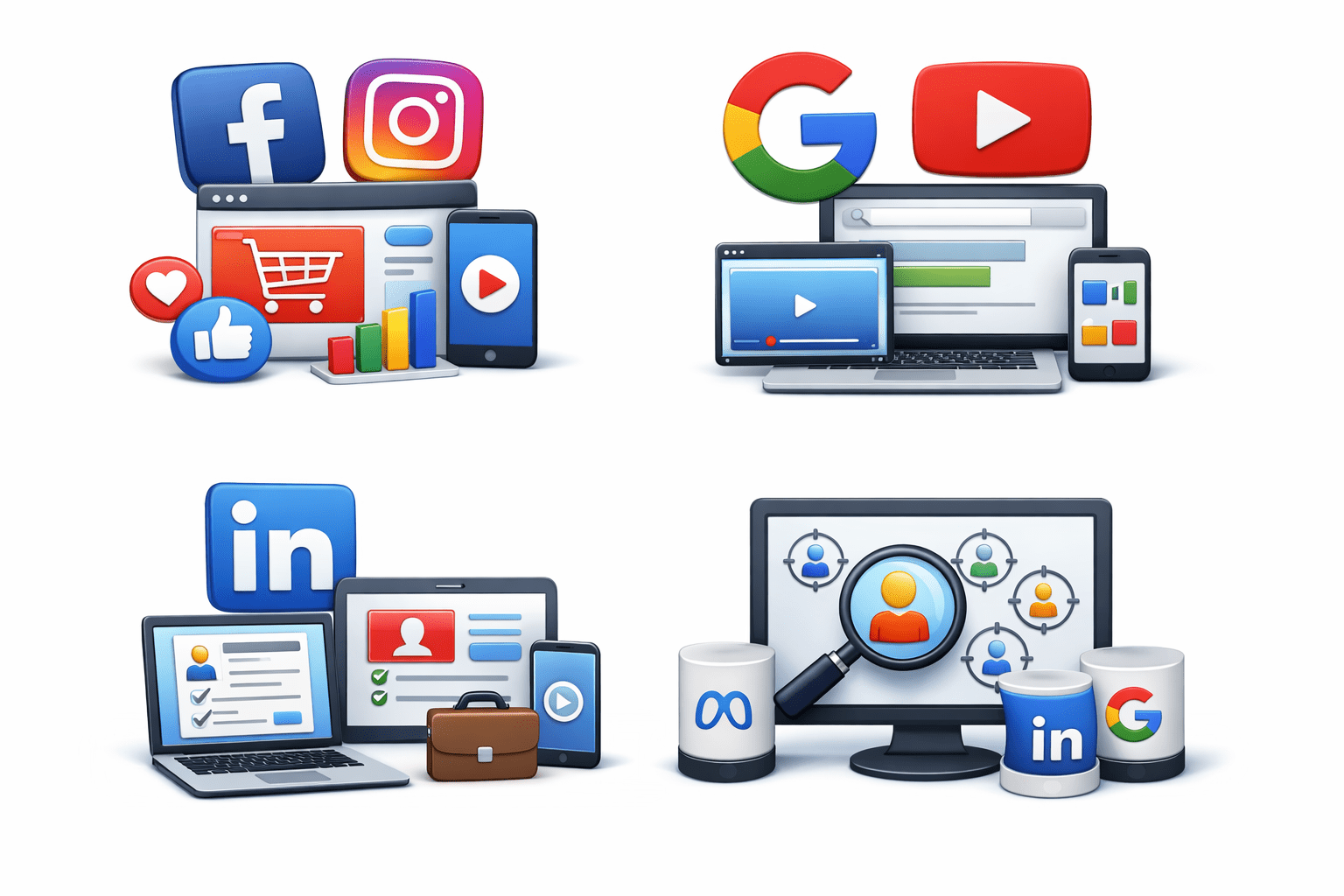
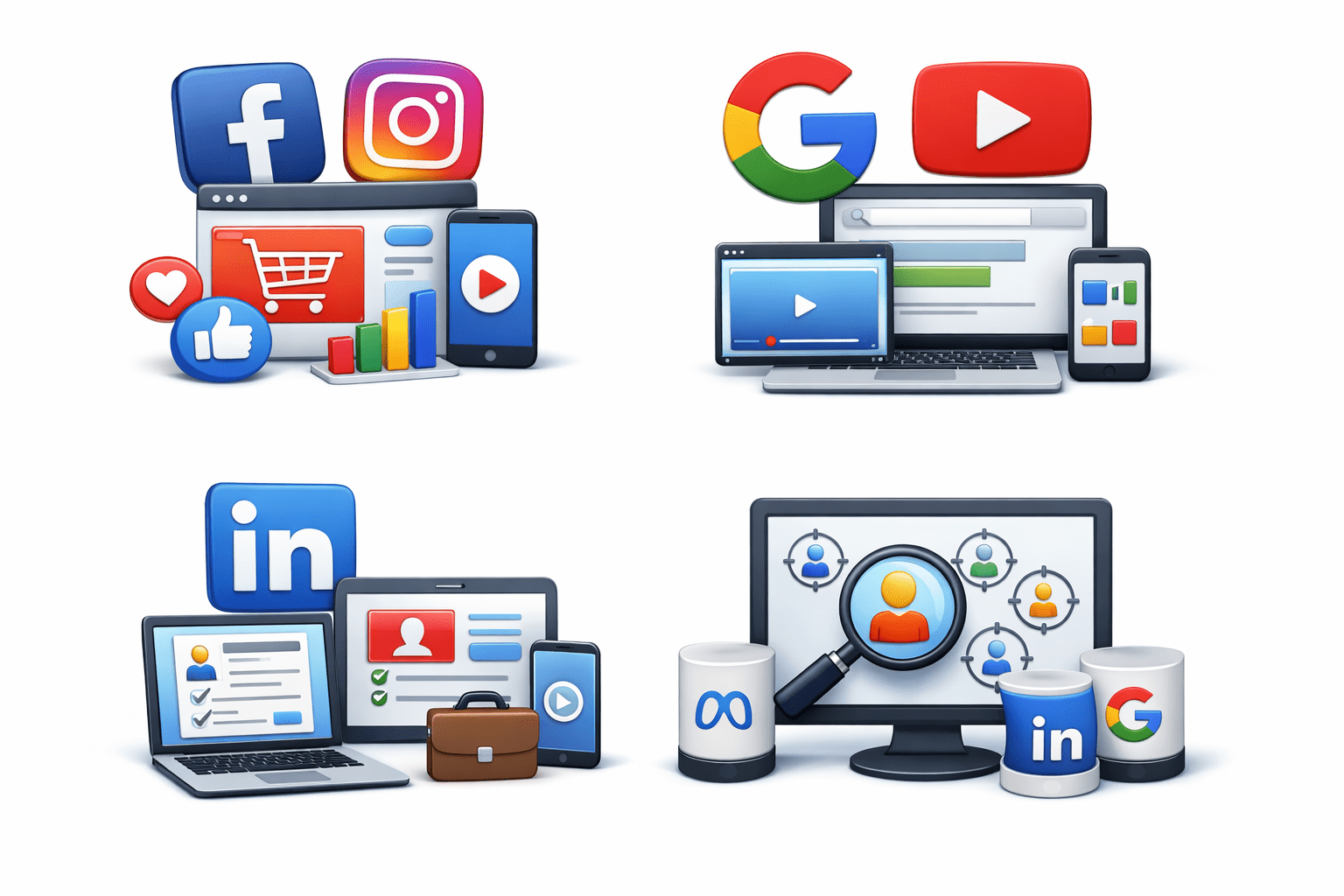
Platform Options
Meta (Facebook/Instagram)
Website visits, video views, engagement, shopping, custom audiences
Google (YouTube & Display)
Website visits, app usage, YouTube views, search behavior
Website visits, lead forms, video views, page visits
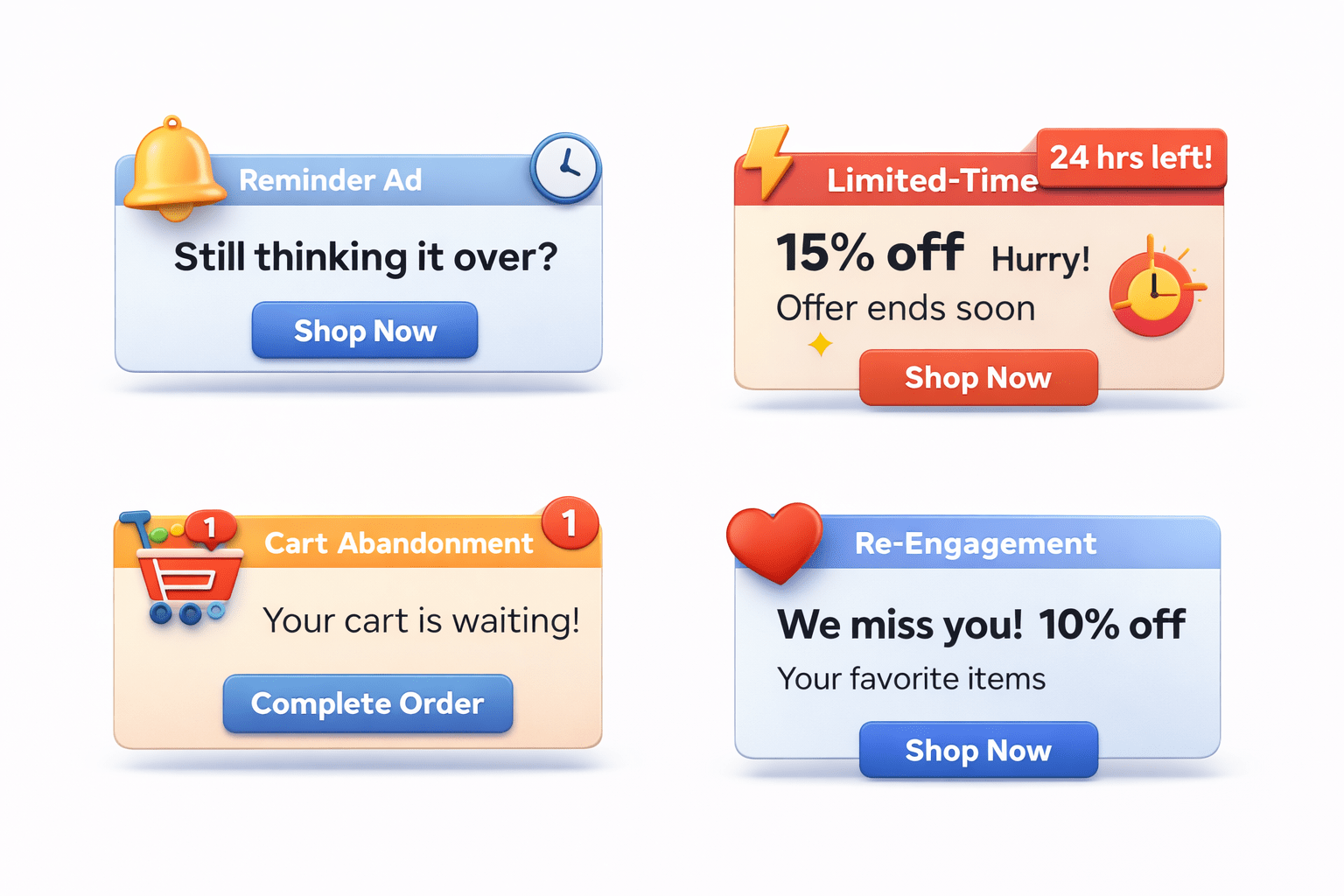
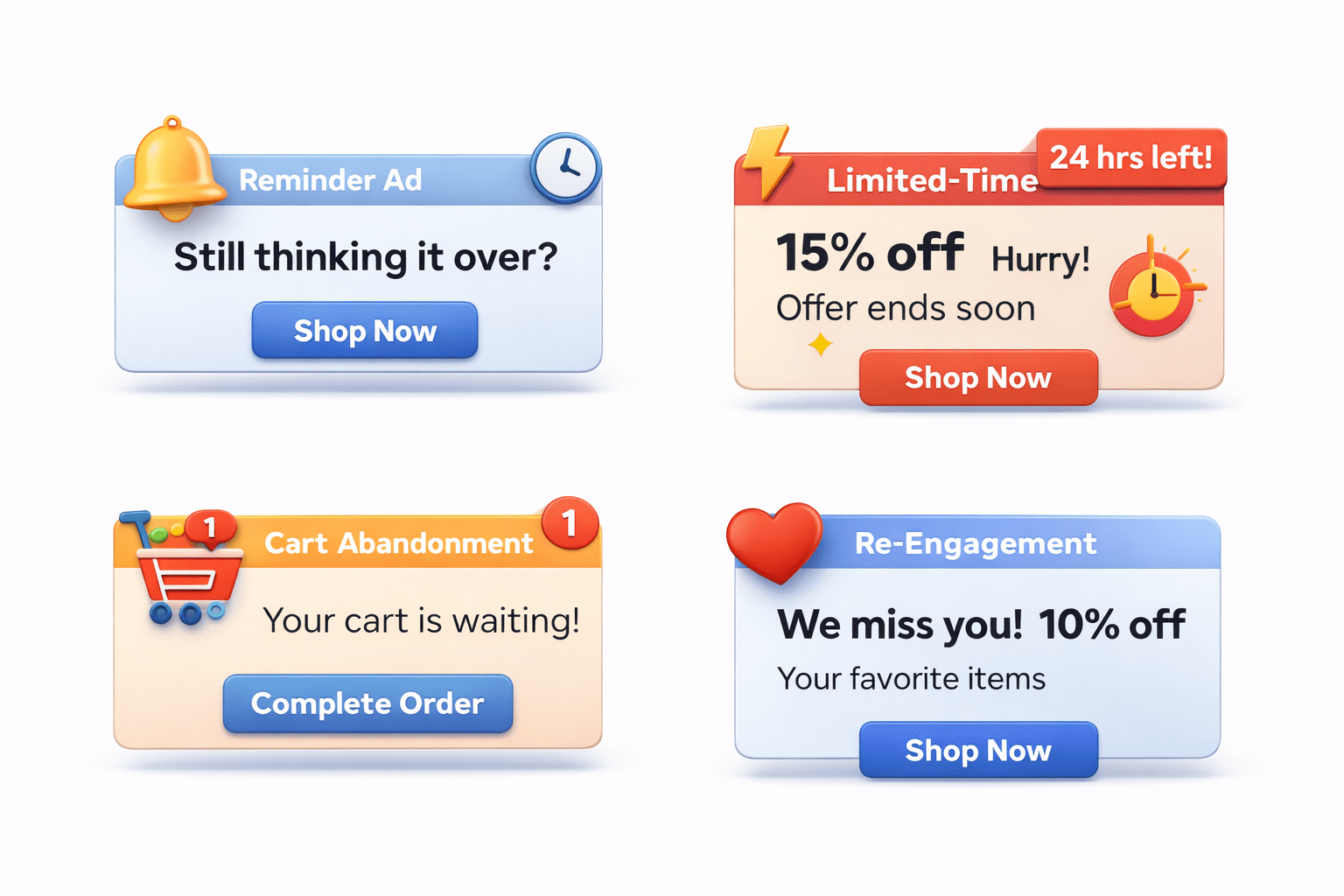
Retargeting Ad Examples
Reminder Ad
Nudge users → “Still thinking it over?”
Limited-Time Offer
Create urgency → “24 hrs left! 15% off”
Retargeting Ad Examples
Cart Abandonment
Recover carts → “Your cart is waiting!”
Re-Engagement
Win back users → “We miss you! 10% off”
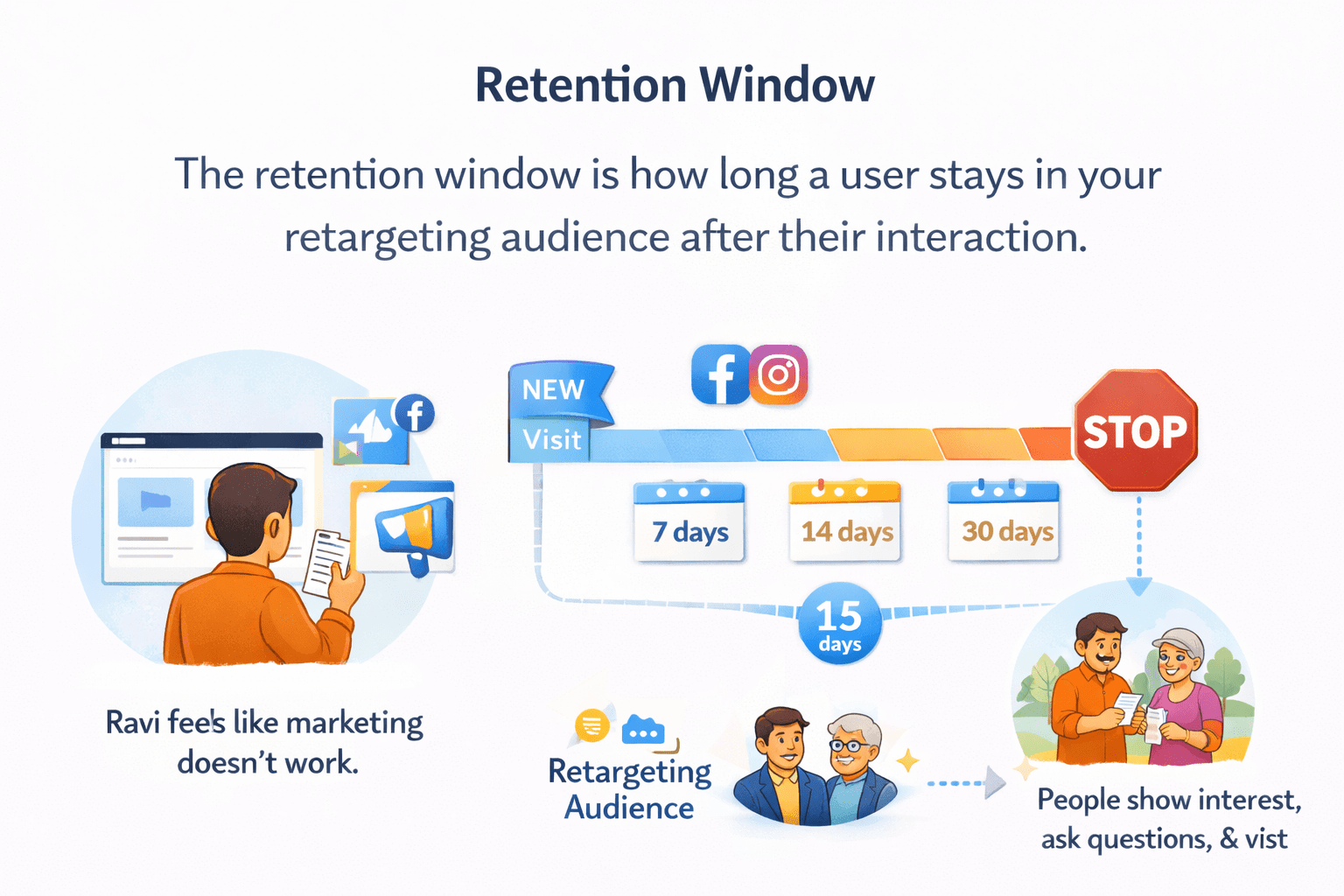
Retargeting Duration
The retention window is how long a user stays in your retargeting audience after their interaction.
Retargeting Duration
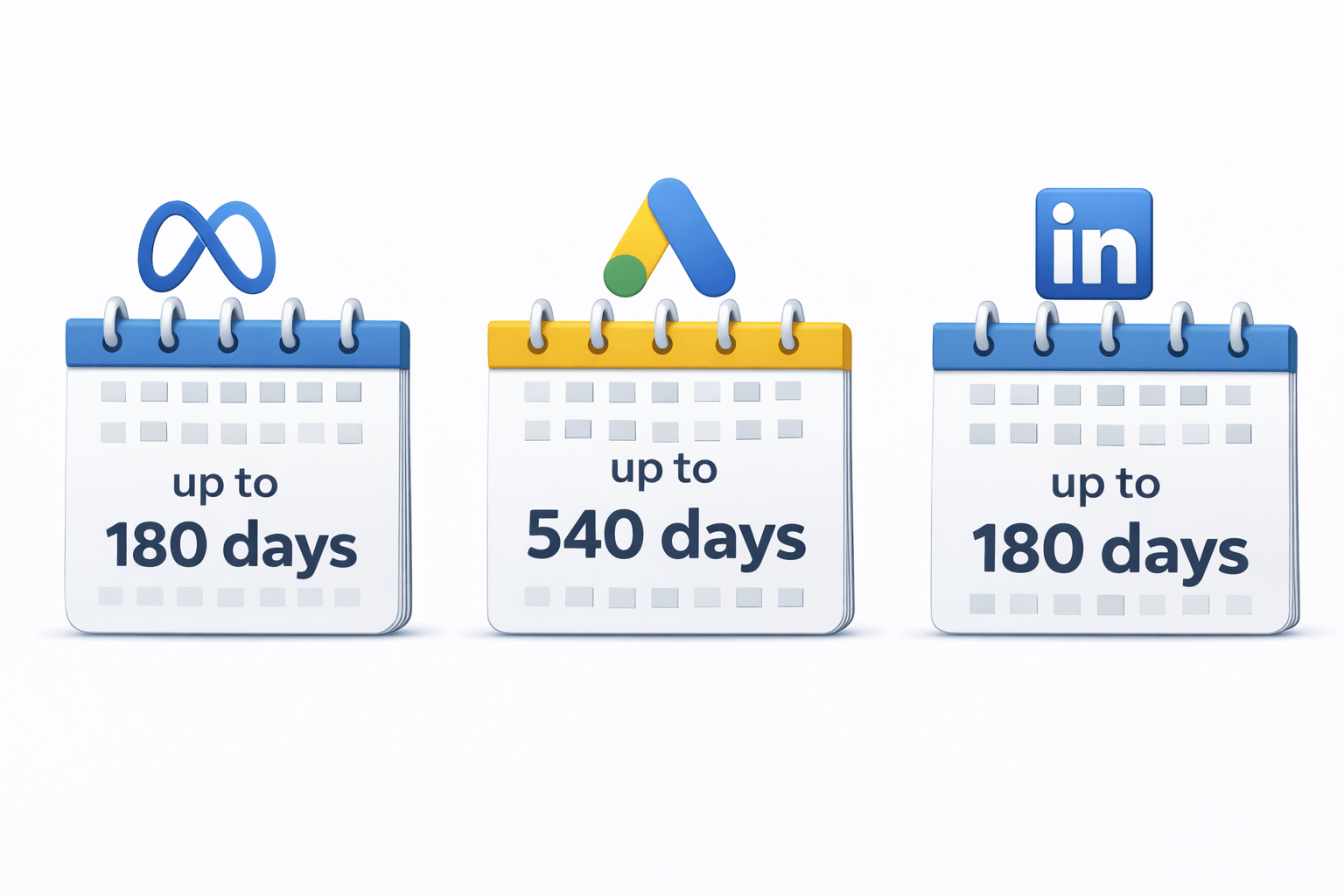
Platform Limits:
Meta: up to 180 days
Google Ads: up to 540 days
LinkedIn: up to 180 days
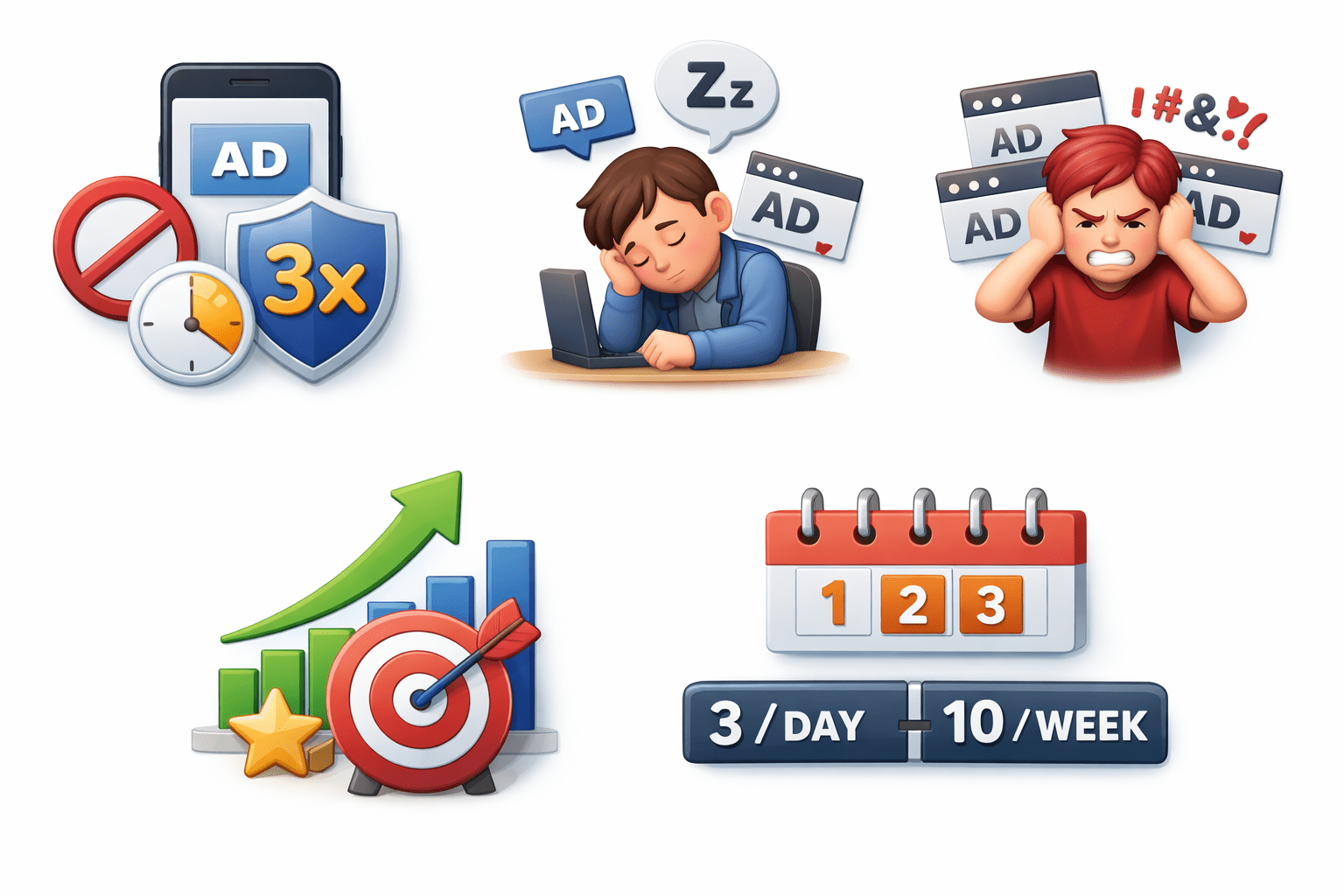
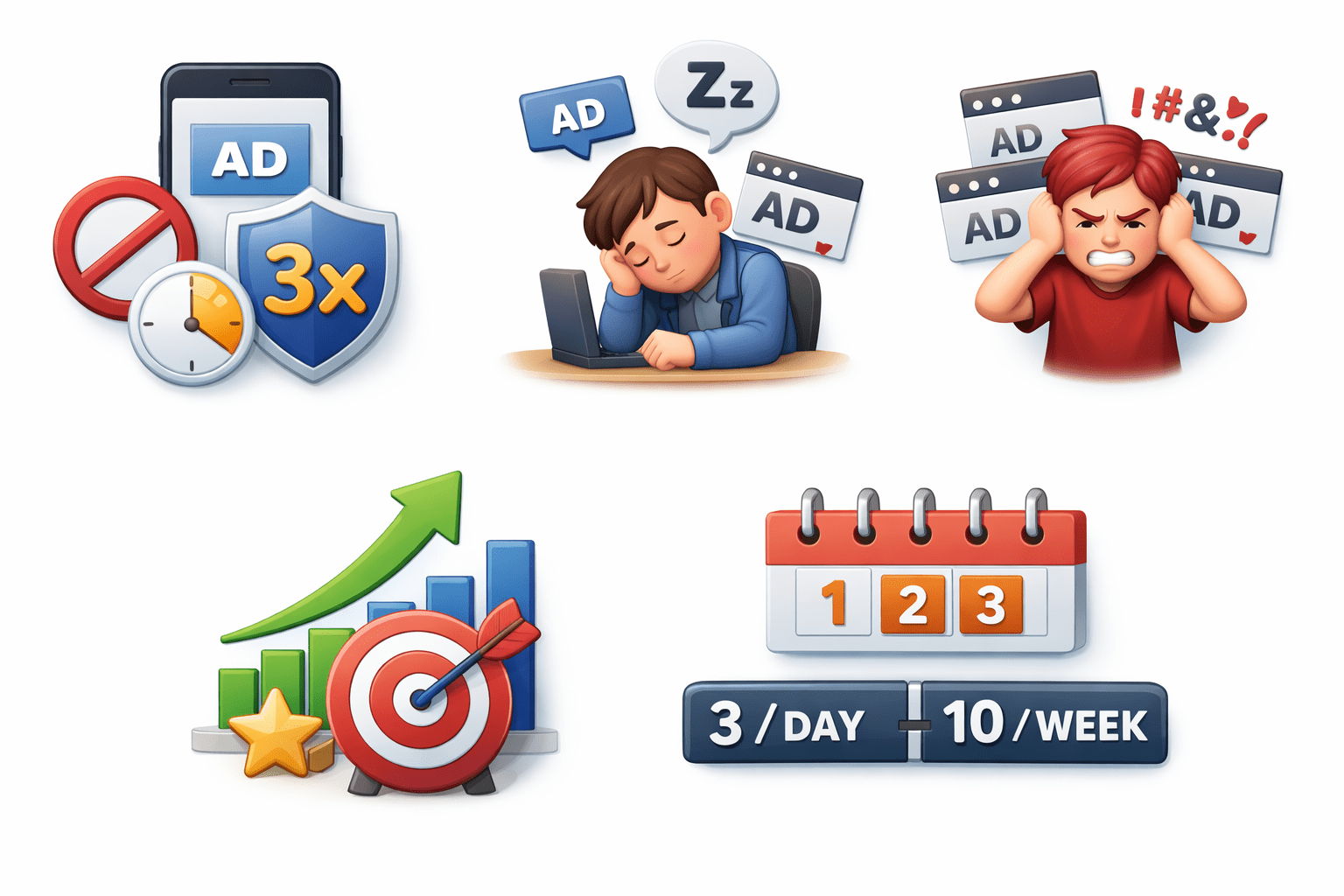
Frequency Capping
Why?
Improves performance
Prevents ad fatigue
Avoids annoyance
Limits ad views per user
Example:
Cap at 3 impressions per day or 10 per week per user.
Summary
5
Duration and frequency optimize performance and results
4
Platforms and ad types drive effective retargeting
3
Different types of audiences built using user actions via pixels
2
Process: interaction, tracking, user leaves, ads, re-engagement
1
Retargeting targets users who didn’t convert
Quiz
What is retargeting?
A. Targeting new users
B. Showing ads to previous visitors
C. Email marketing
D. SEO strategy
Quiz-Answer
What is retargeting?
A. Targeting new users
B. Showing ads to previous visitors
C. Email marketing
D. SEO strategy
By Content ITV