






Content ITV PRO
This is Itvedant Content department
Learning Outcome
4
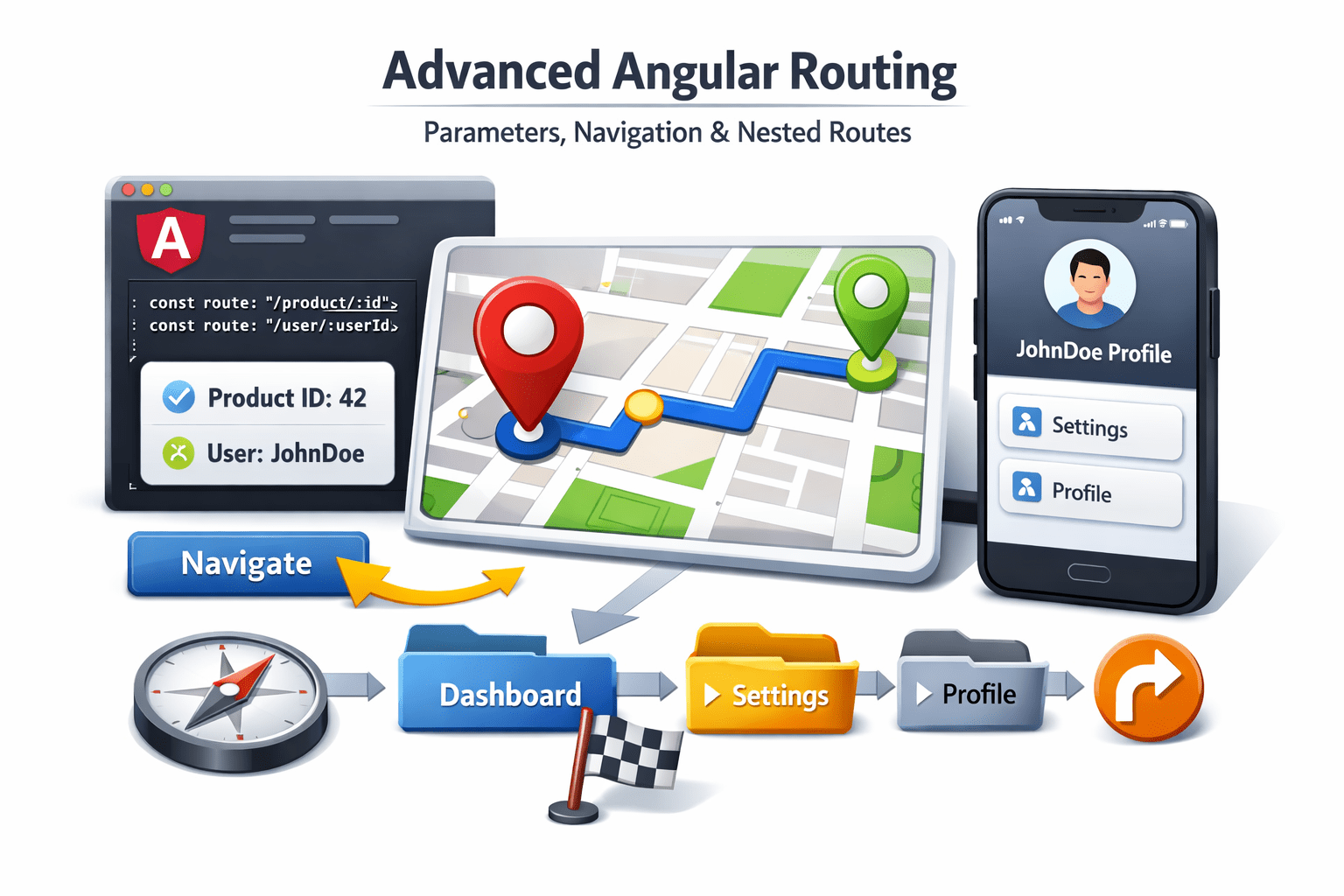
Implement nested (child) routes
3
Handle same route navigation with dynamic params
2
Extract data from routes
1
Understand route parameters (path & query)
Why Advanced Routing is Needed
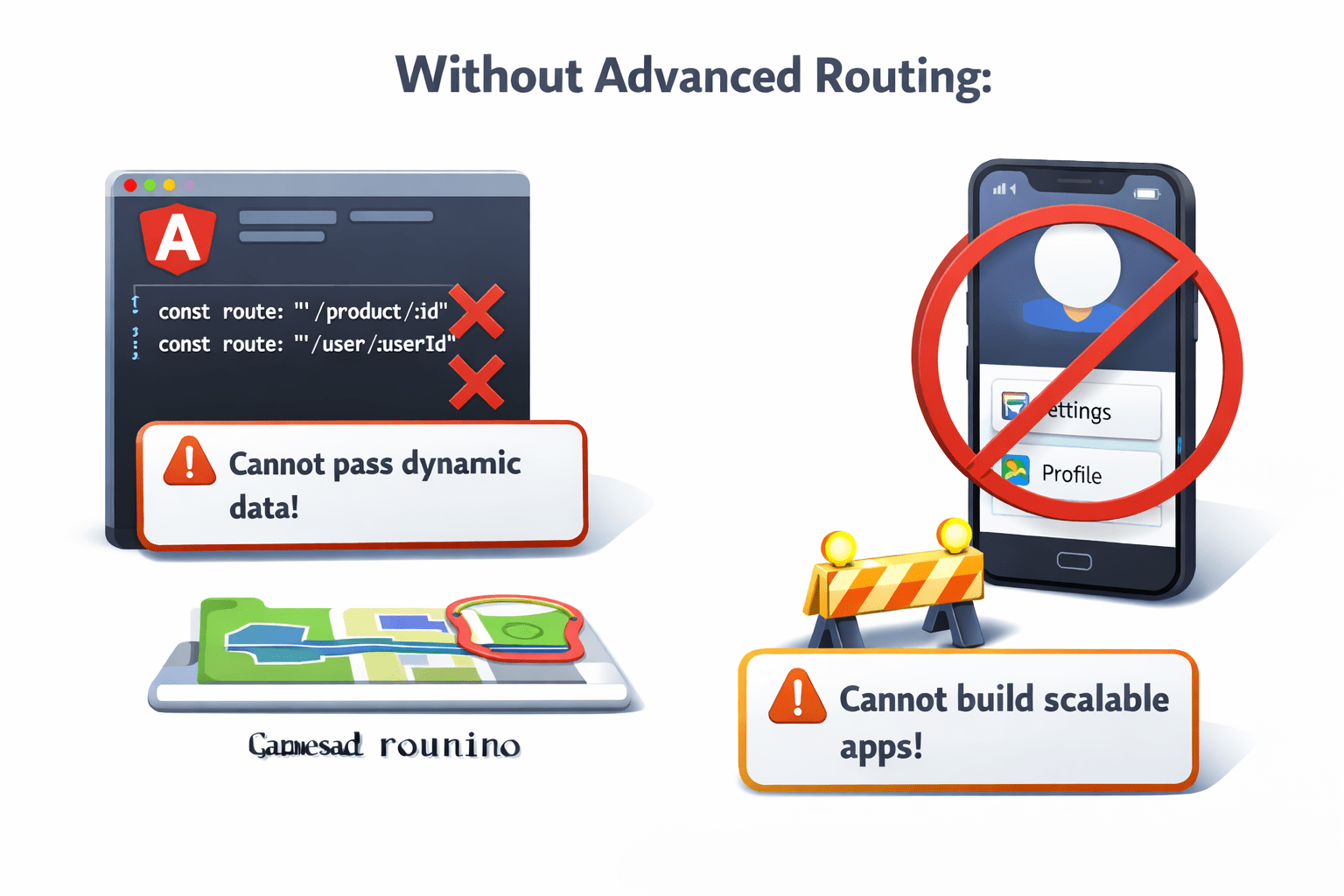
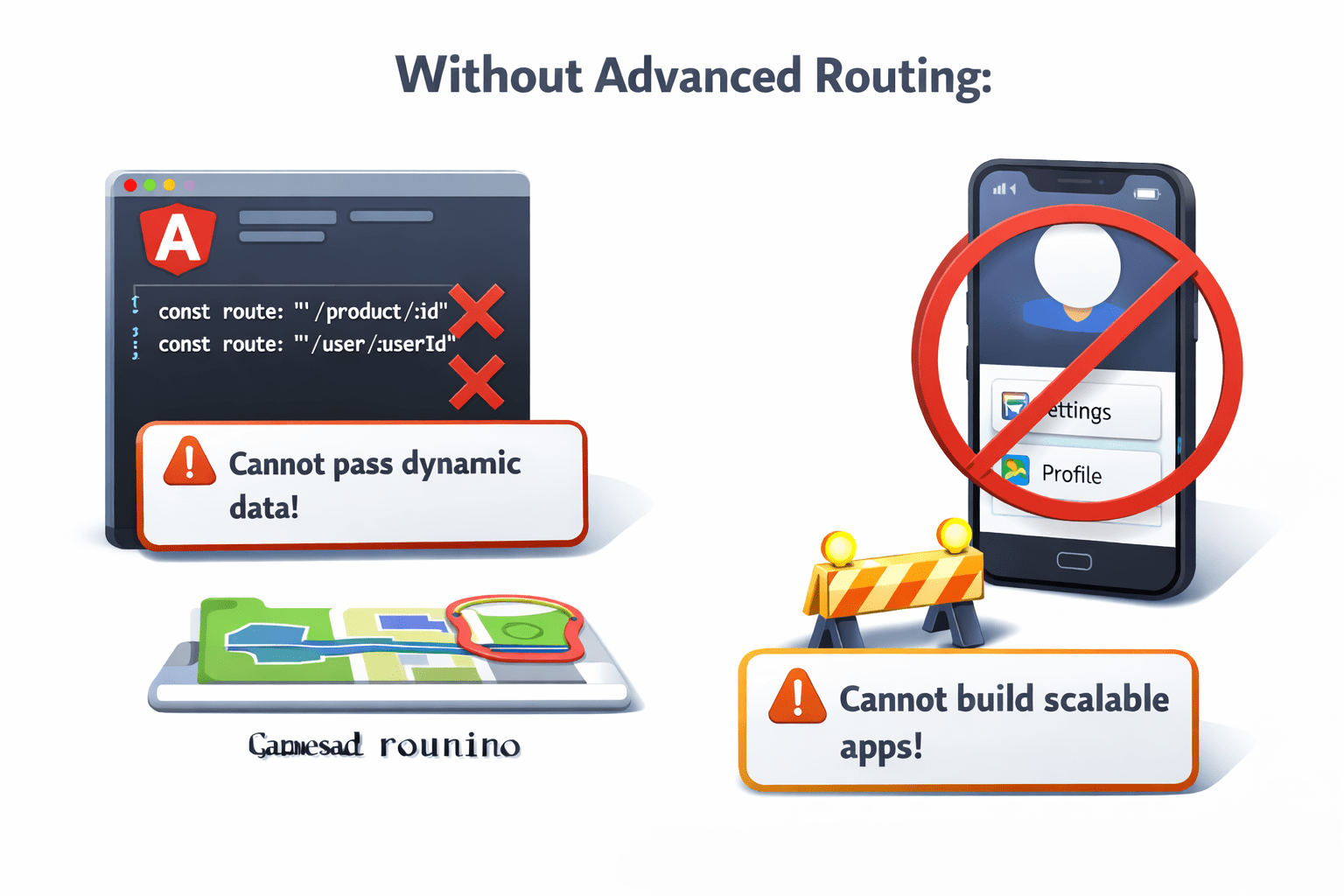
Without advanced routing:
Advanced routing helps create dynamic and flexible navigation.
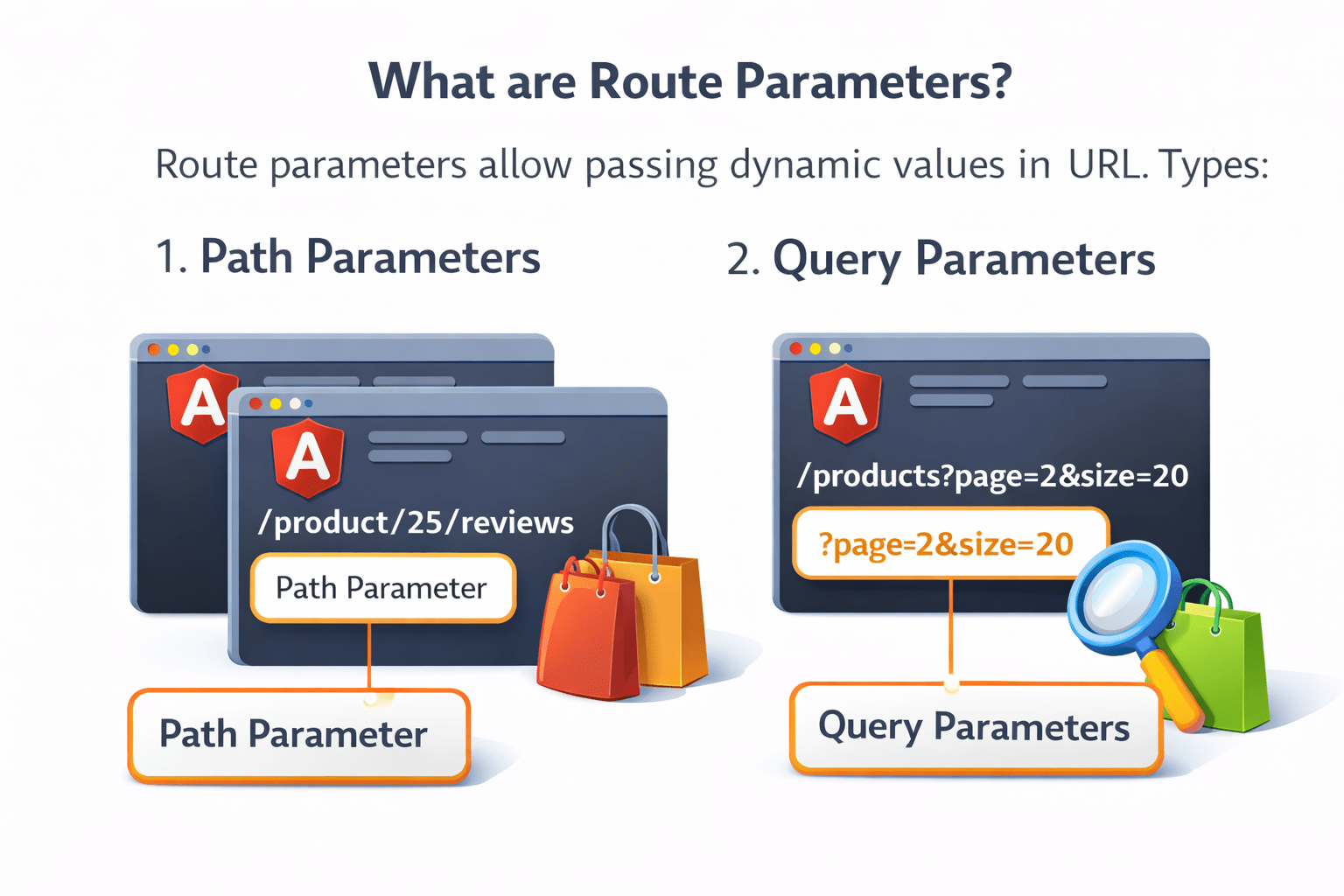
What are Route Parameters?
Route parameters allow passing dynamic values in URL.
Example :
https://www.example.com/product/45Types :
Query Parameters
Path Parameters
Dynamic values that are part of the URL path, used to identify a specific item.
Example :
/user/101 → 101 is the user ID
Getting Path Parameters
Using ActivatedRoute
import { ActivatedRoute } from '@angular/router';

constructor(private route: ActivatedRoute) {}

ngOnInit() {
 this.route.params.subscribe(params => {
  console.log(params['id']);
 });
}
Here :id is a dynamic parameter.
const routes = [
  { path: 'user/:id', component: UserComponent }
];
Implementation
Define route
Path Parameters
Query Parameters
Example URL :
'/products?category=mobile'Getting Query Parameters
this.route.queryParams.subscribe(params => {
  console.log(params['category']);
});
Navigation with Query Params
this.router.navigate(['/products'], {
  queryParams: { category: 'mobile' }
});
Optional values added after ? in the URL, used for filtering, sorting, etc.
Same Route with Different Parameters
Problem :
Angular does not reload component automatically.
Solution :
this.route.params.subscribe(params => {
   this.loadData(params['id']);
});
This ensures data updates when parameter changes.
Nested (Child) Routes
Example :
const routes = [
  {
    path: 'dashboard',
    component: DashboardComponent,
    children: [
      {
        path: 'profile',
        component: ProfileComponent
      },
      {
        path: 'settings',
        component: SettingsComponent
      }
    ]
  }
];
Used for hierarchical navigation.
Parent component must include:
<router-outlet></router-outlet>This is where child routes render.
Summary
5
Nested routes improve application structure
4
Same route navigation requires subscription handling
3
ActivatedRoute helps access route data
2
Path params and query params are used for data passing
1
Angular supports dynamic routing using parameters
Quiz
Which service is used to access route data?
A. Router
B. HttpClient
C. ActivatedRoute
D. Location
Quiz-Answer
Which service is used to access route data?
A. Router
B. HttpClient
C. ActivatedRoute
D. Location
By Content ITV