























Content ITV PRO
This is Itvedant Content department
Learning Outcome
4
Use PreparedStatement for secure, parameterized queries.
3
Perform CRUD operations
2
Learn the key JDBC interfaces and classes
1
Understand how Java connects to databases using JDBC.
JDBC Basics
SQL Basics
DML commands: INSERT ,SELECT, UPDATE, DELETE
Table creation, column names, data types
Exception Handling
Imagine you are the librarian of a busy library
Whenever a new book arrives, you add it to the catalog so readers can easily find it.
Whenever a reader asks which Java books are available, you search the catalog and show the results.
Whenever a book is moved to a different shelf, you update its location in the catalog to keep the information accurate.
Whenever a book gets damaged and removed, you delete its entry from the catalog.
To keep the library running smoothly, the catalog must always remain accurate, organized, and up to date.
A program needs a way to store information
It must retrieve specific details when needed
It should modify existing information
And sometimes remove data that’s no longer required
In programming—especially when working with databases—these actions are formally known as: CRUD operations
What is API?
API stands for Application Programming Interface. It is a set of classes, interfaces, and methods that allow different software components to communicate.
Represents the JDBC driver for a specific database.
Driver
DriverManager
Establishes a Connection to the database.
Connection
Represents a session with the database.
Statement
Used to execute SQL queries.
ResultSet
Holds the data returned by a SELECT query.
SQLException
Handles all database errors.
String sql = "INSERT INTO student (id, name, age) VALUES (?, ?, ?)";
PreparedStatement ps = con.prepareStatement(sql);
ps.setInt(1, 101);
ps.setString(2, "John");
ps.setInt(3, 20);
ps.executeUpdate(); // Executes the insert
Age
101
ID
Name
John
20
Statement stmt = conn.createStatement();
ResultSet rs = stmt.executeQuery ("SELECT * FROM students");
while (rs.next()) {
System.out.println(
rs.getInt("id") + " " + rs.getString("name")
);
ID
Name
101
John
executeUpdate() → used for UPDATE, INSERT, DELET
String query = "UPDATE students SET age = ? WHERE id = ?";
PreparedStatement pstmt = conn.prepareStatement(query);
pstmt.setInt(1, 23); // new age
pstmt.setInt(2, 1); // student id
int rows = pstmt.executeUpdate();
System.out.println(rows + " row(s) updated.")
Age
101
ID
Name
John
23
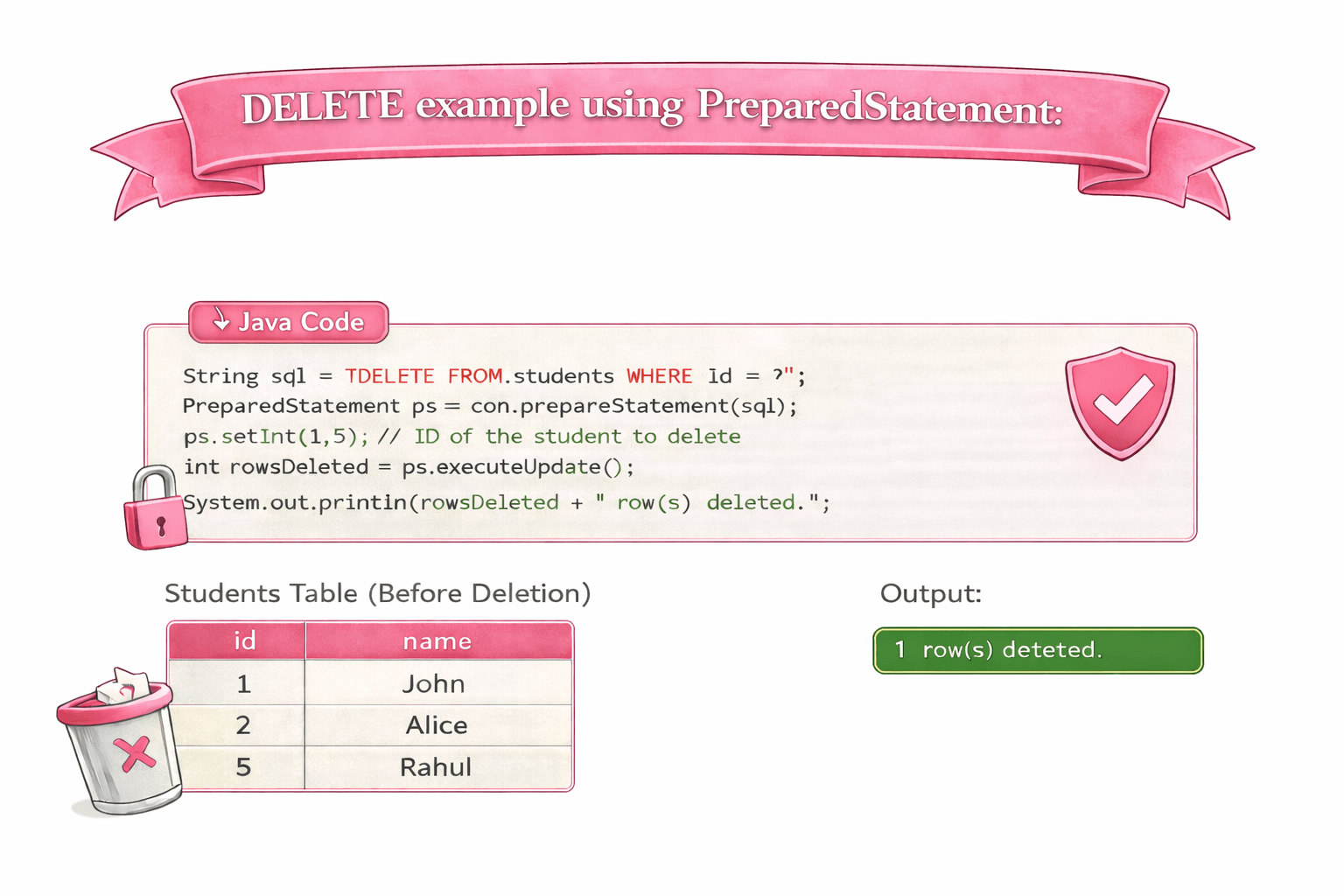
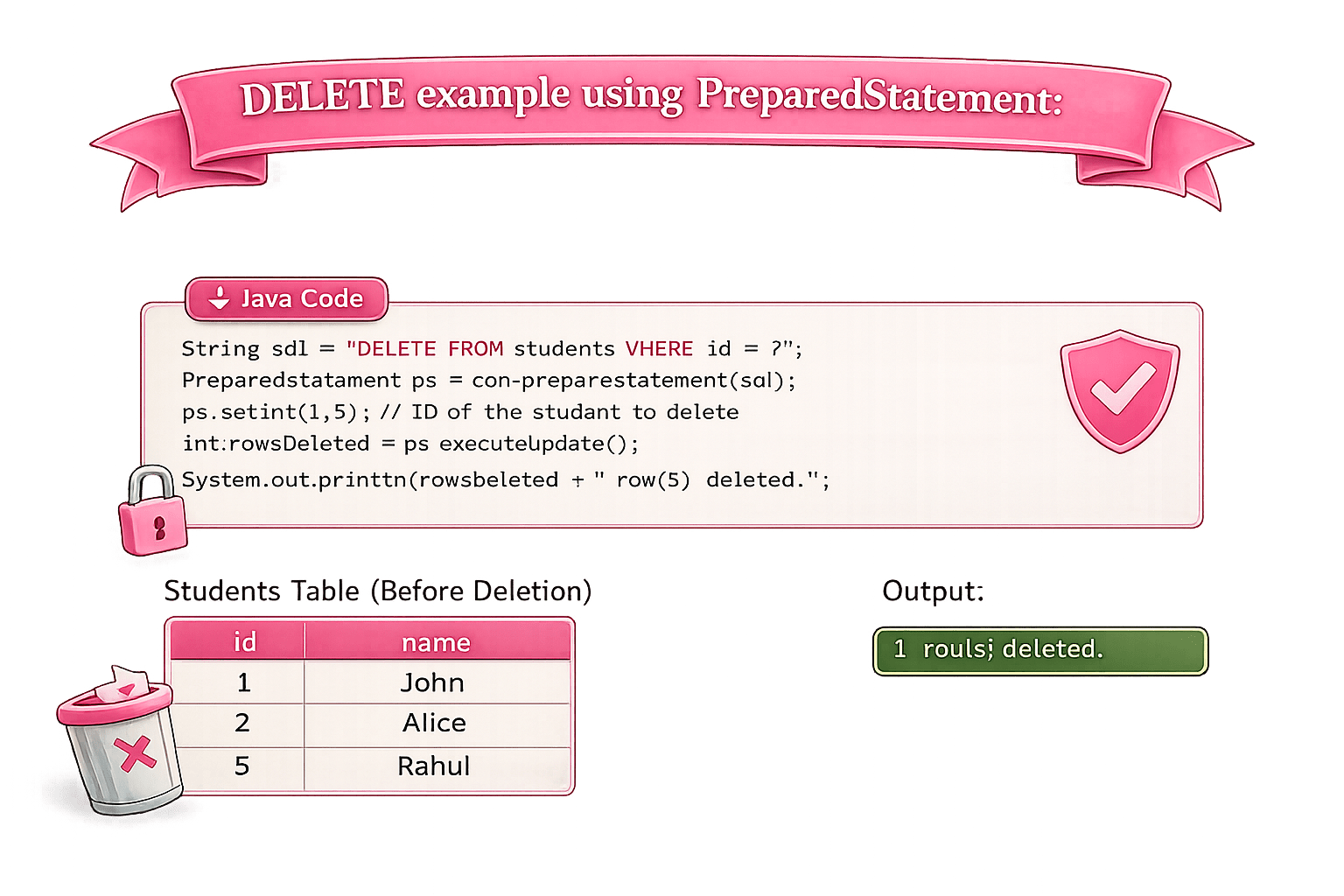
String query = "DELETE FROM students WHERE id = ?";
PreparedStatement pstmt = conn.prepareStatement(query);
pstmt.setInt(1, 1); // student id to delete
int rows = pstmt.executeUpdate();
System.out.println(rows + " row(s) deleted.");
Output
1 row(s) deleted.
Id
Name
2
Alice
5
Rahul
Summary
3
SELECT → use executeQuery() + ResultSet to read data.
2
INSERT, UPDATE, DELETE → use PreparedStatement + executeUpdate().
1
JDBC lets Java communicate with databases using SQL.
Quiz
Which JDBC method is used to execute INSERT, UPDATE, or DELETE queries?
A. executeQuery()
B. executeUpdate()
C. execute()
D. getResultSet()
Which JDBC method is used to execute INSERT, UPDATE, or DELETE queries?
A. executeQuery()
B. executeUpdate()
C. execute()
D. getResultSet()
Quiz-Answer
By Content ITV