












Content ITV PRO
This is Itvedant Content department
Learning Outcome
5
Improve application performance
4
Implement Lazy Loading
3
Organize applications using modules
2
Create Feature, Shared, and Routing Modules
1
Understand different types of Angular modules
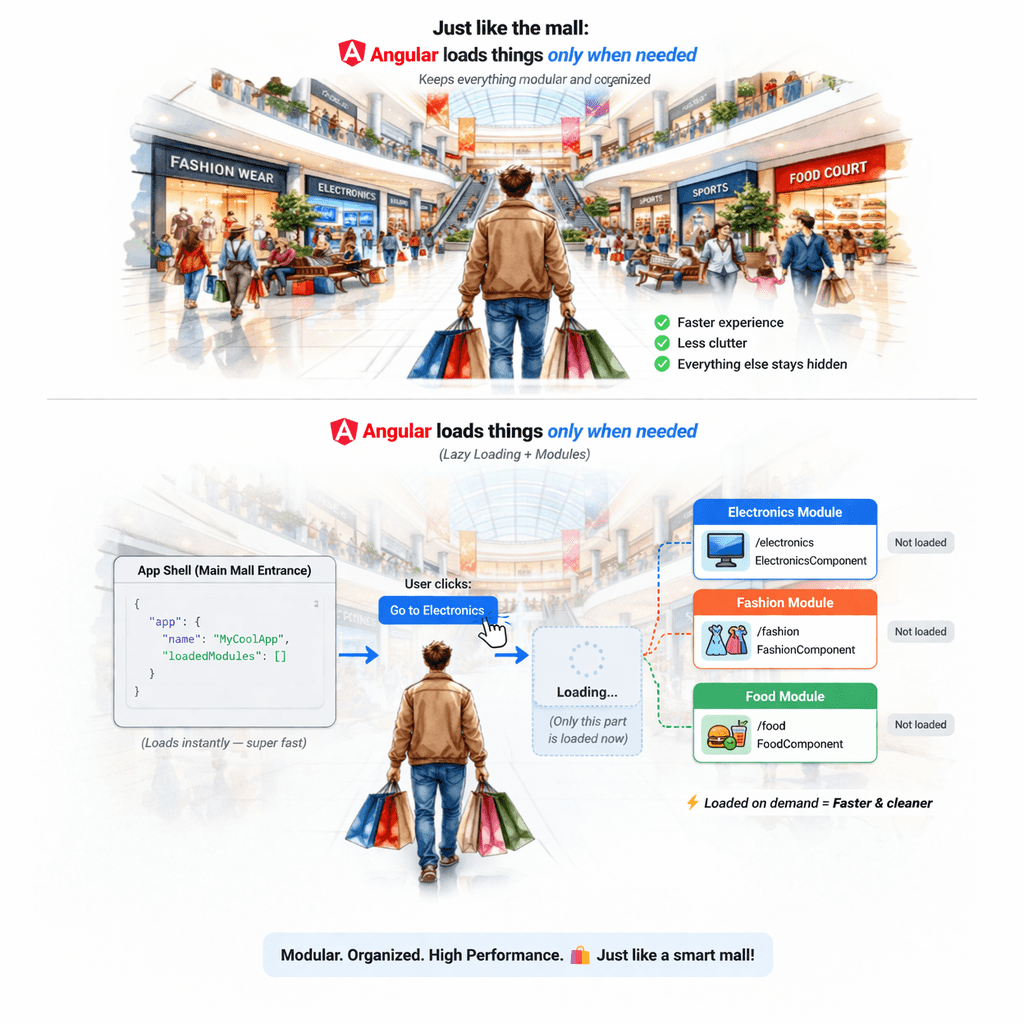
Imagine you walk into a huge shopping mall and it is divided into section:
As a visitor:
You only go where you need
You don’t explore the entire mall at once
There are also common facilities everyone uses:
There’s a map showing directions
Result:
Similarly in Angular:
Electronics section & Clothing section → Feature Modules
Washroom, parking, elevators → Shared Module
Mall map → Routing Module
Exit door opening only when needed → Lazy Loading
This makes your app:
Faster
Scalable
Easier to maintain
Why Advanced Modules & Lazy Loading
As applications grow:
Code becomes large
Load time increases
Hard to manage structure
Problems:
Slow initial load
Poor scalability
Difficult maintenance
Why Advanced Modules & Lazy Loading
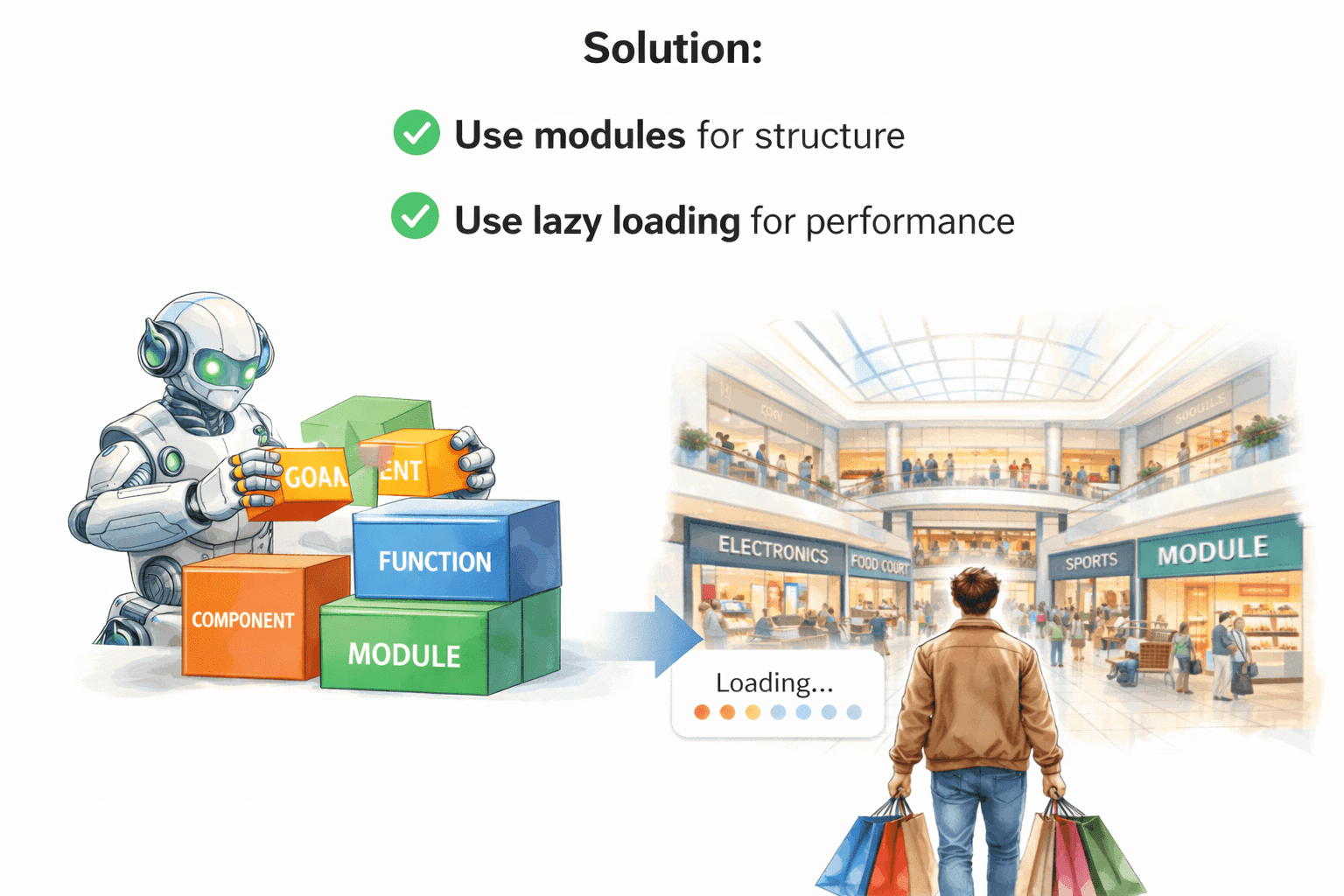
Solution:
Use modules for structure
Use lazy loading for performance
What are Feature Modules
Feature modules are used to organize application features.
UserModule
AdminModule
ProductModule
Command
ng generate module user@NgModule({
declarations: [],
imports: []
})
export class UserModule {}Example:
Benefits:
Better structure
Easier maintenance
Scalable codebase
Shared Module
Shared module contains common components, pipes, directives.
Navbar
Footer
Custom pipes
ng generate module sharedExport reusable components.
Example:
@NgModule({
declarations: [],
 exports: []
})
export class SharedModule {}
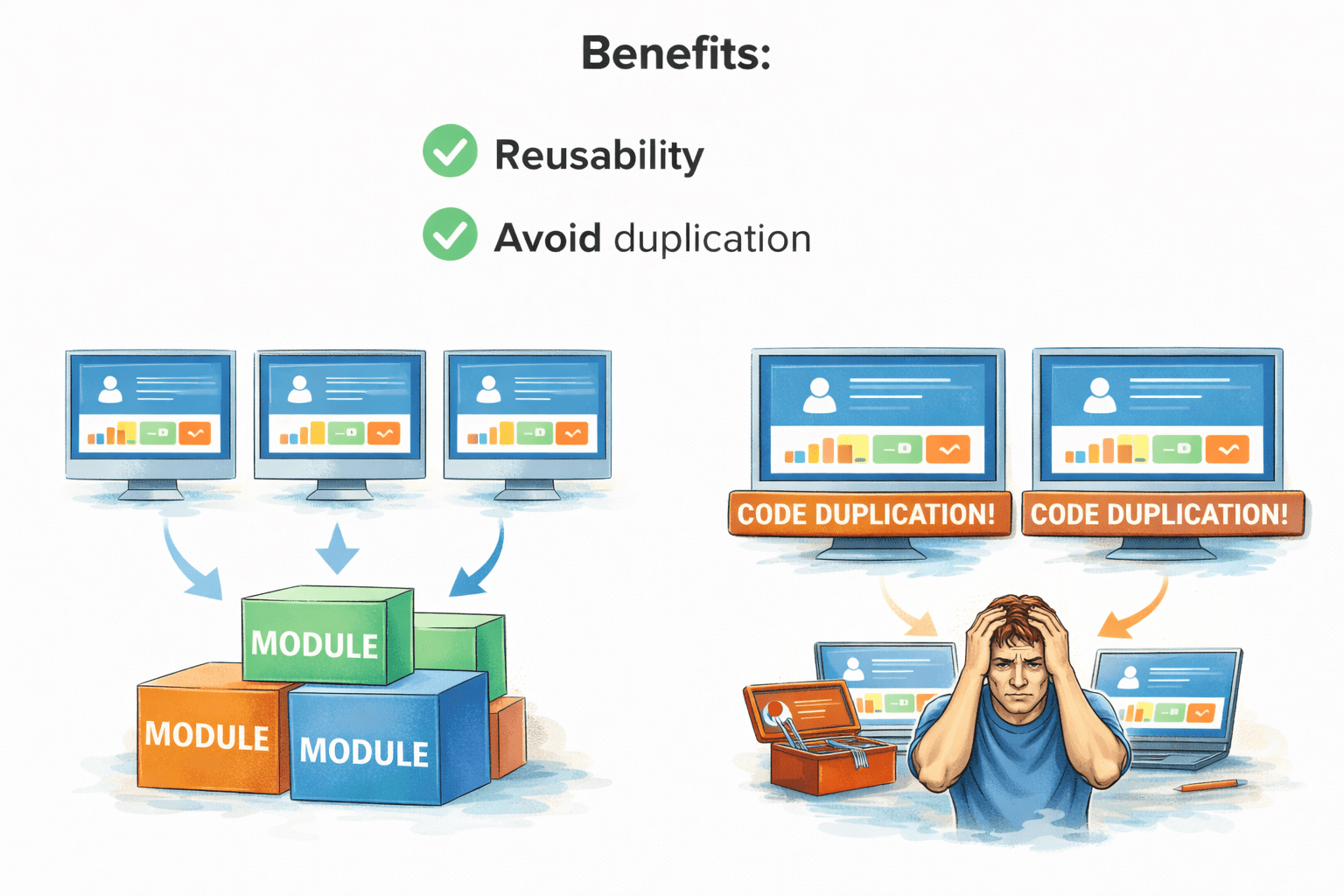
Benefits:
Reusability
Avoid duplication
Routing Module
Used to manage routing separately.
const routes = [
  { path: 'home', component: HomeComponent }
];
@NgModule({
  imports: [
    RouterModule.forRoot(routes)
  ],
  exports: [
    RouterModule
  ]
})
export class AppRoutingModule {}
Routing Module Setup
ng generate module app-routing --flat --module=appExample:
Benefits:
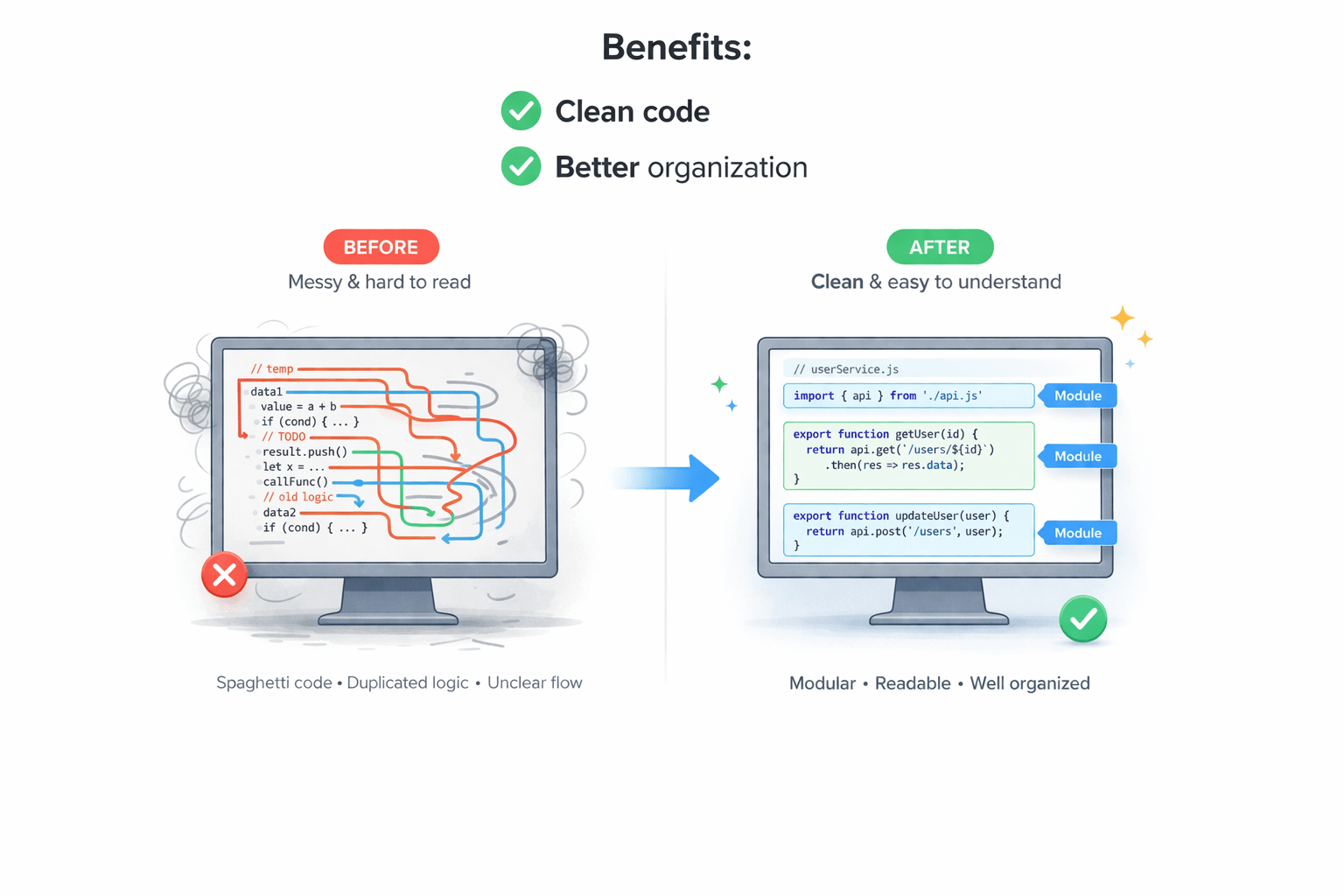
Clean code
Better organization
What is Lazy Loading
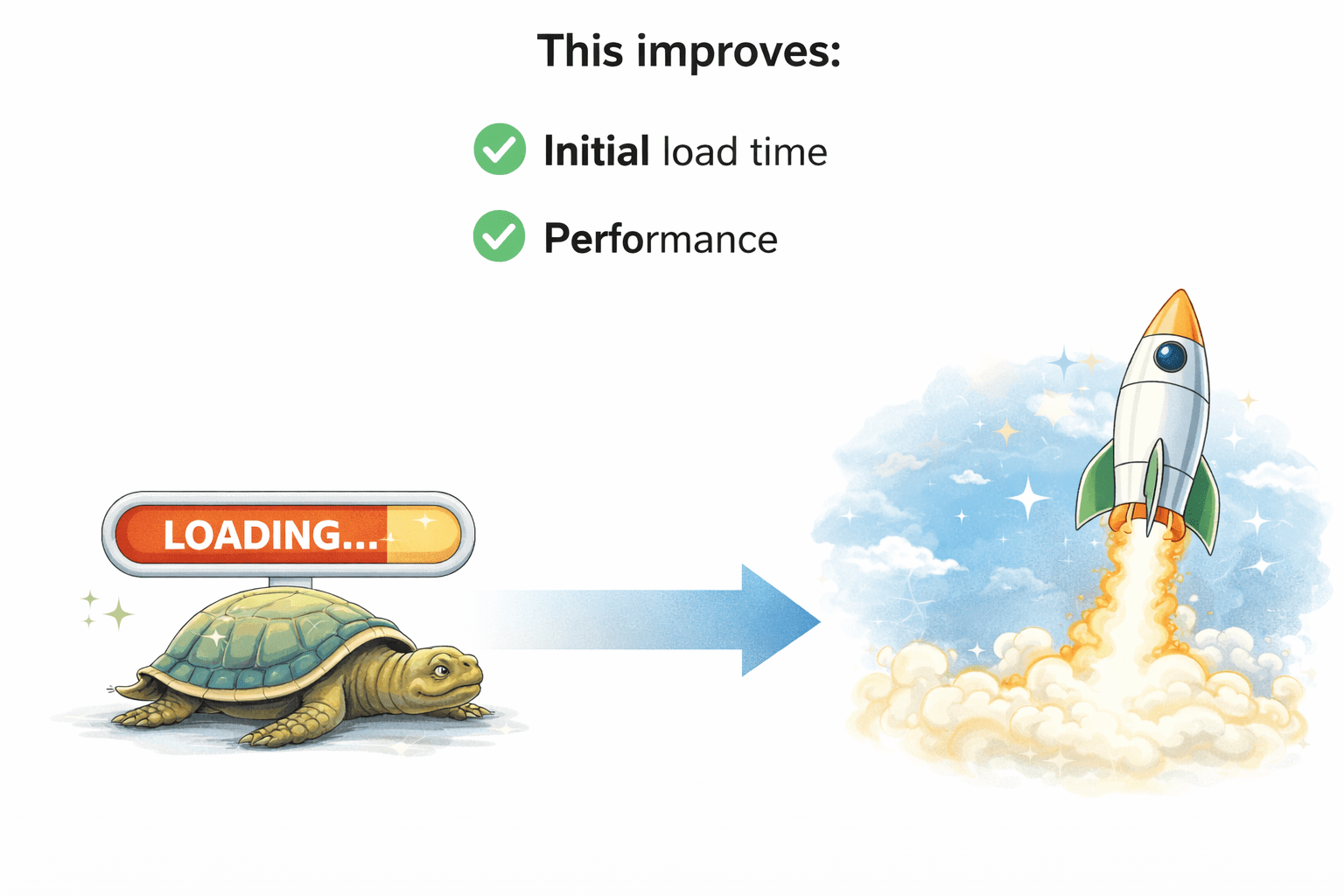
Lazy loading loads modules only when needed.
Load modules on demand
This improves initial lead time
This improves performance
Implementing Lazy Loading
Step 2: Route configuration
{
  path: 'admin',
  loadChildren: () =>
    import('./admin/admin.module')
      .then(m => m.AdminModule)
}
Step 1: Create module
ng generate module admin --route admin --module appBenefits of Lazy Loading
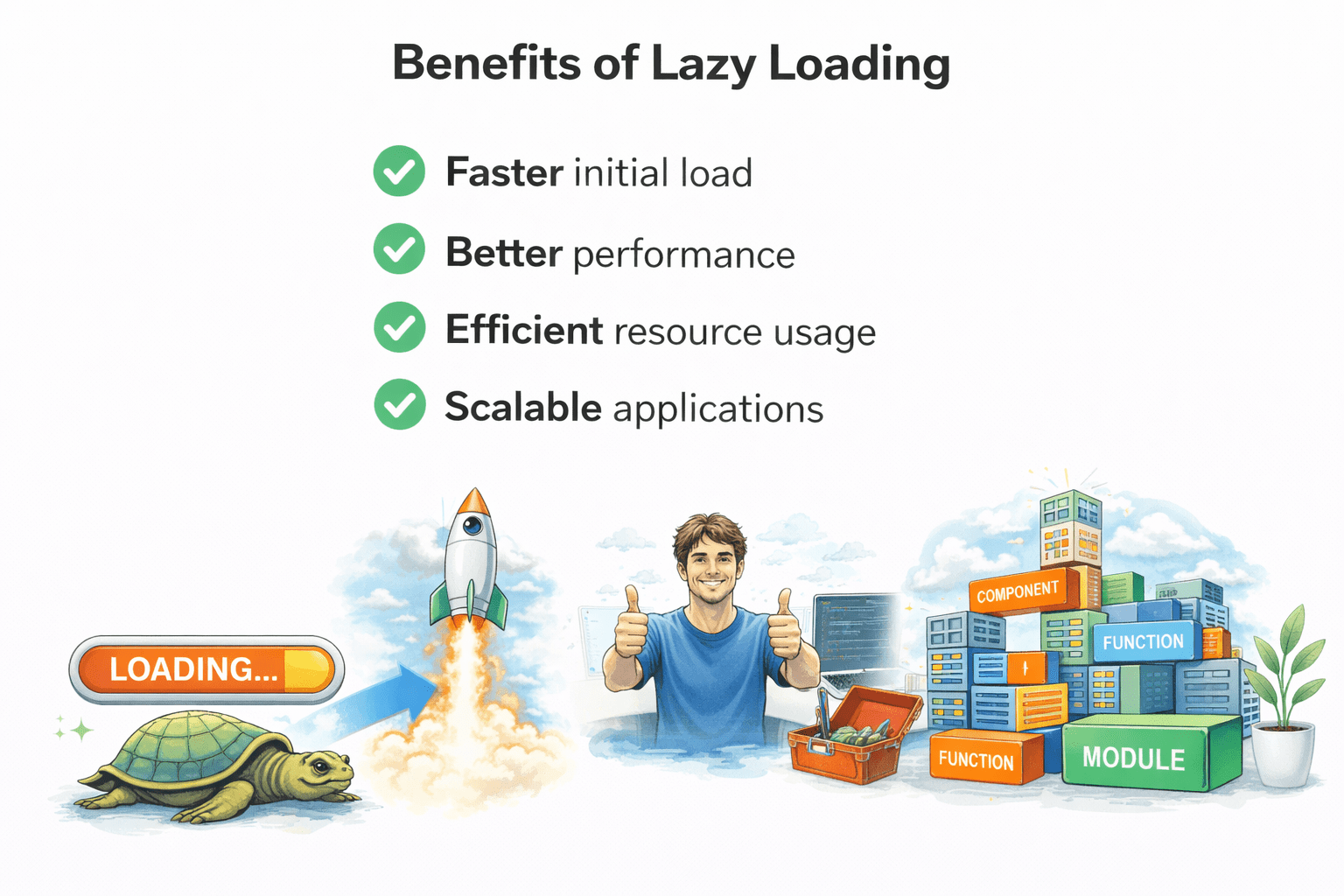
Faster initial load
Better performance
Efficient resource usage
Scalable applications
Summary
5
Modular architecture makes Angular apps scalable
4
Lazy loading improves performance
3
Routing modules manage navigation cleanly
2
Shared modules promote reusability
1
Feature modules organize application features
Quiz
Which keyword is used for lazy loading?
A. importModule
B. loadChildren
C. loadRoute
D. lazyLoad
Quiz-answer
Which keyword is used for lazy loading?
A. importModule
B. loadChildren
C. loadRoute
D. lazyLoad
By Content ITV