Interaction Design, Patterns & Behavior
Designing interactive experiences before you build them
What we will learn:
- Foundations of interaction design
- Analyze user behavior
- Recognize common design patterns
- Design behavior before the visual design
- Prototyping interactive thinking
Chapters
- Foundations of Interaction Design
- Design patterns
- Improving wireframing and in function of interactions?
Part 1
Basic principles of Interaction Design
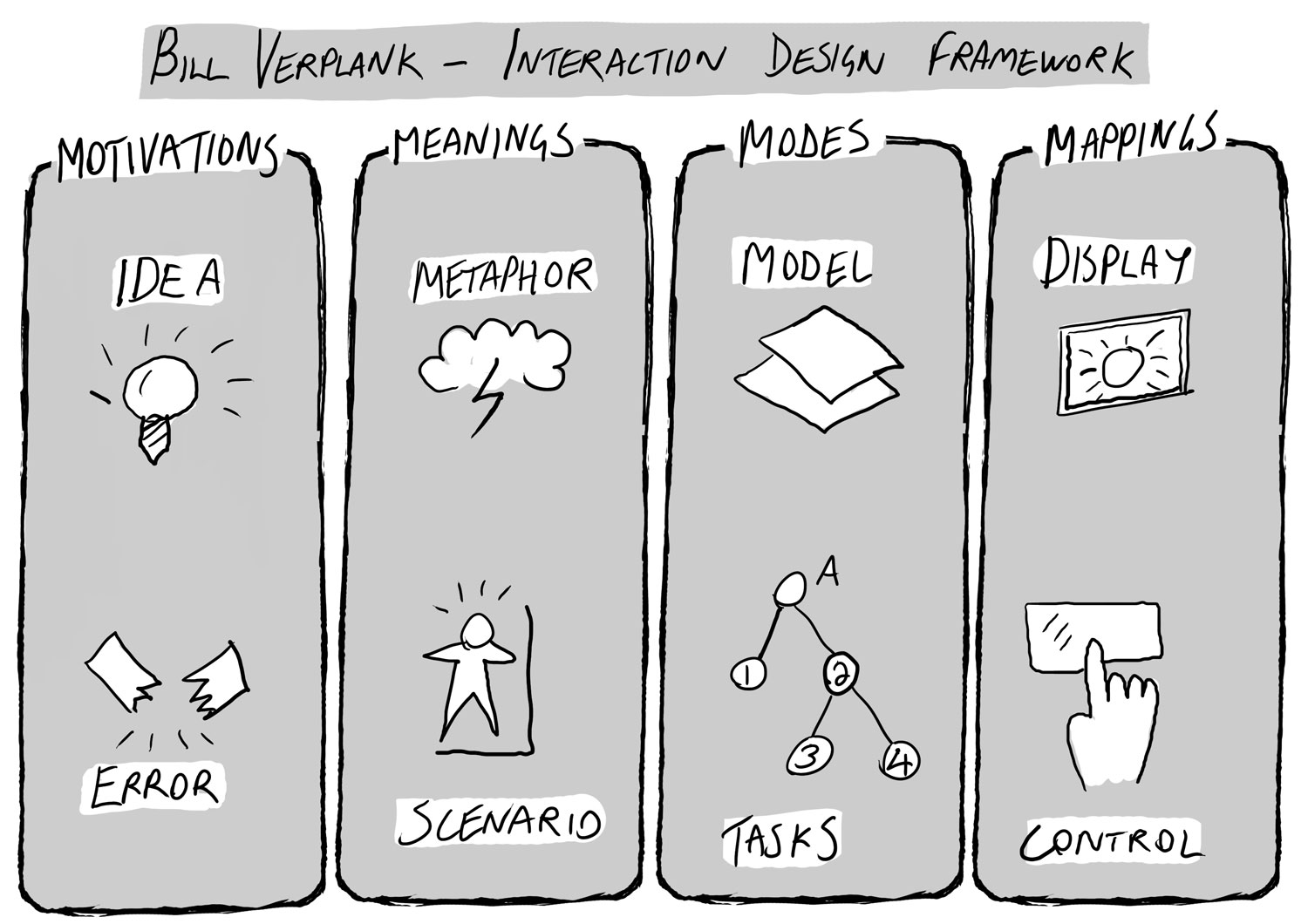
What is Interaction Design?
Designing the dialogue between:
- User
- Interface
- System
Formula
User → Action → Reaction
Focus of Interaction Design
Not:
- Visual
But:
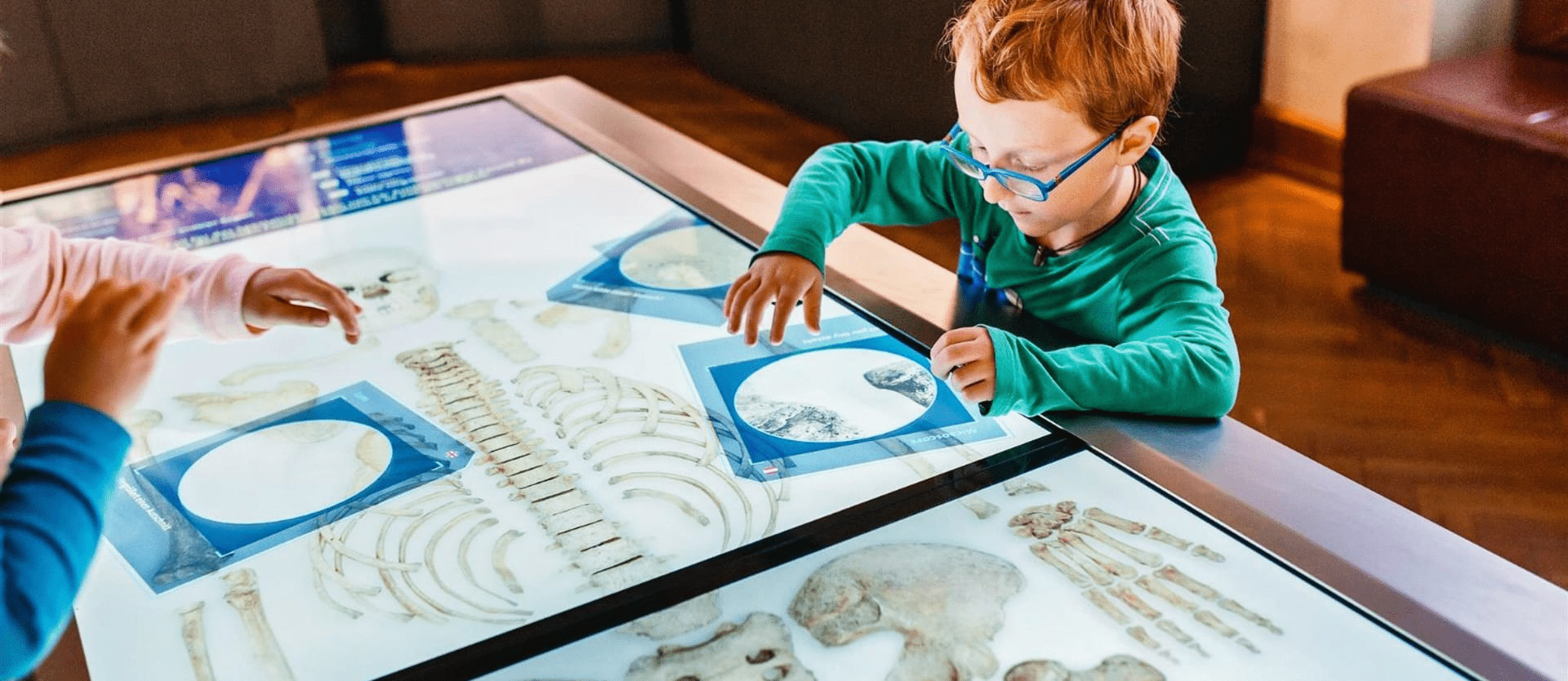
- Behavior
- Actions
- Reactions
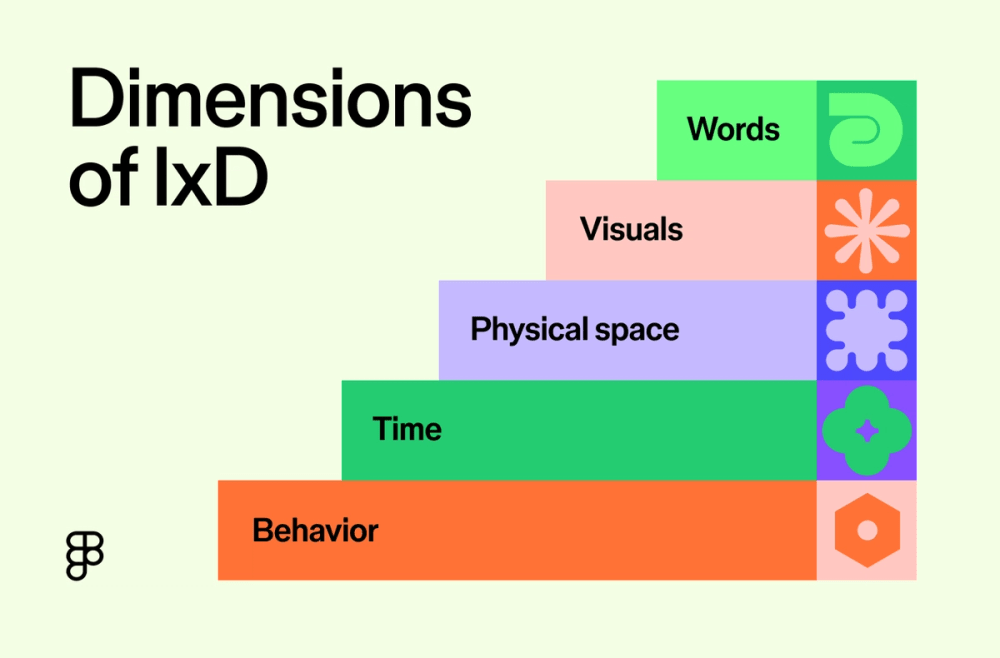
Why Interaction Design is important
Users visit products because they:
- Want to achieve goals
- Want to solve problems
- Want to complete tasks
Examples of goals, problems, tasks?
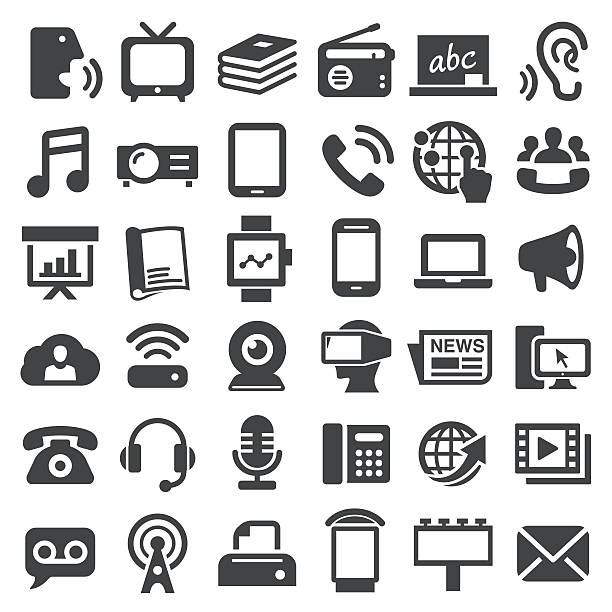
Examples:
- Listening to music
- Sending messages
- Buying products
- Signing up for events
- ...
What does the user want?
User goals are crucial for designing interactions.
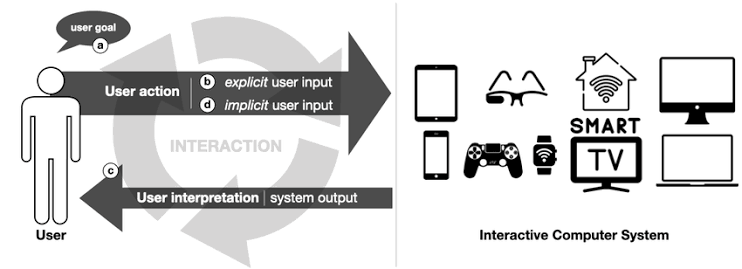
User goals
Desired result?
- Needs
- Motivation
- Result
- Value
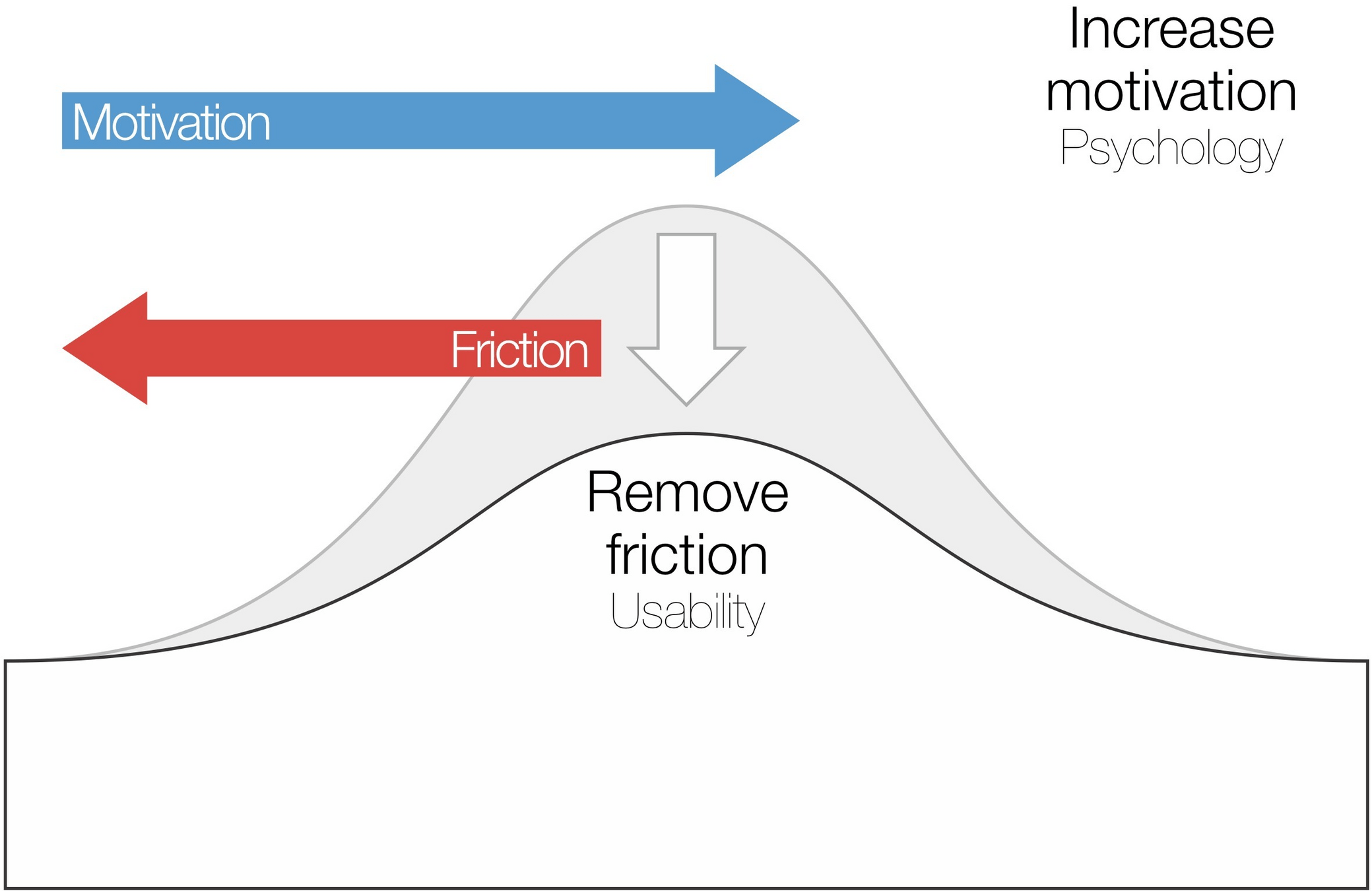
Examples of products and their purpose?
Spotify
- Listening to music
- Viewing content
- Sharing content
Notion
- Organizing information
Examples of products and their purpose?
Spotify
- Listening to music
- Viewing content
- Sharing content
Notion
- Organizing information
User actions
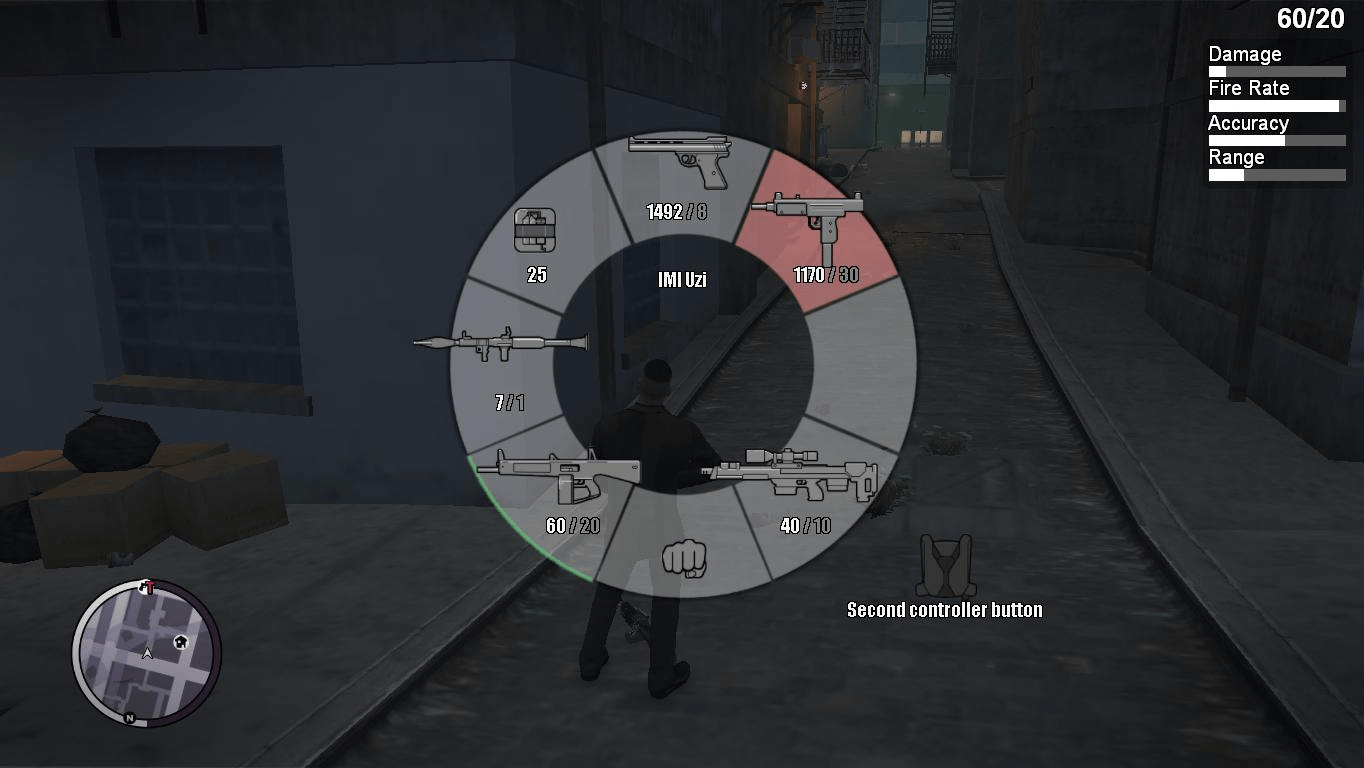
Behavior performed to achieve goals.
- Input
- Behavior
- Interaction
What do you do to achieve a goal with a digital device?
Examples of user actions
- Clicking
- Scrolling
- Searching
- Swiping
- Dragging
- Typing


Examples of user actions
- Clicking
- Scrolling
- Searching
- Swiping
- Dragging
- Typing
- ....
System reaction
Reaction of the interface.
Goal:
Communicating status changes.
Examples of a system reaction?
After clicking:
- Menu opens
- Form appears
- Content loads
- Button changes
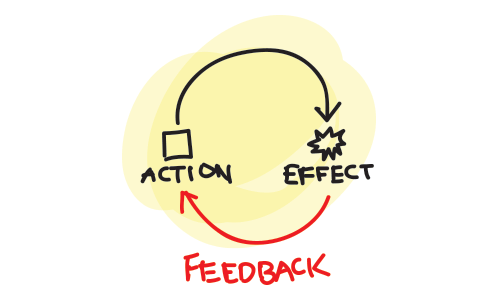
Feedback loops
What is feedback?
The system communicates results.
- Self-confidence
- Trust
- Clarity
What types of feedback exist?
Types of feedback
Success
- Completed
Warning
- Attention required
Error
- Problem occurred
Loading
- Processing

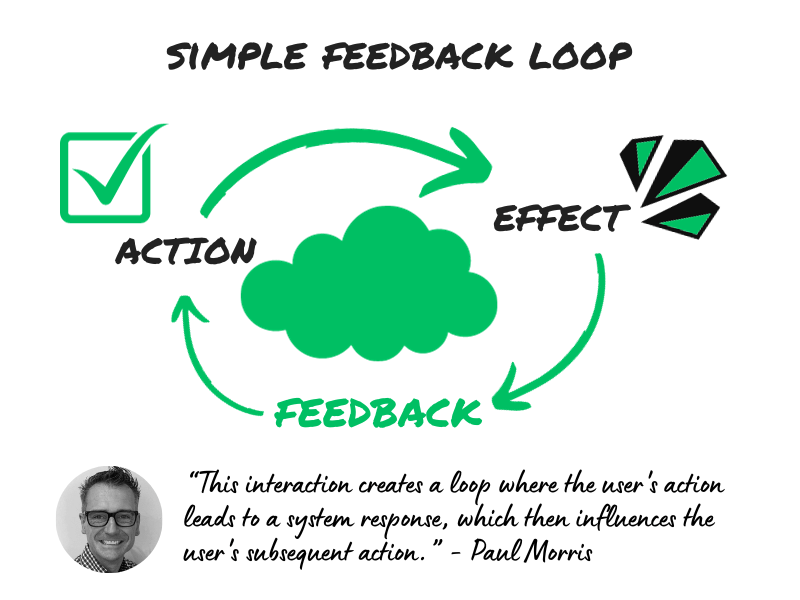
Feedback loop model
User action
↓
System reaction
↓
User interprets
↓
Next action
Good design
Clear loop
Bad design
Interrupted loop
Recap: Summary of Interaction Design
User
- Goal
Behavior
- Action
Interface
- Reaction
Communication
- Feedback
Result
- Goal completed
Recognizing Interaction Design
Action → Reaction mapping.
Analyze an application of your choice, document at least 5 interactions.
Document
Action
↓
Reaction
Questions
- What happened?
- Was the feedback visible?
- Was the feedback clear?
- Could it be improved?
Part 2
Design patterns
〞
Go look for at least 5 interactions online.
When looking at Interaction Design, it is noticeable that most interactions are similar, one could almost say identical.
What examples of common interactions can you think of?
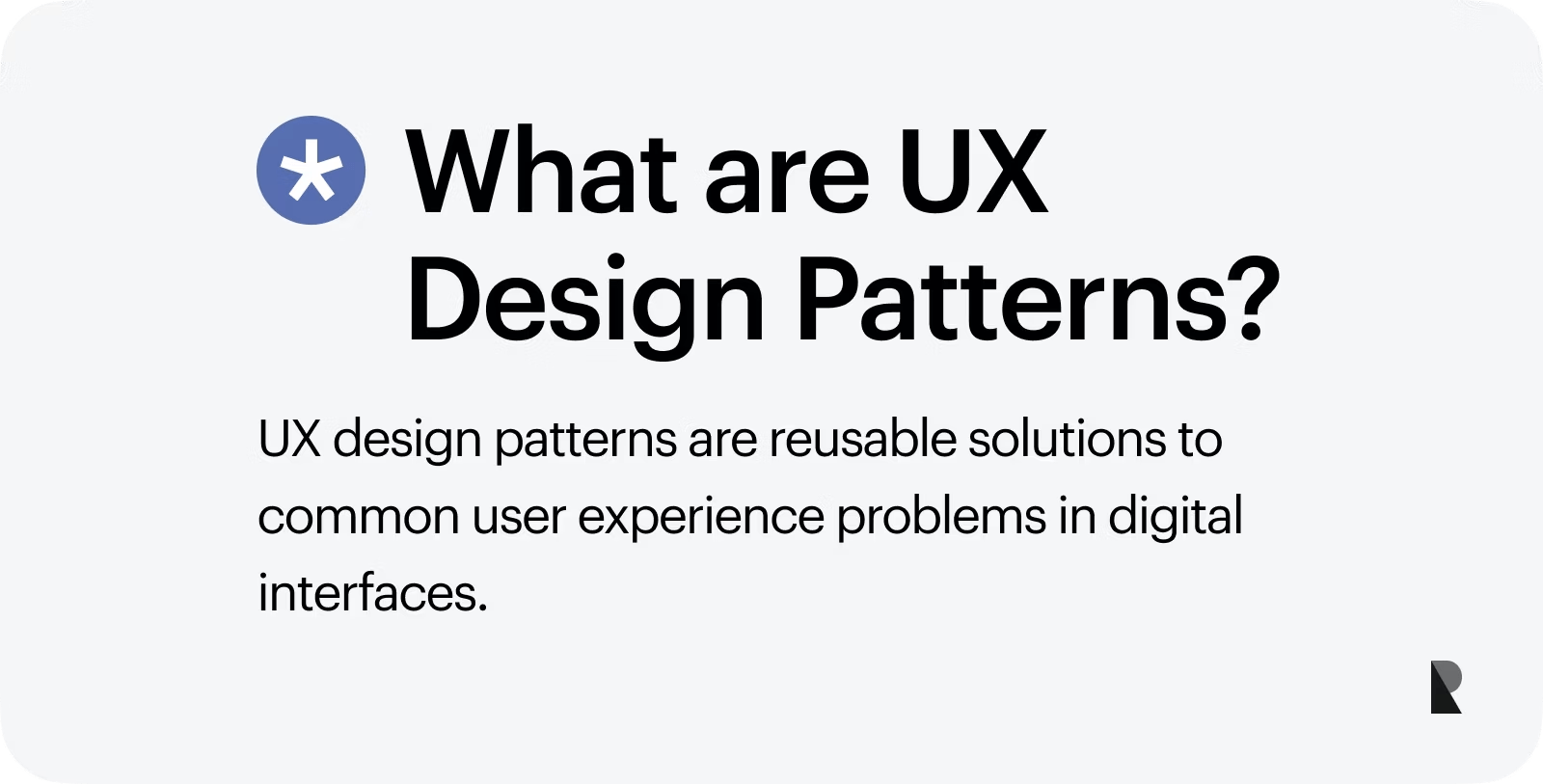
What is a design pattern?
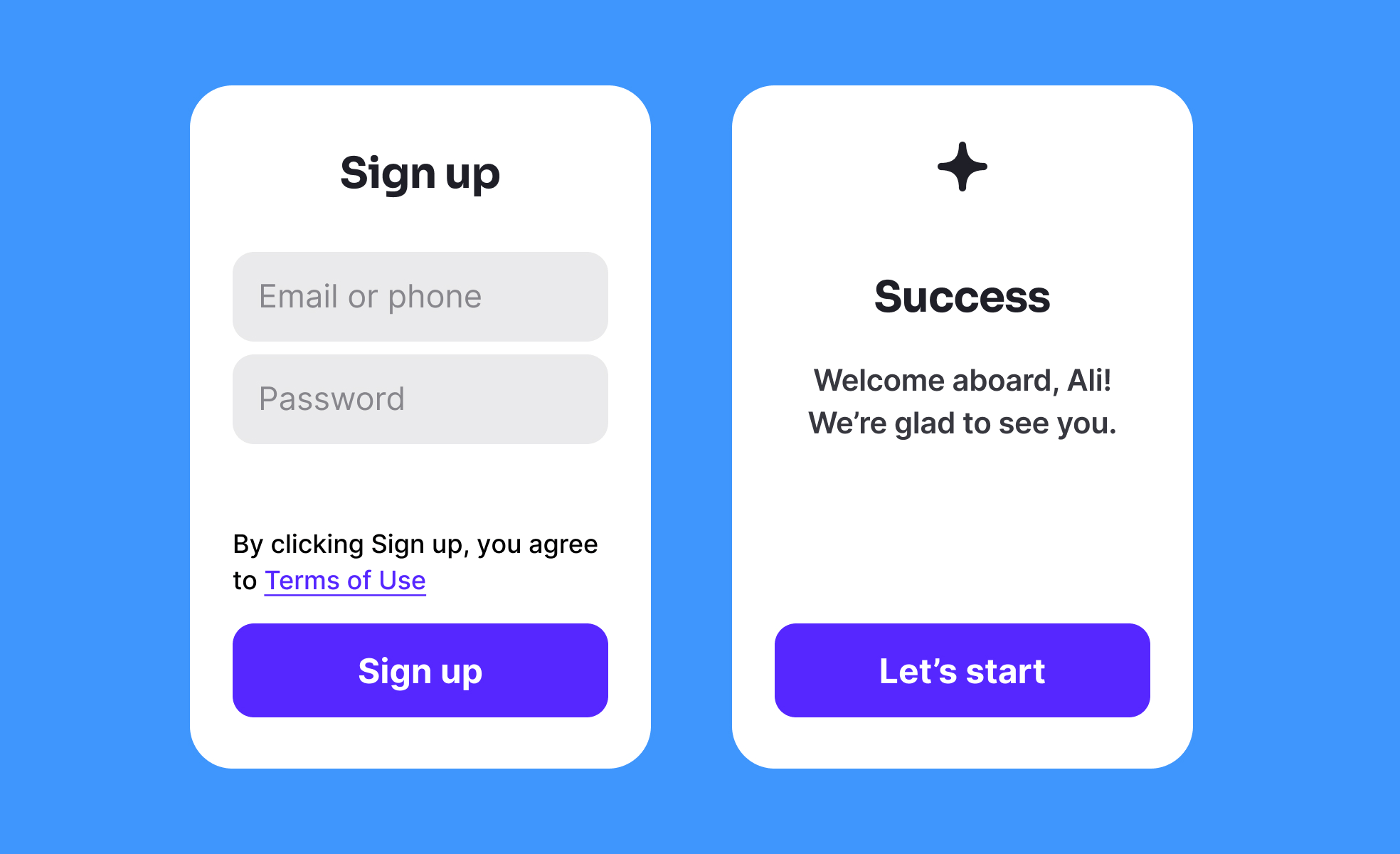
Reusable solution for recurring problems. Users do not want to have to relearn every interface.
- Familiarity
- Expectations
- Recognition
Recognition > learning.
Why do patterns exist?
- Faster learning
- Less confusion
- Better usability
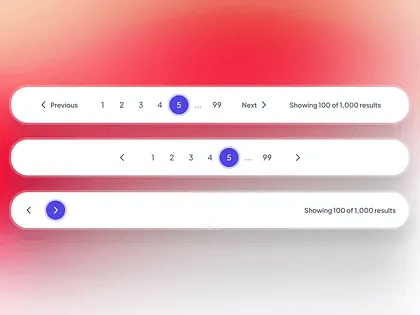
Examples:
- Top navigation
- Search icon
- Shopping cart
- Login button
- ...
Why do design patterns work?
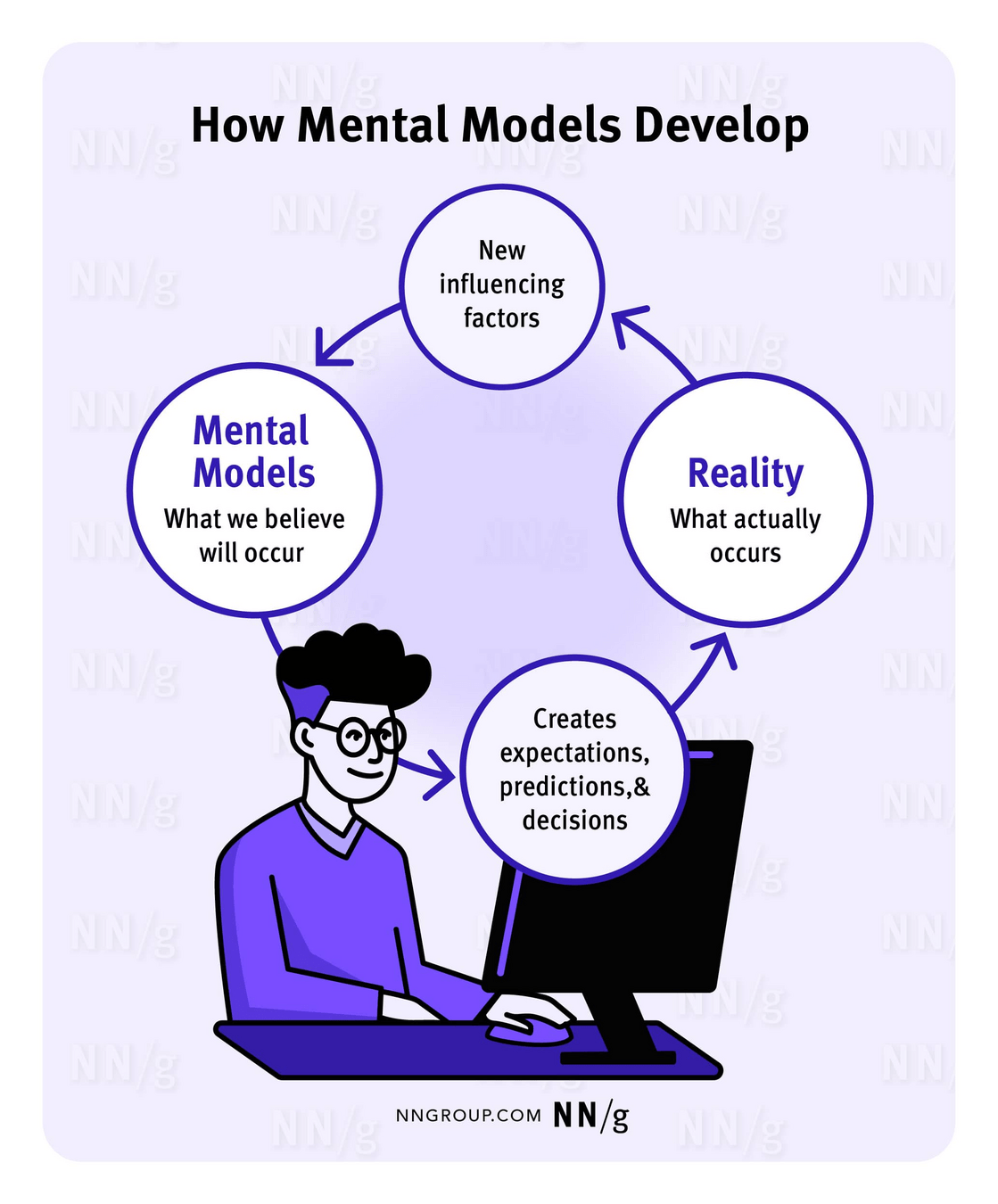
1. Mental models
The user's internal expectation of how something works. The design must therefore align with these expectations.
Example
Shopping cart
People expect:
- Add item
- Save item
- Checkout
2. Familiarity
People prefer familiar solutions.
- Comfort
- Recognition
- Simplicity
Benefits
- Faster decisions
- Less cognitive load
- Higher self-confidence
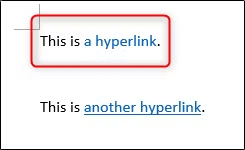

3. Consistency
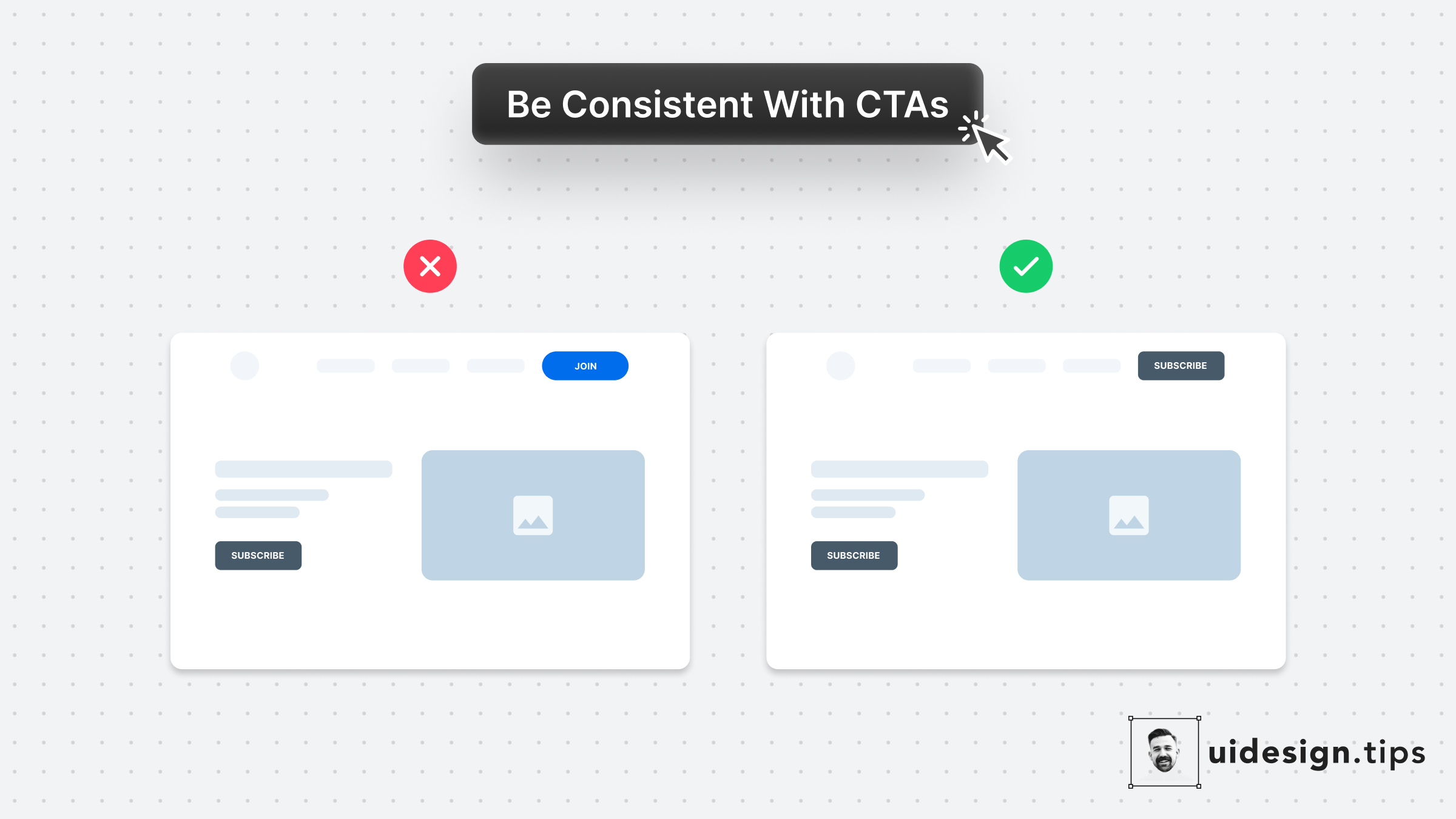
Elements behave similarly throughout the entire product.
Consistency applies to
- Layout
- Navigation
- Buttons
- Forms
- Animations
Benefits
- Trust
- Predictability
- Learning efficiency
Types of patterns
- Navigation patterns
- Help users navigate through content.
- Search patterns
- Help users find information.
- Form patterns
- Guide through completing tasks.
- ...
Exercise
Pattern hunt
Find 4 examples for each category:
- Navigation patterns
- Search patterns
- Form patterns
Discuss
- Why do they work?
- Why do users understand them?
- What movement supports them?
Examples
- Top navigation
- Sidebar navigation
- Hamburger menu
- Tab navigation
- Search bar
- Search suggestions
- Filters
- Sorting
- Labels
- Validation
- Progress indicators
- Confirmation messages
Patterns and movement
Interaction requires movement
Examples:
Navigation
- Open menu
Search
- Display results
Forms
- Success states
- Error states
Recap: Design pattern
Mental models
User expectations
Familiarity
Known behavior
Consistency
Predictable behavior
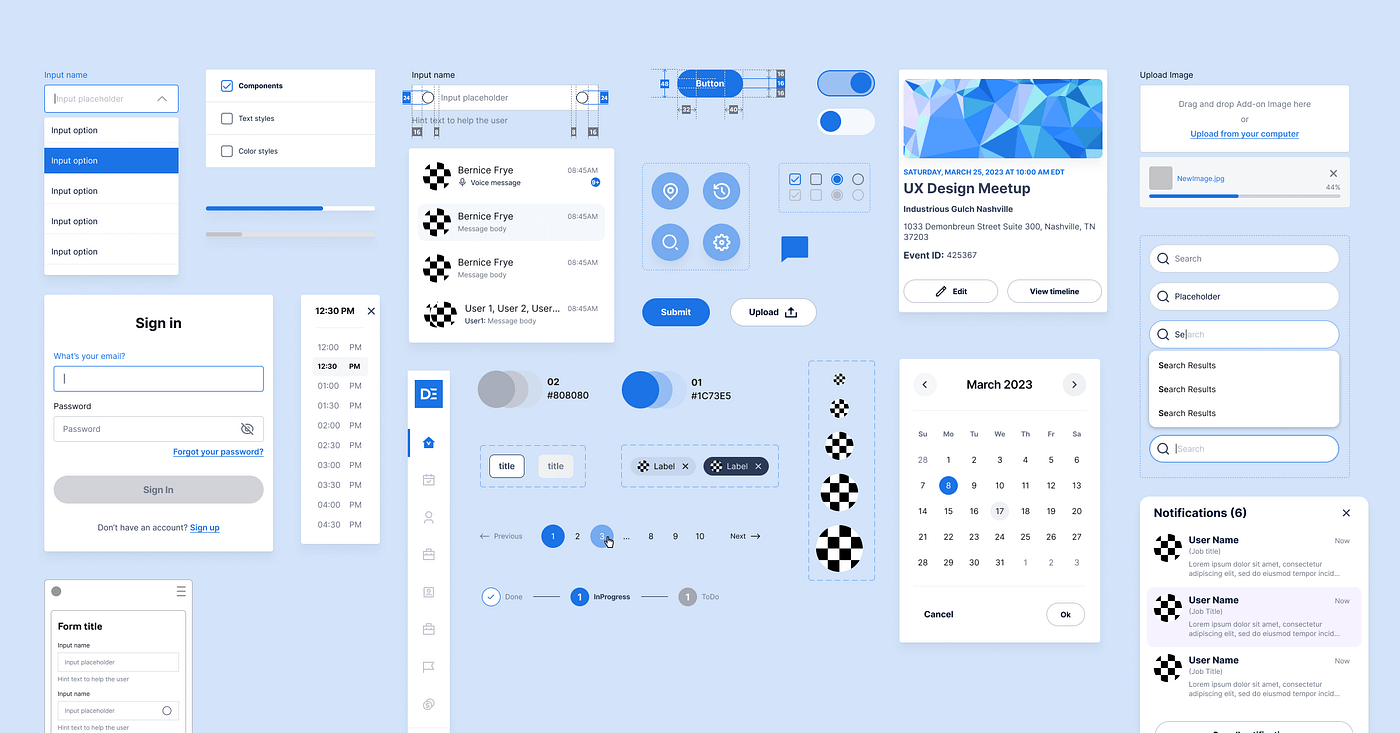
Patterns
Reusable solutions
Part 3
Wireframing for behavior
What is a wireframe?
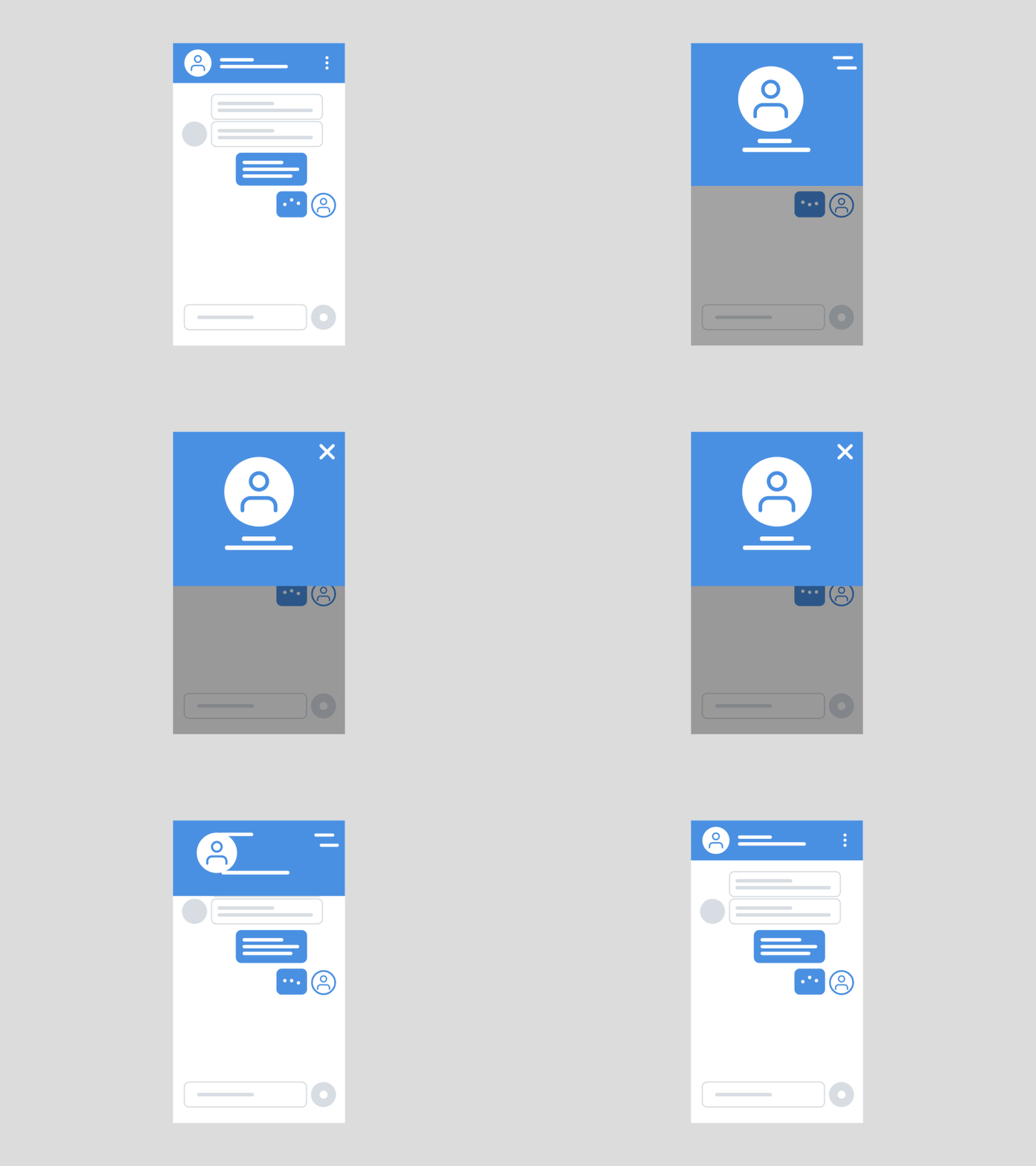
Blueprint of an experience. Content is very important, but now we are only wireframing the interaction.
Not:
- Colors
- Branding
But:
- Structure
- Behavior
- Functionality
Designing before visual design
Design the look first.
Better approach
Goal
↓
Behavior
↓
Structure
↓
Visual design
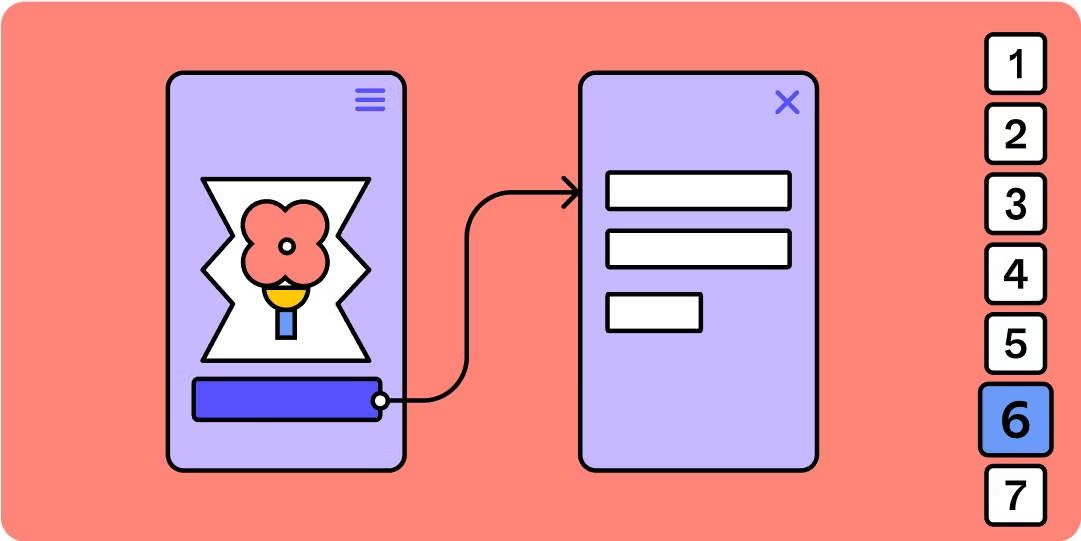
Wireframing for behavior
Ask questions
- What can users do?
- Where can they click?
- What changes?
- What happens next?
Focus
Interaction possibilities.
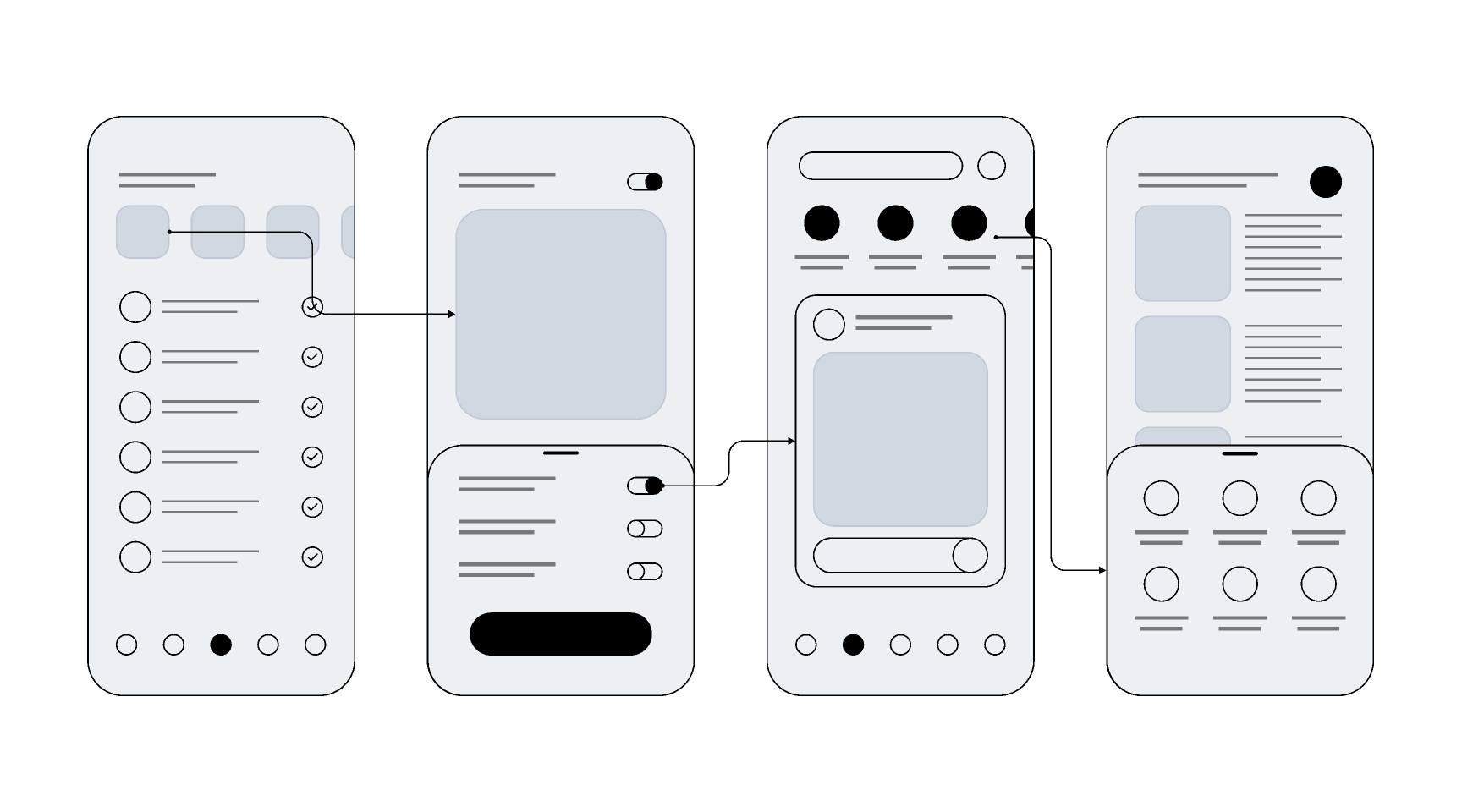
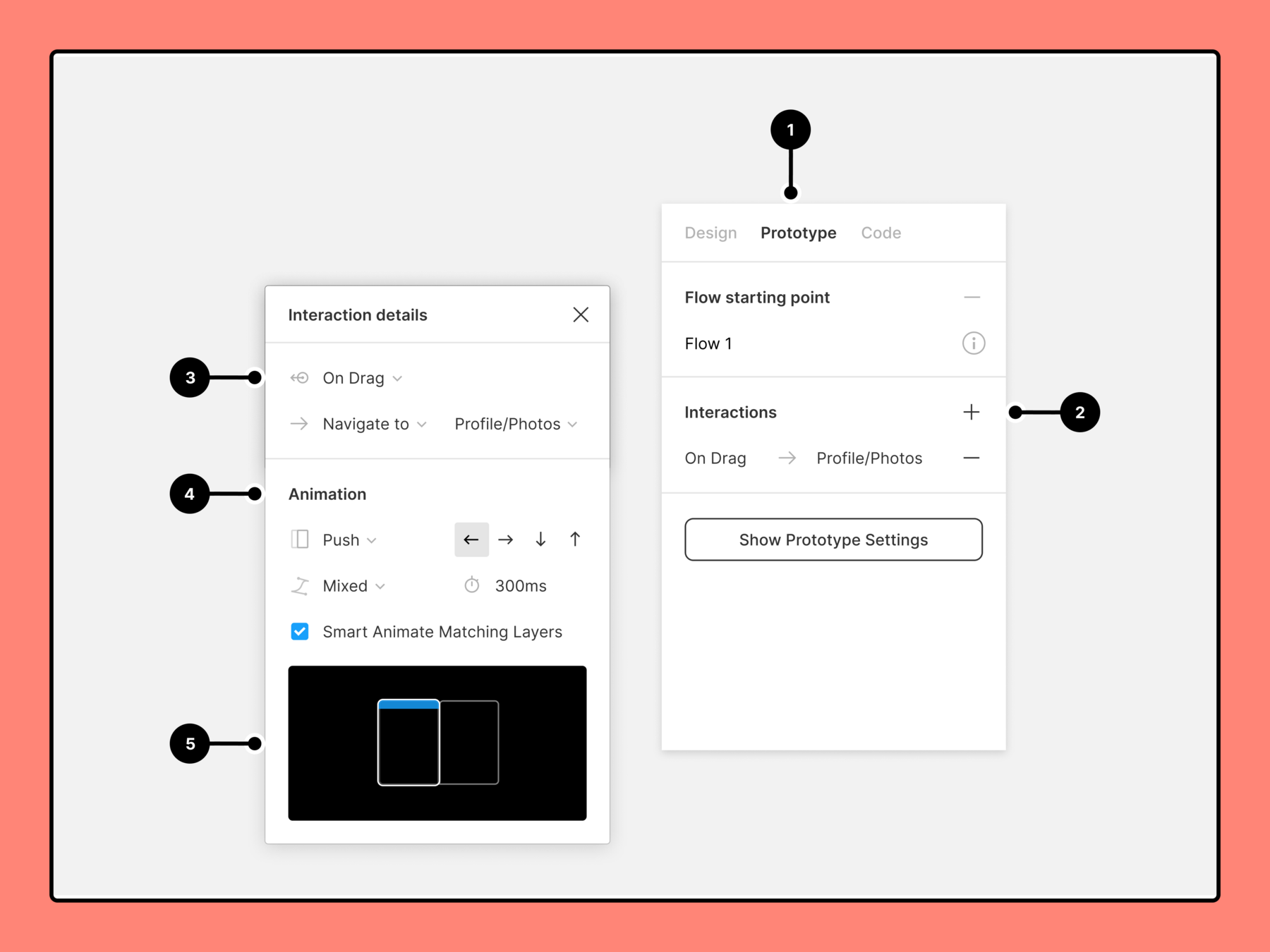
Prototype in
Figma
Challenge: Overview
Running event platform
Create
- Homepage
- Event details page
- Registration flow
Limitations
- No color
- No branding
- No visual styling
Focus only on behavior.
Thinking about the homepage
Questions
- What information appears first?
- What should users do?
- How are events discovered?
Keywords
- Discover
- Browse
- Search
Thinking about event details
Questions
- What information is most important?
- Where is the registration action?
- How can motivation be increased?
Keywords
- Information
- Decision
- Conversion
Registration
Questions
- Steps?
- Forms?
- Confirmation?
Keywords
- Progress
- Completion
- Feedback
Exercise
Design
- Homepage
- Detail page
- Registration flow
Submit
Paper sketches with a Wireflow or Figma Prototype
Evaluate
Can users easily complete tasks?
Interaction Design, Patterns & Gedrag
By Lecturer GDM