



















Content ITV PRO
This is Itvedant Content department
Learning Outcome
3
Launch different browsers using Playwright
2
Understand the relationship between browser engines and actual browsers.
1
Identify the three browser engines supported by Playwright
Recall
What is Playwright?
Why do we use browser automation?
What is a browser engine?
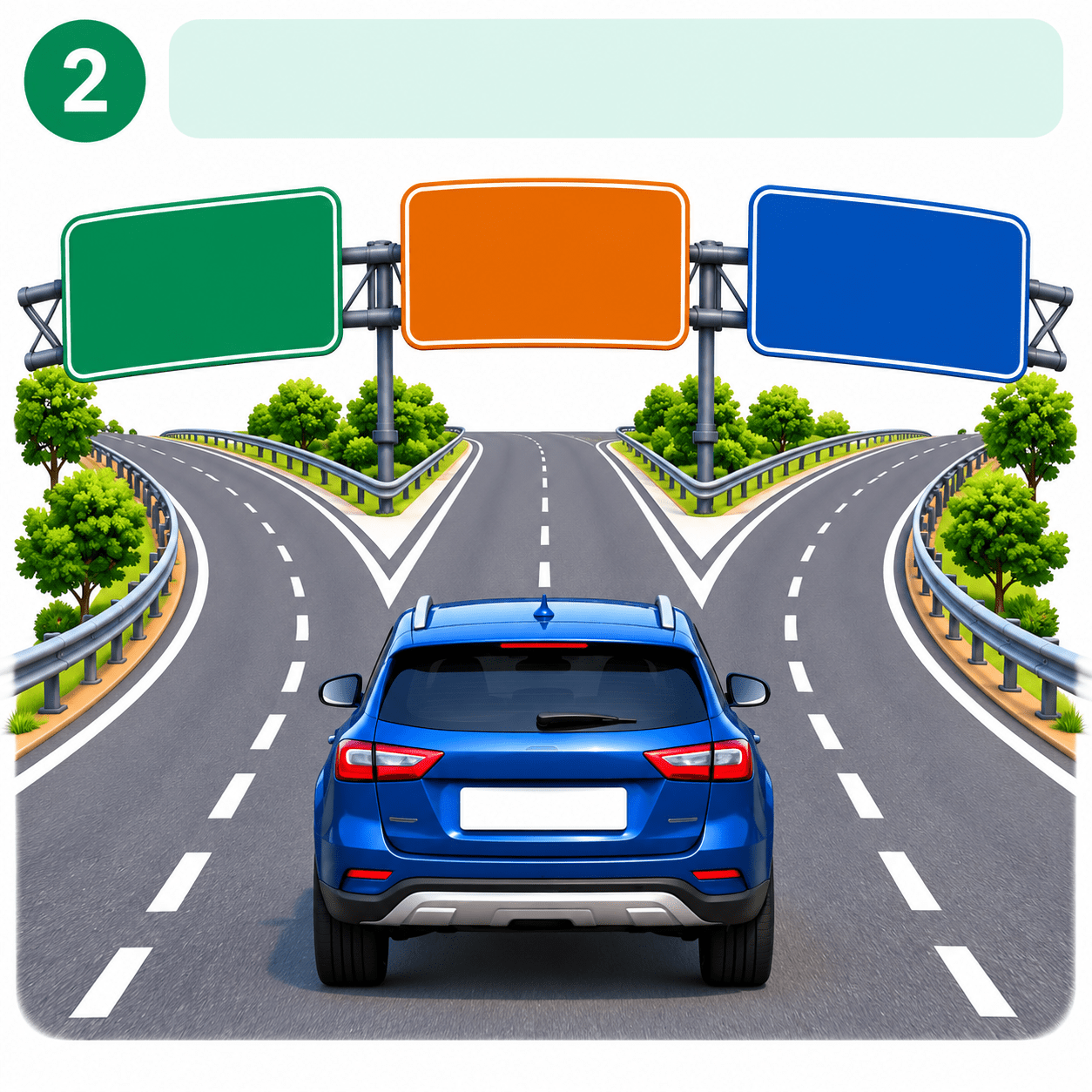
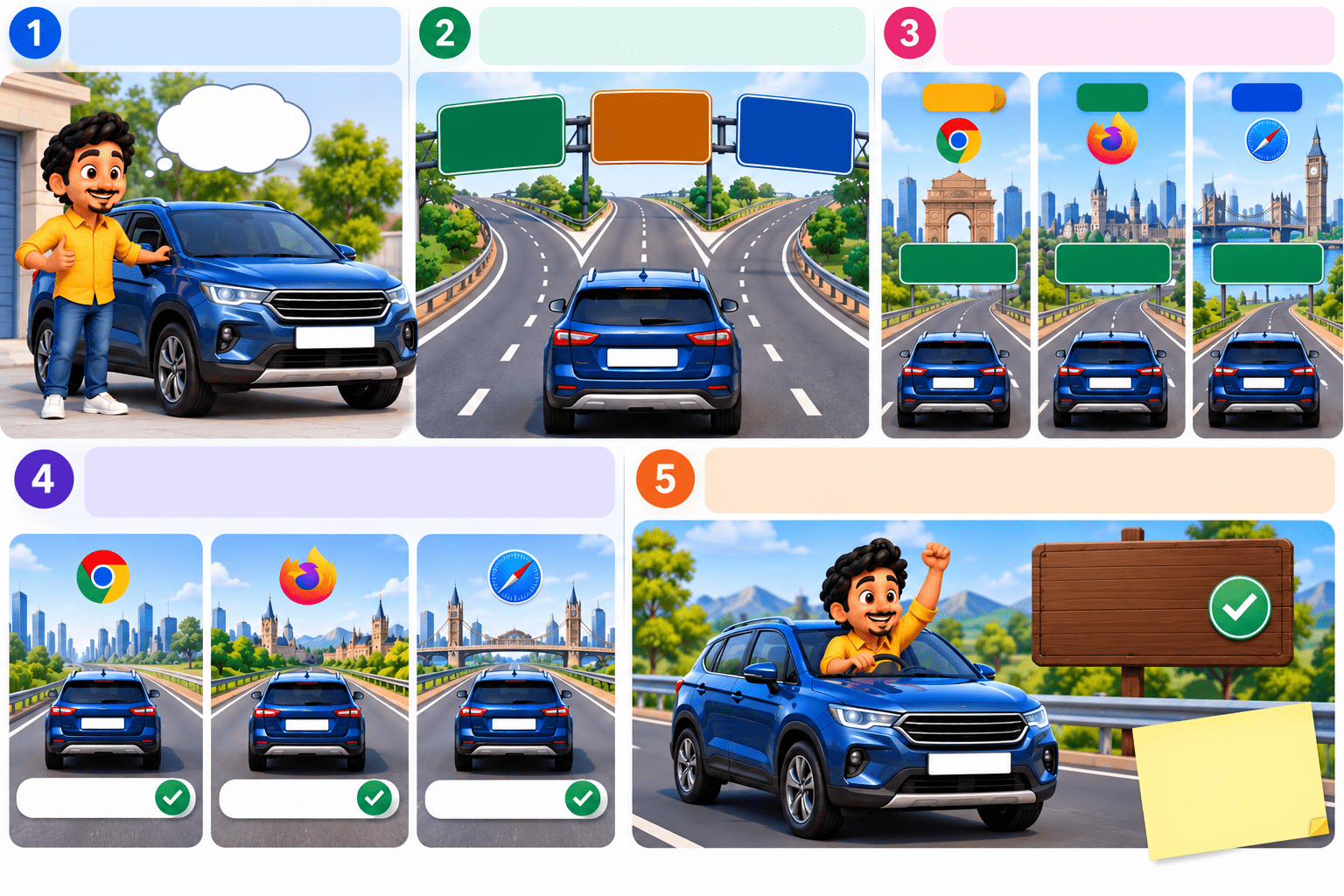
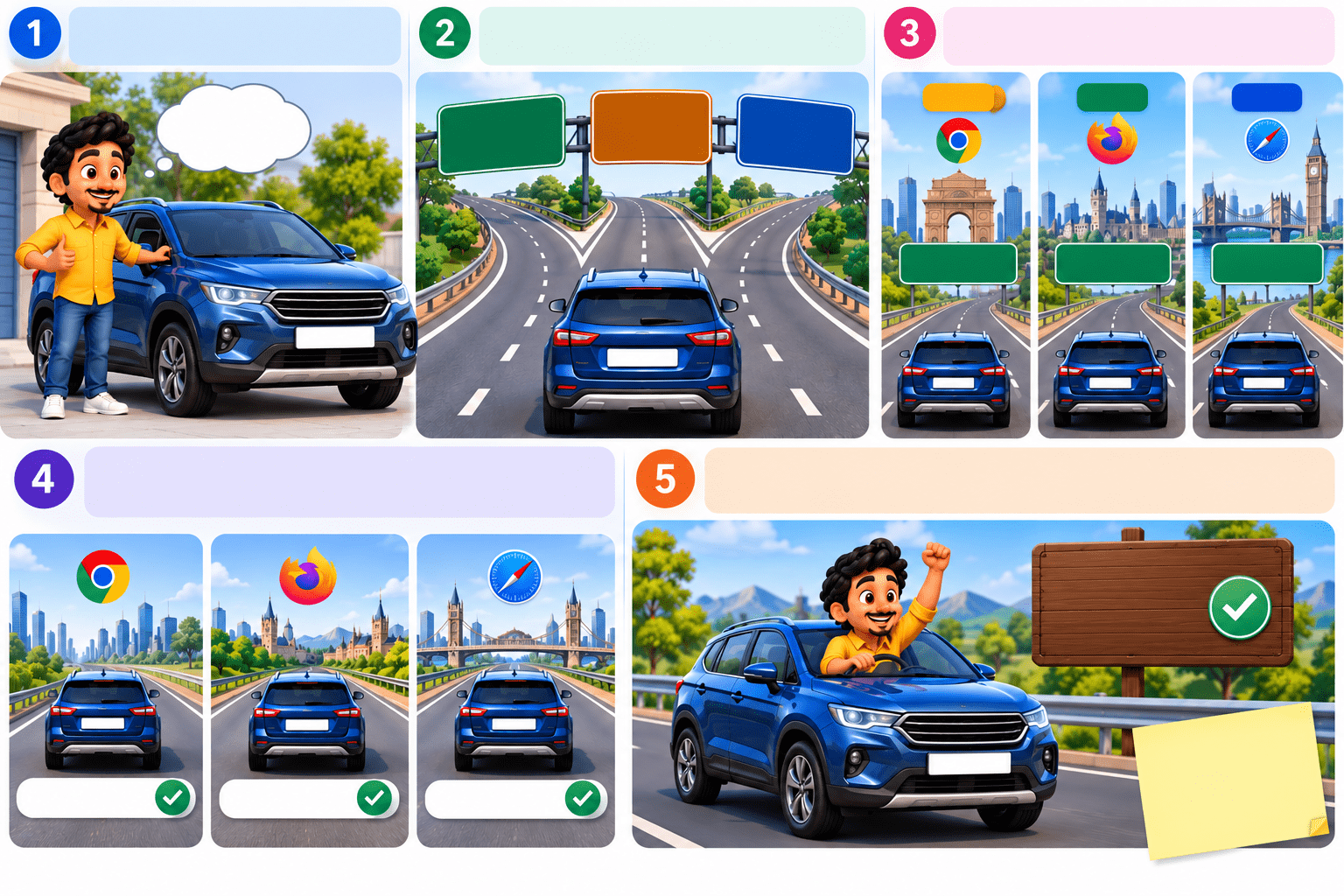
Imagine you have the same car and want to travel to three different cities.
You have one car to travel
Same Car
Same car for all trips!
You can take different roads to reach your cities.
Different Roads
Chromium Engine
FireFox Engine
WebKit Engine
CITY 1
CITY 2
CITY 3
CHROME
FIREFOX
SAFARI
Diffrent Destinations
Each Road Takes You Different City
We Test same journey on all Routes(i.e All Browsrs)
CHROME
FIREFOX
SAFARI
Checking Every Route
Testing Success
The Goal
The journey should be successful regardless of which route you take.
Text
Similarly, a Playwright test should be able to run against different browser engines to verify that the application behaves correctly across browsers.
Transition from Analogy to Technical Concept
Analogy
Same car
Different roads
Different destinations
Check every route
Successful journey
Playwright
Same automation script
Different browser engines
Different browsers
Cross-browser testing
Application works correctly
Key Idea
Write the test once
Run it against multiple browser engines
Find browser-specific issues.
What Are Playwright-Supported Browsers?
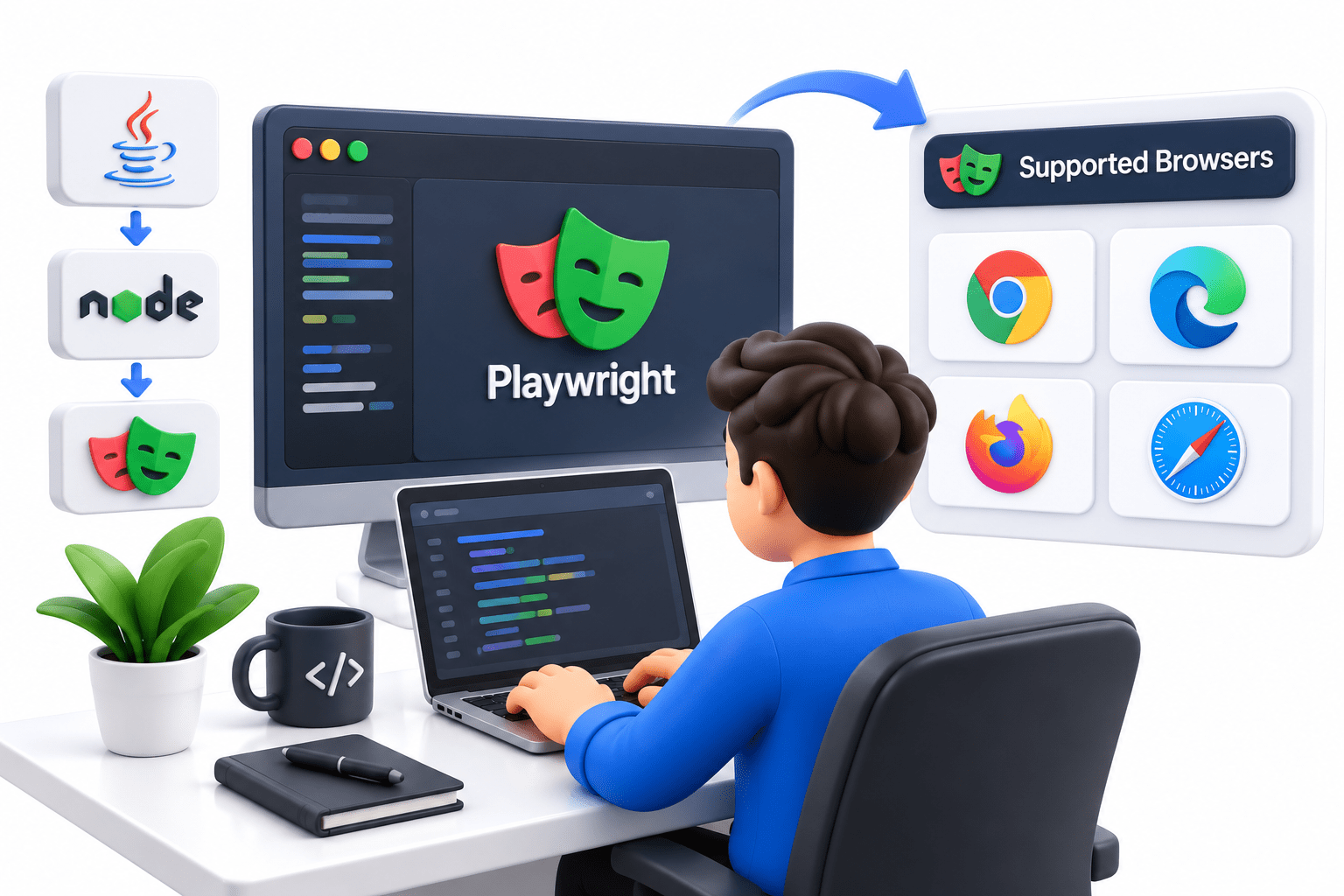
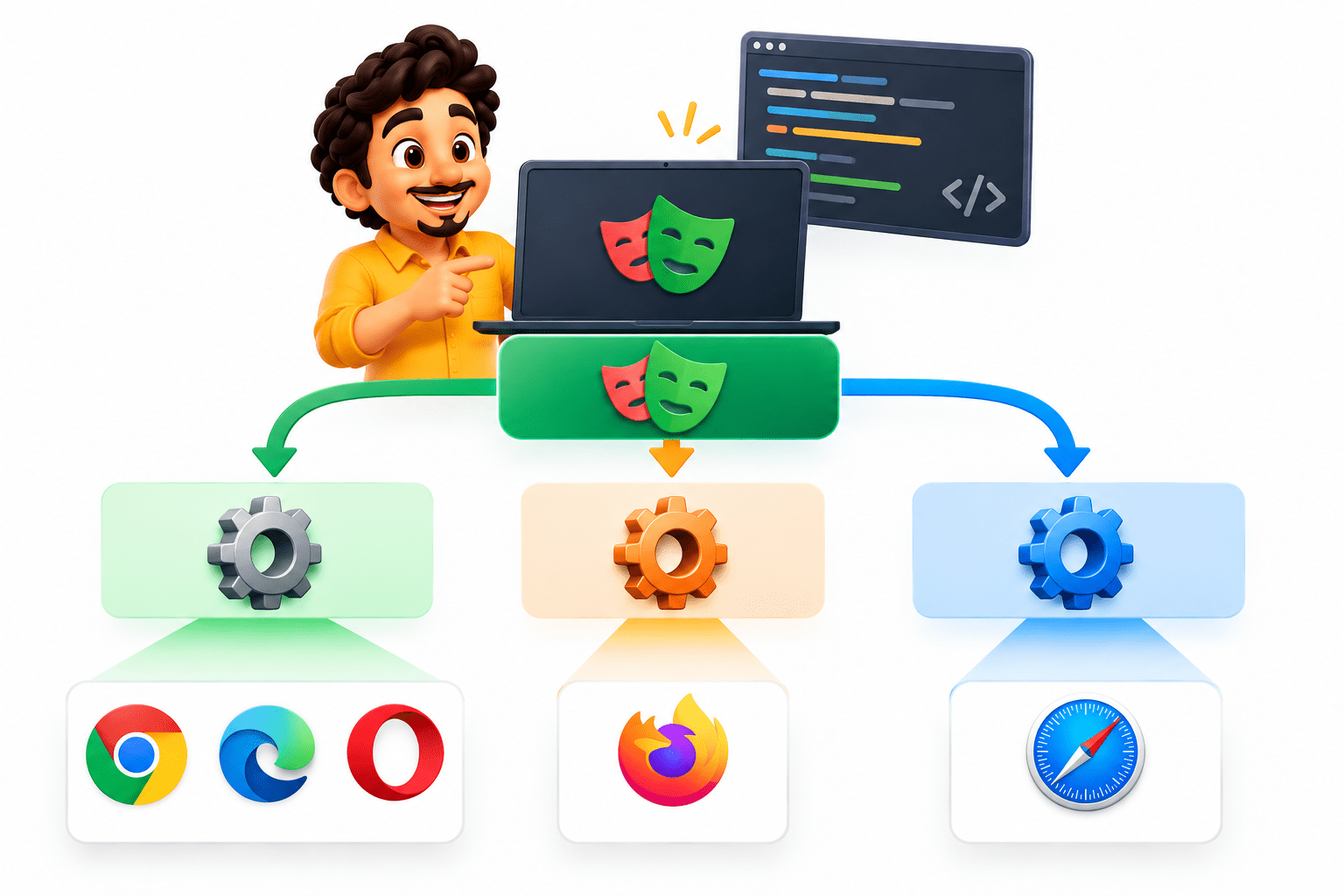
Playwright supports multiple browser engines, allowing web applications to be automated and tested across different browsers using the same API.
Three Browser Engines
Chromium
Firefox
WebKit
Testing Chromium gives coverage for applications running in the Chromium browser-engine ecosystem.
Playwright provides direct support for the Firefox browser engine.
WebKit testing helps validate application behaviour in the Safari browser engine environment.
Browser Engine vs Actual Browser
A browser engine is the underlying technology responsible for rendering and running web content.
Chromium
Firefox
WebKit
Google Chrome Microsoft Edge Brave Opera
BROWSER ENGINE
Actual Browser
Mozilla firefox
Safari
This distinction is important
Playwright primarily works with browser engines, rather than treating every browser brand as a completely separate automation technology.
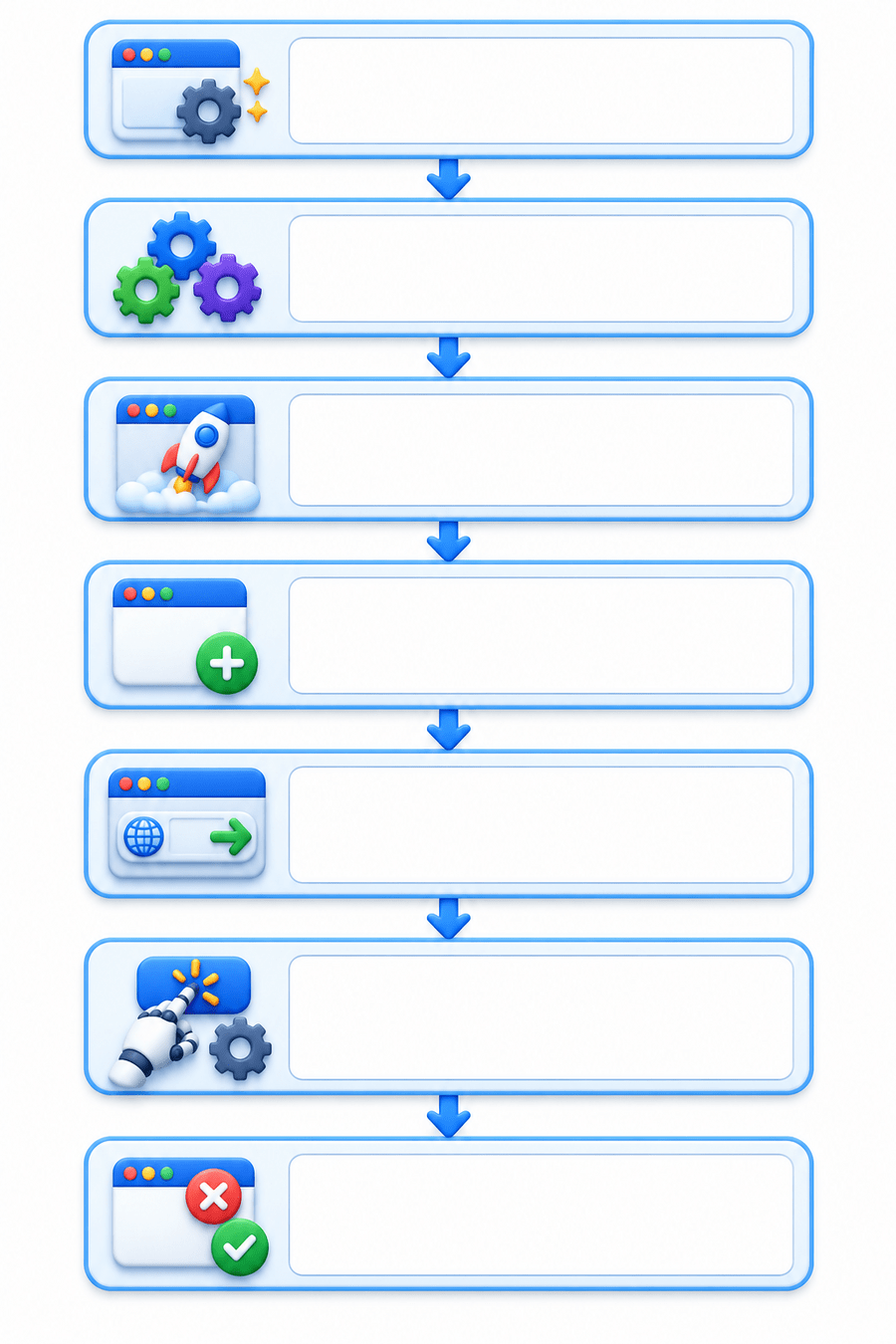
How Does Playwright Run on Different Browsers?
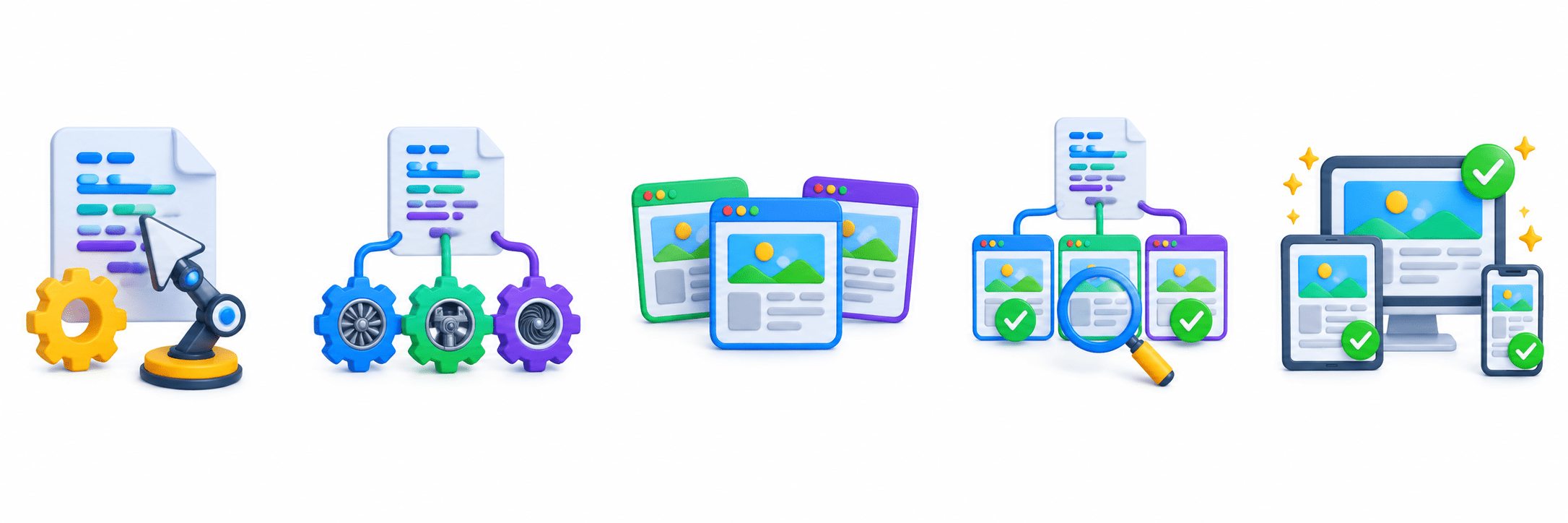
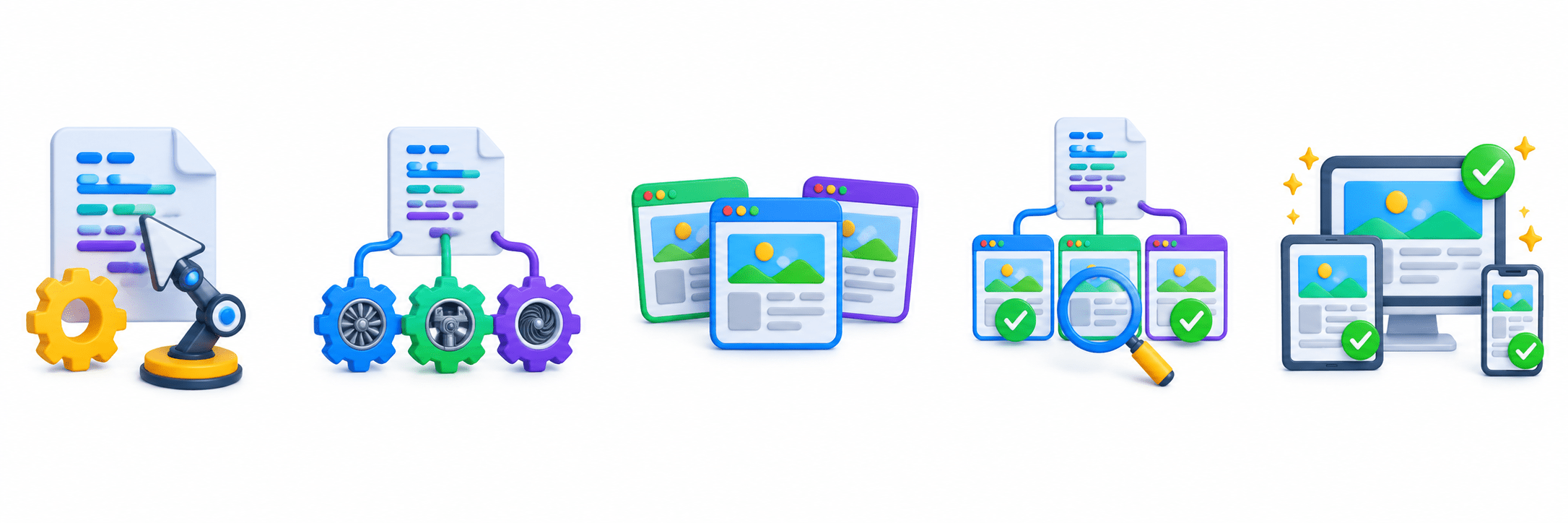
Create Playwright
Navigate to Application
Perform Automation
Close Browser
Create Page
Launch Browser
Select Browser Engine
Browser Channels
Channel
Browser
chrome
msedge
chrome-beta
Campaign D
Google Chrome
Microsoft Edge
Chrome Beta
Edge Beta
Playwright can also launch specific browser installations using browser channels
Why Channels Matter?
They allow automation to target particular browser installations rather than only the default Playwright-managed browser
Summary
3
Browser channels can be used to launch specific browser installations.
2
The same Playwright automation approach can be used across multiple browser engines.
1
Playwright supports three browser engines: Chromium, Firefox, and WebKit.
Quiz
Which browser engine powers Google Chrome?
A. Gecko
B. WebKit
C. Chromium
D. Blink
Quiz-Answer
Which browser engine powers Google Chrome?
A. Gecko
B. WebKit
C. Chromium
D. Blink
By Content ITV