









Content ITV PRO
This is Itvedant Content department
Learning Outcome
5
Validate expected input values.
4
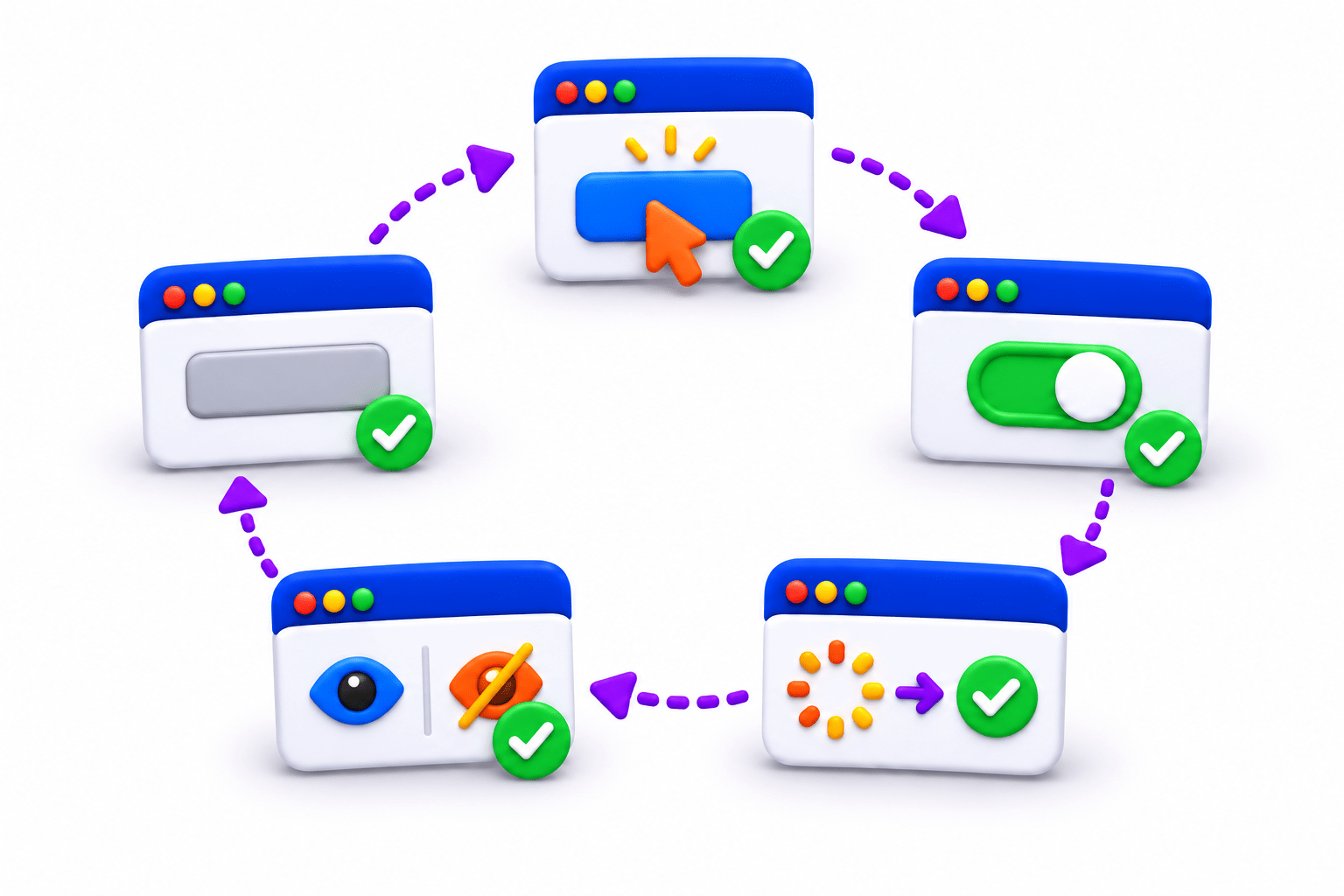
Verify editable and empty input fields.
3
Validate checkbox and radio-button states.
2
Validate enabled and disabled elements.
1
Understand State Validation.
Recall / Revisit
01
03
04
02
What is an Assertion in Playwright?
Can an element be visible but still not be usable?
How can we verify whether a button is enabled?
What does Visibility Validation check?
Why Do We Need State Validation?
A web element may be visible but still not be ready for interaction.
For example:
A button may be disabled.
A textbox may be read-only.
A checkbox may be unchecked.
An input field may contain an unexpected value.
State Validation verifies that the element is in the expected condition before continuing the test.
Engine
Is it ON?
Brake
Is it released?
Seat belt
Is it fastened?
Controls
Are they working?
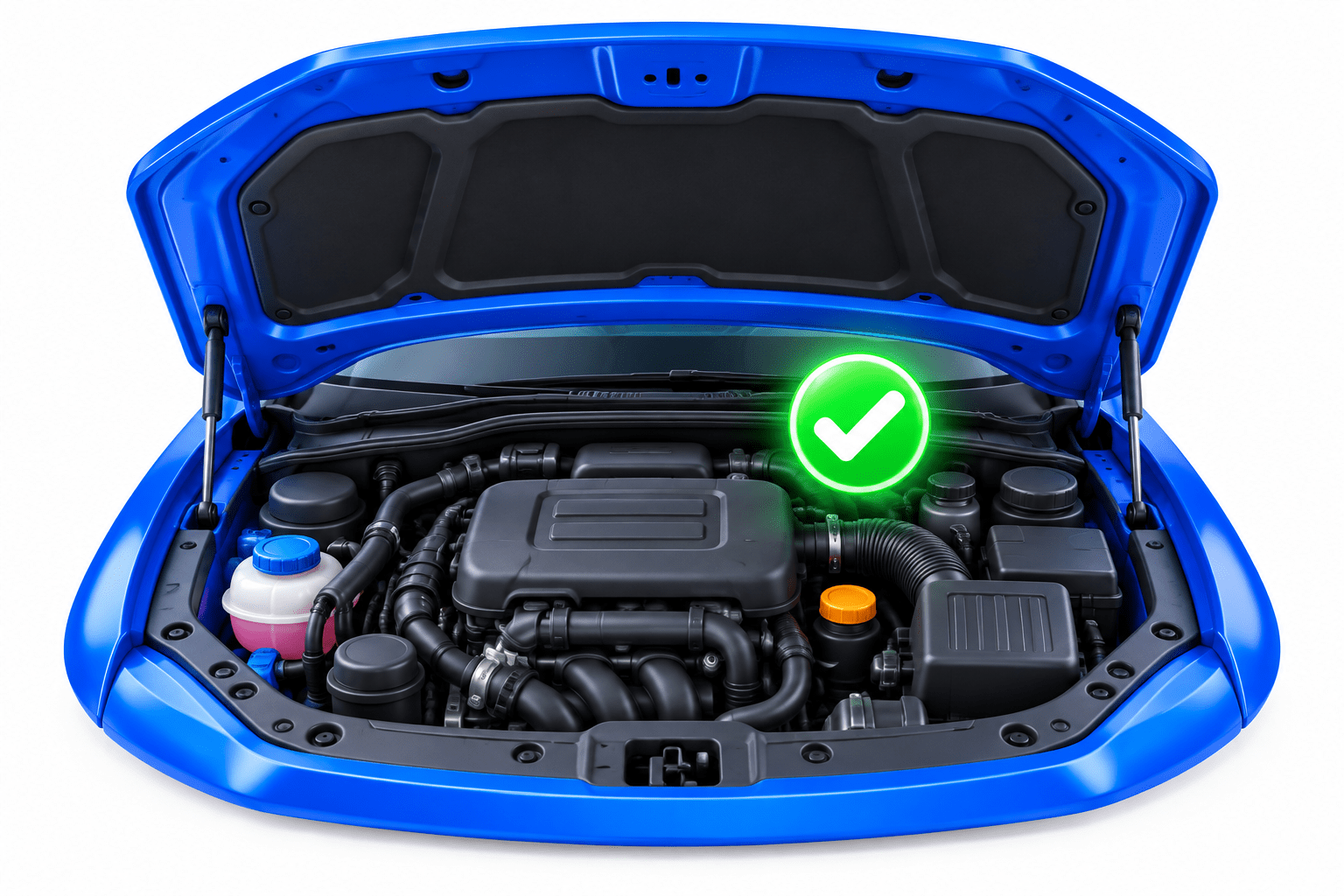
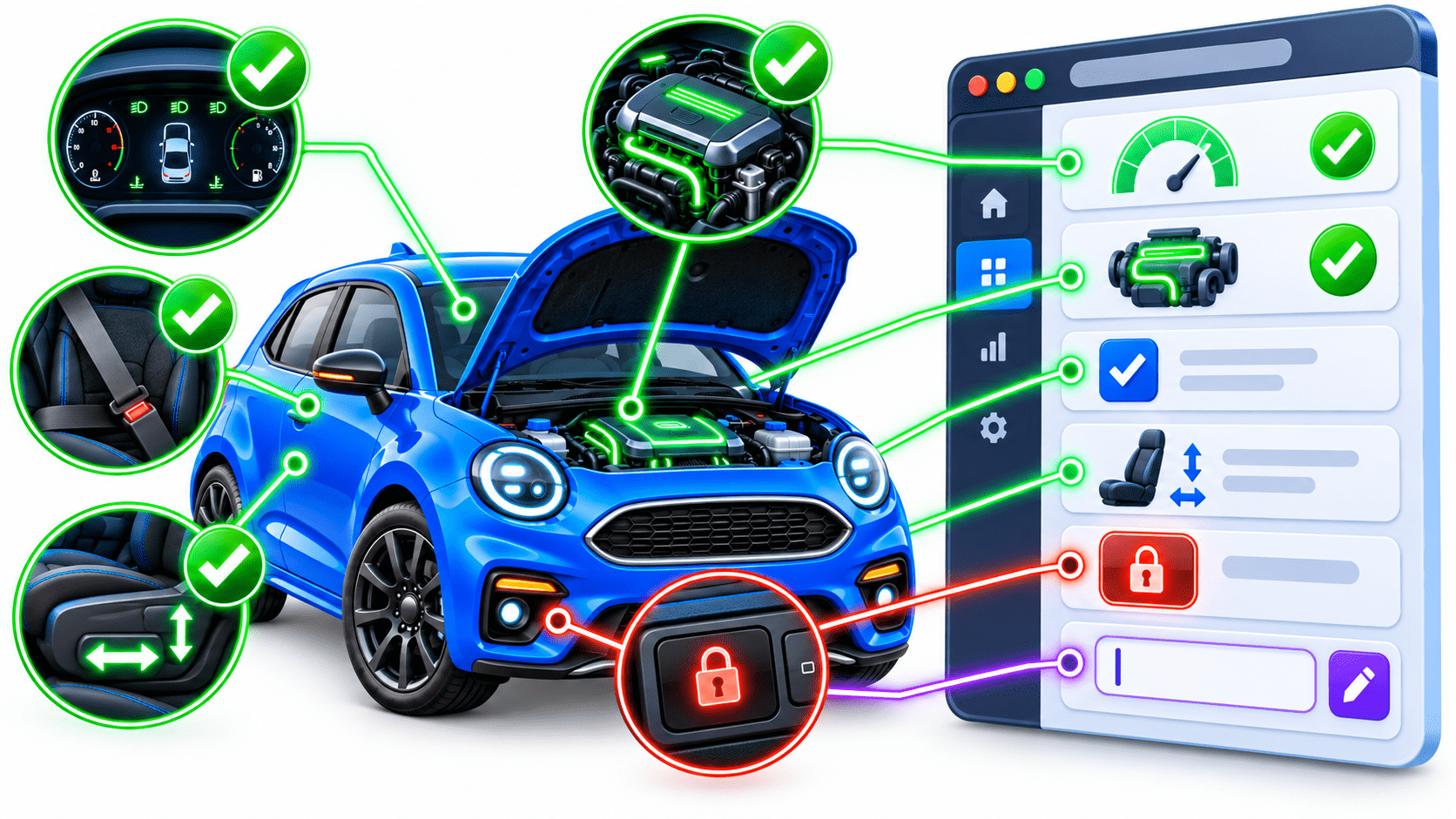
Seeing the car does not mean it is ready to drive.
Imagine driving a car.
Before driving, you check:
Car
Car Control
Engine ON
Control Locked
Seat Belt Fastened
Adjustable Control
Dashboard Check
Web Application
Textbox Editable
State Validation
Checkbox Checked
Element Disabled
Element Enabled
Web Element
Just as a driver checks the condition of a car before driving, Playwright validates the state of web elements before or after interaction.
Common State Validations
| Validation | Playwright Assertion | Purpose |
|---|---|---|
| Enabled | isEnabled() | Element can be interacted with |
| Disabled | isDisabled() | Element cannot be interacted with |
| Checked | isChecked() | Checkbox/radio is selected |
| Editable | isEditable() | Input can be modified |
| Empty | isEmpty() | Input contains no value |
| Value | hasValue() | Input contains expected value |
Practical Assertions
Enabled
Verifies that the button is available for interaction.
assertThat(loginButton).isEnabled();Disabled
assertThat(loginButton).isDisabled();Verifies that the button is unavailable.
Checked
assertThat(checkbox).isChecked();Verifies that the checkbox is selected.
Practical Assertions
Checks whether the textbox can be modified.
Empty
Checks whether the input field contains no value.
Editable
assertThat(searchBox).isEmpty();assertThat(username).isEditable();Practical Scenario
Login Form Validation
Imagine a login page where the Login button becomes enabled only after entering credentials.
Username → Editable?
Password → Editable?
Enter Credentials
Verify Values
Login Button → Enabled?
Click Login
⬇
⬇
⬇
⬇
⬇
This combines state validation + element interaction in a realistic workflow.
assertThat(username).isEditable();
assertThat(password).isEditable();
username.fill("Admin");
password.fill("Admin123");
assertThat(username).hasValue("Admin");
assertThat(loginButton).isEnabled();
loginButton.click();
Example:-
Summary
5
Use isEditable(), isEmpty(), and hasValue() for input fields.
4
Use isChecked() for checkboxes and radio buttons.
3
Use isEnabled() and isDisabled() for buttons.
2
Visibility does not guarantee usability.
1
State Validation checks an element's condition.
Quiz
Which Playwright assertion verifies that a button is available for interaction?
A. isVisible()
B. isChecked()
C. isEnabled()
D. isEditable()
Quiz-Answer
Which Playwright assertion verifies that a button is available for interaction?
A. isVisible()
B. isChecked()
C. isEnabled()
D. isEditable()
By Content ITV