






Content ITV PRO
This is Itvedant Content department
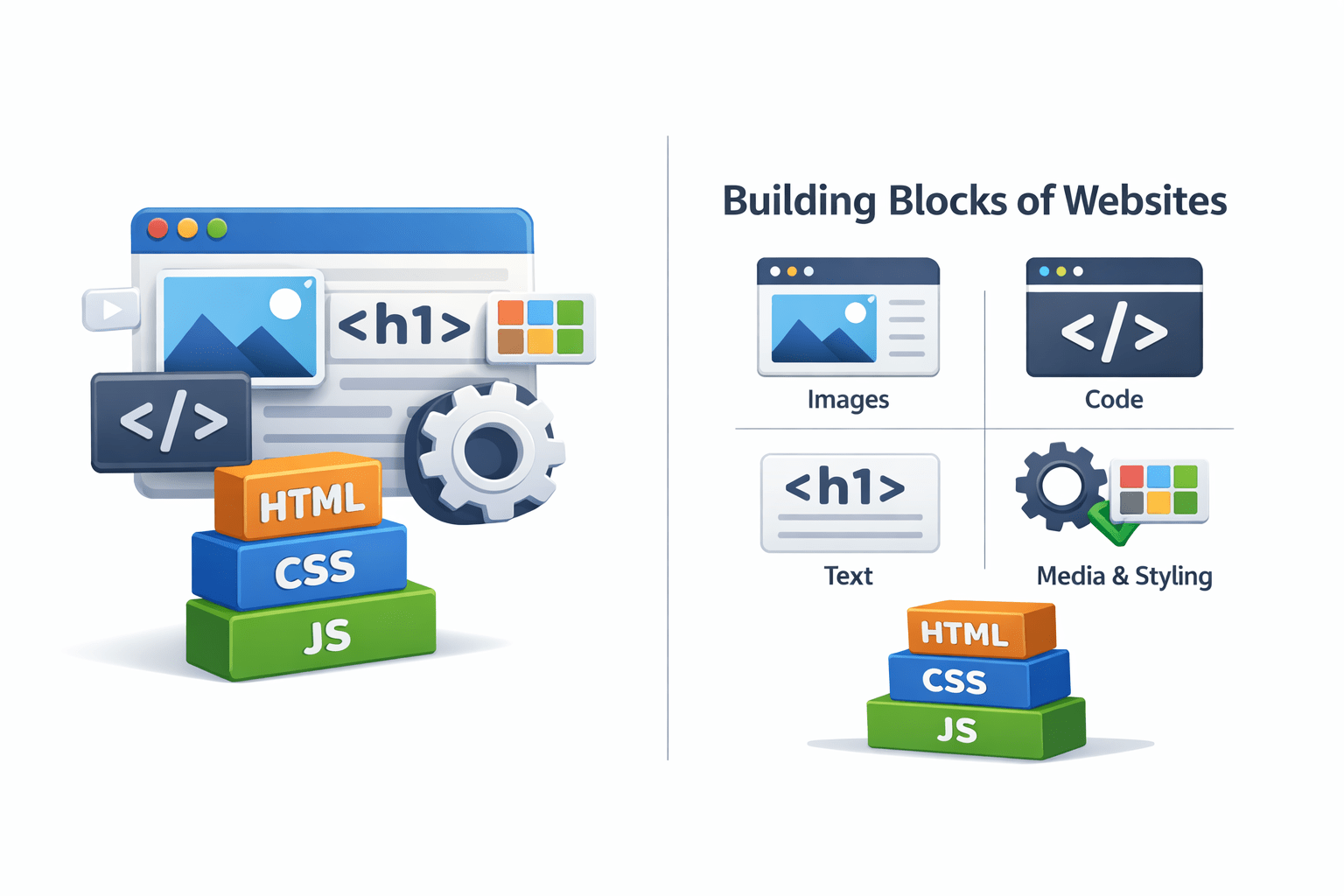
Building blocks of websites
Learning Outcome
What is correct sequence of HTML?
How to define HTML tags?
What is the basic HTML structure?
What are different tags in HTML?
How To Define A Website Structure?
A website is defined using the basic HTML structure
<!DOCTYPE html>
Specifies that it is an html document
Helps the browser identify the document
HTML document begins with <!DOCTYPE html>
Consists of 3 elements:
<html><head><body>What Defines The Elements Of HTML?
Opening tag
Closing tag
Hello to HTML
Content
<body>
</body>
Hello to HTML
<body>
</body>
HTML elements are defined using opening and closing tags enclosed in angle brackets
Tags in HTML are like instructions in building the website
<body>
Hello to HTML
The line of code for HTML:
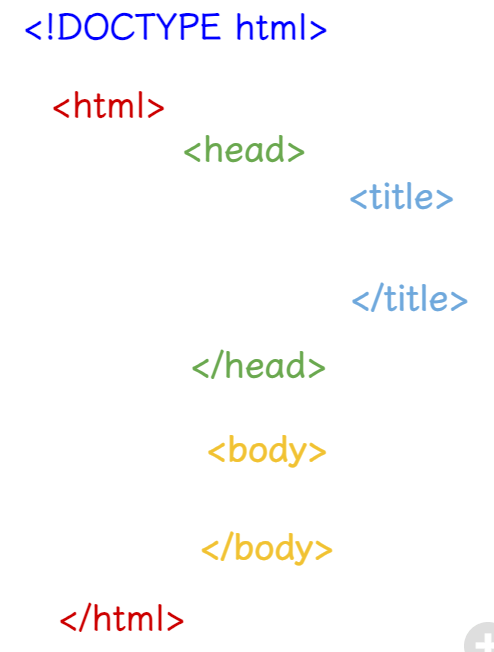
What Is The Correct Order For HTML Tags?
Proper HTML structure is vital for web browsers and search engines
<!DOCTYPE html>
Defined at the beginning of the html page
<html>
</html>
The root element that contains all the elements
<head>
</head>
Specifies more details of the webpage to the browser
Content that displays like paragraph,images,links
<body>
</body>
Specifies the title of the webpage
<title>
</title>
Why Is The Correct Order Of HTML Tags Is Important?
It provides a logical structure & hierarchy to the web page
Its easier to maintain and update which helps developers
Used by SEO to understand the content that affects ranking
It provides compatibility across various web browsers
Lets See How To Code The Basic HTML Page Following The Correct Sequence
Defining The Basic HTML Structure
<!DOCTYPE html>
<html>
  <head>
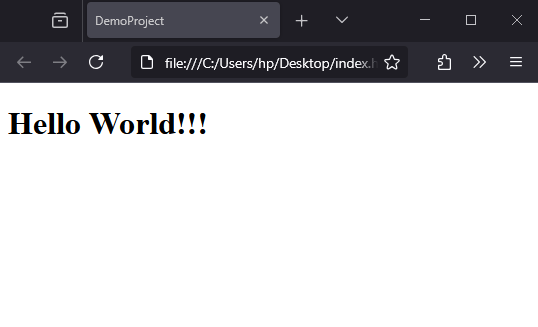
    <title>DemoProject</title>
  </head>
  <body>
   <h1> Hello World!!!</h1>
  </body>
</html>
Used to specify the title of HTML page
Output:
The <title> tag sets the page title, shown in the browser tab. It must contain text-only and is placed in <head>.
COMMENTS
<!-- A one-line comment --><!--
This is a multi-line
comment in HTML
-->An HTML comment is used to add explanatory notes to the markup or to prevent the browser from interpreting specific parts of the document.
Single line
multiline
Basic HTML structure: <html>, <head>, <title>, <body>
Tags use opening-closing pairs: <body>content</body>
01
02
03
04
The correct sequence of writing HTML document
Importance of using correct HTML Structure
By Content ITV