

















Content ITV PRO
This is Itvedant Content department
Learning Outcome
5
Apply exception handling to manage database connections safely.
4
Identify common JDBC exceptions and their causes.
3
Know how to establish a connection using DriverManager.
2
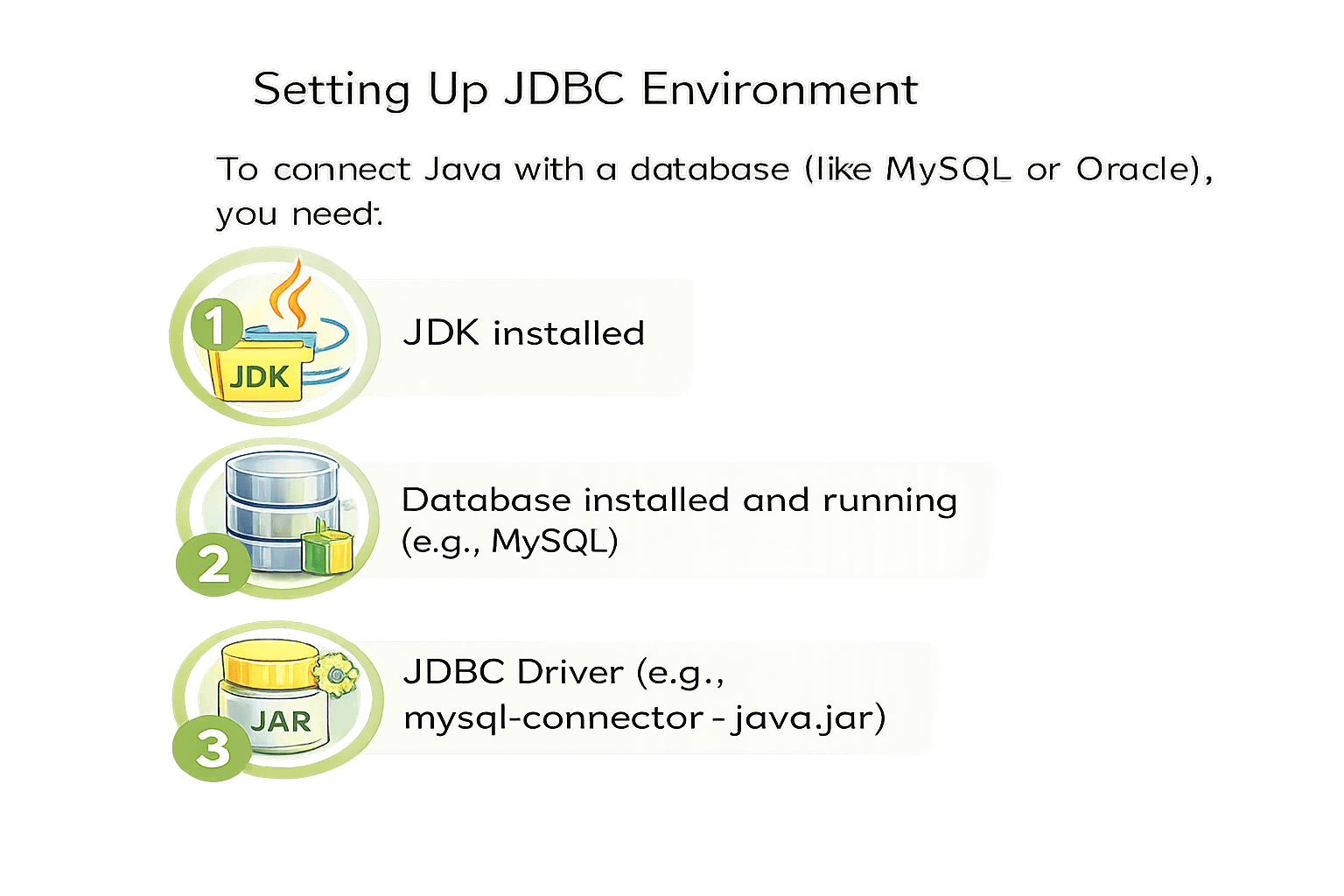
Learn the steps to set up the JDBC environment.
1
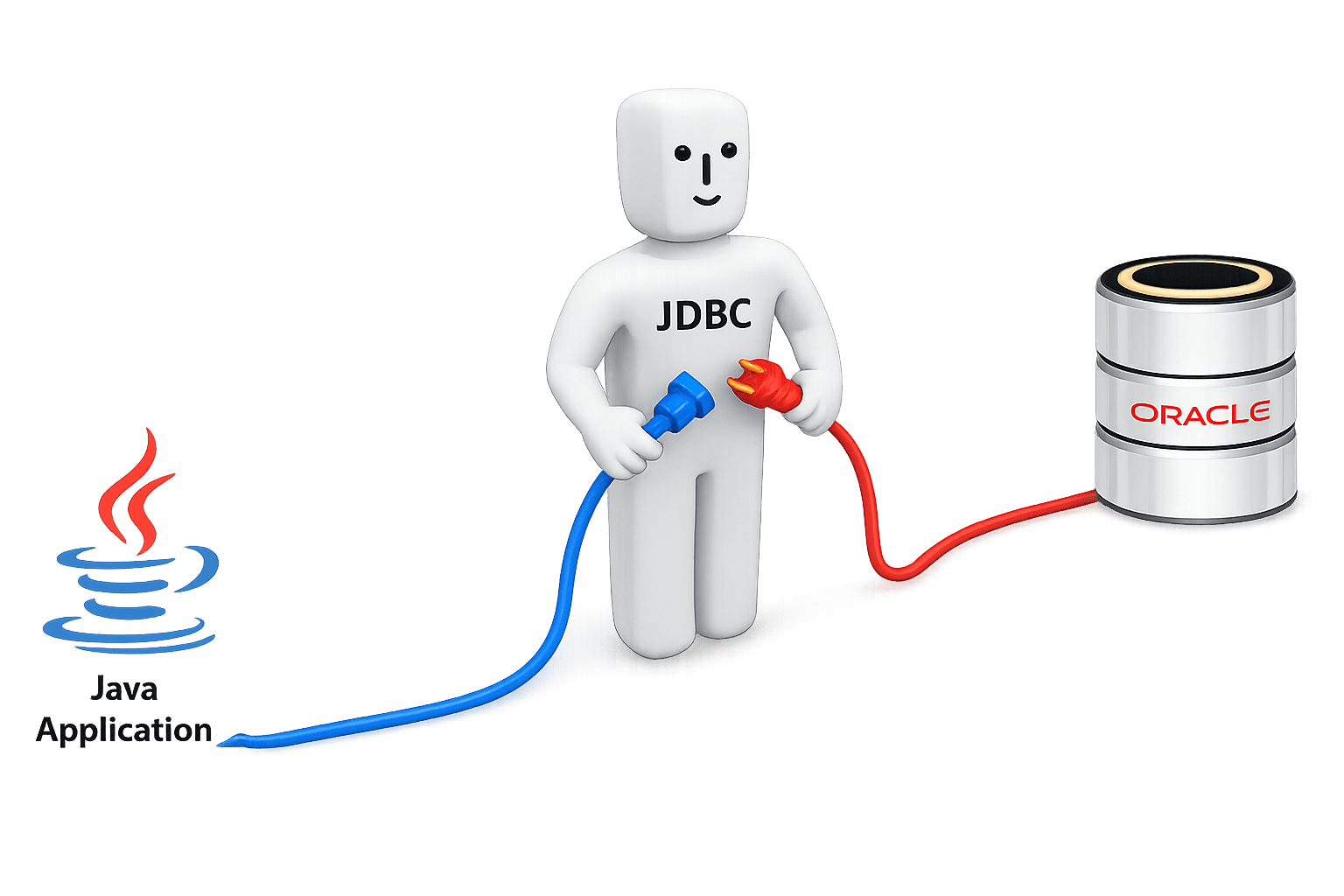
Understand how Java connects to a database using JDBC.
Exception Handling: Manages runtime errors to prevent program failure.
OOP Concepts: Organize programs using objects and classes.
SQL Basics: Used to store, retrieve, and manage database data.
Java Packages: Group related classes and interfaces together.
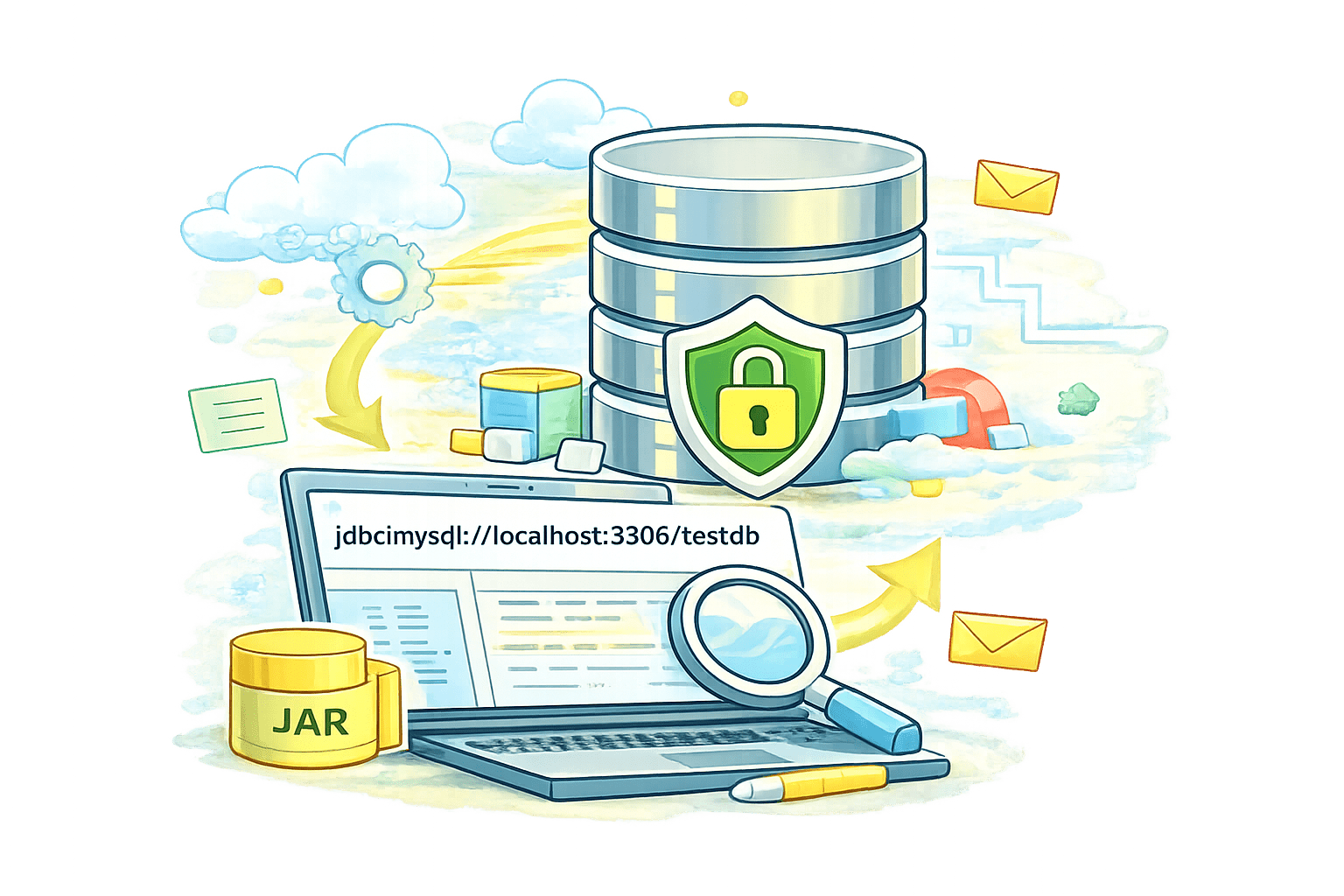
Download Driver
Get the JAR file from the official vendor site (e.g., MySQL Community).
In Eclipse/IntelliJ: Right-click Project > Build Path > Add External JARs.
Add to Build Path
In Eclipse/IntelliJ: Right-click Project > Build Path > Add External JARs.
Clarify ClassPath
Ensure the driver is referenced correctly in your project settings.
MySQL Example
USER
root
PASS
admin123
Import JDBC Package: Include java.sql.* to access core JDBC classes like Connection and DriverManager.
Load Driver: Registers the driver class. (Optional in JDBC 4.0+)
Create Connection: Call getConnection() with URL, username, and password string.
Check & Close: Verify object is not null, perform operations, then close to release resources.
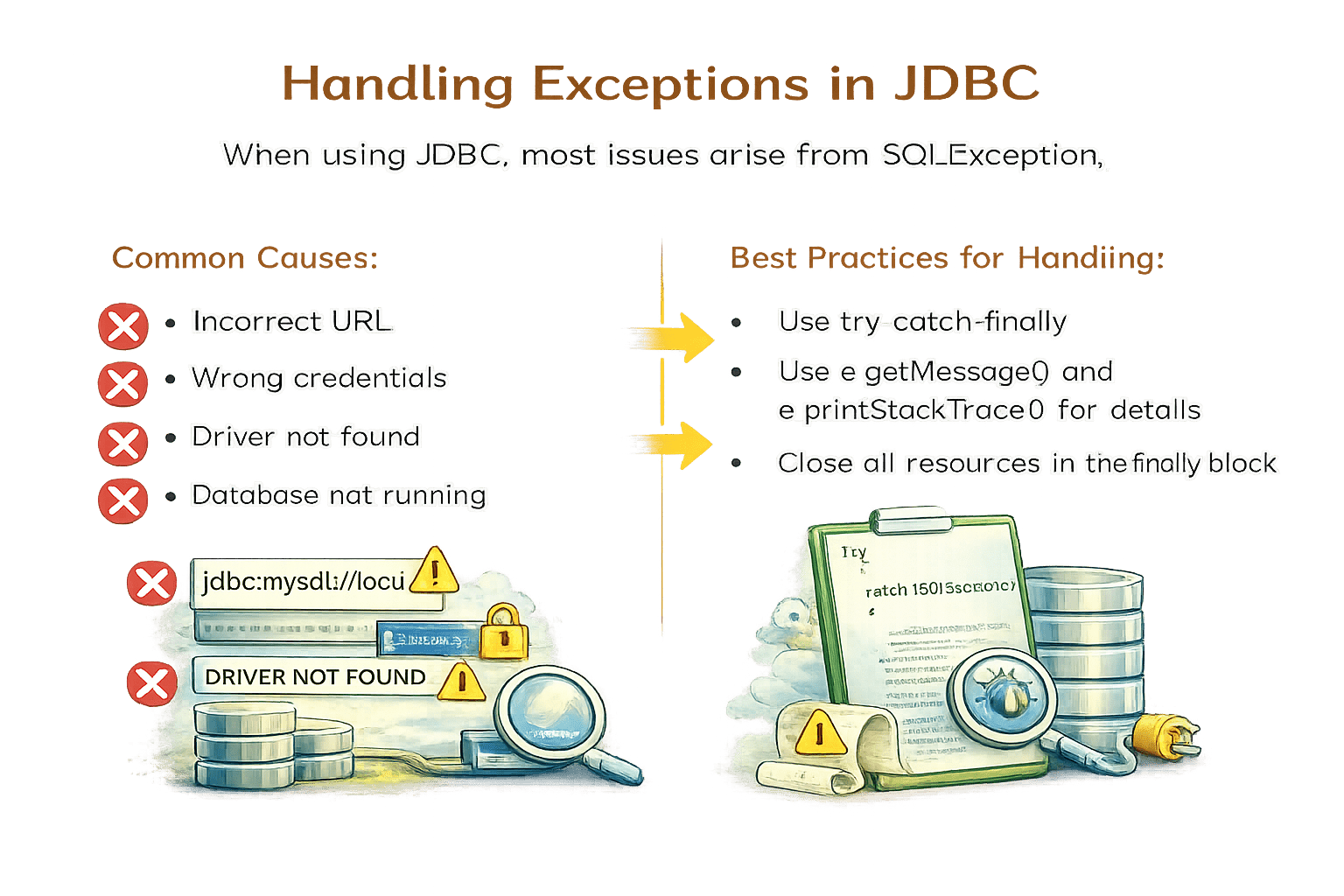
Use e.getMessage() and e.printStackTrace() for details
When using JDBC, most issues arise from SQLException.
Let’s take a look at an example of a database connection with exception handling.”
import java.sql.Connection;
import java.sql.DriverManager;
import java.sql.SQLException;

public class JdbcExample {

    public static void main(String[] args) {


        String url = "jdbc:mysql://localhost:3306/testdb";
        String user = "root";
        String password = "root";

        Connection con = null;

        try {
            // 1. Load JDBC Driver (optional in Java 8+)
            Class.forName("com.mysql.cj.jdbc.Driver");

            // 2. Establish Connection
            con = DriverManager.getConnection(url, user, password);
            System.out.println("Database connected successfully");
        }
        catch (ClassNotFoundException e) {
            System.out.println("JDBC Driver not found");
            e.printStackTrace();
        }
        catch (SQLException e) {
            System.out.println("Database connection failed");
            e.printStackTrace();
        }
        finally {
            // 3. Close Connection
            try {
                if (con != null) {
                    con.close();
                    System.out.println("Connection closed");
                }
            } catch (SQLException e) {
                e.printStackTrace();
            }
        }
    }
}
//Database Details
//Database Details
// 2. Load JDBC Driver
// Establish Connection
        catch (ClassNotFoundException e) {
            System.out.println("JDBC Driver not found");
            e.printStackTrace();
        }
        catch (SQLException e) {
            System.out.println("Database connection failed");
            e.printStackTrace();
        }

        finally {
            // 3. Close Connection
            try {
                if (con != null) {
                    con.close();
                    System.out.println("Connection closed");
                }
            } catch (SQLException e) {
                e.printStackTrace();
            }
        }
    }
}
// Exception handling
// Close Connection
Summary
5
try-catch-finally handles errors safely
4
SQLException from URL or credentials
3
DriverManager creates database connection
2
Requires JDK, database, JDBC driver
1
JDBC connects Java to databases
Quiz
Which class in Java is used to establish a database connection?
A. ConnectionManager
B.DriverManager
C.DatabaseConnection
D.JDBCDriver
Which class in Java is used to establish a database connection?
A. ConnectionManager
B.DriverManager
C.DatabaseConnection
D.JDBCDriver
Quiz-Answer
By Content ITV