























Content ITV PRO
This is Itvedant Content department
Deploy OpsMate Services using Pods and Deployments
Business Scenario
Manager:
We have successfully deployed the OpsMate application on AWS using containers. However, managing individual containers at scale can become difficult. We need a more reliable orchestration solution.
DevOps Engineer:
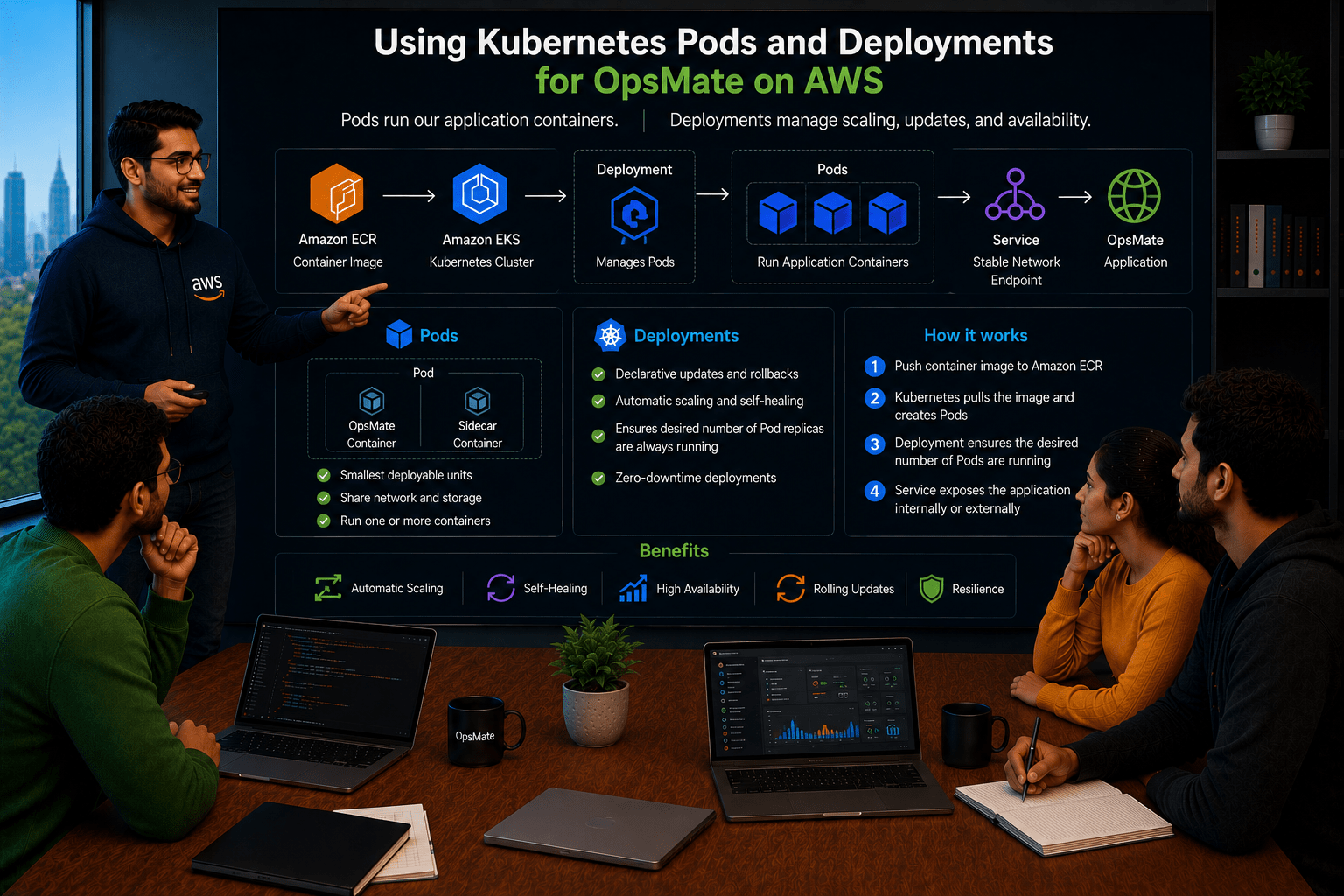
To address this, we can use Kubernetes Pods and Deployments. Pods will run our application containers, and Deployments will manage scaling, updates, and availability.
Manager:
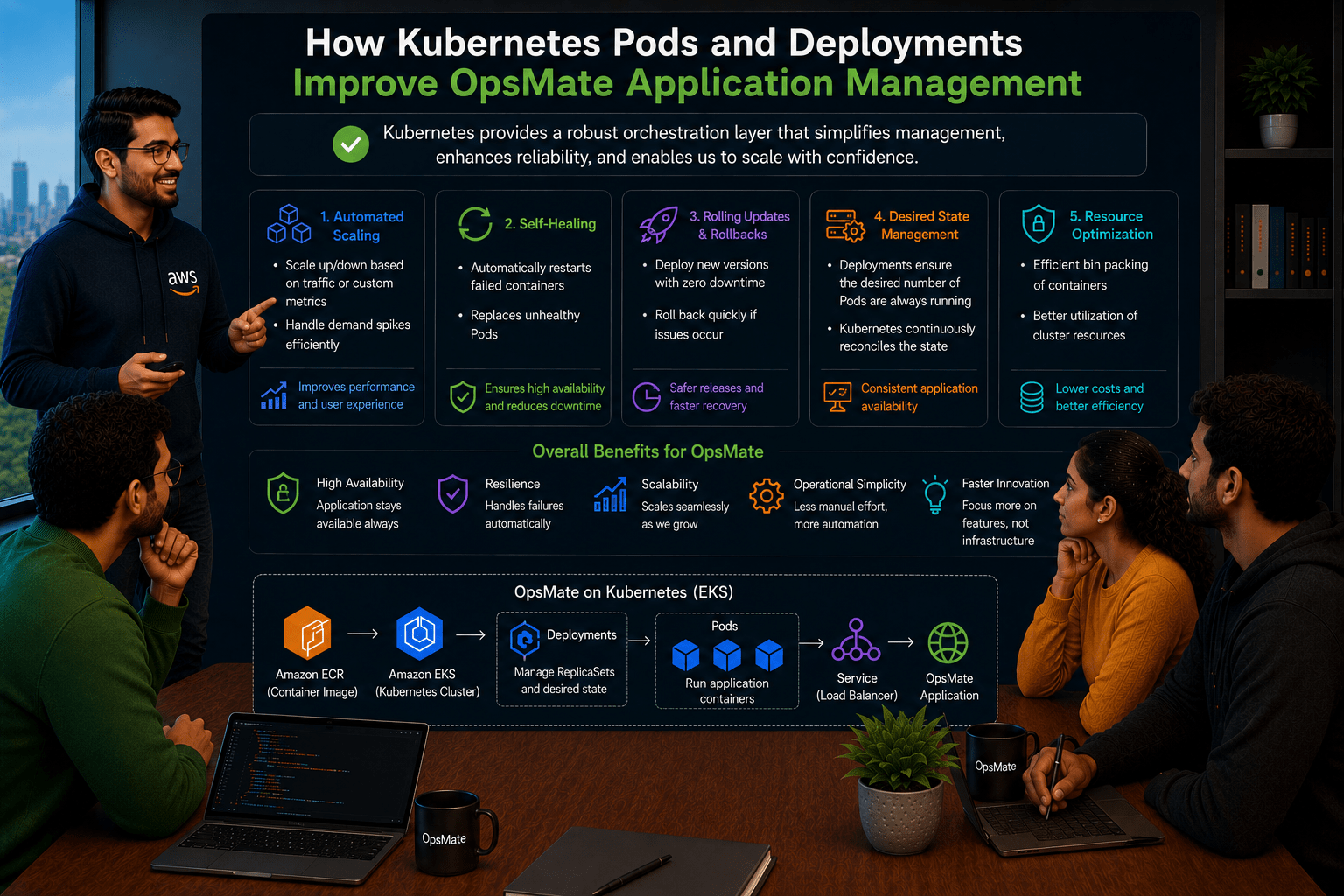
How will this improve our application management?
DevOps Engineer:
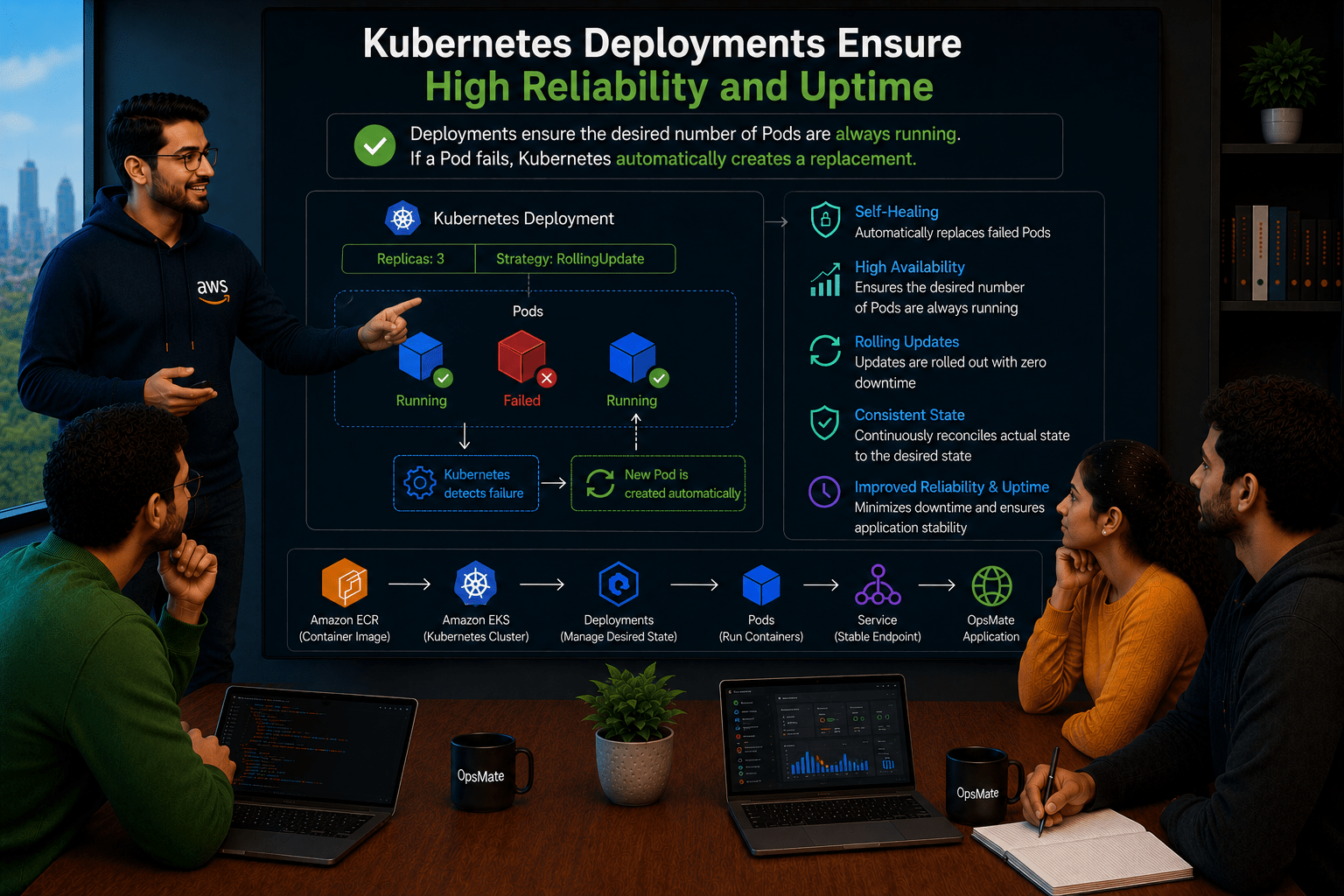
Kubernetes Deployments ensure the desired number of Pods are always running. If a Pod fails, Kubernetes automatically creates a replacement, improving reliability and uptime.
Manager:
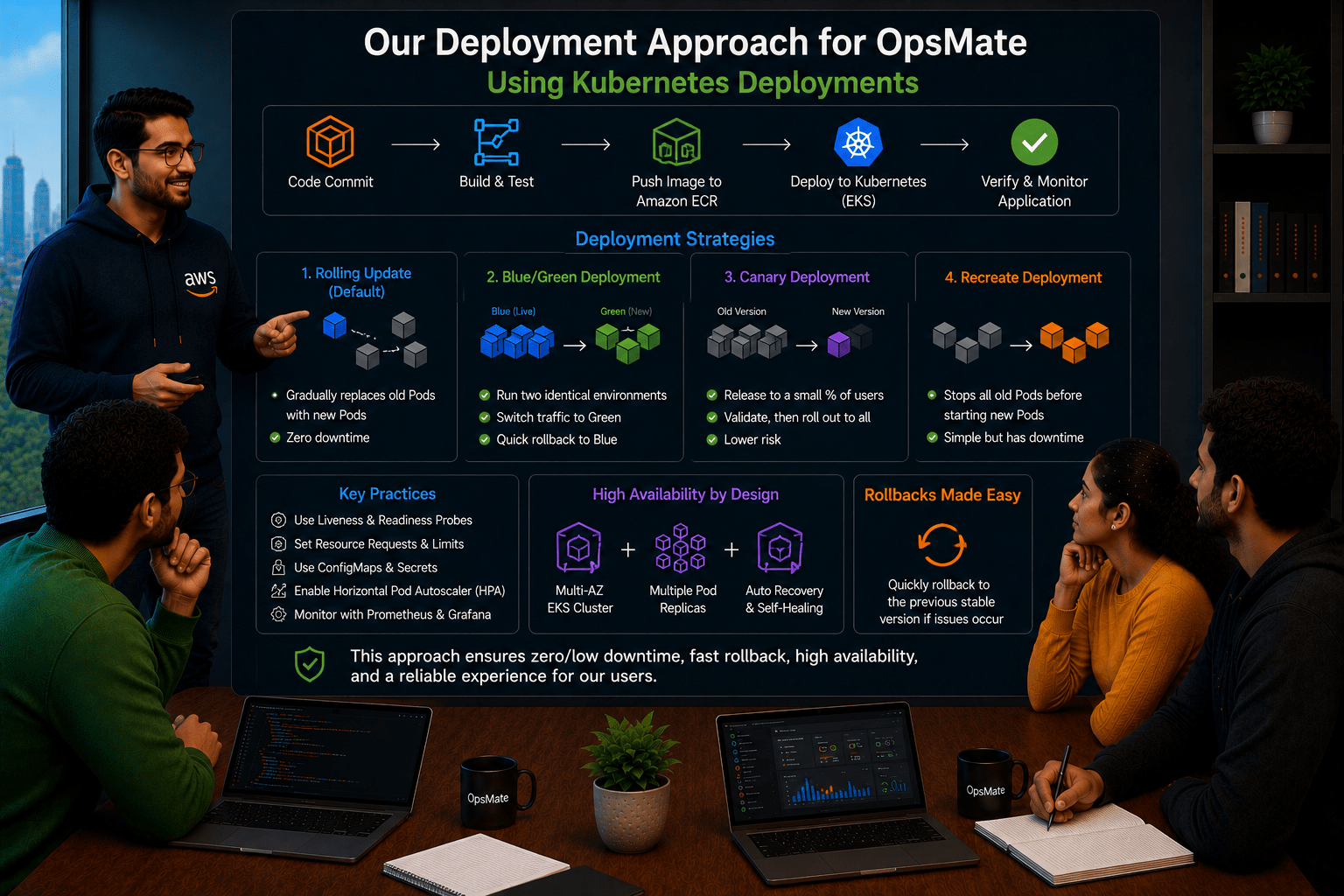
What will be our deployment approach?
DevOps Engineer:
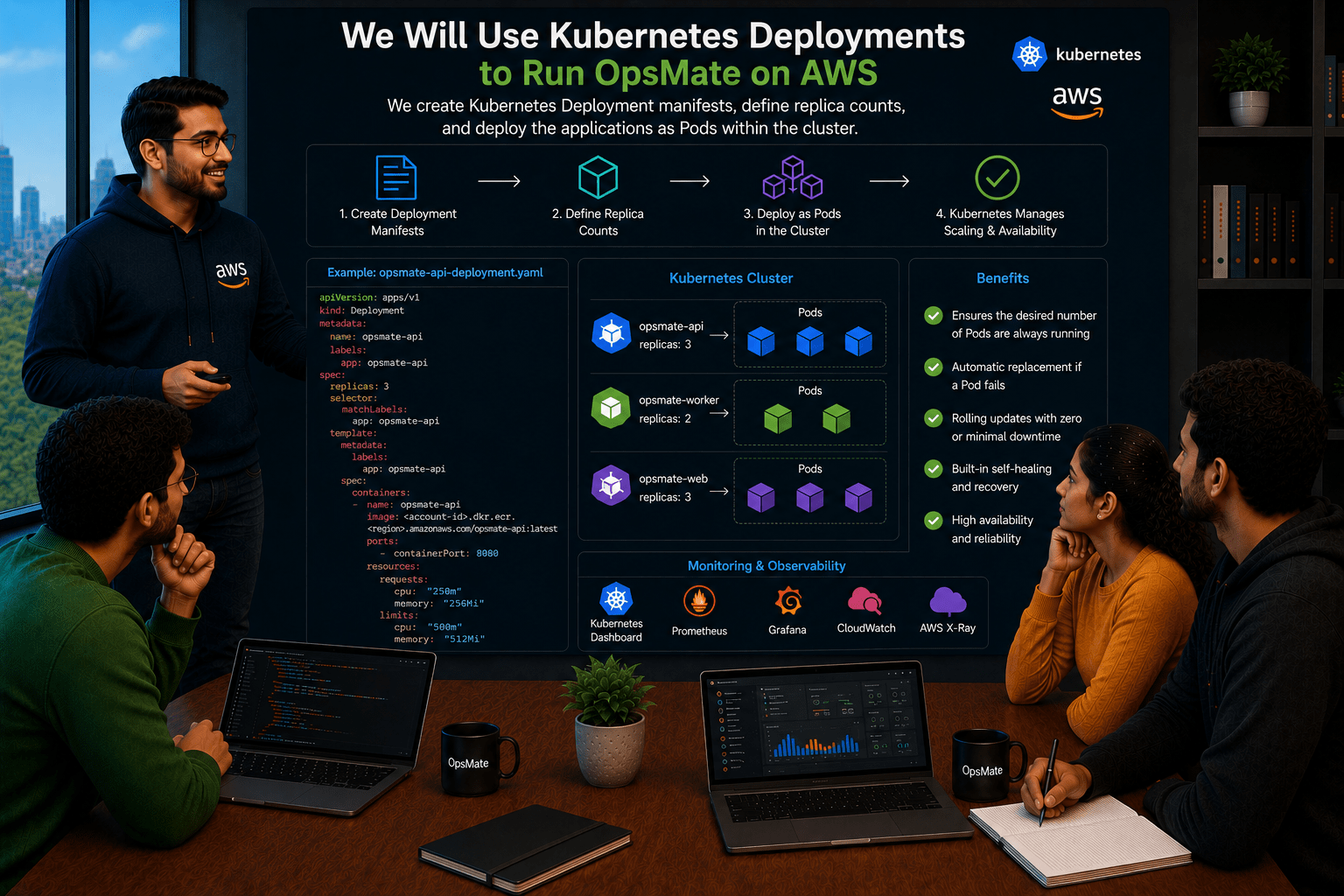
We will create Kubernetes Deployment manifests for the OpsMate services, define replica counts, and deploy them as Pods within the cluster.
DevOps Engineer to Team:
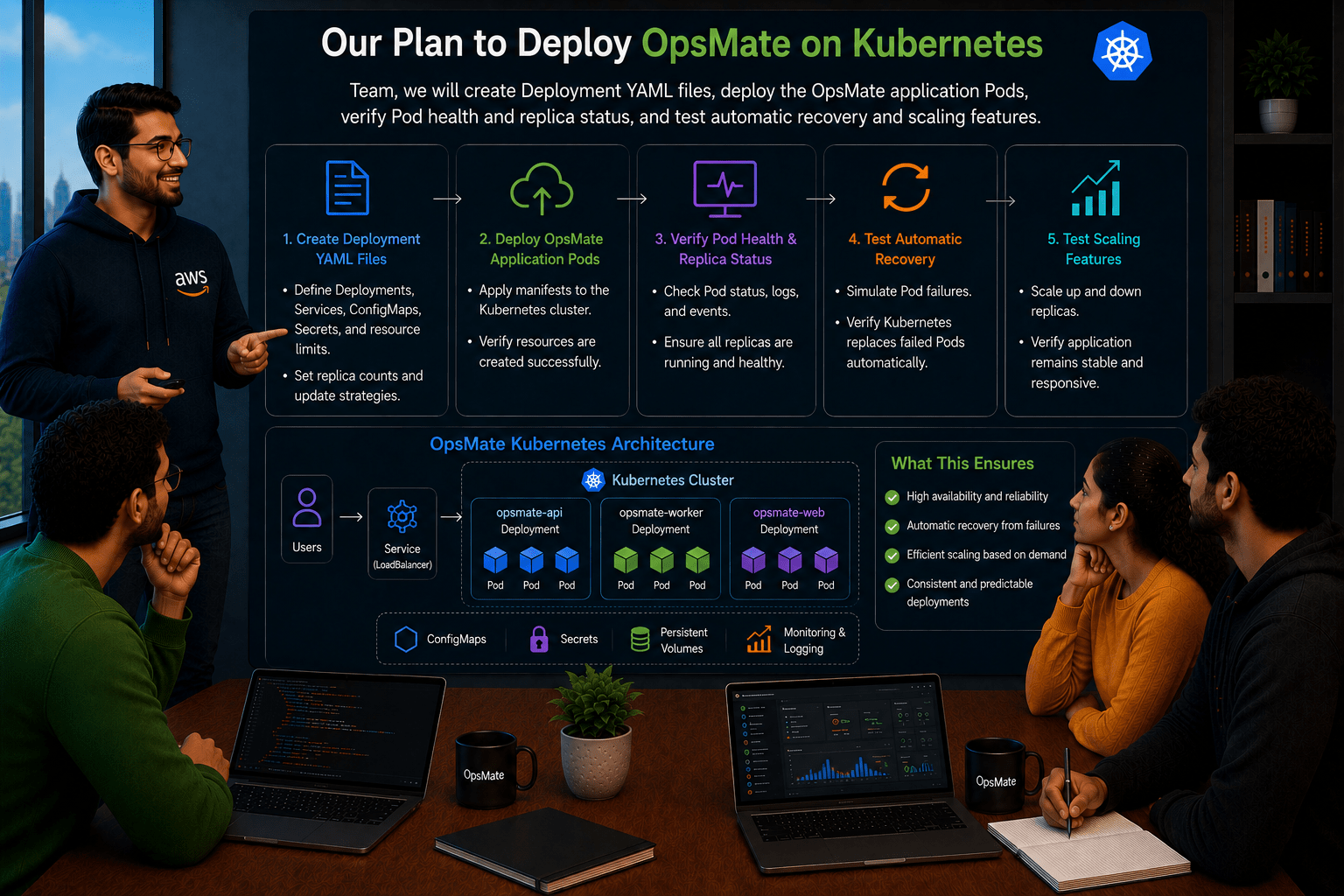
Team, we will create Deployment YAML files, deploy the OpsMate application Pods, verify Pod health and replica status, and test automatic recovery and scaling features.
Team:
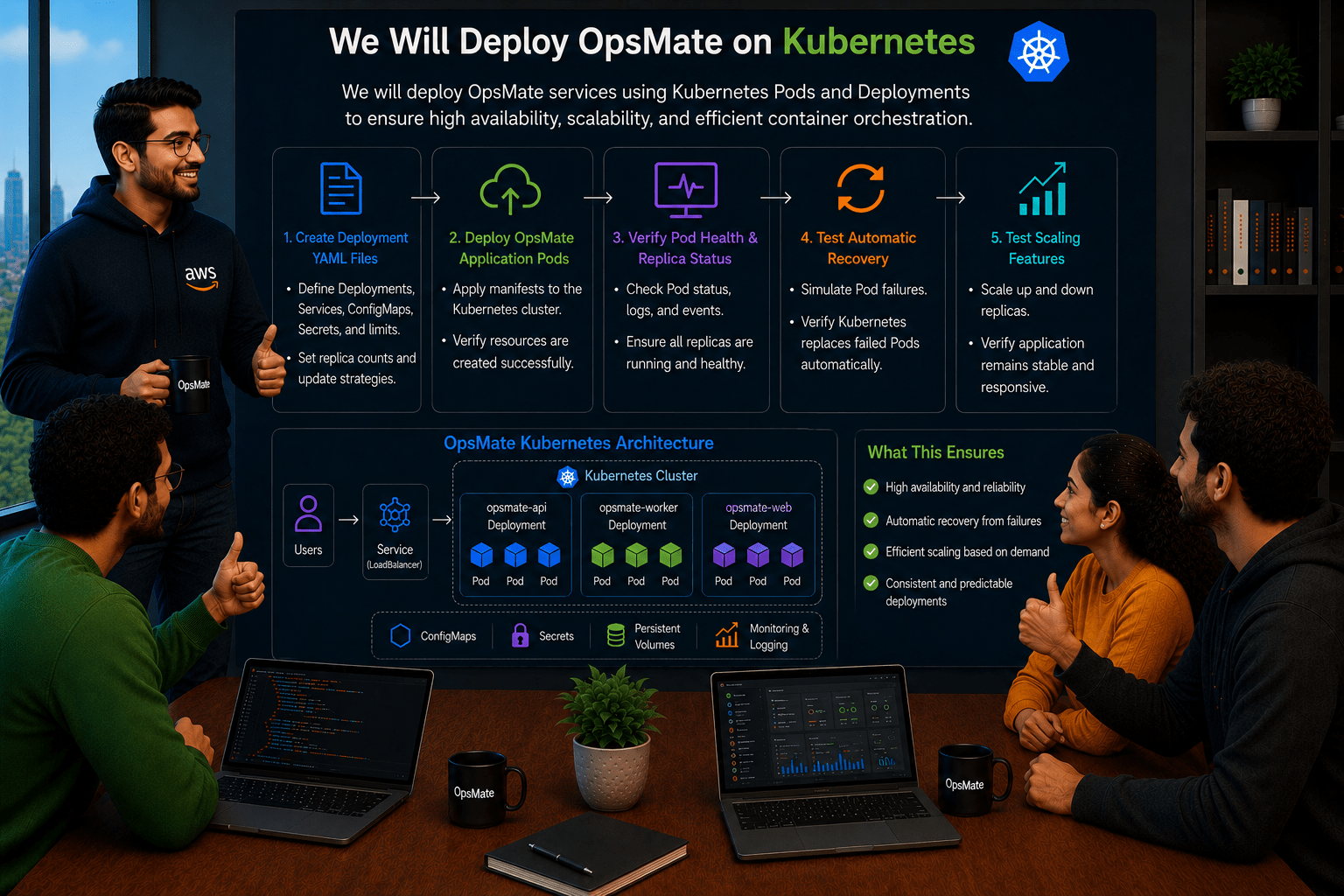
Understood. We will deploy OpsMate services using Kubernetes Pods and Deployments to ensure high availability, scalability, and efficient container orchestration.
Pre-Lab Preparation
Task 1: Verify Kubernetes Cluster
Check cluster:
kubectl cluster-info
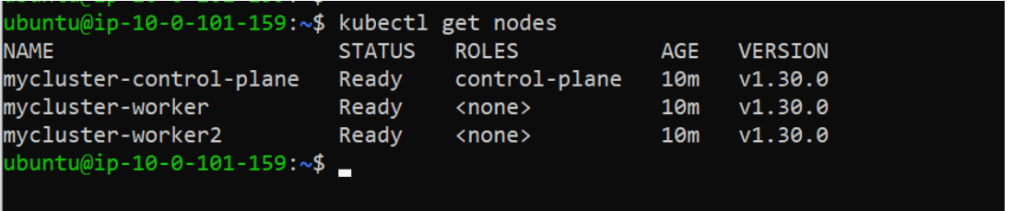
Check nodes:
kubectl get nodes
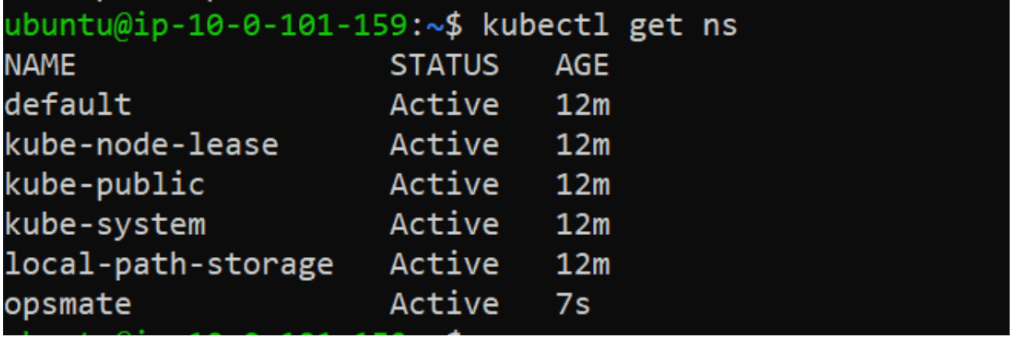
Task 2: Create Namespace
Create OpsMate namespace:
kubectl create namespace opsmate
Verify:
kubectl get ns
Switch to namespace:
kubectl config set-context --current --namespace=opsmate
Verify:
kubectl config view --minify | grep namespaceTask 3: Deploy First Nginx Pod
Create Pod:
kubectl run nginx-pod --image=nginxVerify:
kubectl get pods
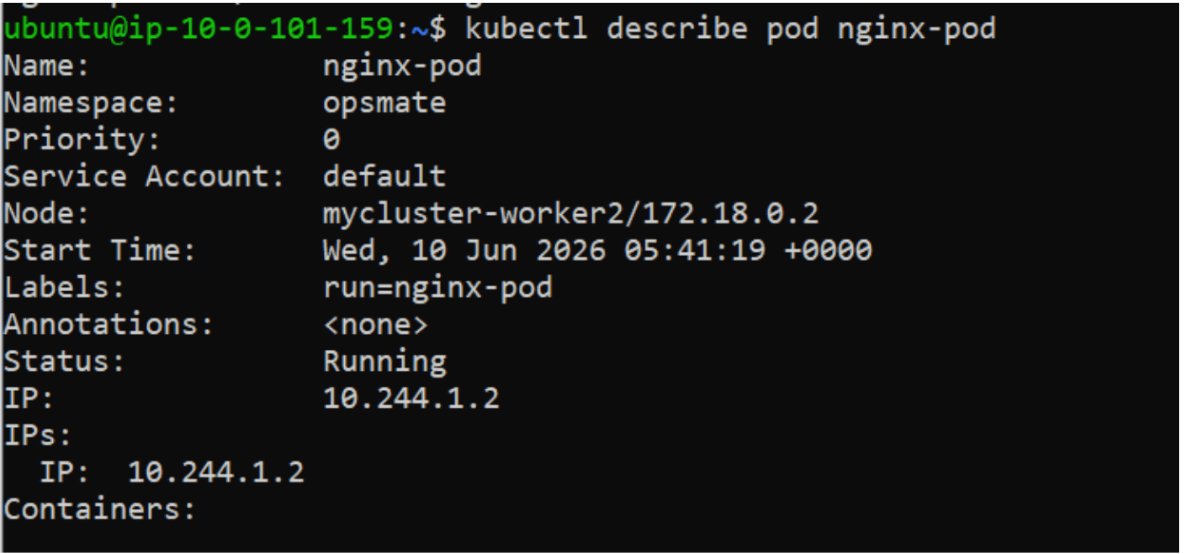
Detailed information:
kubectl describe pod nginx-pod
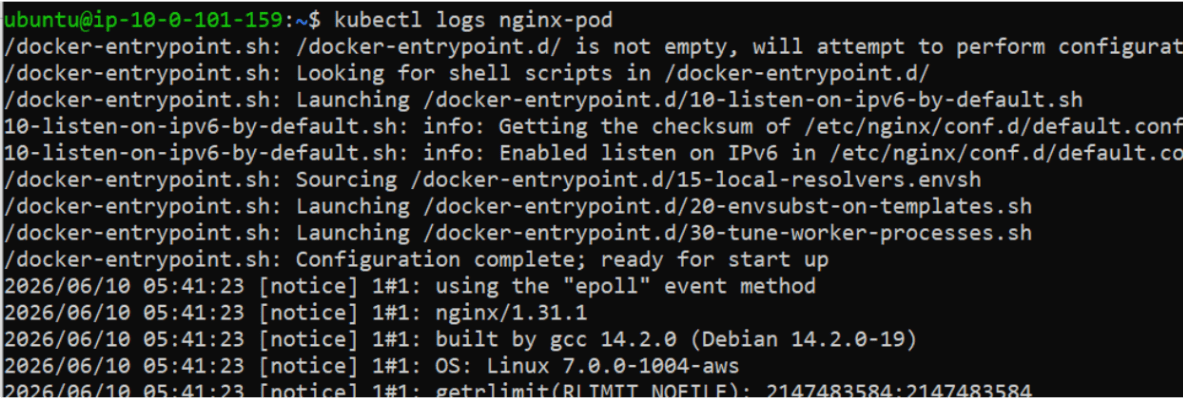
View logs:
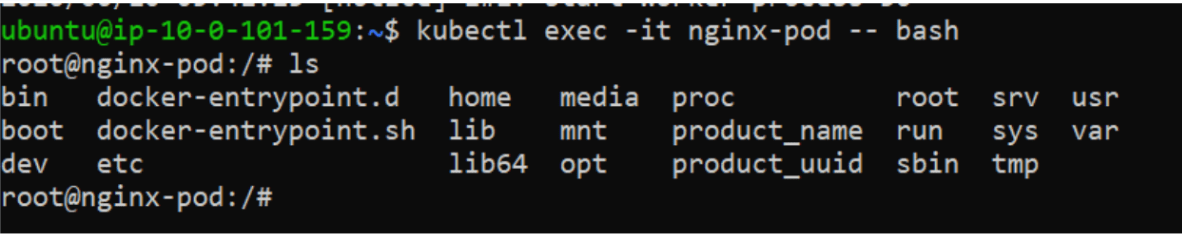
kubectl logs nginx-podAccess container:
kubectl exec -it nginx-pod -- bash
Exit:
exit
Delete Pod:
kubectl delete pod nginx-pod
Task 4: Create Deployment
Deploy Nginx using Deployment:
kubectl create deployment nginx-deployment --image=nginxVerify:
kubectl get deploymentskubectl get pods
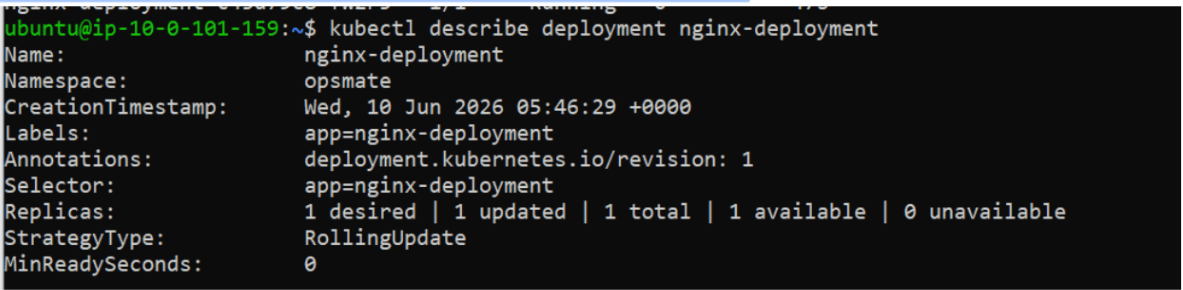
Describe deployment:
kubectl describe deployment nginx-deployment
Task 5: Scale Application
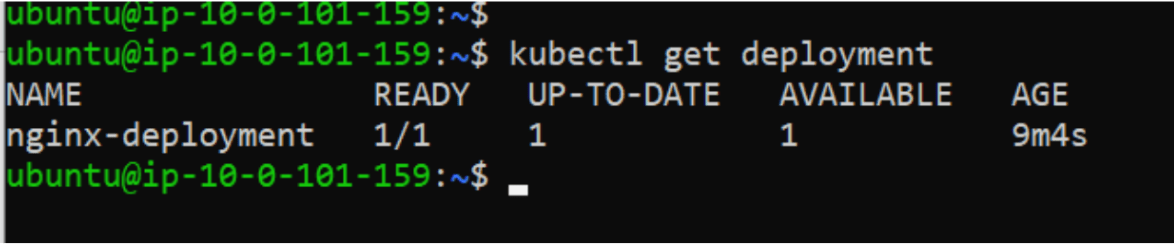
Current replicas:
kubectl get deployment
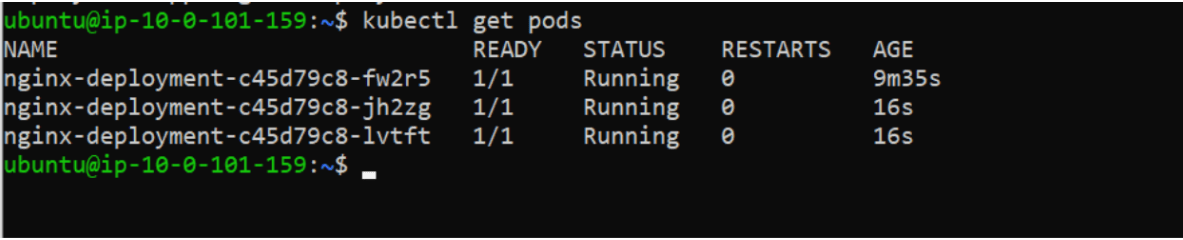
Scale to 3 Pods:
kubectl scale deployment nginx-deployment --replicas=3
Verify:
kubectl get pods
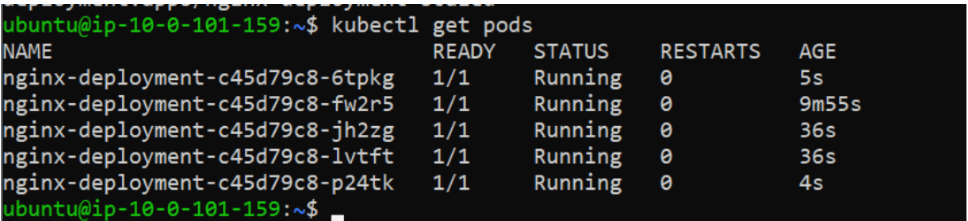
Scale to 5 Pods:
kubectl scale deployment nginx-deployment --replicas=5
Verify:
kubectl get podsScale back:
kubectl scale deployment nginx-deployment --replicas=2
Task 6: Expose Application using Service
Create Service:
kubectl expose deployment nginx-deployment --type=NodePort --port=80Verify:
kubectl get svc
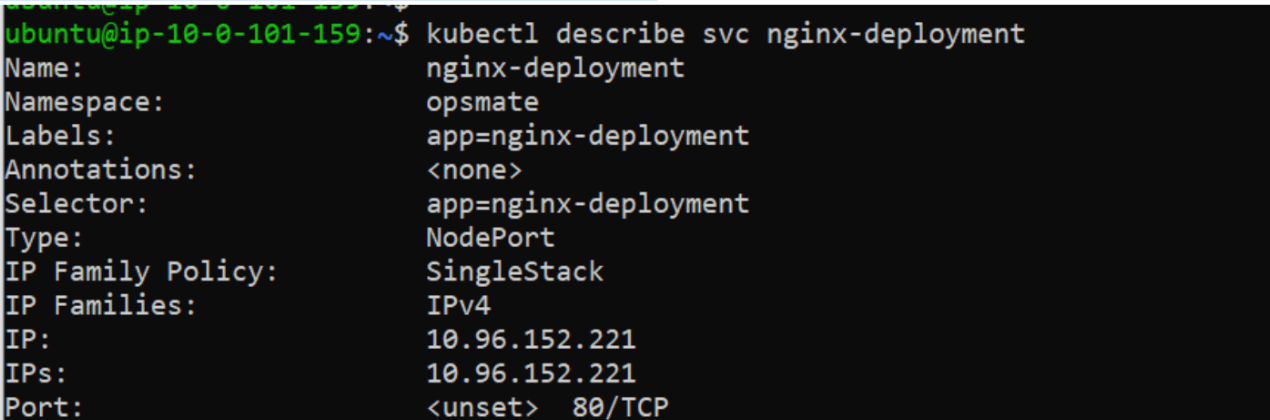
Describe Service:
kubectl describe svc nginx-deployment
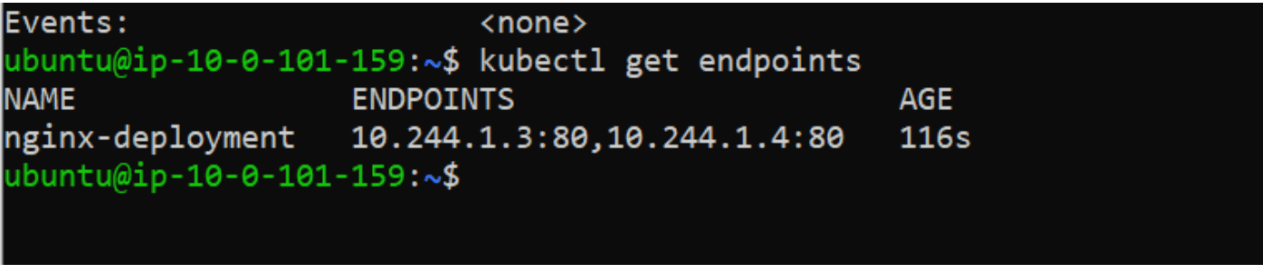
Check Endpoints:
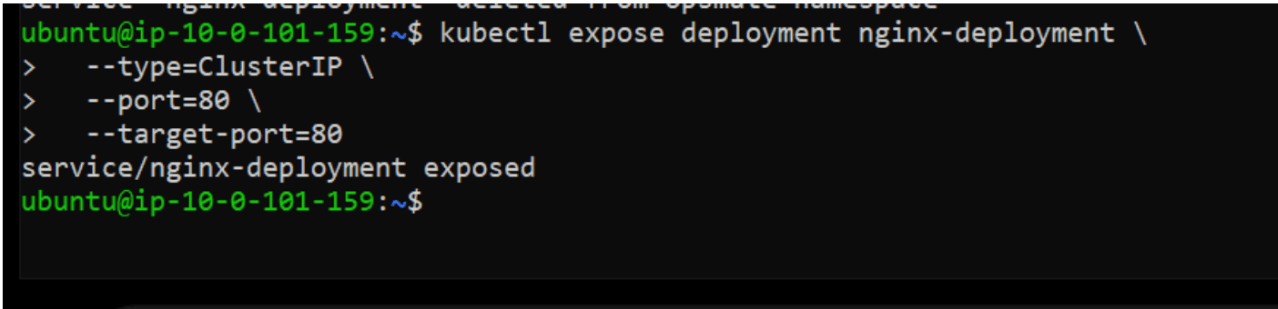
kubectl get endpointskubectl expose deployment nginx-deployment \
--type=ClusterIP \
--port=80 \
--target-port=80
kubectl get svc
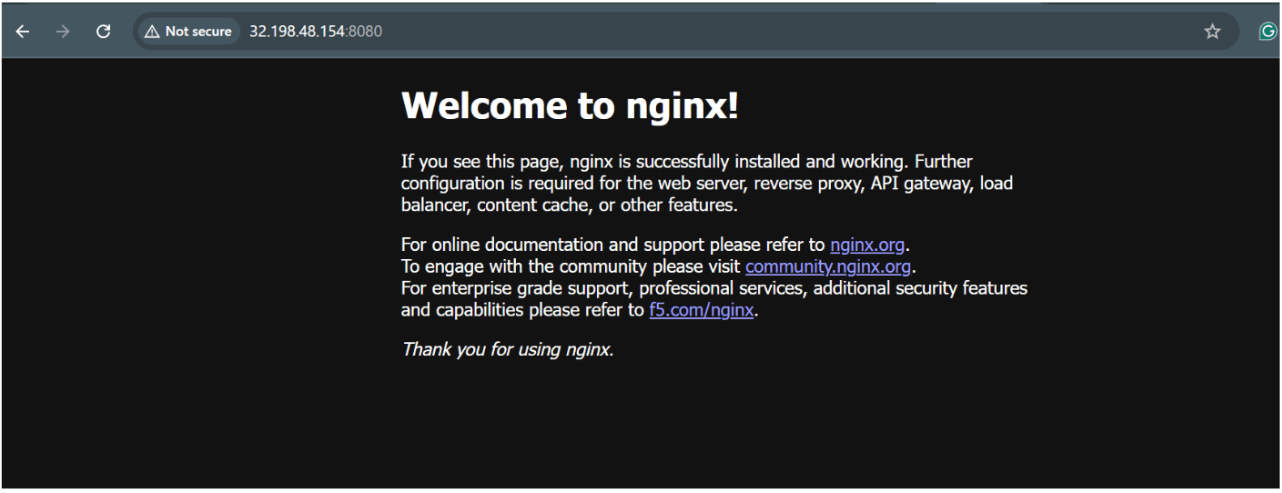
kubectl port-forward svc/nginx-deployment 8080:80 --address 0.0.0.0
Now open browser
Pastes its ip and then:8080
Task 7: Monitor Workloads
View Pods:
kubectl get pods
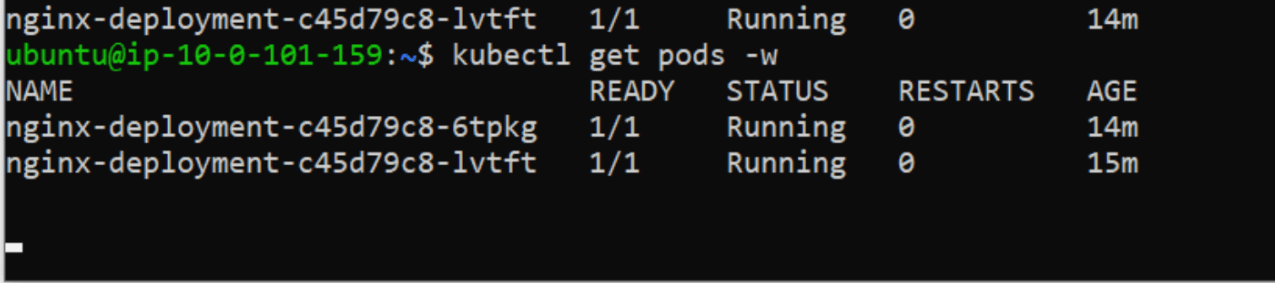
Watch Pods:
kubectl get pods -w
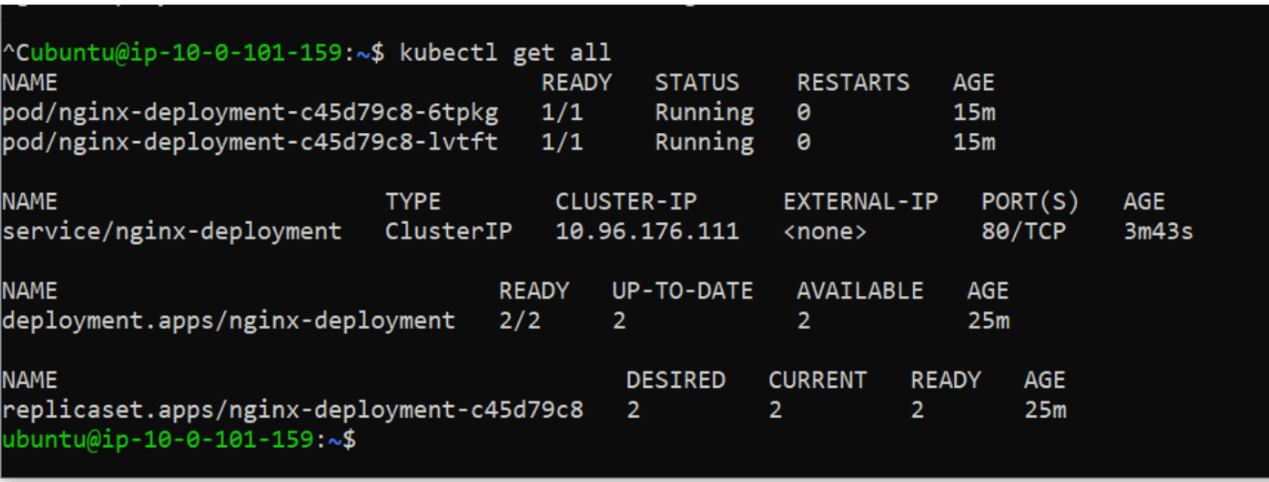
kubectl get all
Task 7: Cleanup
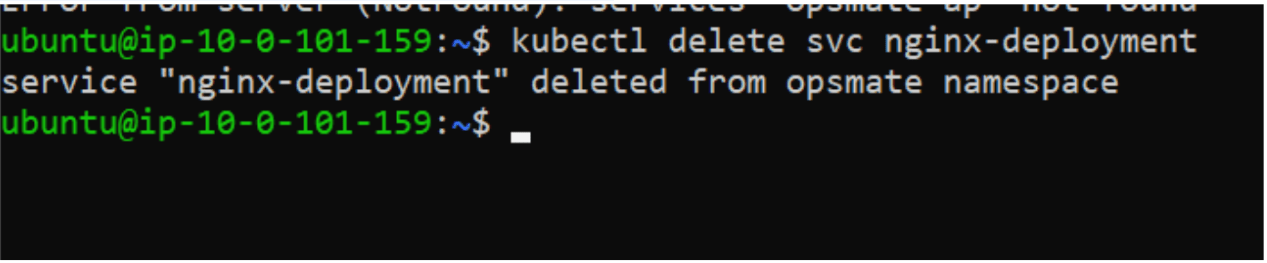
Delete Nginx Service:
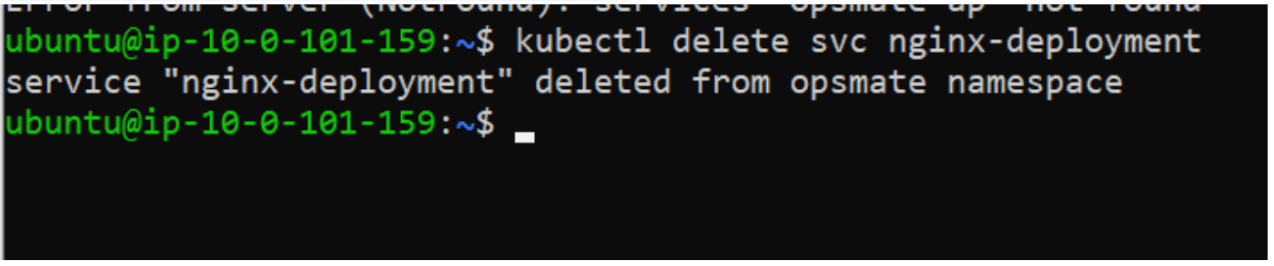
kubectl delete svc nginx-deployment
Delete Nginx Deployment:
kubectl delete deployment nginx-deployment
Delete Namespace:
kubectl delete namespace opsmate
Verify:
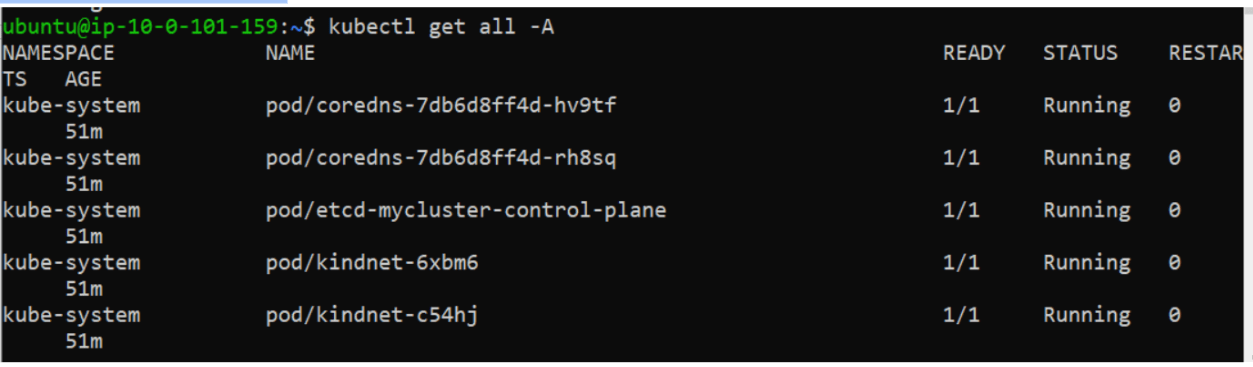
kubectl get all -A
kind get clusterskind delete cluster --name mycluster
Great job!
Created Namespace
Deployed Nginx Psod
Created Deployments
Managed Replica Scaling
Exposed Applications using Services
Monitored Pods and Deployments
Managed Kubernetes Resources using kubectl
Checkpoint
By Content ITV